 Live Preview
← All Templates
SaaS
AiOrbit — Free SaaS Template for Framer
AiOrbit is a free 3-page SaaS Framer template for AI product launches with a home story, one article page, and contact. Skip it if you need pricing and docs.
freeframersaasaistartupaiorbit
AiOrbit is a free 3-page SaaS Framer template with no CMS. Home carries the product story, Article holds a single long-form update or manifesto, and Contact closes the loop. Remix it when you are shipping an AI-flavored offer and want orbit-style marketing chrome without a sixteen-page sitemap. Skip it if you need pricing tables, documentation, or CMS blog posts. Hubmini goes deeper on SaaS structure. More free Framer templates live on the hub, including the SaaS shortlist.
Who should remix AiOrbit?
AiOrbit suits founders and solo marketers at an AI or automation startup who are still proving positioning. You have a demo or waitlist, one flagship blog post or security note, and no time to design hero sections from scratch. Wrap Pixel’s preview site shows the intended mood: product screenshots, feature bands, and social proof blocks tuned for “intelligent software” rather than generic corporate SaaS.
Pass if your buyer expects a full go-to-market site. There is no Pricing page, no integrations grid, and no CMS collection for release notes. Legal, careers, and password-protected beta areas are all manual adds. Teams that already have ten URLs mapped should remix a larger SaaS file instead of stretching three pages thin.
What AiOrbit looks like
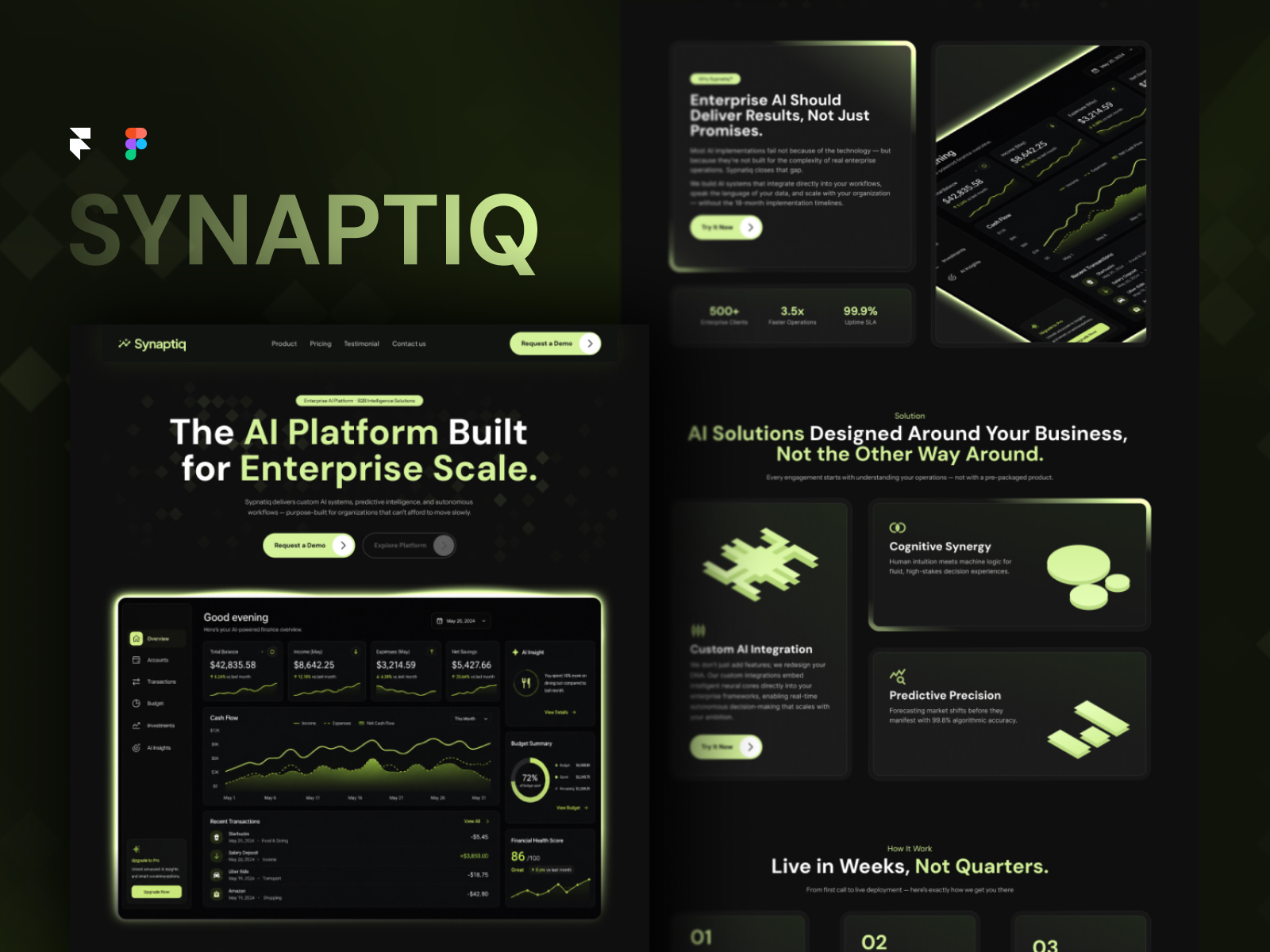
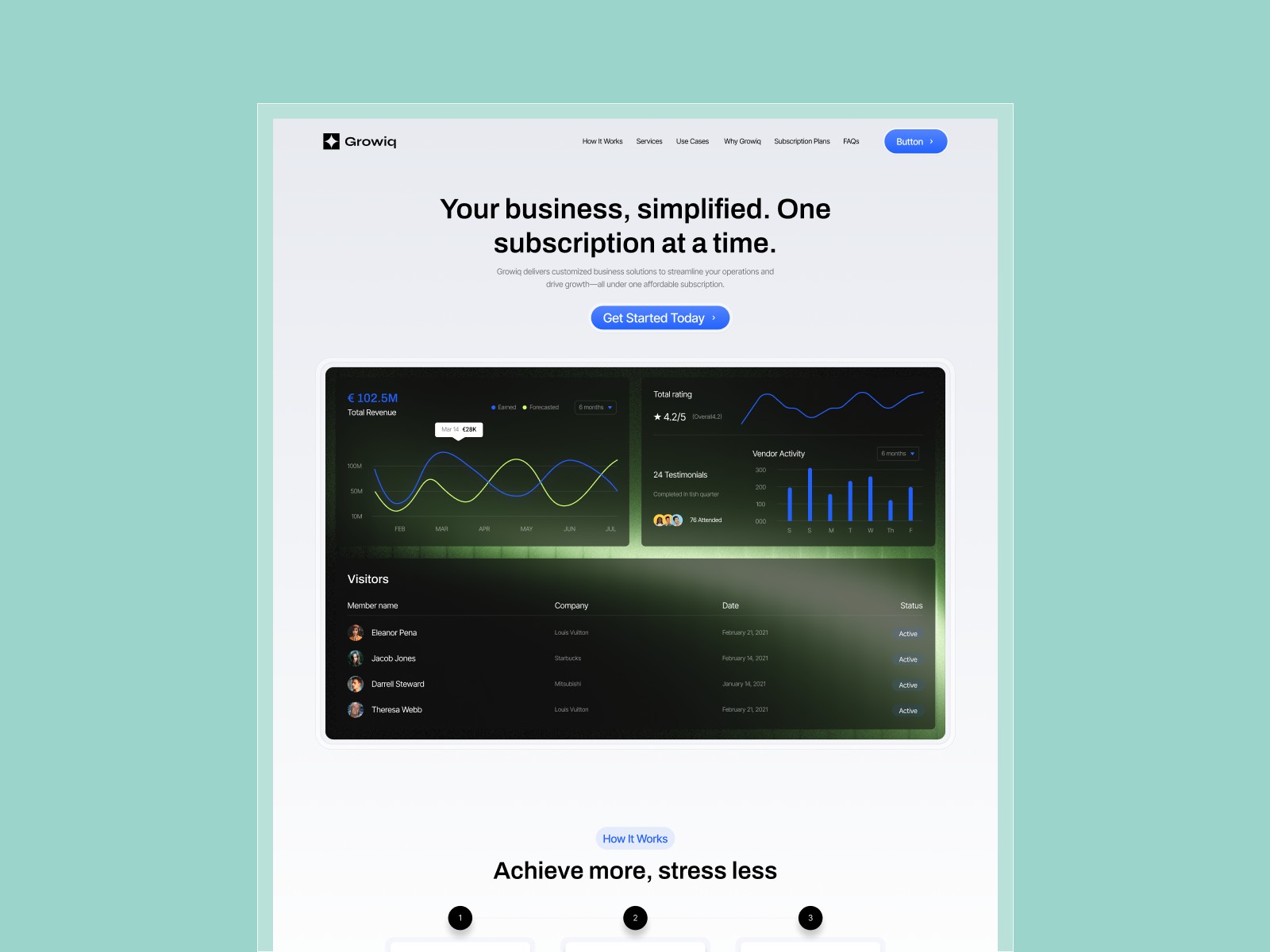
Visually, AiOrbit leans dark-on-light with cool accents and orbital motifs: rounded cards, subtle glows, and icon rows that read “platform” without looking like a bank site. Typography is modern grotesk at display sizes, with tighter body copy for feature lists. It sits closer to a Linear-style product page than to a playful consumer app landing.
Motion is mostly section reveals and hover states on cards, not scroll-jacking. That helps Lighthouse scores on mobile, where a lot of AI tools get their first traffic from Product Hunt or X links. The fight is specificity: out of the box it screams AI category. Fintech, healthcare, or devtools founders will swap metaphors, icons, and gradient colors so the site matches their actual product, not a generic “orbit.”
Pages included in AiOrbit
Three static pages:
- Home: hero, problem-solution story, feature grid, proof, and primary call to action for demo or signup
- Article: standalone editorial layout for launch notes, policy, or a long explainer linked from Home
- Contact: form or mailto path for sales, support, and partnership inquiries
There is no blog index and no CMS detail template. Duplicate the Article frame if you need two posts at launch, or link out to Notion or Substack until you upgrade the sitemap.
What is distinctive about AiOrbit
- Three-page discipline. Forces focus on one narrative and one supporting article, good for pre-PMF teams.
- AI category signaling without a bloated map. Orbit visuals and section order say “platform” faster than a blank canvas.
- Article page included. Many minimal SaaS templates stop at Home plus Contact; here you get a credible long-read slot.
- Static-only maintenance. No collections to wire before you can publish copy.
- Wrap Pixel authorship. The Framer profile matches other productized marketing files in the same visual family.
Built-in analytics and SEO tooling come with Framer itself. They are not differentiators for AiOrbit.
When to remix AiOrbit, and when to skip
Remix AiOrbit when you need a sharp AI SaaS landing this week, you can live with one article page, and you will iterate copy inside Framer rather than in a headless CMS. It is a staging ground, not a forever stack for a public company site.
Skip it when you need CMS blogs, pricing, or multi-product navigation. Start with Hubmini or compare picks on the SaaS shortlist. When you are still browsing niches, return to free Framer templates on the hub.
Frequently Asked Questions
Quick answers about AiOrbit, including pricing, CMS support, responsiveness, and who it is built for.
-
What kind of website is AiOrbit best for?
- AiOrbit is for Early-stage AI SaaS teams who need a credible landing page plus one editorial page before launch week. It includes 3 pages: Home, Article, Contact.
-
Is AiOrbit free or paid?
- AiOrbit is a free Framer template. The listed price on yoframer is free.
-
Does AiOrbit support CMS and responsive design?
- AiOrbit does not include CMS support. It is fully responsive.
-
When should I skip AiOrbit?
- You need pricing tiers, changelog, or CMS blog depth. Pick a fuller SaaS file from the roundup. Start with Hubmini .
Featured in our SaaS roundup
10 Best Free SaaS Framer Templates in 2026
Most free SaaS templates on Framer look great in the preview and fall apart the moment you customize them. These 10 don't.