 Live Preview
← All Templates
Architecture
ARCHITEKTA® — Free Architecture Template for Framer
ARCHITEKTA® is a free 9-page architecture Framer template for studios with Projects, Services, and Journal on static pages. Skip it if you need CMS project and blog singles on day one.
freeframerremixarchitectureinteriorarchitekta
ARCHITEKTA® is a free nine-page architecture template for Framer aimed at studios that need a credible marketing sitemap without CMS collections on day one. Home, Projects, Services, Studio, Journal, Contact, policy routes, and 404 are named in the listing, so prospects can click real studio IA in the first review call. Skip it if your team publishes project case studies and journal posts often enough that static duplication will slow you down. Hommora adds CMS project and blog singles on yoframer. More free Framer templates sit on the hub, or open the architecture shortlist.
Who should remix ARCHITEKTA®?
Picture a ten-person architecture and interiors practice pitching hospitality and residential work. Partners want Projects and Services bookmarkable for RFP attachments, Studio for culture, and Journal for occasional thought leadership, but nobody wants to wire CMS before the first hire finishes photography. ARCHITEKTA® fits when the job is a polished static studio site you remix once per quarter, not a content engine with fifty live case studies.
Walk away if marketing already maintains a steady stream of project launches and expects CMS detail URLs you duplicate from a collection. Walk away too if you only need a one-page personal portfolio without Services or Journal. For CMS-backed interiors work, remix Hommora instead of fighting static Journal frames every month.
What ARCHITEKTA® looks like
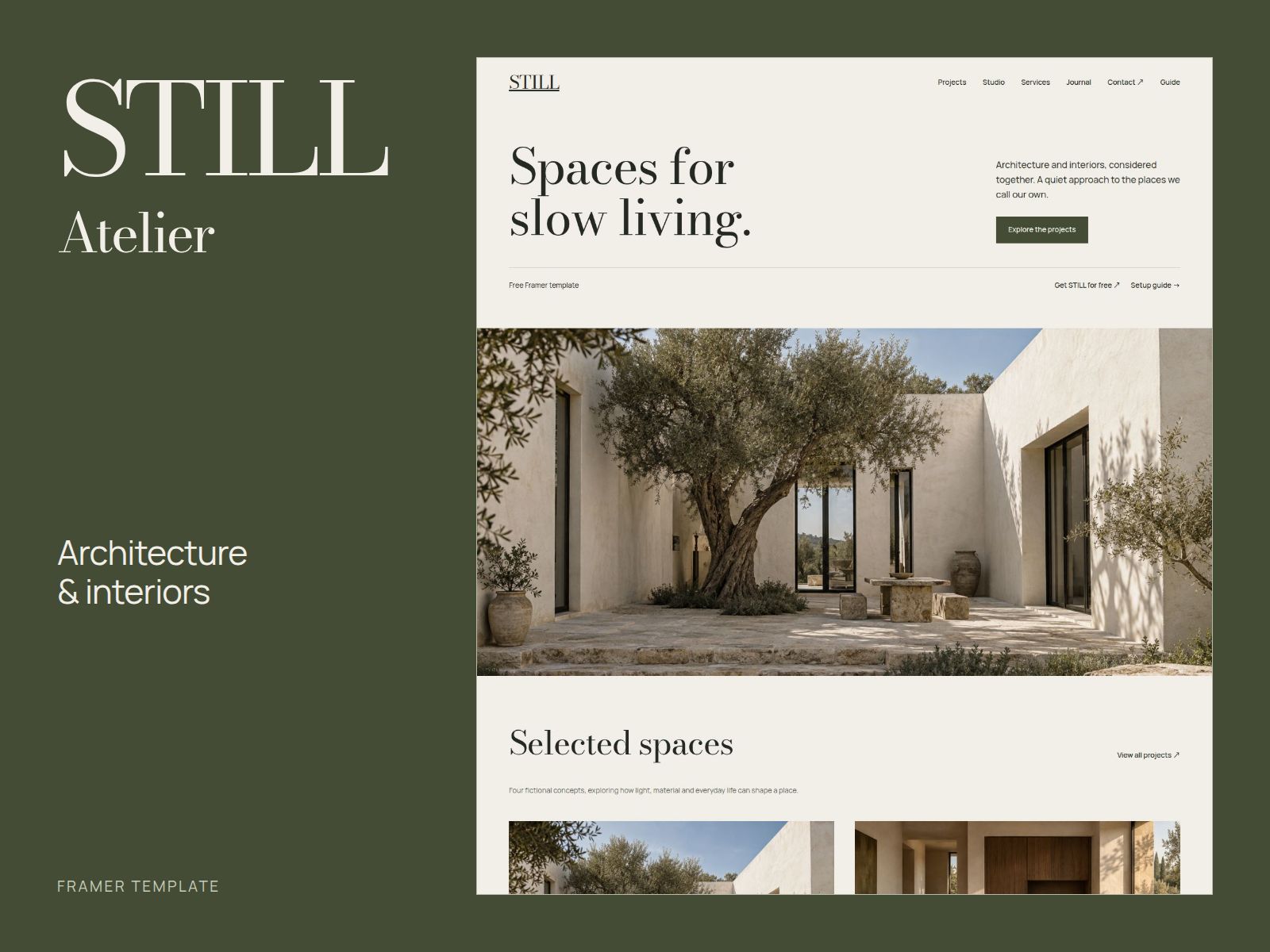
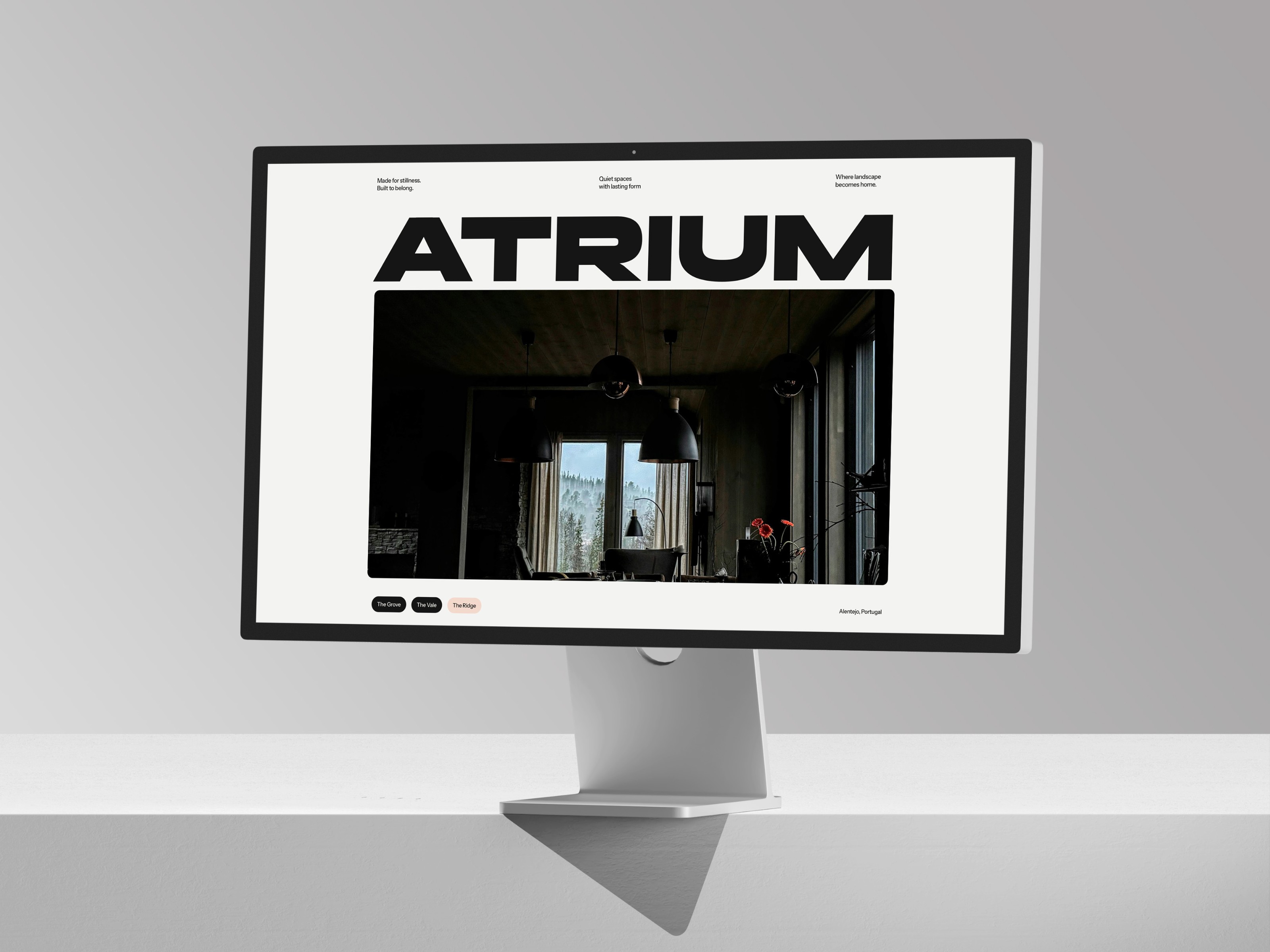
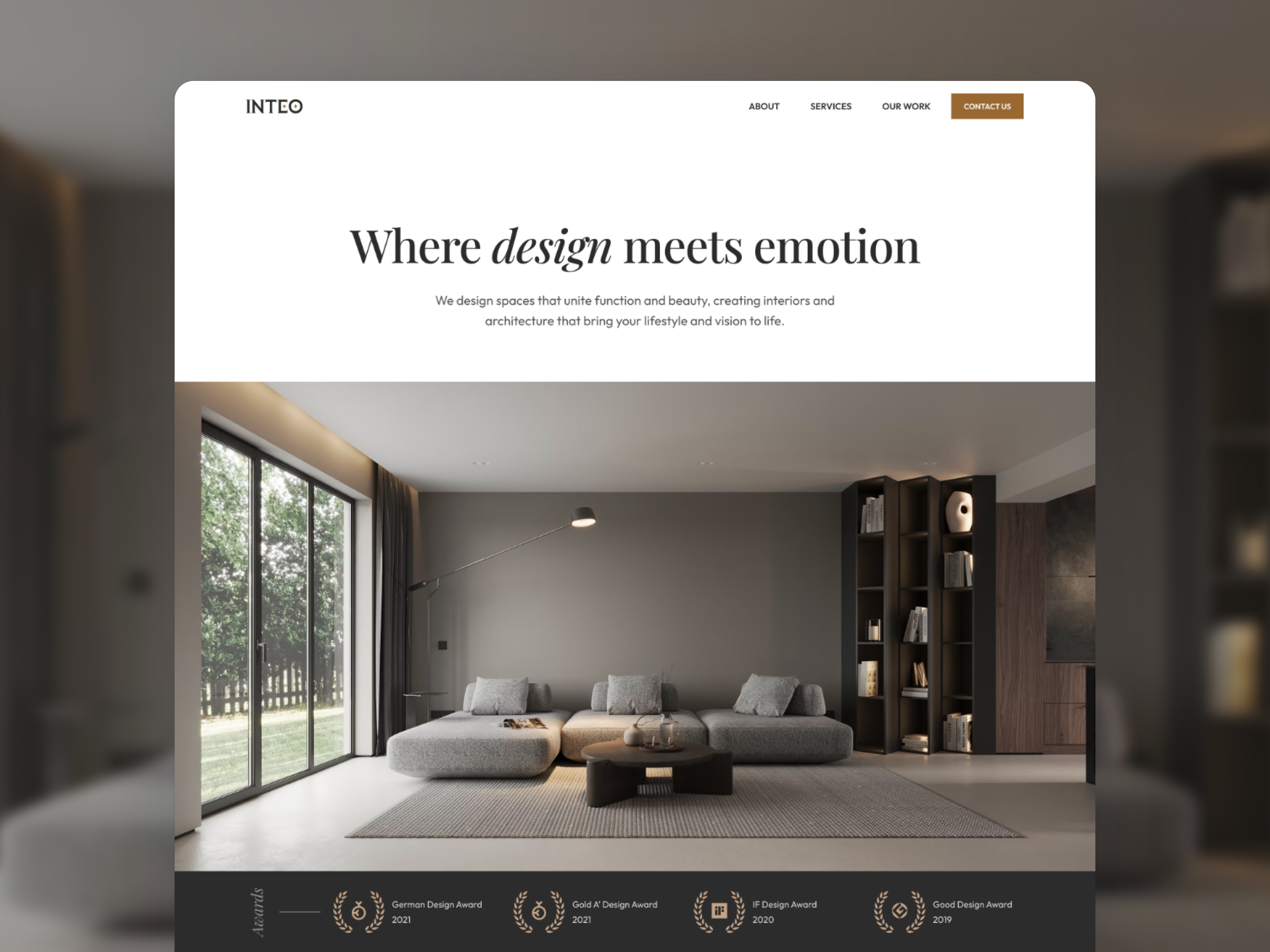
The architekta.framer.website preview reads refined studio: restrained palettes, architectural photography, and typography that favors long project captions over startup feature grids. Sections assume built work, plans, and material detail, closer to a high-end architecture monograph site than to a generic agency dark mode template. That helps when trust comes from space photography and process clarity, not animated UI chrome.
Motion stays measured so large project images stay crisp on retina displays. The honest fight is update cadence. Journal and Projects without CMS mean every new case study copies an existing frame. Teams that ship monthly should plan remix time or move to a CMS architecture file. Demo project names and placeholder journal titles will read as marketplace costume until you replace them with real commissions.
Pages included in ARCHITEKTA®
Nine static routes, named as Framer lists them:
- Home: studio positioning, featured project teasers, and primary paths into Projects, Services, and Contact
- Contact: inquiry form, studio email, or map block for new commissions and press
- Projects: portfolio index where visitors evaluate built work and typologies
- Studio: team, philosophy, awards, or process story that supports hiring and partnerships
- 404: recovery for outdated press or proposal links
- Terms Of Use: legal terms route spelled as Framer lists it
- Privacy Policy: privacy copy on its own URL for forms and analytics reviews
- Journal: editorial index for studio news, essays, or project announcements
- Services: engagement types, disciplines, or fee framing before the first call
Projects plus Services plus Journal on one free file is the structural reason to pick ARCHITEKTA® over a thin portfolio landing, even though detail pages stay static until you add CMS elsewhere.
What is distinctive about ARCHITEKTA®
- Nine-page studio IA without CMS. Projects, Services, Journal, and Studio are separate routes, not footer anchors on Home alone.
- Policy routes named explicitly. Terms Of Use and Privacy Policy match how procurement labels links, not a vague Legal page.
- Architecture-forward project index. Projects expects built-environment photography more than SaaS UI mockups.
- Journal route included. Rare on free architecture files that stop at a single About scroll.
- Studio page for culture. Hiring partners and collaborators get a dedicated URL beyond a team band on Home.
Responsive layouts and Framer forms are platform defaults, not a reason to choose ARCHITEKTA® over another architecture remix.
When to remix ARCHITEKTA®, and when to skip
Remix ARCHITEKTA® when you run an architecture or interior studio, you want Projects, Services, and Journal live on static pages, and CMS can wait until content volume justifies collections. Unknown authorship on the listing does not change the studio job: swap photography, project names, and service copy while keeping the sitemap stakeholders expect.
Skip it when you need CMS project and blog detail templates you update weekly. Hommora is the yoframer path for CMS singles. Still comparing studio maps? Return to the architecture shortlist or browse free Framer templates on the hub.
Frequently Asked Questions
Quick answers about ARCHITEKTA®, including pricing, CMS support, responsiveness, and who it is built for.
-
What kind of website is ARCHITEKTA® best for?
- ARCHITEKTA® is for Architecture and interior studios that want Projects, Services, Journal, and Studio routes on static pages before CMS collections are worth wiring. It includes 9 pages: Home, Contact, Projects, Studio, 404, Terms Of Use, Privacy Policy, Journal, Services.
-
Is ARCHITEKTA® free or paid?
- ARCHITEKTA® is a free Framer template. The listed price on yoframer is free.
-
Does ARCHITEKTA® support CMS and responsive design?
- ARCHITEKTA® does not include CMS support. It is fully responsive.
-
When should I skip ARCHITEKTA®?
- You need CMS project and blog detail templates you update weekly. Hommora on yoframer ships CMS singles for projects and posts. Start with Hommora .
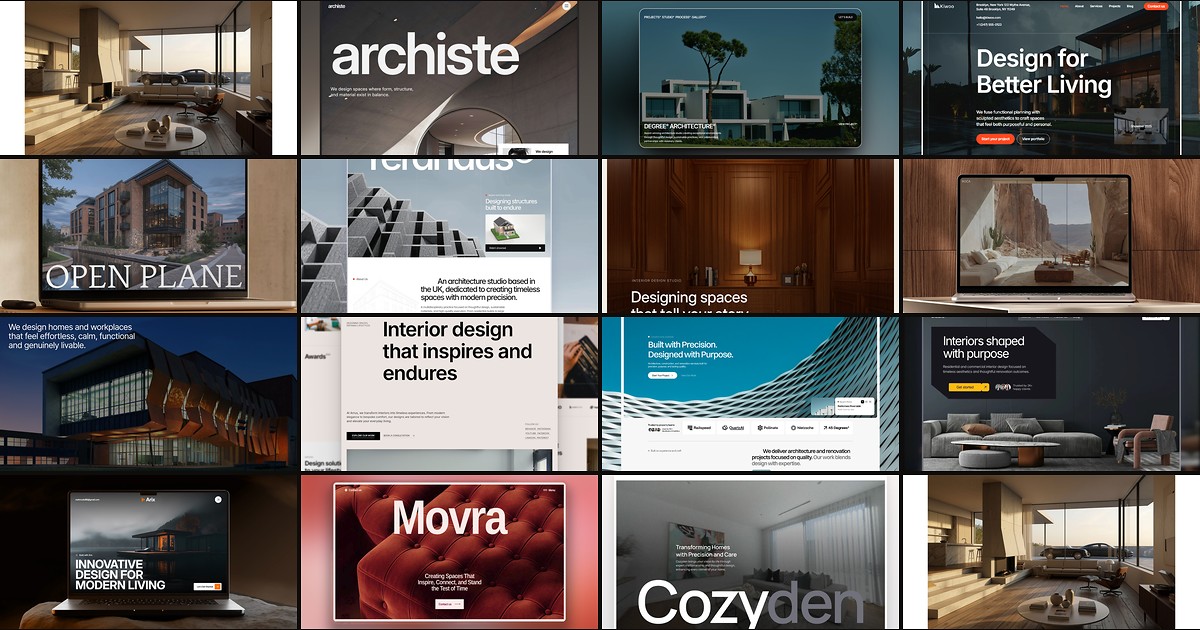
Featured in our Architecture roundup
15 Best Free Architecture Framer Templates in 2026 (Ranked)
Fifteen free Framer templates with Architecture as the primary niche on yoframer, from deep CMS studio systems to lean interior landing pages you can remix today.