 Live Preview
← All Templates
Architecture
Archoba — Free Architecture Template for Framer
Archoba is a free 7-page architecture Framer template for small studios that want Project, Service, and Blog routes without CMS. Skip it if you need CMS case studies.
freearchitecturestudioportfolioarchoba
Archoba is a free 7-page architecture template for Framer with no CMS collections. It gives you Home, Project, Service, Blog, Contact, About, and 404 as static frames you can duplicate when work grows. Skip it if every new case study should be a CMS item instead of a cloned layout. Hommora handles CMS services and blog detail on yoframer. Browse more free Framer templates on the hub, or start with the architecture shortlist.
Who should remix Archoba?
Archoba suits a boutique firm pitching residential or small commercial work and needing a credible marketing shell before partners debate collections. Think a six-person studio with photography-ready renders, a services menu, one flagship project page, and a blog slot for studio news. You are not publishing daily journal posts yet. You want stakeholders to click Project, Service, and About during a client lunch and see real structure.
Walk away if your content team adds case studies every week and expects detail URLs to spawn from a collection. Static Project and Blog pages become busywork fast. Developers who want Service Details and Blog Details wired to CMS should remix Hommora or another CMS architecture file from the roundup. Solo practices that only need Home and Contact should not carry seven routes they never link in the nav.
What Archoba looks like
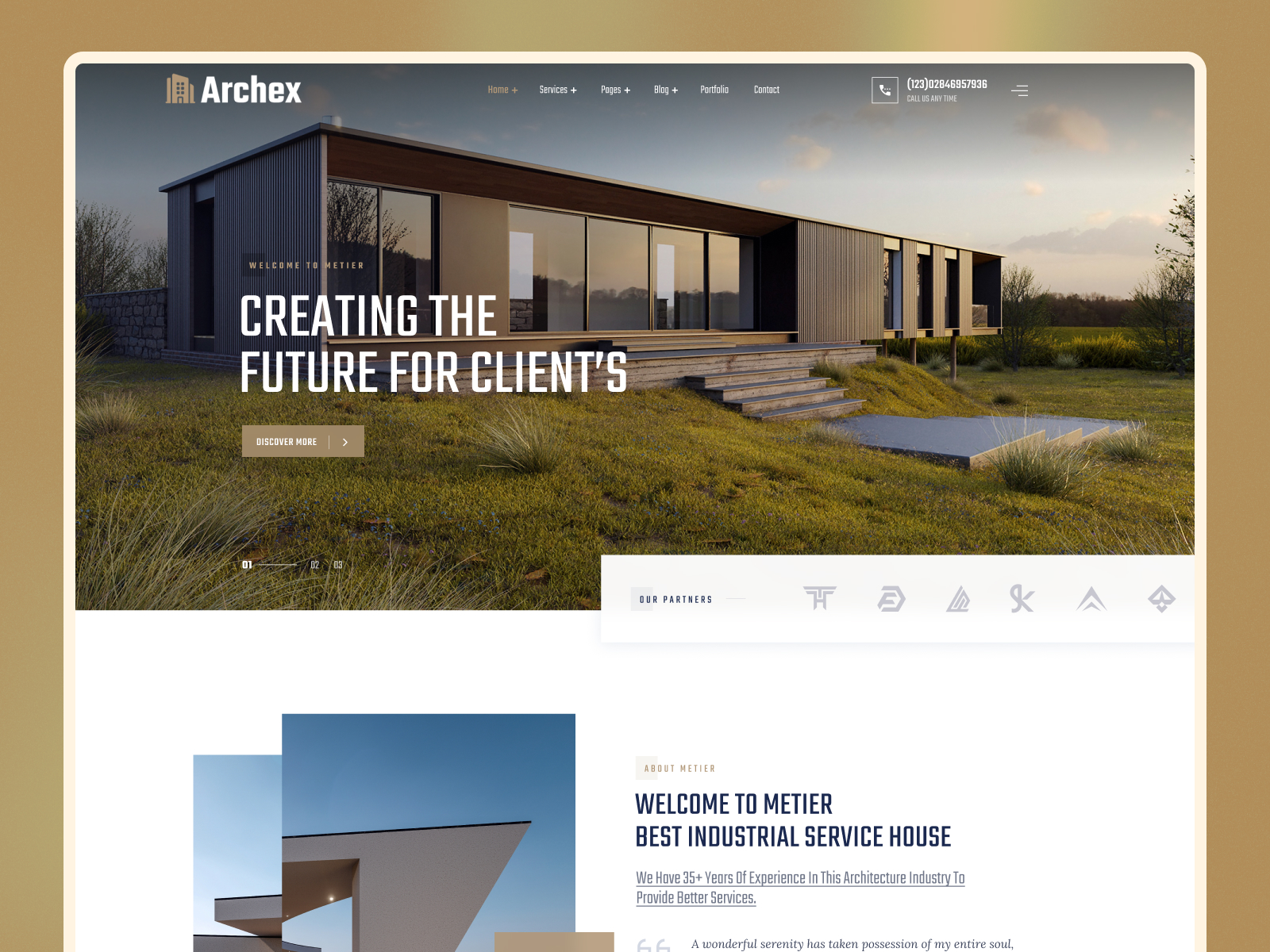
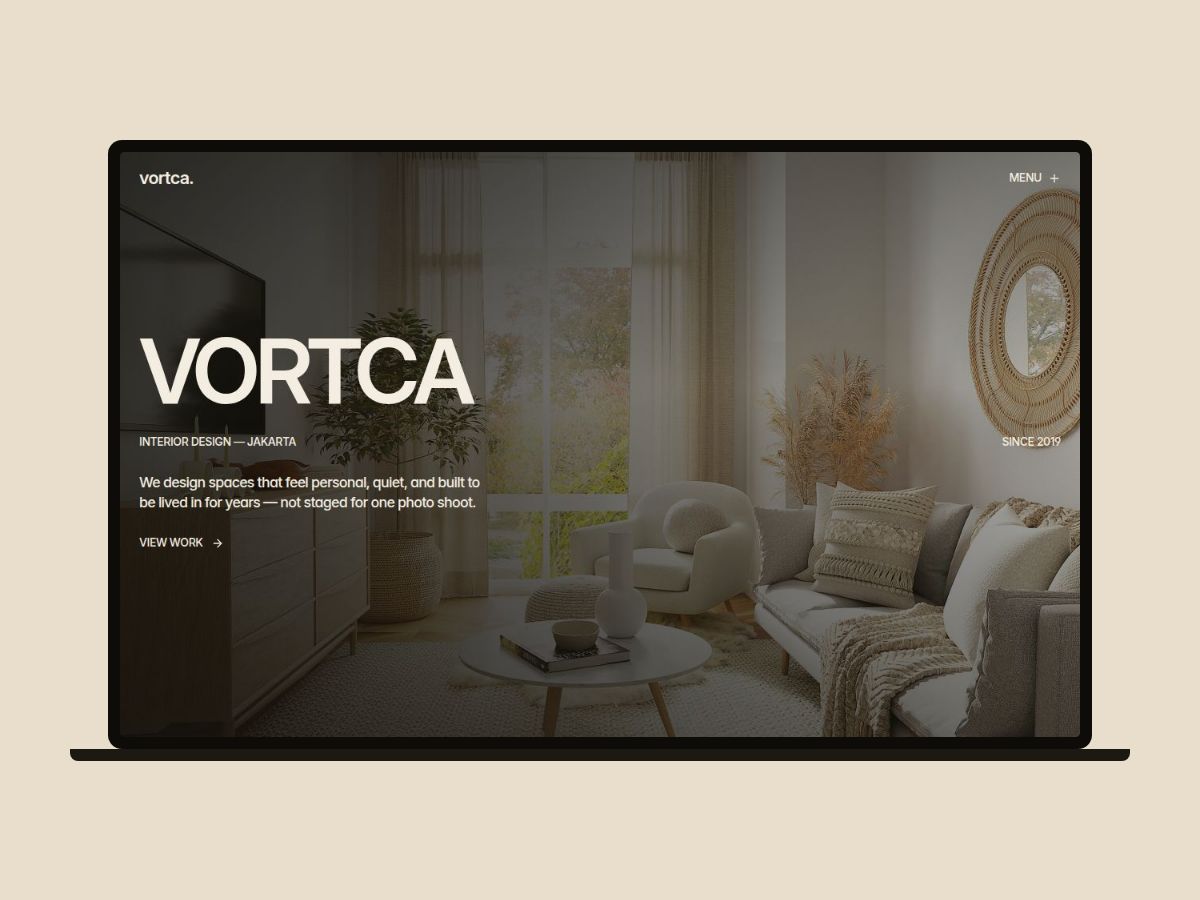
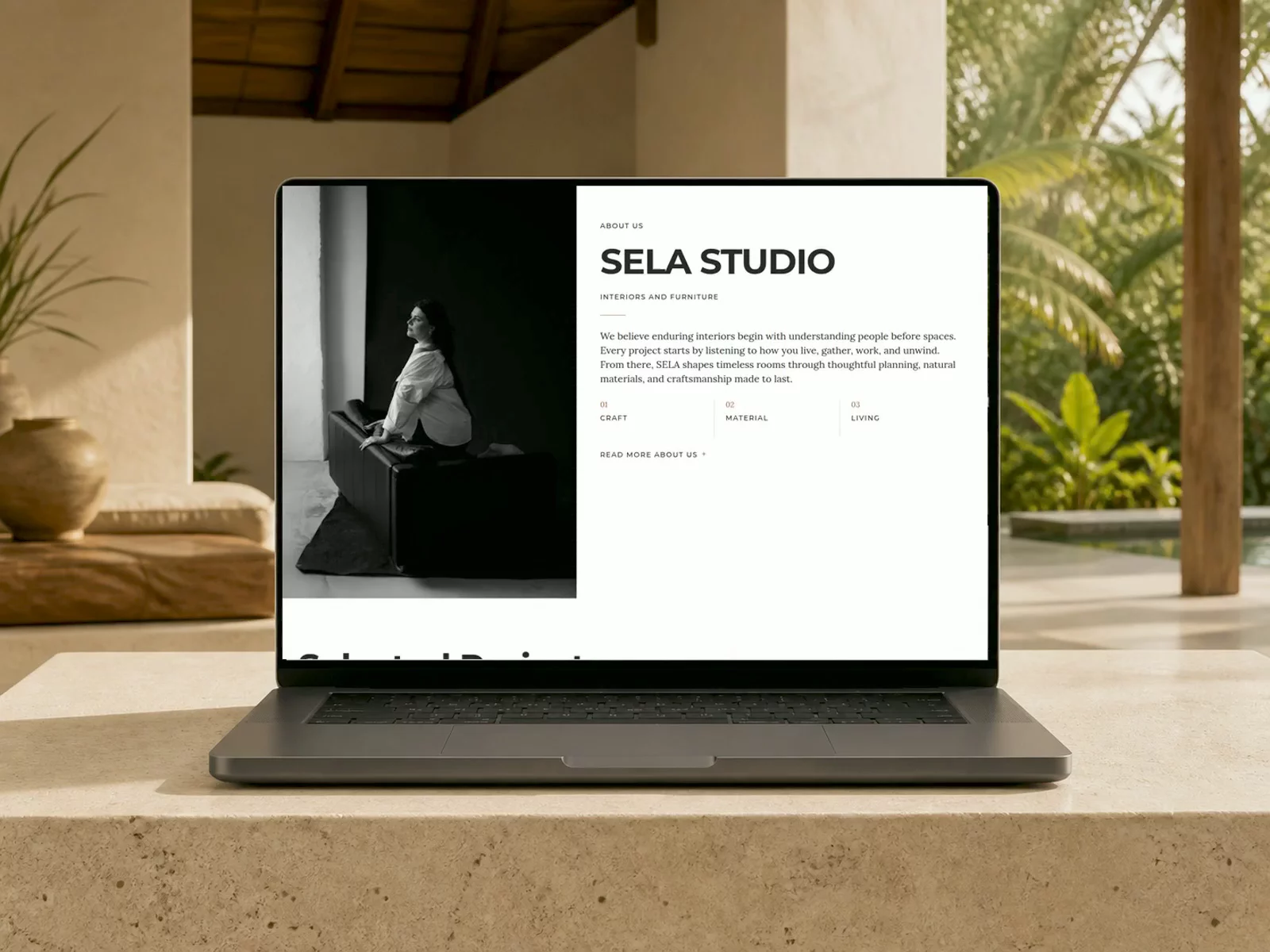
The preview reads like a modern architecture marketing site: restrained sans-serif type, confident whitespace, and photography-led sections that let project imagery carry trust. Layout rhythm is closer to a boutique firm brochure than a brutalist experiment. Neutral backgrounds keep drawings and site photos readable on a phone during a site walkthrough.
Motion stays practical, mostly section reveals and hover states, so partners reviewing on a laptop between meetings are not distracted by scroll tricks. The fight you will have is case-study depth. One Project page must stand in for an entire portfolio until you duplicate frames or jump to CMS. Stock demo copy and placeholder firm names will still read as template until you swap in real project titles and locations.
Pages included in Archoba
Seven static pages, named exactly as Framer lists them:
- Home: hero, selected work highlights, services teaser, and primary contact calls to action
- Project: flagship case study layout for photography, scope, and outcome blocks
- Service: engagement types, process, and deliverables clients compare before RFPs
- Blog: editorial index or studio updates feed when you publish news
- Contact: inquiry form, studio details, or map-driven lead capture
- About: team story, credentials, and firm history that calm first-time clients
- 404: friendly dead-end recovery for mistyped project links
There is no CMS-backed project grid or blog detail route in the listing. Adding cases means duplicating frames or upgrading files.
What is distinctive about Archoba
- Project route separate from Home. Many architecture demos bury work in a long scroll; here it gets its own URL for ads and proposals.
- Service page in a seven-page kit. Helpful when municipalities or homeowners ask how engagements work before they email.
- Blog slot without CMS complexity. You can park studio news on Blog while keeping the first launch static.
- Seven-page footprint without collections. Faster remix for firms that publish quarterly, not weekly.
- 404 included. Broken portfolio links from old PDFs still land on branded recovery.
Responsive breakpoints and contact forms are Framer defaults, not a differentiator versus other architecture templates.
When to remix Archoba, and when to skip
Remix Archoba when you run a small architecture or design studio, you have hero photography ready, and you want Project, Service, Blog, and About routes without opening collections on day one. The live preview domain reads like a studio marketing site, which matches how many firms actually sell.
Skip it when you need CMS project and blog detail pages that update without cloning layouts. Hommora wires those collections. Skip it when you only need a one-page portfolio test. Compare other picks on the architecture shortlist, then return to free Framer templates for the full grid.
Frequently Asked Questions
Quick answers about Archoba, including pricing, CMS support, responsiveness, and who it is built for.
-
What kind of website is Archoba best for?
- Archoba is for Small architecture studios that want static Project, Service, and Blog pages live before they wire CMS collections. It includes 7 pages: Home, Project, Service, Blog, Contact, About, 404.
-
Is Archoba free or paid?
- Archoba is a free Framer template. The listed price on yoframer is free.
-
Does Archoba support CMS and responsive design?
- Archoba does not include CMS support. It is fully responsive.
-
When should I skip Archoba?
- You need CMS-backed project and blog detail pages. Hommora ships CMS routes for services and journal entries. Start with Hommora .
Featured in our Architecture roundup
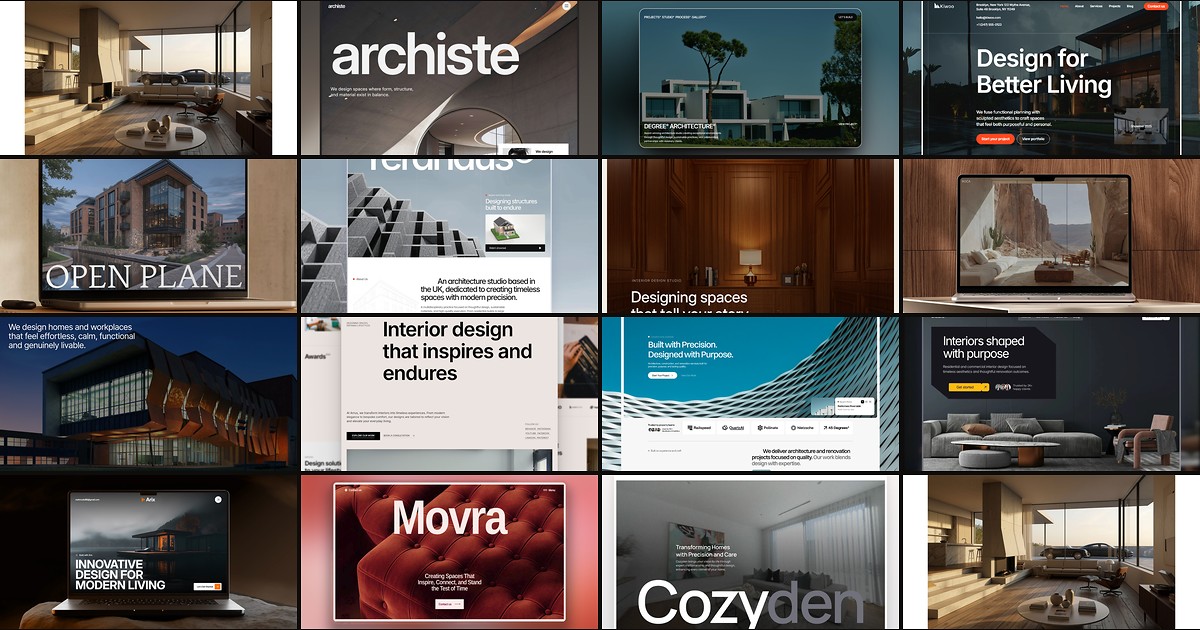
15 Best Free Architecture Framer Templates in 2026 (Ranked)
Fifteen free Framer templates with Architecture as the primary niche on yoframer, from deep CMS studio systems to lean interior landing pages you can remix today.