 Live Preview
← All Templates

Architecture
Archslab — Free Architecture Template for Framer
Archslab is a free 6-page architecture Framer template for studios that want projects, practice, and journal posts on static routes. Skip it if you need CMS project publishing.
freeframerarchitecturejournalarchslab
Archslab is a free 6-page architecture template for Framer with Home, Projects, Project, Practice, Journal, and Journal post. The listing is not CMS-ready, so detail pages are static frames you edit by hand unless you add collections after remix. Skip it if every new build should publish from a CMS project template. Archiora covers that workflow. Explore more free Framer templates on the hub, or start with the architecture shortlist.
Who should remix Archslab?
Archslab fits a studio that treats writing as part of the brand: competition results, site visits, material studies, or partner essays. You already separate built work (Projects and Project) from how you practice (Practice), and you want Journal plus Journal post without standing up CMS on week one. Residential firms, small commercial shops, and research-leaning practices match that rhythm.
Skip it if your team publishes project detail from a collection every few weeks. Static Project frames become a bottleneck fast. Also skip if you need Contact, 404, or careers on the default sitemap. Six routes here omit a dedicated inquiry page, so you wire contact modules on Home or Practice instead. Firms that need compliance-heavy footers may prefer a larger legal-adjacent architecture file from the roundup.
What Archslab looks like
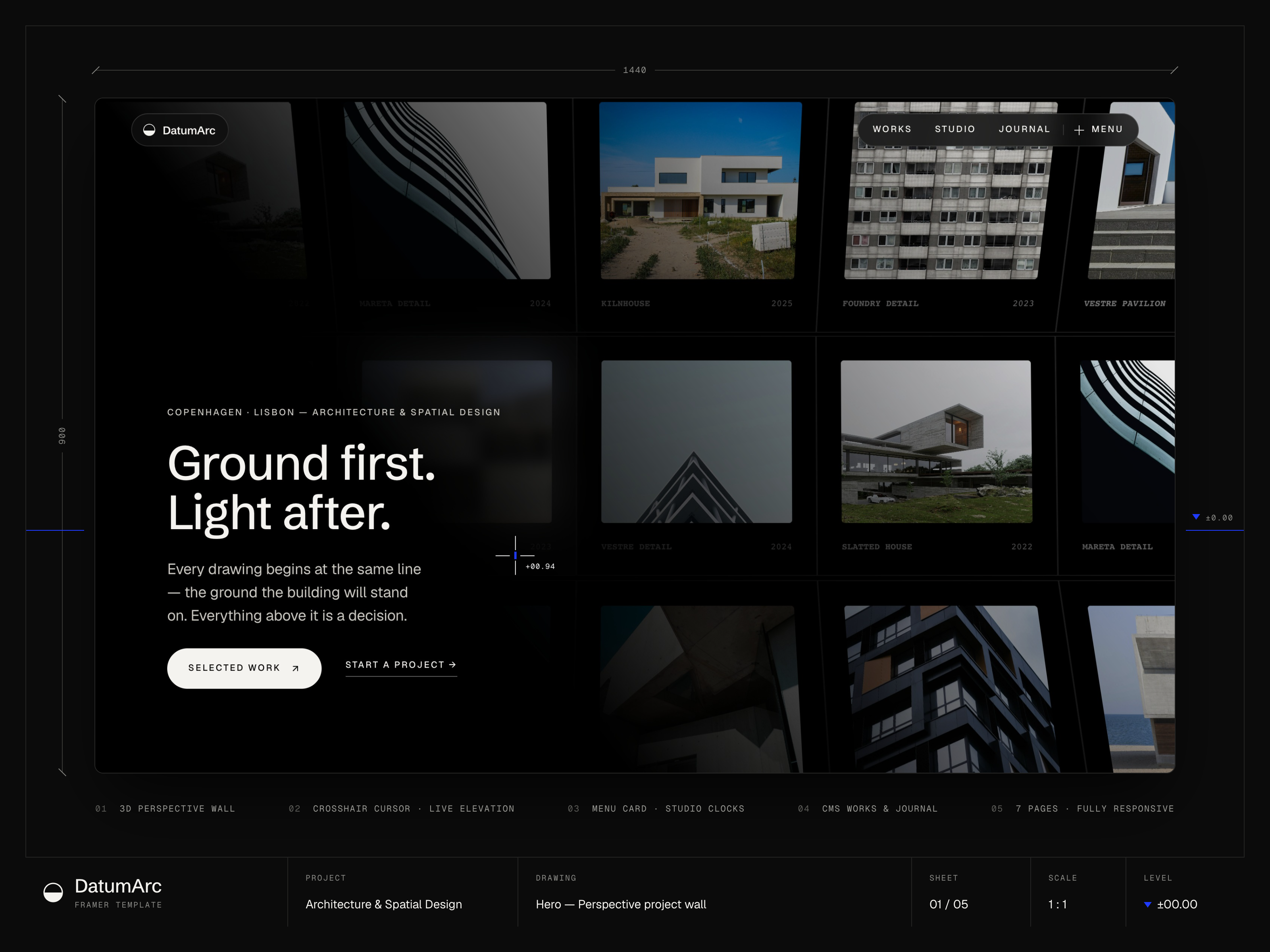
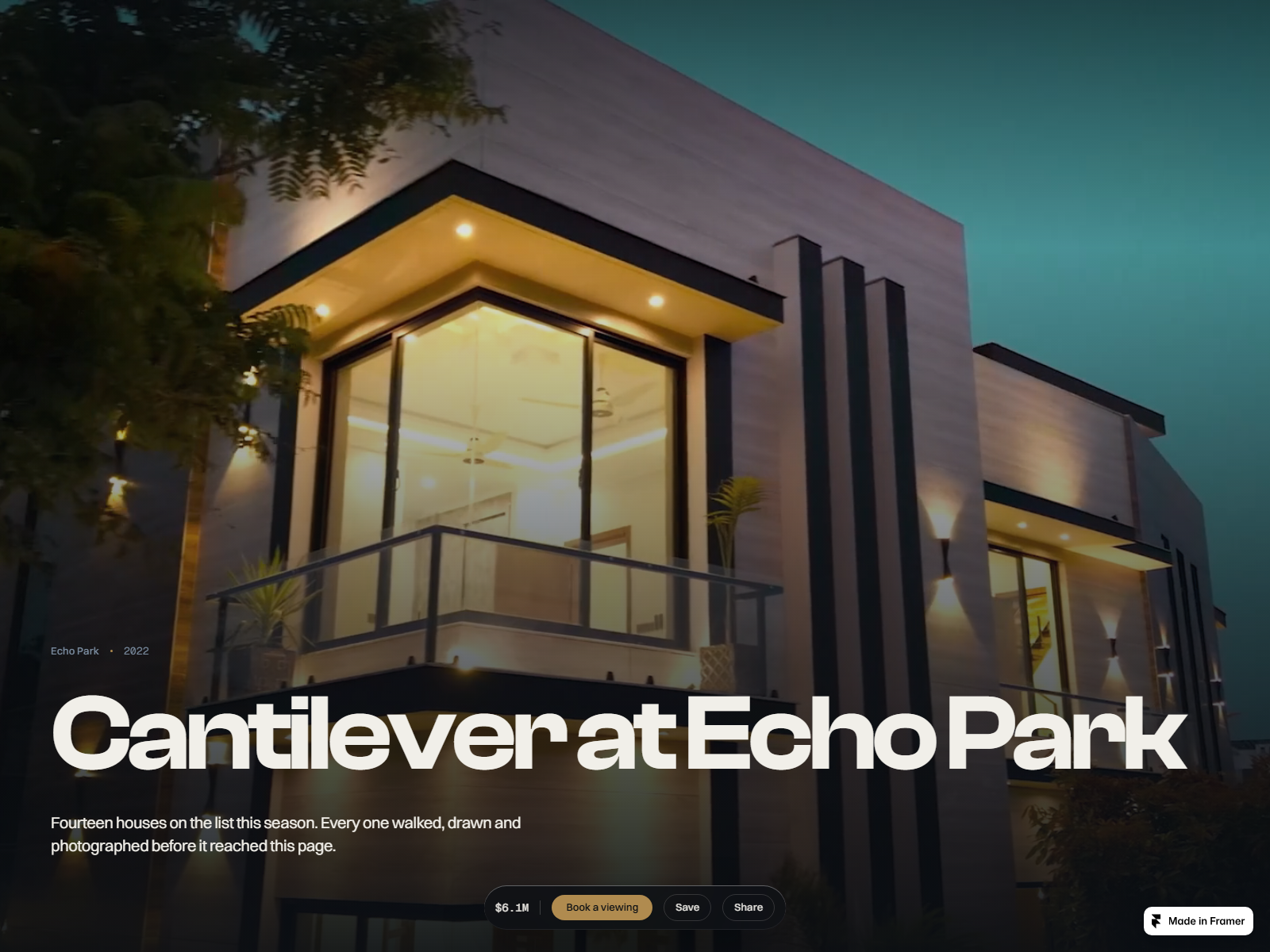
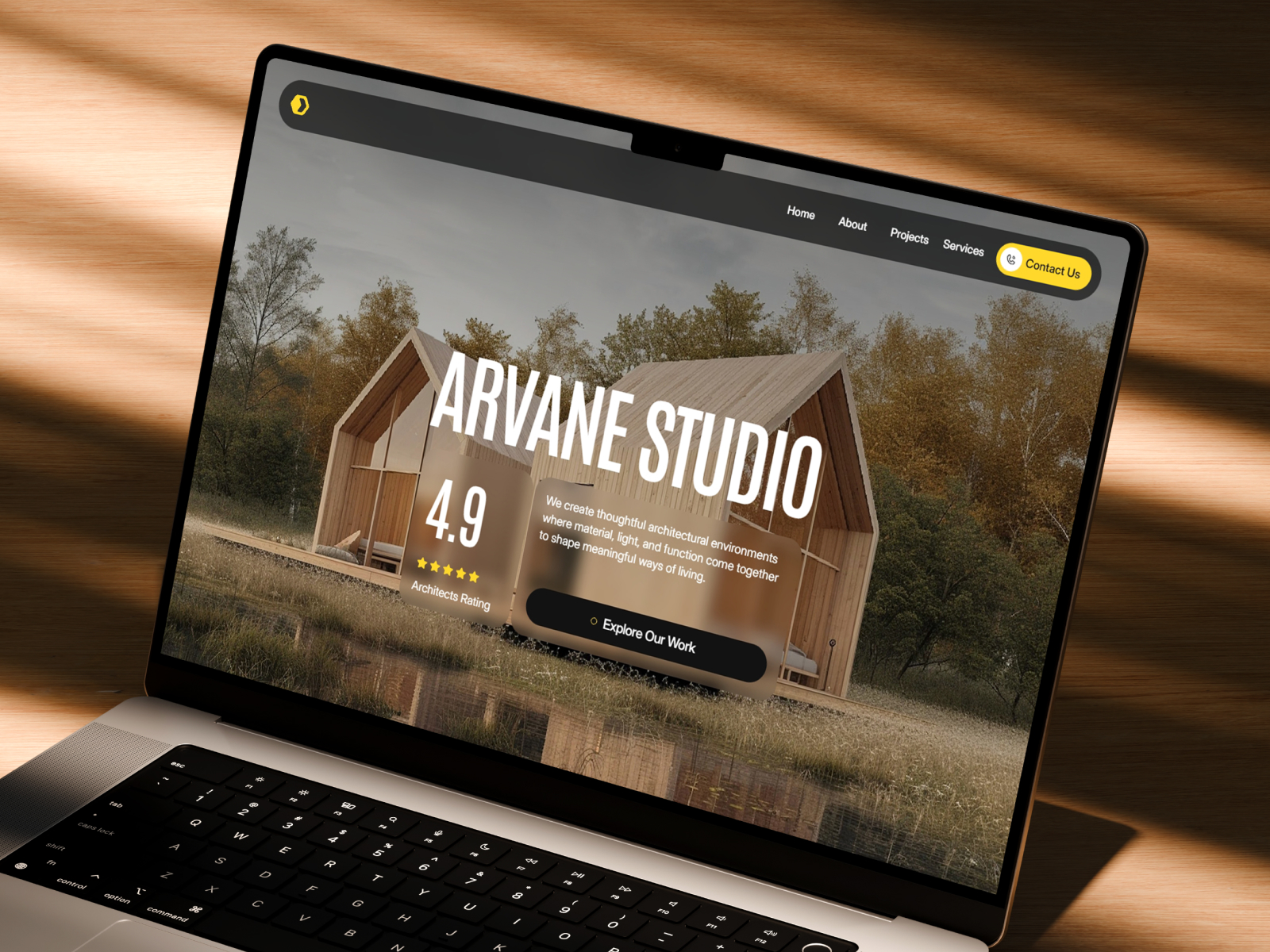
The preview skews editorial and studio-calm: architectural photography at generous sizes, neutral backgrounds, and type that reads like a practice monograph online. Practice and Journal pages get room for long copy, not only captions under images. The mood assumes confident, high-end work rather than playful startup energy.
Scroll motion stays restrained so concrete, timber, and glass stay the focus on mobile. The honest fight is maintenance. Journal post as a separate route implies you will duplicate frames or eventually migrate to CMS. If your news cadence is daily, this static map will feel heavy compared with a collection-backed blog.
Pages included in Archslab
Six pages, named as Framer lists them:
- Home: studio positioning, featured work, and entry points into Projects or Practice
- Projects: index of built work with paths into individual project stories
- Project: detail layout for one commission, typology, location, and imagery
- Practice: how the studio works, services framing, and culture signals
- Journal: editorial index for news, essays, and process notes
- Journal post: long-form article layout for one journal entry
Projects plus Journal on the same sitemap is the signature pairing. You can publish studio voice without turning every update into a full case study.
What is distinctive about Archslab
- Journal and Journal post routes. Many architecture files stop at Projects and About. Archslab expects occasional writing.
- Practice page named on the map. Separates how you work from who you are on Home.
- Project detail without CMS in the listing. Good when project count is stable and you reskin detail frames manually.
- Six-page editorial scope. More narrative room than a five-page studio kit, still smaller than ten-page agency shells.
- No default Contact route. Forces a deliberate choice about where inquiries live, usually Home or Practice modules.
Framer analytics, SEO panels, and responsive breakpoints ship with the platform. They are not Archslab-specific differentiators.
When to remix Archslab, and when to skip
Remix Archslab when you want projects, practice positioning, and journal posts on static pages, and you accept hand-editing Project and Journal post frames between launches.
Skip it when CMS project publishing is core to marketing. That is Archiora. Skip it when you need Contact and 404 on the default list. Browse the architecture shortlist or return to free Framer templates on the hub.
Frequently Asked Questions
Quick answers about Archslab, including pricing, CMS support, responsiveness, and who it is built for.
-
What kind of website is Archslab best for?
- Archslab fits a studio that wants Home, Projects, Project detail, Practice, Journal, and Journal post routes on a six-page map. It suits firms that write occasionally about process or awards. If every project must publish from a CMS collection, start with Archiora instead.
-
Is Archslab free to remix?
- Yes. Archslab is a free Framer template. Remix it at no charge from the marketplace. Hosting on a custom domain still follows Framer plans. The yoframer listing does not add a fee on top of Framer.
-
Does Archslab include a CMS?
- The marketplace listing marks Archslab as not CMS-ready. Project and Journal post routes are static frames you copy or edit manually. That can be faster for a first launch. Teams that add builds weekly should compare Archiora before committing.
-
When should I skip Archslab?
- Skip Archslab if you need CMS collections, a contact page on the default map, or a one-page scroll. Archiora covers CMS projects. For a six-page file with Contact and 404, see Halden Architect on the architecture shortlist .
Featured in our Architecture roundup
15 Best Free Architecture Framer Templates in 2026 (Ranked)
Fifteen free Framer templates with Architecture as the primary niche on yoframer, from deep CMS studio systems to lean interior landing pages you can remix today.