 Live Preview
Aoutive — Free SaaS Template for Framer
by Unknown
Autopilotry is a free 9-page SaaS Framer template for AI agent products with pricing, security, integrations, and journal routes. Skip it if you need CMS case studies and legal collections.
Autopilotry is a free nine-page SaaS template for Framer. The gregarious-assistant preview sells AI agents for busywork: reading inboxes, sorting arrivals, and filing completed tasks in tools you already use, with human approval on what matters. Home hooks the promise, How it works and Chores explain the workflow, Integrations and Security address IT questions, Pricing and Customers close the sale, Journal holds updates, and Contact captures leads. There is no CMS. Skip it if case studies and integration galleries must publish from collections without weekly canvas edits. Huddle covers that marketing depth. More free Framer templates sit on the hub, or start with the automation shortlist.
Autopilotry fits automation and AI agent startups, ops founders, and agencies packaging productivity SaaS sites when the product story is agents plus integrations, not cars or dealerships. The Chores route is a metaphor for repeatable tasks agents handle, which matches home-office automation positioning more than automotive retail. Marketing teams can send security reviewers to Security and finance buyers to Pricing without rebuilding nav from a one-page scroll.
Walk away if you need dealership inventory, service booking, or fleet galleries. This is software marketing, not automotive retail. Walk away if eleven CMS-backed routes including legal templates must ship together. That is Huddle. Walk away if you only need one homepage with embedded pricing. Growiq is leaner for that launch size.
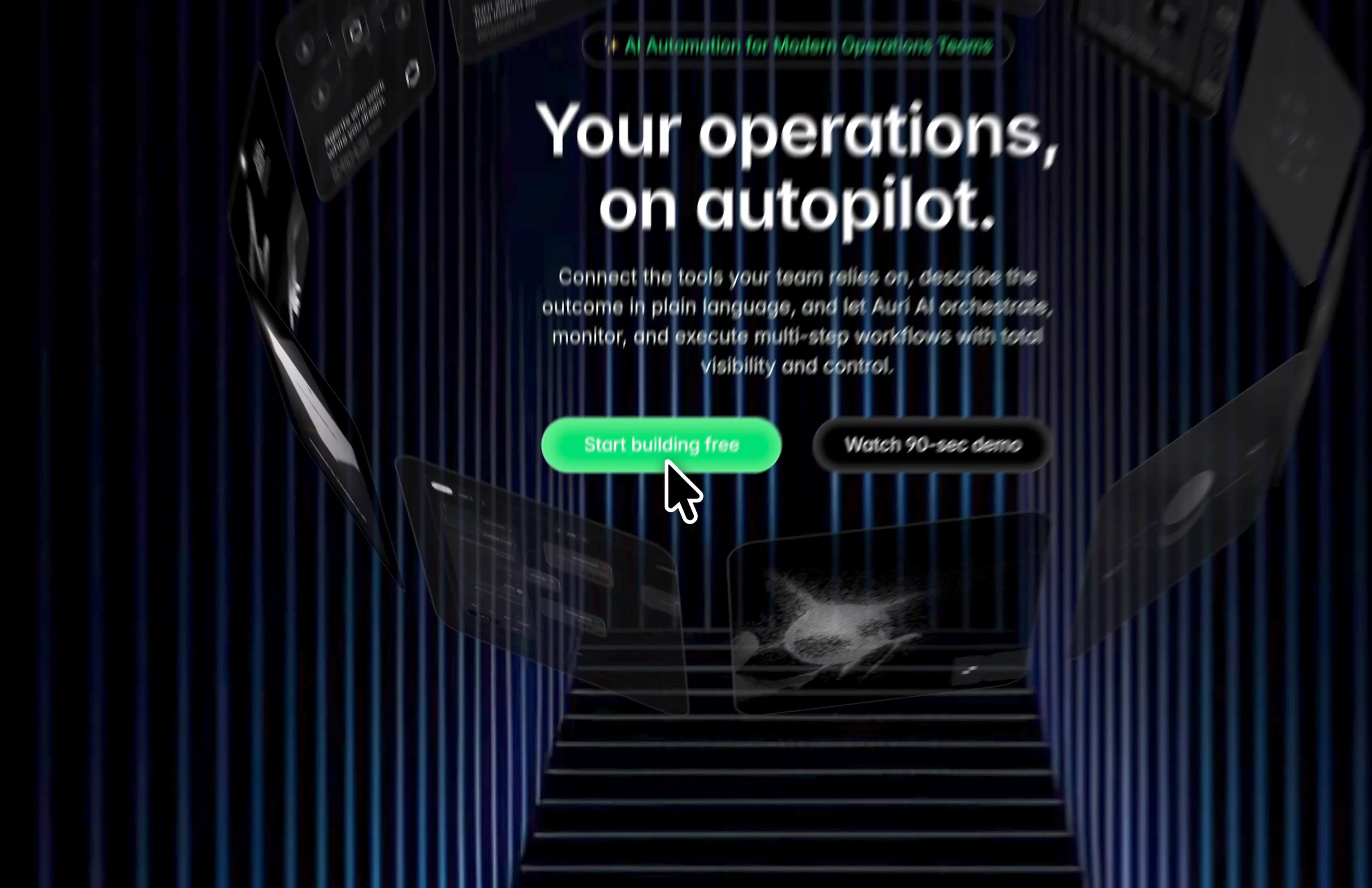
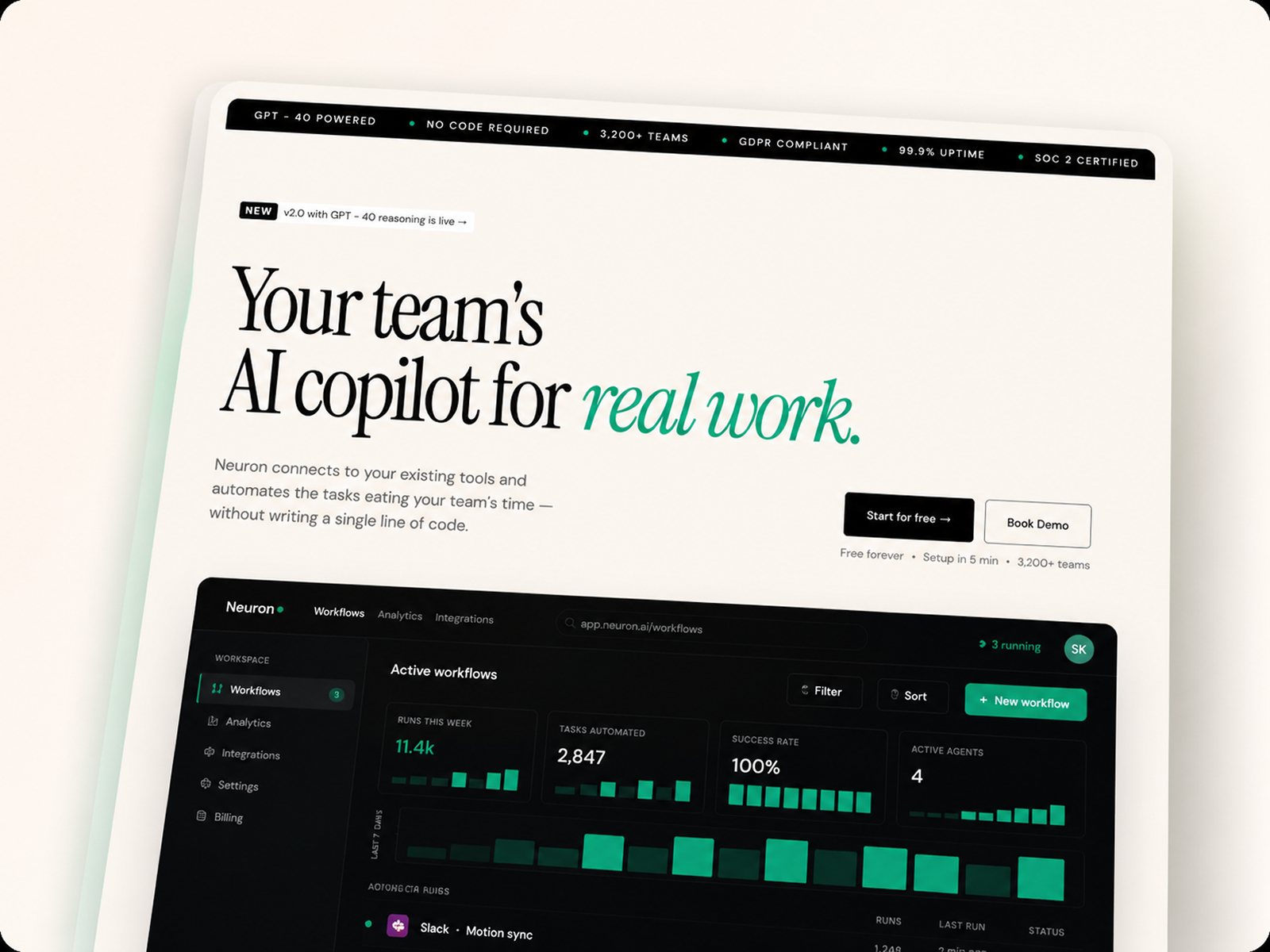
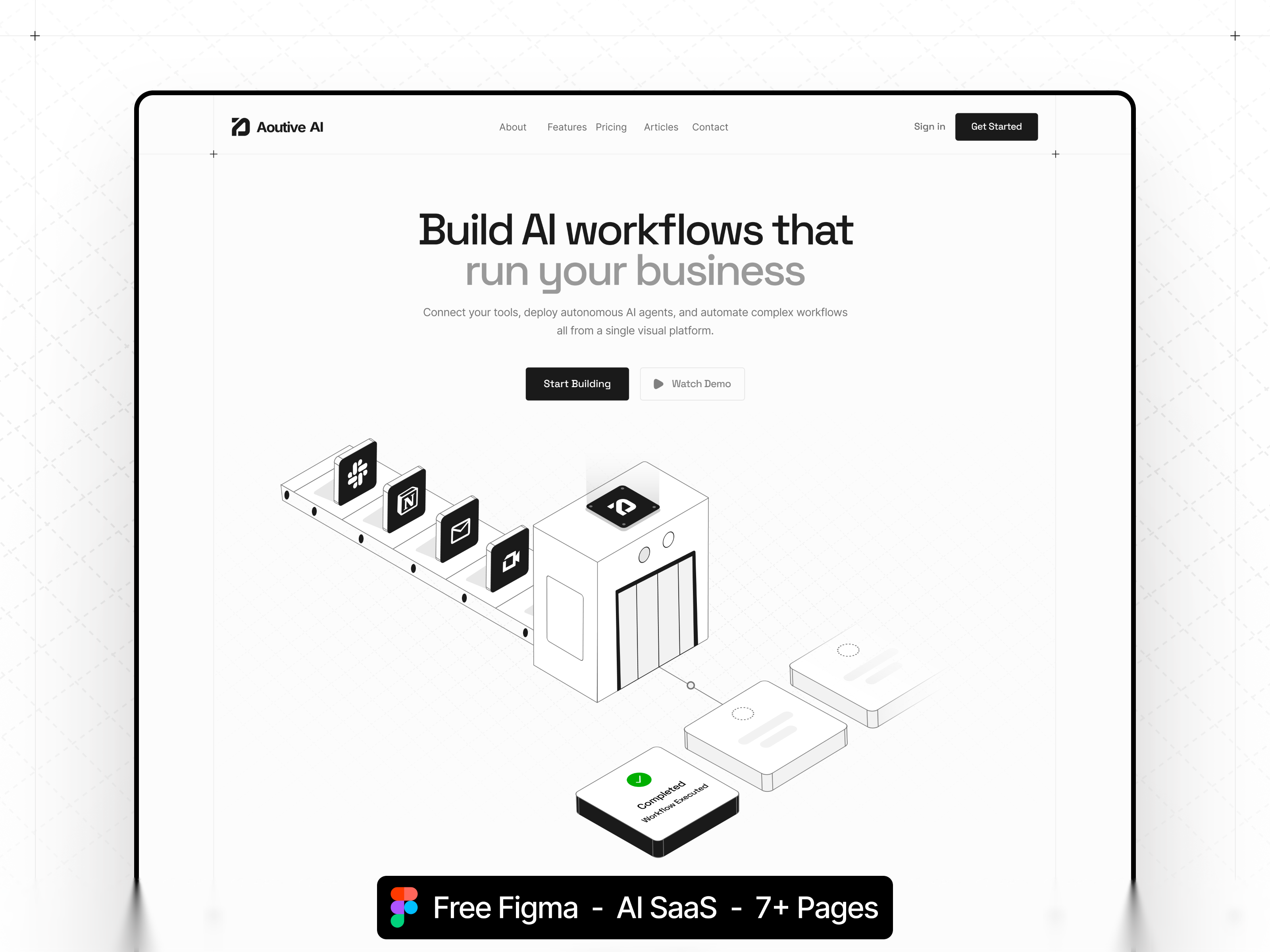
The demo reads modern B2B SaaS: neutral backgrounds, confident sans type, and product UI cards that show agents working inside email and task tools. Chores and Integrations sections use icon grids and short labels so busy operators scan value quickly on a laptop between meetings. Journal and Customers blocks borrow proof patterns from mature SaaS sites without feeling like a car configurator.
Motion stays restrained so security and pricing copy remain trustworthy. The honest fight is metaphor. Chores language fits productivity automation; literal home-services brands may confuse visitors until you rewrite every headline. Consumer playful brands will mute the default sober palette before launch.
Nine pages, named as Framer lists them:
How it works plus Chores plus Integrations is the differentiation trio most generic SaaS landings skip in favor of one long Home scroll.
Framer analytics, SEO, and breakpoint tooling ship with the platform. They are not a reason to remix Autopilotry instead of another automation SaaS file.
Remix Autopilotry when you sell AI agents or workflow automation and this sitemap matches how you talk to buyers about chores, integrations, and security. The unknown marketplace author built a productivity marketing map even though the slug sounds automotive; trust the page list and preview, not the old category guess.
Skip it when CMS case studies, integration detail collections, and legal pages must launch together. Huddle is the fuller yoframer SaaS kit. Skip it when you need car listings or service bays. Browse the automation shortlist or return to free Framer templates on the hub.
Quick answers about Autopilotry, including pricing, CMS support, responsiveness, and who it is built for.
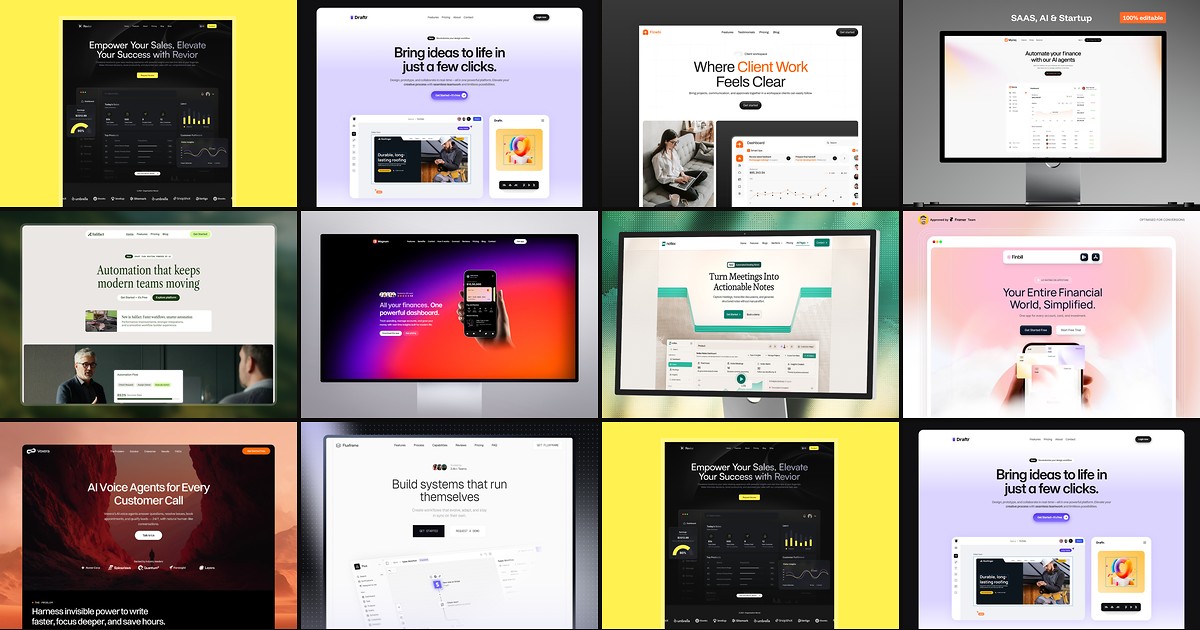
Most free SaaS templates on Framer look great in the preview and fall apart the moment you customize them. These 10 don't.