 Live Preview
← All Templates
Local Service
Barbero — Free Local Service Template for Framer
Barbero is a free 7-page barbershop Framer template for neighborhood shops that sell on a booking button. Skip it if you need a price menu, gallery, or booking page.
freebarbershopbarbergroomingdarklocal
Barbero is a free 7-page barbershop template for Framer from an uncredited marketplace creator. It sells a neighborhood shop on one black hero and a Book an Appointment button, with About, Service, Blog, Contact, and two legal pages behind it. There is no CMS. Skip it if you need a priced menu, a photo gallery, or a booking flow. Lavish goes deeper for salons and spas. More free Framer templates sit on the hub, or start with the local service shortlist.
Who should remix Barbero?
Picture a two-chair shop that gets most of its customers from Instagram and walk-ins, and wants a site that says “we know what we are doing” in four seconds. The owner has good photos of the team, a sentence about the shop’s attitude, and a phone number. Barbero hands that owner a hero, a manifesto block, and a button. Nothing more is asked of them.
Walk away if your shop lives or dies on online booking with deposits, or if you list a dozen services with prices. Barbero has a Service page, not a menu system, and the Home button has to be pointed at your own booking tool. For salons, spas, and anything with a shop or treatment catalog, Lavish is the better file.
What Barbero looks like
The first screen is pure black with a heavy white grotesque headline, “Sharp cuts. Classic craft.”, and a small line of copy under it. One acid-yellow pill carries the Book an Appointment action. Below the fold, three arch-topped black-and-white portraits show barbers at work and a client in the chair. Then the page flips to light gray for an About block set in soft gray text. Think of a streetwear lookbook that happens to sell haircuts.
That contrast does real work. The dark top reads as confident and a little exclusive, and the yellow button is the only color, so nobody has to hunt for the next step. The fight is the photography. The monochrome portraits carry the mood, so stock or color snapshots of your own shop will look wrong until you convert them. The light About section also needs your own sentence, because the placeholder paragraph is generic grooming talk.
Pages included in Barbero
Seven pages, named as Framer lists them:
- Home: black hero, appointment button, arched photo trio, and the About lead-in
- About: the shop story and the people behind the chairs
- Service: what you cut, shave, and trim. It is a page layout, not a CMS price list
- Blog: a static index for news, product drops, or grooming tips, with no collection behind it
- Contact: address, hours, and a way to reach the shop
- Privacy Policy: legal text slot for forms and analytics
- Terms Conditions: legal text slot for bookings, cancellations, and no-shows
Service and Contact do the practical work for a local shop. Blog is optional. Delete it if you will not post, because an empty journal looks worse than none.
What is distinctive about Barbero
- Barber-specific hero. The headline, portraits, and button are written for a grooming shop. Most free local-service files open with a generic “Welcome” block.
- Arched portrait trio. Three tall arches give the barbers faces on the first screen, which matters when customers pick a person, not a brand.
- One accent color. A single yellow button against black keeps the booking action obvious on a phone held in one hand.
- Legal pages included. Privacy Policy and Terms Conditions ship as pages, handy if your booking form collects phone numbers.
- Short, non-CMS sitemap. Seven static pages are quick to edit between clients, with no collections to learn.
Framer’s built-in SEO, analytics, and breakpoint tooling come with every project. They are not a reason to pick this file.
When to remix Barbero, and when to skip
Remix Barbero when the shop is the product and one strong first impression is enough: black, bold, and a button. The author is not credited on the listing, so check the preview on your phone before committing, especially the Service and Contact pages. It does one job well, which is to make a neighborhood barbershop look serious.
Skip it when you need a menu with prices, a gallery of cuts, or booking built into the site. Lavish is the pick for that. If you are still comparing local businesses, browse the local service shortlist or go back to the free Framer templates hub and filter from there.
Frequently Asked Questions
Quick answers about Barbero, including pricing, CMS support, responsiveness, and who it is built for.
-
What kind of website is Barbero best for?
- Barbero is for Owner-operated barbershops and grooming studios that want a black, bold Home with a Book an Appointment button and a short sitemap. It includes 7 pages: Home, About, Service, Blog, Contact, Privacy Policy, Terms Conditions.
-
Is Barbero free or paid?
- Barbero is a free Framer template. The listed price on yoframer is free.
-
Does Barbero support CMS and responsive design?
- Barbero does not include CMS support. It is fully responsive.
-
When should I skip Barbero?
- You need a priced service menu, a gallery, or a real booking flow. Lavish covers booking and treatment depth for salons and spas. Start with Lavish .
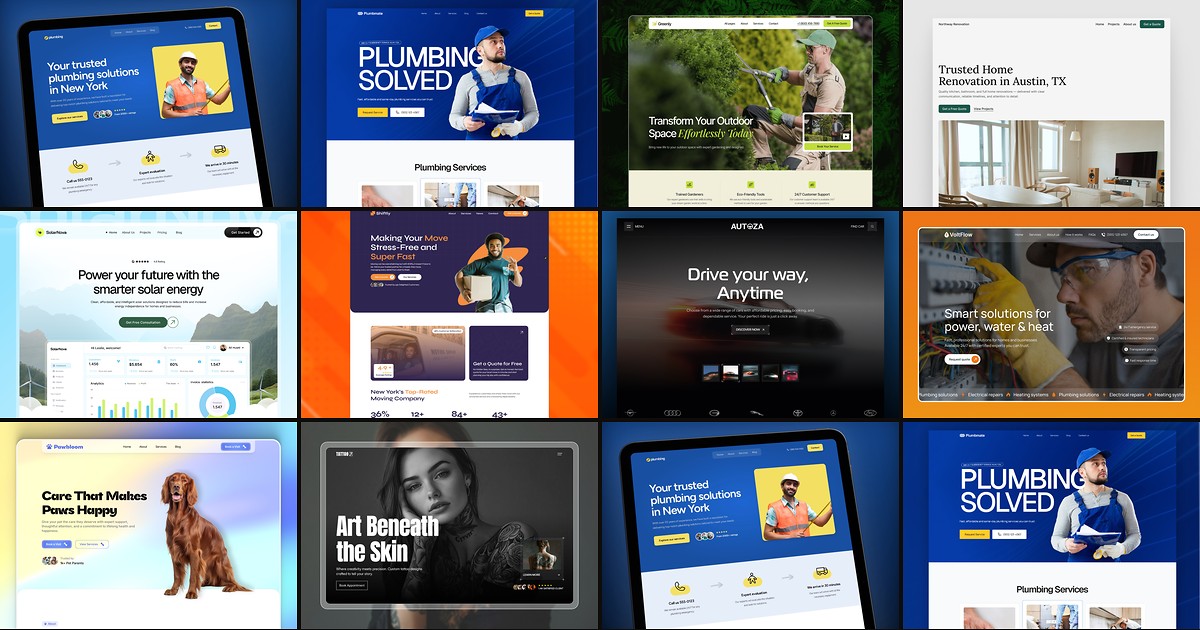
Featured in our Local Service roundup
10 Best Free Local Service Framer Templates in 2026
Local buyers decide on trust before they dial. These ten free Framer templates ship service routes, quote forms, and proof sections without a custom agency build.