 Live Preview
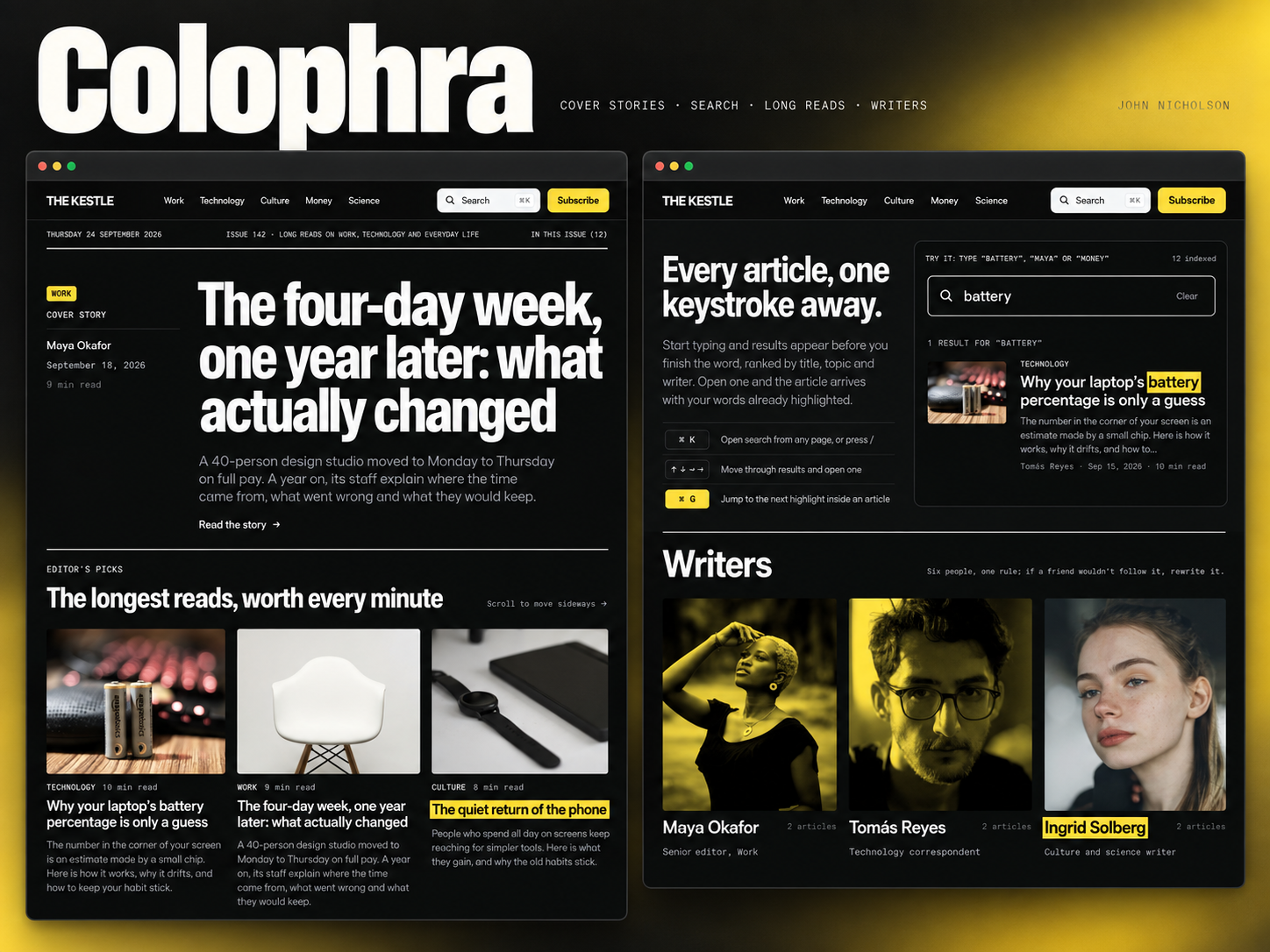
Colophra — Free Blog Template for Framer
by Unknown
Blockzine is a free 9-page blog Framer template for editorial teams publishing writers and categories without CMS. Skip it if posts must live in collections.
Blockzine is a free 9-page blog template for Framer with no CMS. The demo reads like a small digital magazine: a Posts index, category hubs, writer profiles, newsletter signup, and site search, all on static frames. Skip it if every article must publish from a collection without duplicating layouts. Humanly is the CMS-first blog file on yoframer. Compare more picks on the blog shortlist or browse free Framer templates on the hub.
Blockzine fits a team that treats the site like a publication, not a single scrolling essay. Think trade newsletters, culture zines, or founder blogs that need separate routes for writers, topics, and signup before they invest in Framer CMS. The nine-page map gives stakeholders something concrete to click through while copy and photography are still in Google Docs.
Walk away if your workflow depends on dozens of CMS posts with one shared detail template. Blockzine keeps Posts as a designed index you update manually, which is fine for a launch issue but painful at fifty articles a month. Teams that need Blog(CMS) and detail pages should remix Humanly instead of forcing Blockzine into a newsroom cadence.
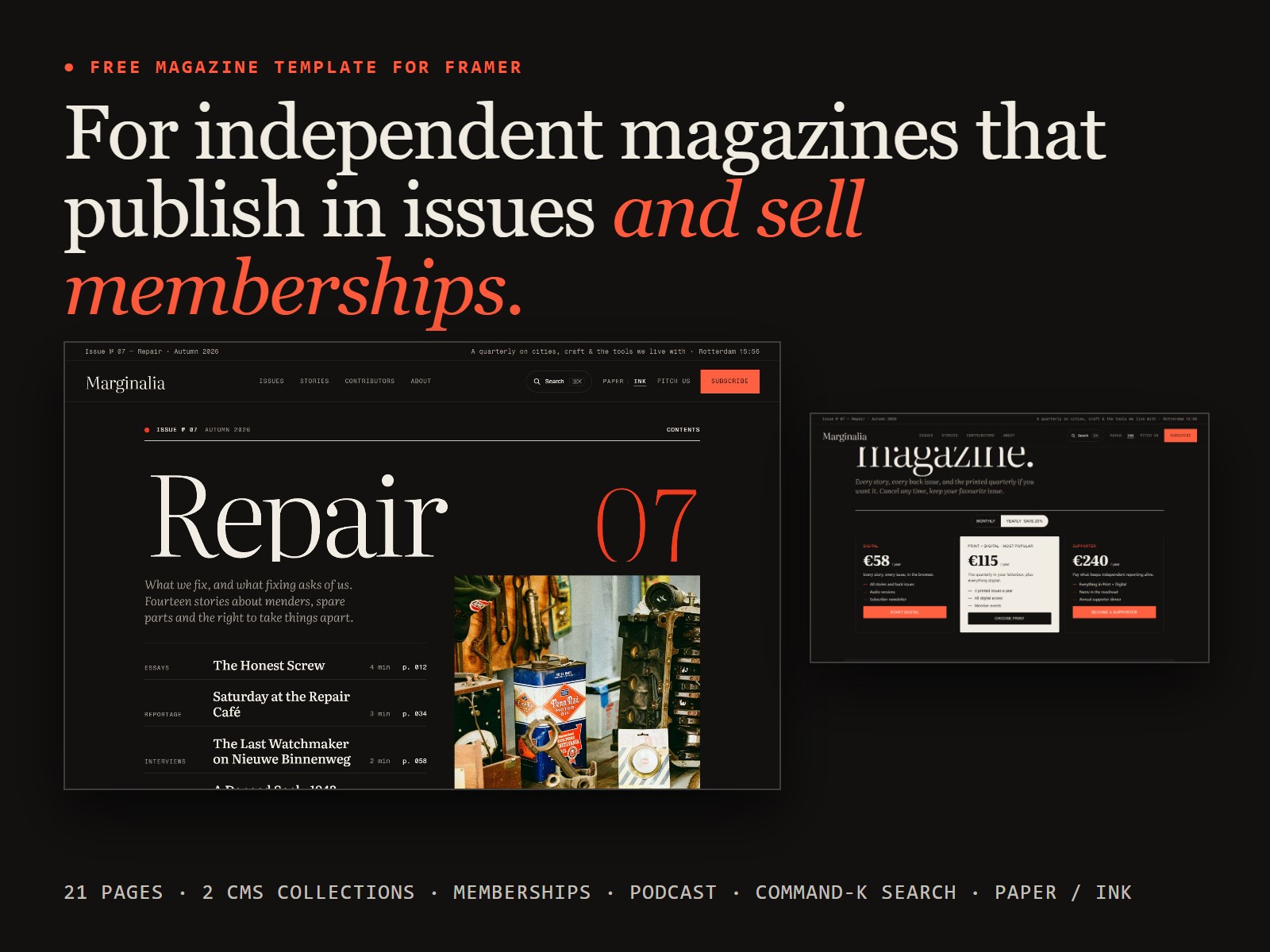
The preview leans chartreuse and editorial: bold display type, high-contrast blocks, and card grids that feel closer to a weekend read than a corporate wiki. Writer avatars and category chips get equal weight with headlines, which helps a multi-author brand feel intentional on first visit.
Motion stays restrained so long post lists stay scannable on a phone. The fight is palette: the default lime accent and magazine density will feel loud if you are building a muted B2B blog. Budget time to retune color and hero photography before you share the link with sponsors.
Nine static routes, named exactly as Framer lists them:
Writers plus Search is the pairing many one-page blogs skip. You get credibility and findability without jumping to a CMS stack on day one.
Framer breakpoints and form components ship with the platform. They are not reasons to pick Blockzine over another blog file.
Remix Blockzine when you want a credible editorial marketing site fast and your first season of stories fits on designed static pages. Swap the demo topics for your niche, keep the section order, and you can walk a small team through the sitemap in one review.
Skip it when posts must publish from CMS detail templates or when you only need a minimal personal blog. Humanly covers collection-driven articles and work pages. Still comparing blog layouts? Return to the blog shortlist or the free Framer templates hub.
Quick answers about Blockzine, including pricing, CMS support, responsiveness, and who it is built for.
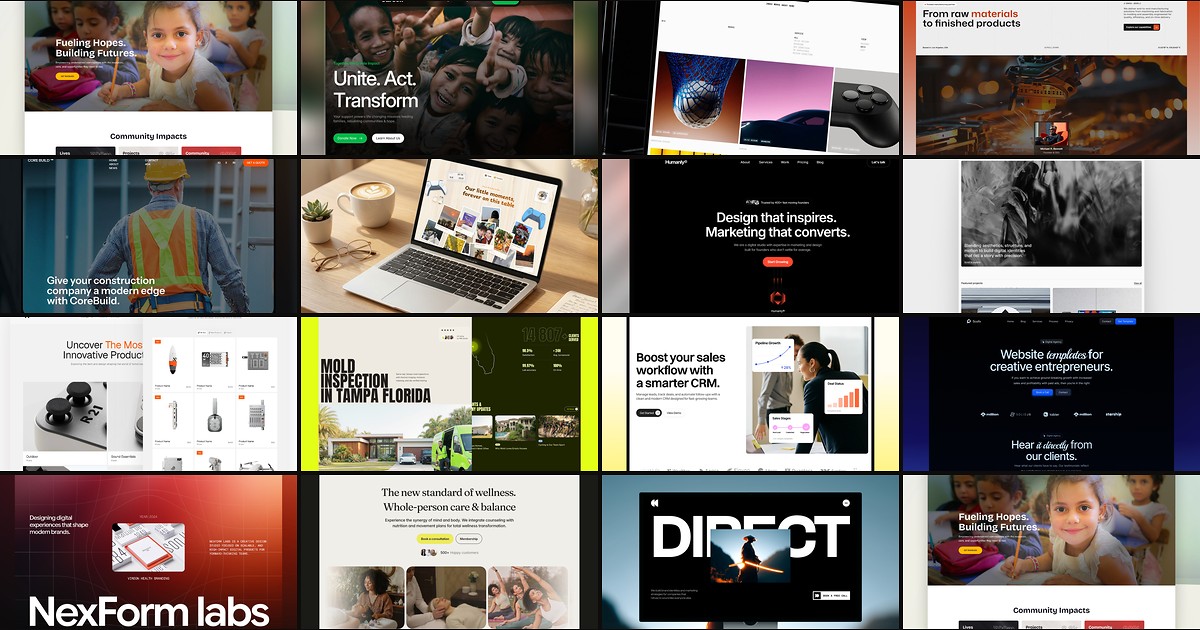
A blog template should ship readable article layouts, category routes, and publishing workflows without forcing you to wire CMS collections from scratch. These 15 free Framer builds do exactly that.