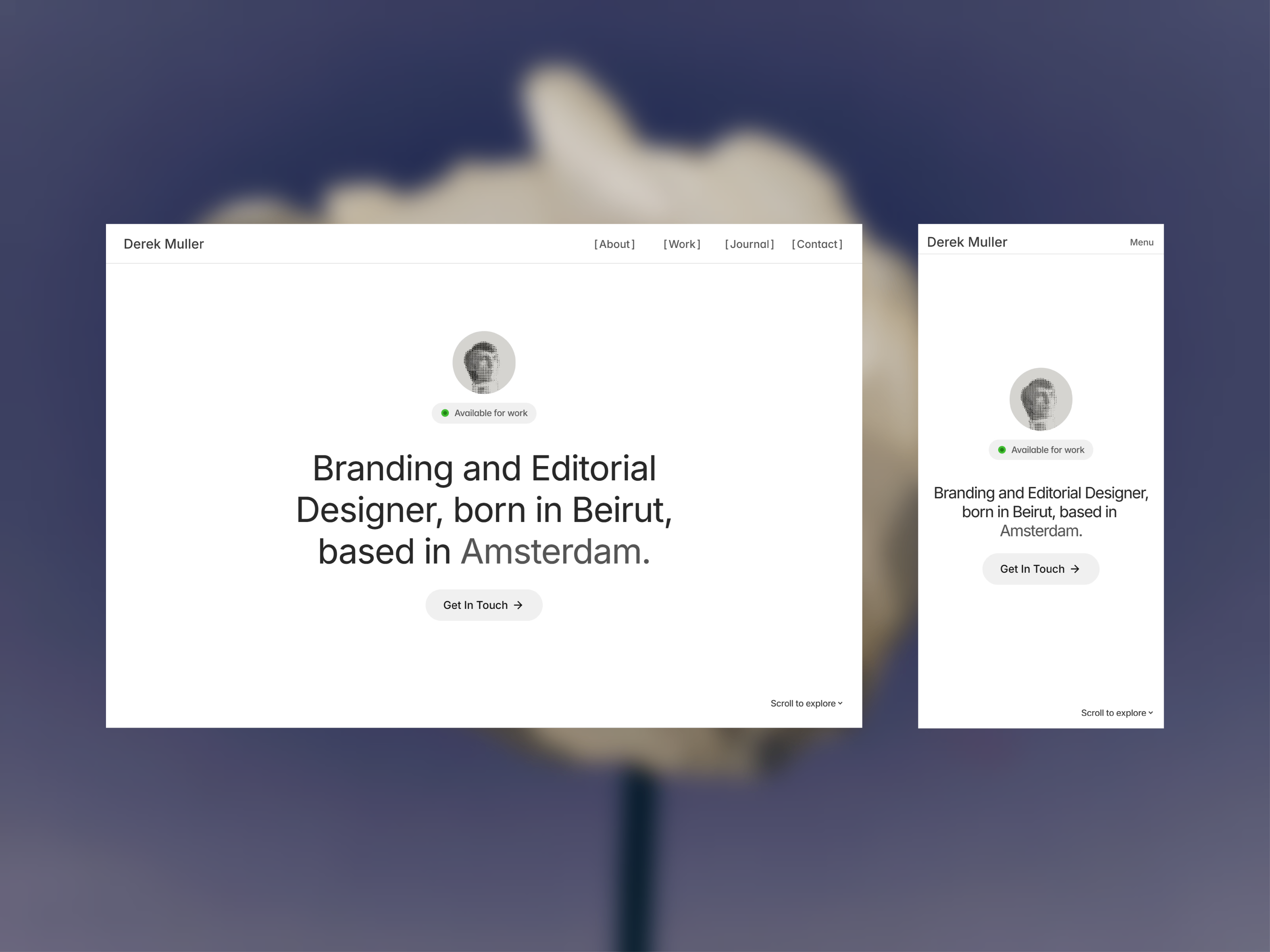
Live Preview
← All Templates
Portfolio
Builder - Coastal — Free Portfolio Template for Framer
Builder - Coastal is a free 7-page portfolio Framer template for personal sites with Work, Experience, and Contact routes. Skip it if you need CMS case studies and blog singles.
freeframerremixportfoliopersonalworkbuilder-coastal
Builder - Coastal is a free seven-page portfolio template for Framer shaped like a personal site, not a studio megamap. Home introduces you, Work holds project highlights, Experience reads like a résumé timeline, and Contact, Privacy, and 404 round out a credible small sitemap with no CMS collections. Skip it if clients expect CMS case-study URLs and repeating blog posts you will not maintain as static duplicates. Formix Co ships CMS work and blog singles when that depth matters. More free Framer templates sit on the hub, or open the portfolio shortlist.
Who should remix Builder - Coastal?
Picture a coastal architect or design-build lead who freelances between firm roles and needs a site that feels personal: a hero that says who you are, a Work page recruiters can skim, and an Experience page that lists employers and licenses without cramming everything into one scroll. Builder - Coastal fits when the brief is credibility for hiring managers and referral partners, not a fifteen-page agency pitch with pricing tables and careers funnels.
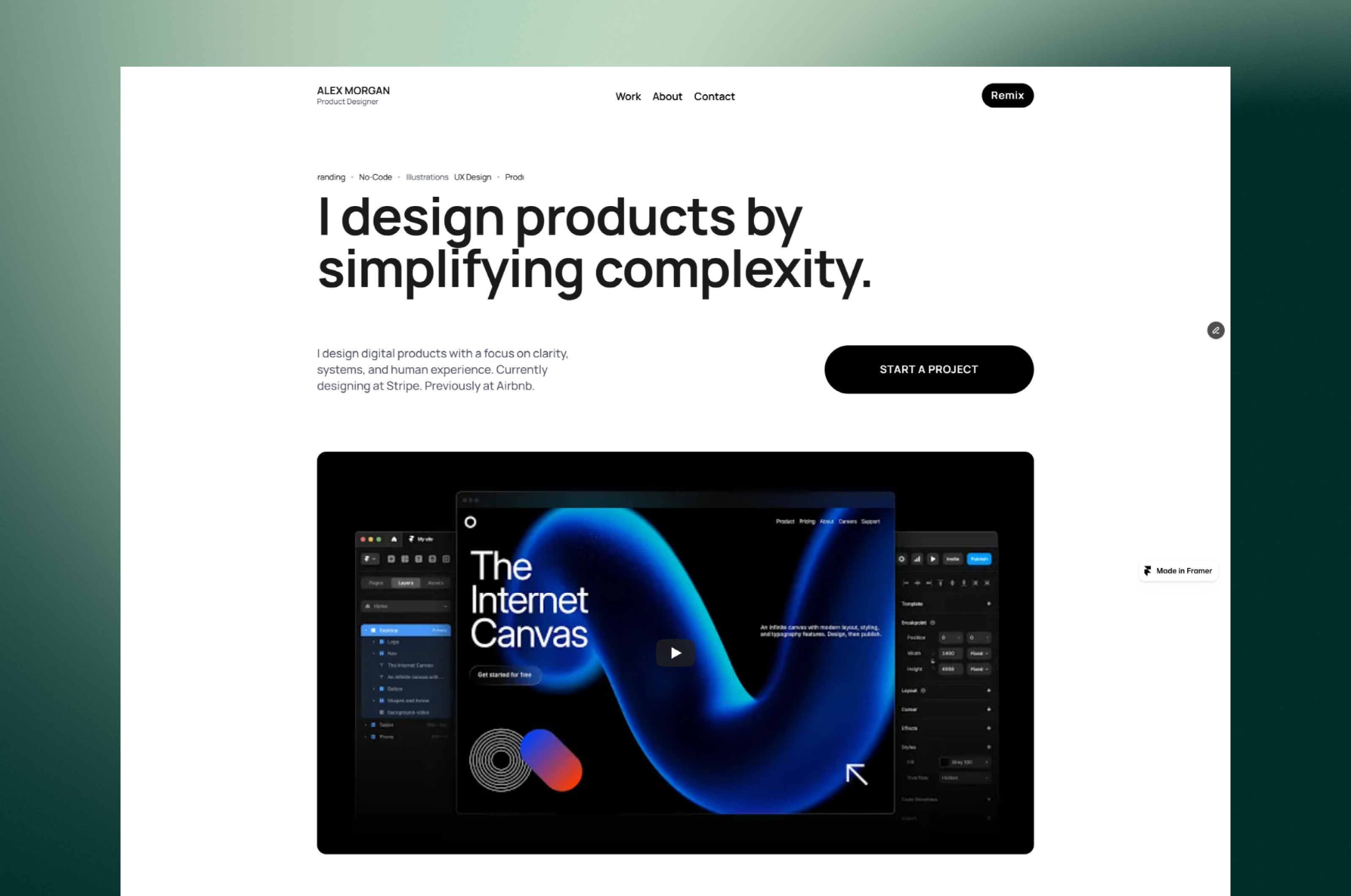
Walk away if you run a multi-person studio that publishes case studies every month and needs CMS detail templates for each project. Walk away too if you only want a one-page creative reel and will never click Experience or Privacy. For a tighter four-route portfolio, Alex Morgan on yoframer drops Experience and standalone Contact, though Builder - Coastal is the better match when résumé depth and policy text belong on named URLs.
What Builder - Coastal looks like
The demo preview leans coastal and construction-adjacent in photography, but the layout works for any personal portfolio that sells on built work and career story. Type stays readable, sections breathe, and Work grids expect wide project shots rather than app UI in phone bezels. It reads more like a trustworthy trades or design portfolio than a dark SaaS landing page, which helps when your proof is physical sites, interiors, or brand systems.
Motion tends toward modest hovers and section reveals so project photography stays the focus. The honest fight is static duplication. Without CMS, every new case study means copying a Work frame or rebuilding sections by hand. If your pipeline adds monthly projects, budget remix time or move to a CMS portfolio file. Demo copy may still reference a region or firm name until you replace every headline with your own market and role.
Pages included in Builder - Coastal
Seven static routes, named as Framer lists them:
- Home: personal positioning, featured work teasers, and primary links into Work, Experience, and Contact
- Work: project grid or case highlights where visitors evaluate craft and outcomes
- Experience: employment history, education, certifications, or timeline blocks that read like a CV page
- About: longer bio, values, or studio story when Home should stay short
- Contact: inquiry form, email, or map block for hiring and project leads
- Privacy: policy text partners and forms often expect on its own URL
- 404: friendly dead-end recovery when shared links rot
That split between Work and Experience is the reason to pick this file over a single-scroll reel. Recruiters can bookmark Experience without scrolling past every hero animation on Home.
What is distinctive about Builder - Coastal
- Work plus Experience pair. Separate routes for portfolio proof and résumé-style history, uncommon on free personal files that merge both into Home.
- Seven-page personal footprint. Contact and Privacy are named routes, not footer-only afterthoughts.
- Portfolio-first imagery. Layout expects built-environment or project photography more than abstract SaaS gradients.
- Static sitemap without CMS overhead. Fine for a personal brand you update a few times a year, not a content program.
- 404 included. Shared PDFs and old campaign links get a recovery page instead of a blank publish error.
Responsive layouts and Framer forms are platform defaults, not a reason to choose Builder - Coastal over another portfolio remix.
When to remix Builder - Coastal, and when to skip
Remix Builder - Coastal when you want a personal portfolio with Work and Experience pages, you are fine editing projects as static frames, and you need Contact and Privacy live for forms and referrals. The marketplace lists seven routes with no CMS, which keeps remix scope honest for solo practitioners.
Skip it when you need CMS project singles, blog posts, or pricing pages for a growing studio. Formix Co is the yoframer path for CMS work detail and agency depth. Still comparing portfolio shapes? Return to the portfolio shortlist or browse free Framer templates on the hub.
Frequently Asked Questions
Quick answers about Builder - Coastal, including pricing, CMS support, responsiveness, and who it is built for.
-
What kind of website is Builder - Coastal best for?
- Builder - Coastal is for Designers, builders, and consultants who want a personal portfolio with separate Work and Experience pages plus Contact and Privacy without CMS. It includes 7 pages: Home, Work, Experience, About, Contact, Privacy, 404.
-
Is Builder - Coastal free or paid?
- Builder - Coastal is a free Framer template. The listed price on yoframer is free.
-
Does Builder - Coastal support CMS and responsive design?
- Builder - Coastal does not include CMS support. It is fully responsive.
-
When should I skip Builder - Coastal?
- You need CMS project singles and a blog you update weekly. Alex Morgan on yoframer is leaner, but Formix Co is the honest pick when you need CMS work detail. Start with Formix Co .
Featured in our Portfolio roundup
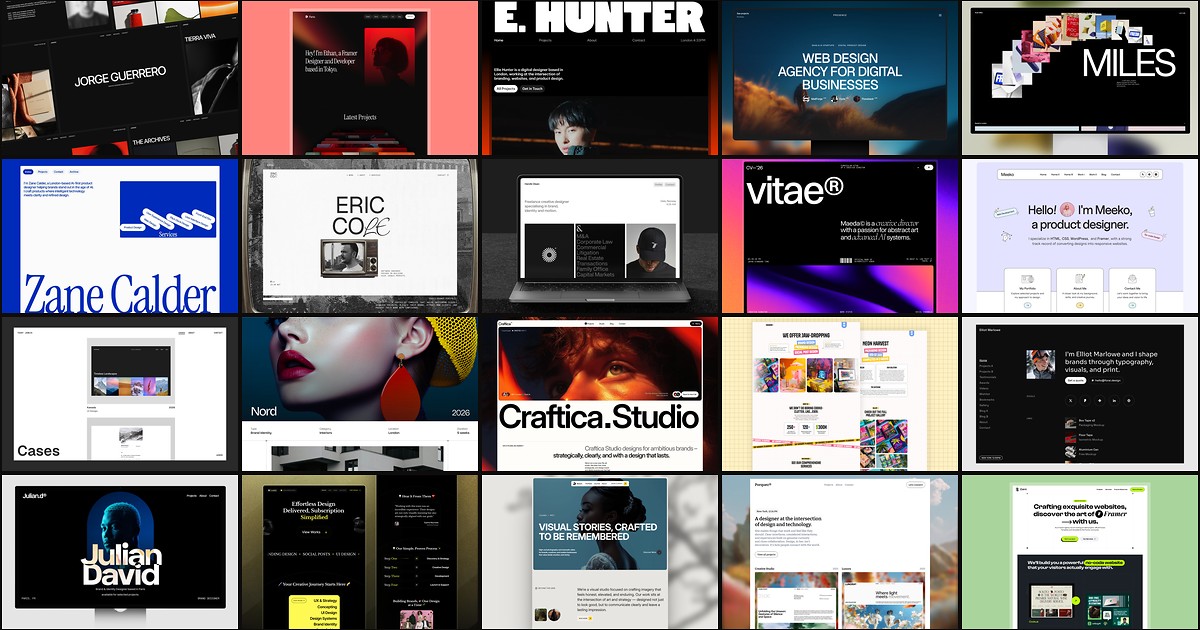
20 Best Portfolio Framer Templates in 2026 (Ranked)
A portfolio site should show work first and make contact inevitable. These 20 Framer templates cover minimal one-pagers to full CMS studios.