 Live Preview
← All Templates
Portfolio
Buildlog — Free Portfolio Template for Framer
Buildlog is a free 8-page portfolio Framer template for makers who publish Work, Writing, Stack, and Notes on static routes. Skip it if you need CMS case studies.
freeframerremixportfoliocreativebuildlog
Buildlog is a free eight-page portfolio template for Framer from an unknown marketplace author, built for makers who treat a site like a public shipping log: Work, Project detail, Writing, Note entries, Stack tools, About, and Contact and 404 on static routes. There is no CMS in the listing, so each new project or essay means duplicating frames until you wire collections yourself. Skip it if you need CMS case studies with repeatable fields. JORGE covers that job. More free Framer templates sit on the hub, or open the portfolio shortlist.
Who should remix Buildlog?
Buildlog fits indie hackers, designer-developers, and product builders who publish work, short notes, and toolchain lists alongside client pieces. Freelancers who explain how they ship will use Writing and Note for essays and updates while Work and Project hold case-style breakdowns. Teams pitching a personal brand remix Buildlog because Stack answers the question every hiring manager asks: what tools do you actually use?
Walk away if case studies must scale through CMS entries and you refuse to duplicate Project frames. JORGE is the yoframer swap for CMS Works flows. Walk away if you only need one scroll and no writing routes. Ferio stays on a single Home page for that lighter job.
What Buildlog looks like
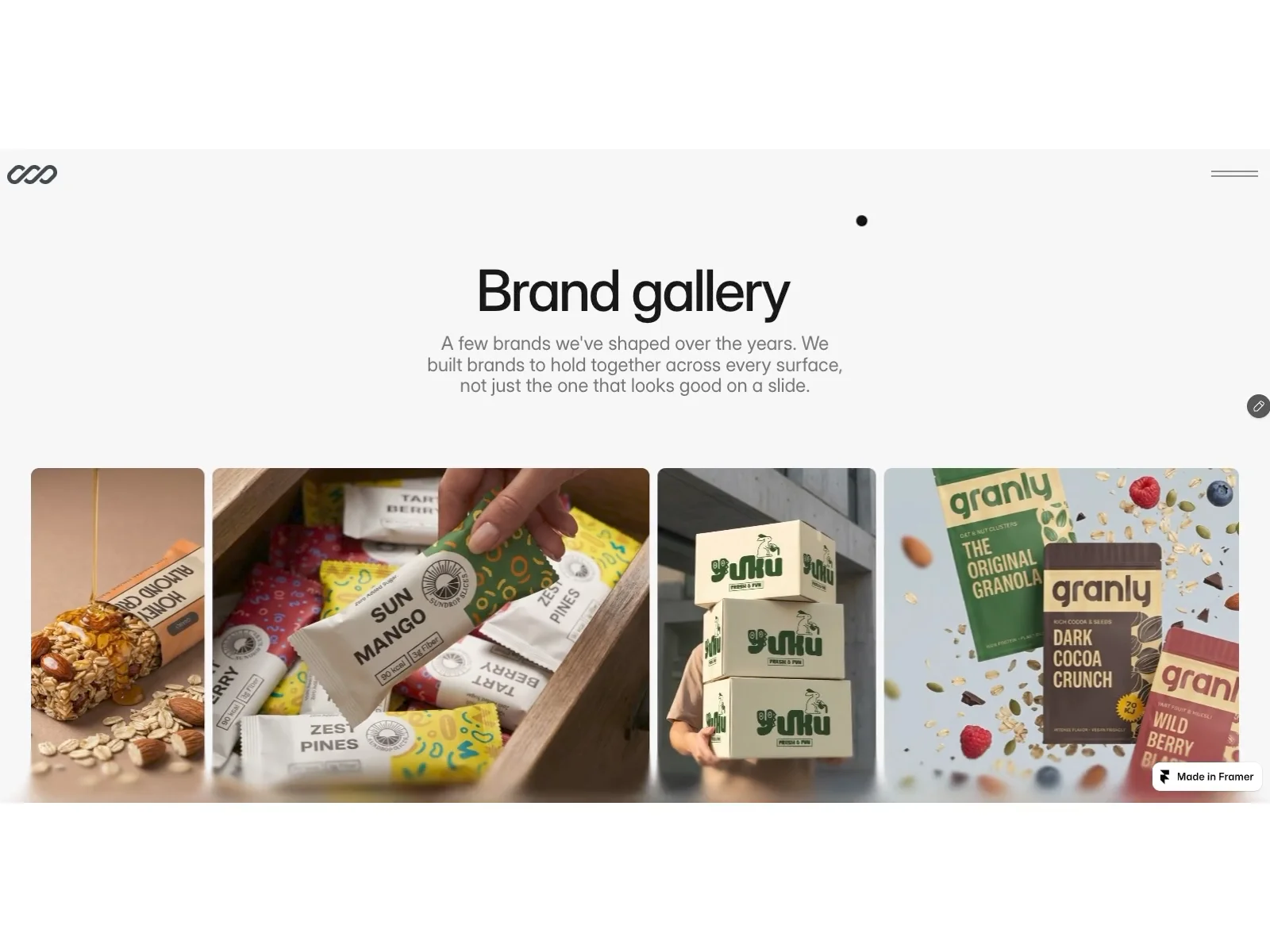
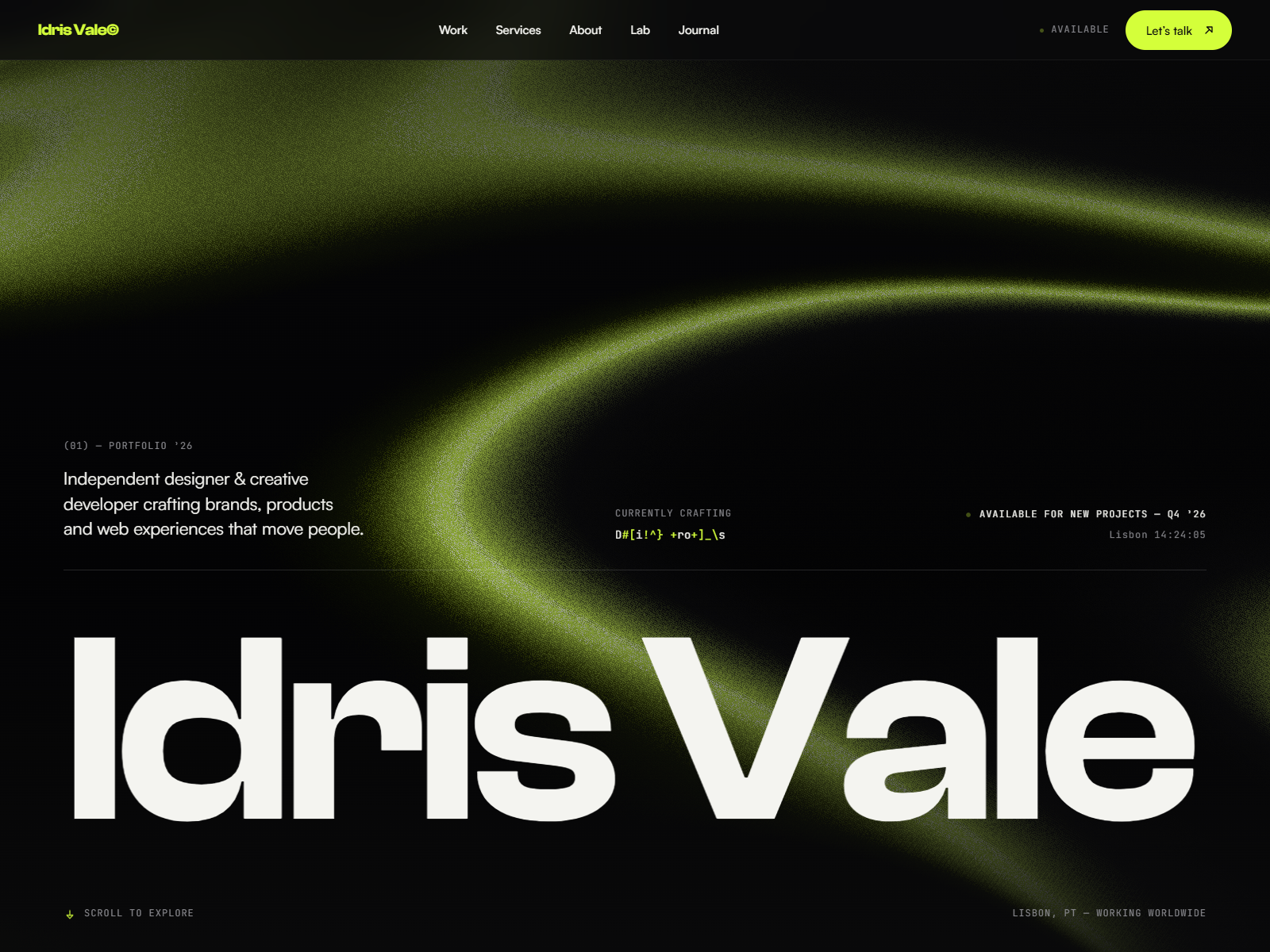
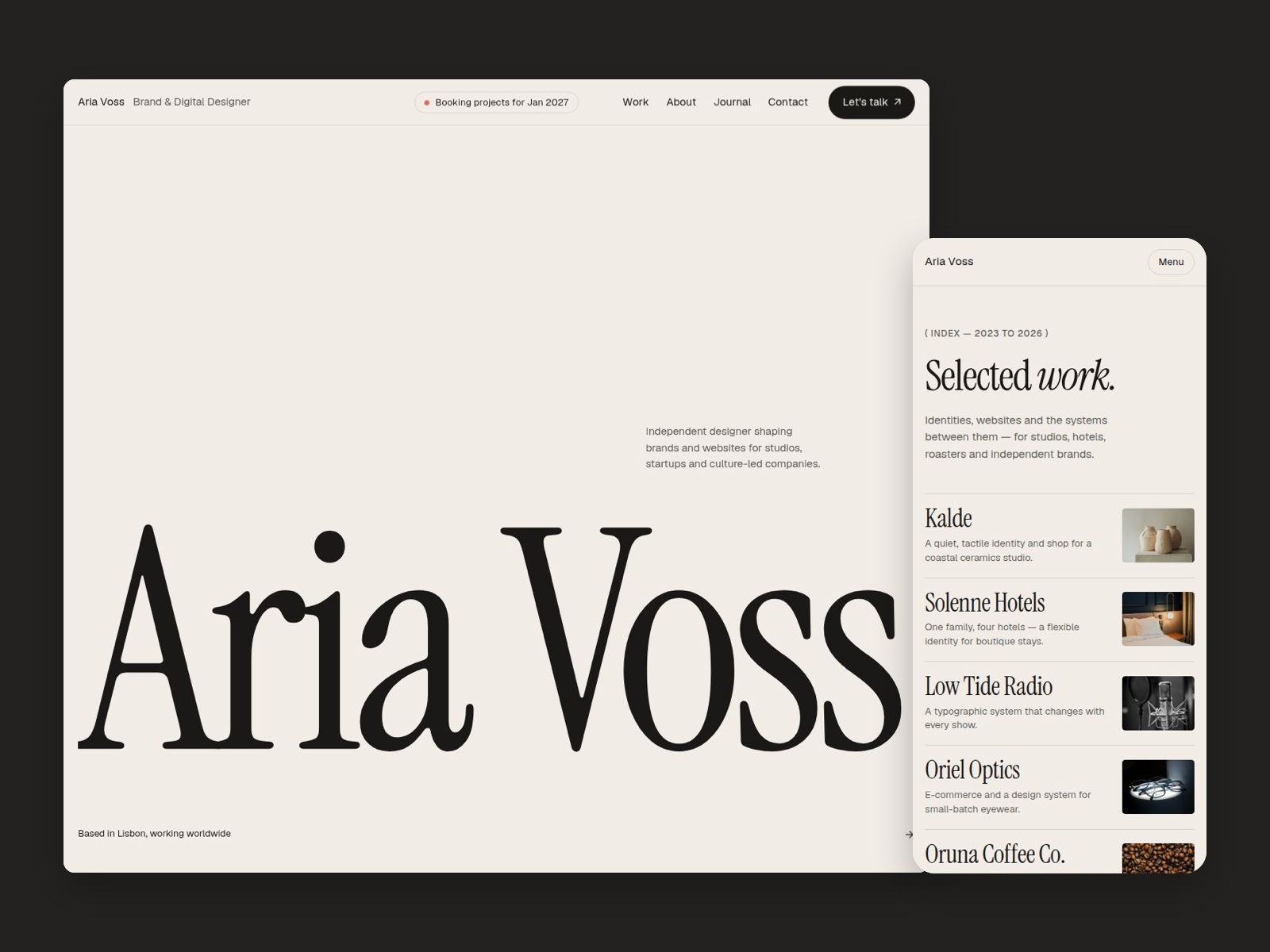
The preview reads maker-portfolio: monospace accents in Stack, calmer sans for body copy, and Work layouts that expect screenshots, repo links, and short outcome blurbs rather than full agency case studies. Writing and Note pages use editorial spacing so changelog-style posts feel distinct from polished Project pages. About stays minimal so the site feels like a lab notebook with a contact footer.
Motion highlights section entrances without hiding navigation during long Writing reads on mobile. The honest fight is duplication. Static Project and Note pages multiply when you ship weekly, because Buildlog does not ship collection forms out of the box.
Pages included in Buildlog
Eight pages, named as Framer lists them:
- Home: intro, recent work highlights, and links into Work, Writing, and Stack
- Work: index of builds, client pieces, or products you want in the main grid
- Project: detail layout for one build with screenshots, outcomes, and links
- Writing: index of longer essays, launch posts, or process articles
- Note: shorter updates or changelog-style entries separate from full Writing pieces
- About: bio, photo, and context for collaborators or hiring managers
- Stack: tools, services, and hardware you use, formatted for quick scanning
- Contact and 404: combined inquiry path and dead-end recovery on one route label as Framer lists it
Work plus Project and Writing plus Note pairs are why Buildlog beats a generic creative portfolio when you publish often.
What is distinctive about Buildlog
- Stack page. Dedicated toolchain route, uncommon on free portfolios that stop at About and Contact.
- Writing plus Note split. Longer essays versus short updates without forcing both into one blog grid.
- Maker-oriented Work grid. Expects shipping logs and product screenshots, not only agency client logos.
- Contact and 404 combined label. Matches the marketplace spelling exactly, one route carrying inquiry and error recovery.
- Eight static pages, no CMS. Fast remix for personal brands; you add collections when duplication hurts.
Platform SEO, analytics, and responsive tooling come with Framer. They are not differentiators specific to Buildlog.
When to remix Buildlog, and when to skip
Remix Buildlog when you want a public build log with work, writing, stack, and note routes today and you accept static duplication until CMS is worth it. It matches how many makers already publish online.
Skip it when case studies must publish through collections. That is JORGE. Skip it when you want one scroll only. That is Ferio. Compare files on the portfolio shortlist or return to free Framer templates on the hub.
Frequently Asked Questions
Quick answers about Buildlog, including pricing, CMS support, responsiveness, and who it is built for.
-
What kind of website is Buildlog best for?
- Buildlog is for Indie makers and developer-designers who want Work, Writing, Stack, and Note routes for shipping logs without CMS collections. It includes 8 pages: Home, Work, Project, Writing, Note, About, Stack, Contact and 404.
-
Is Buildlog free or paid?
- Buildlog is a free Framer template. The listed price on yoframer is free.
-
Does Buildlog support CMS and responsive design?
- Buildlog does not include CMS support. It is fully responsive.
-
When should I skip Buildlog?
- You need CMS case studies with repeatable project fields. JORGE binds Works and Work Page to collections instead of duplicated frames. Start with JORGE .
Featured in our Portfolio roundup
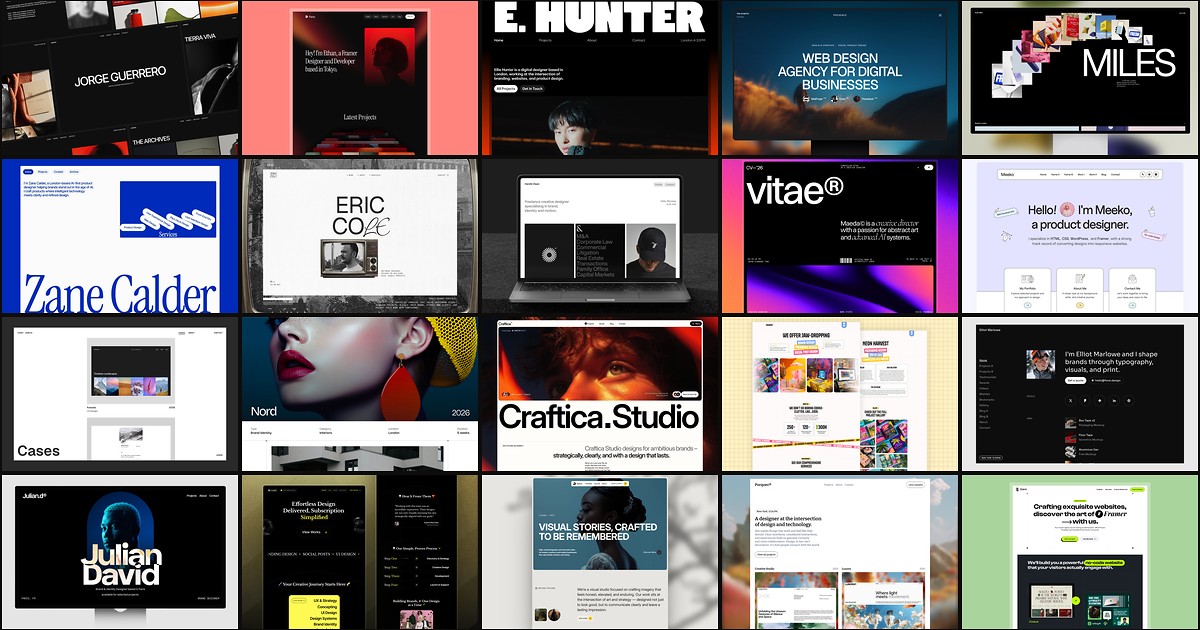
20 Best Portfolio Framer Templates in 2026 (Ranked)
A portfolio site should show work first and make contact inevitable. These 20 Framer templates cover minimal one-pagers to full CMS studios.