 Live Preview
← All Templates

Ecommerce
Catalogfront — Free Ecommerce Template for Framer
Catalogfront is a free 9-page ecommerce Framer template with Shop, FAQ, and Wire Up Shopify routes on a static map. Skip it if you need CMS catalogs without Shopify.
freeframerecommerceshopifycatalogfront
Catalogfront is a free nine-page ecommerce template for Framer built for brands that merchandise in Framer and checkout through Shopify. Home, Shop, Collections, About, Journal, Contact, Faq, Shipping Returns, and Wire Up Shopify are all named routes with no CMS flag in the listing. Skip it if you want a self-contained product catalog with no Shopify dependency. Horven is the smaller static shop alternative on yoframer. More free Framer templates sit on the hub, or open the ecommerce shortlist.
Who should remix Catalogfront?
Catalogfront fits direct-to-consumer labels, lifestyle goods, and small merchandising teams that already plan to connect Shopify for cart and inventory while keeping brand story and editorial pages in Framer. Shop and Collections give you merchandising layouts; Journal holds lookbooks or brand essays; Faq and Shipping Returns answer support questions before tickets land in Zendesk. Founders launching on Shopify Basic often remix this to avoid rebuilding policy pages from scratch.
Walk away if you will not use Shopify and need native Framer CMS for every SKU. Horven covers a tighter static shop map without a Wire Up Shopify route. Skip Catalogfront when you sell digital downloads only with a handful of products. Creator Store targets that motion with checkout-oriented routes on yoframer.
What Catalogfront looks like
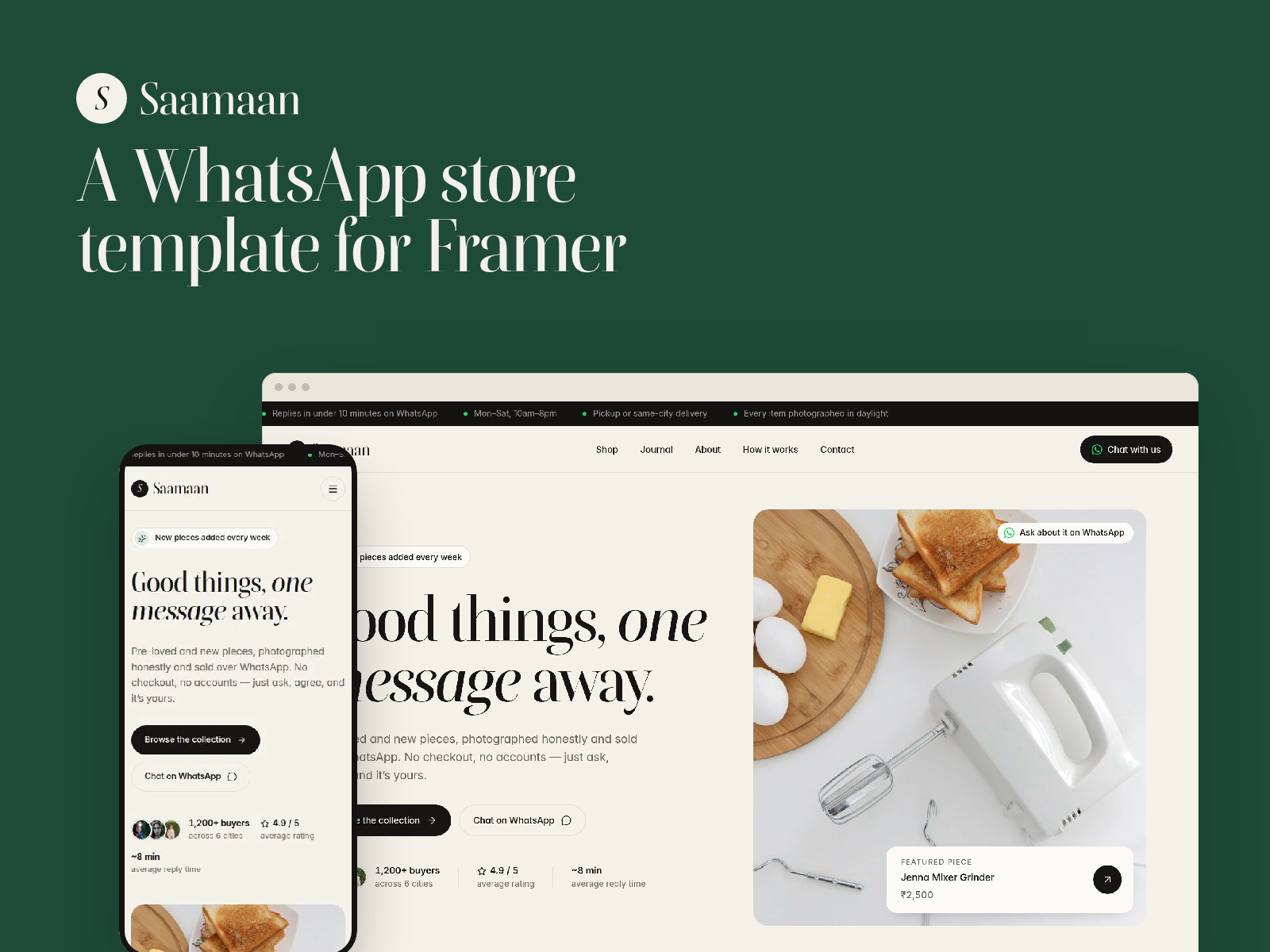
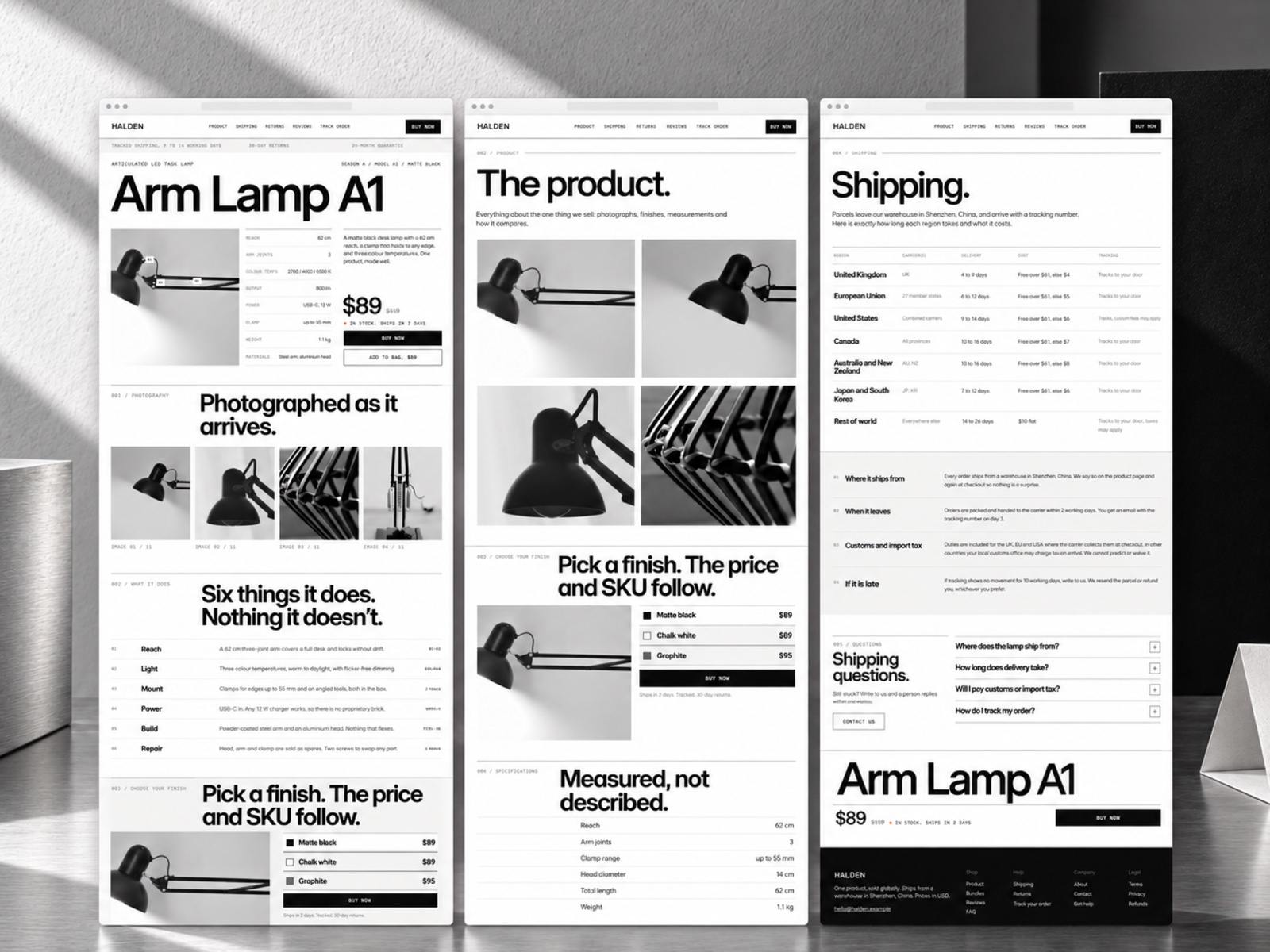
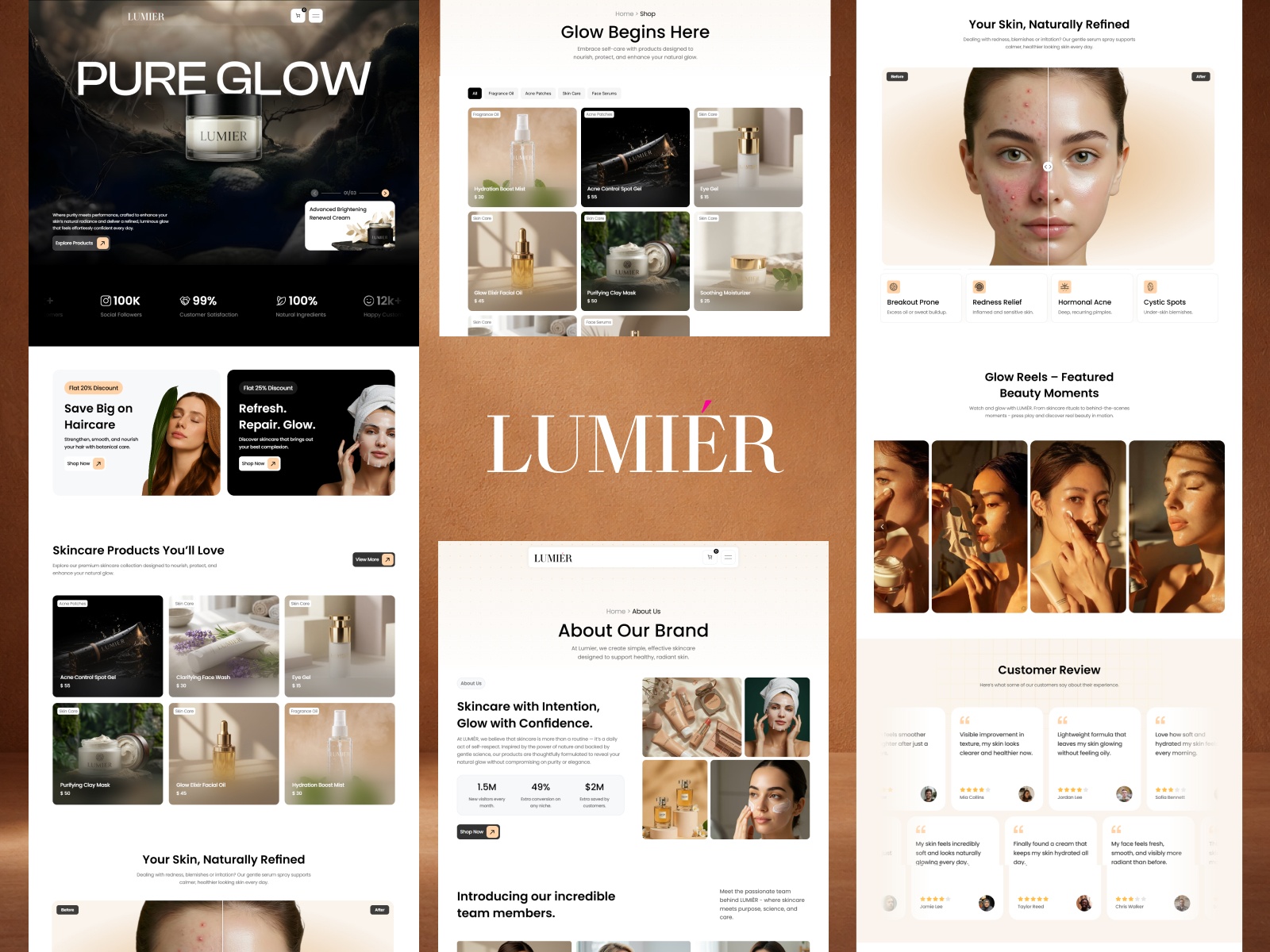
The polite-turnip preview reads clean DTC retail: product photography grids, collection tiles, and editorial Journal spacing that feels closer to a fashion or home goods lookbook than a marketplace dump. Typography stays readable for prices and sizes on mobile, which matters when Instagram traffic lands on Shop first. About and Contact follow familiar ecommerce patterns so trust signals sit beside merchandising.
Motion is retail-standard: image hovers and gentle section entrances, not scroll gimmicks that fight product scanning. The fight is integration complexity. Wire Up Shopify is a named page because checkout still depends on correct store connection; brands that want fully native Framer commerce without Shopify should not start here.
Pages included in Catalogfront
Nine pages, named as Framer lists them:
- Home: brand hero, featured collections, and primary shop CTAs
- Shop: product grid or catalog browse layout wired toward Shopify inventory after setup
- Collections: curated grouping pages for seasons, categories, or capsules
- About: brand story, materials, or founder narrative for trust
- Journal: editorial index for campaigns, styling posts, or launch notes
- Contact: customer service, wholesale, or press inquiries
- Faq: common pre-purchase questions to reduce support load
- Shipping Returns: policy scaffold for delivery timelines and return rules
- Wire Up Shopify: integration guidance page for connecting the Framer storefront to Shopify checkout
Spell Faq exactly as listed. Replace policy placeholders with store-accurate shipping and return rules before you go live.
What is distinctive about Catalogfront
- Wire Up Shopify as a named route. Documents the handoff between Framer marketing and Shopify cart without hiding setup in a Notion doc.
- Shipping Returns plus Faq together. Policy and support content many free shop templates omit or bury in footers only.
- Journal for brand editorial. Separates storytelling from Shop grids so campaigns do not clutter product browse.
- Collections route. Supports merchandising stories beyond a single endless Shop page.
- Nine-page retail map on a free remix. Covers policies and contact without jumping to a paid theme.
Framer SEO, analytics, and responsive layouts are platform tooling, not Catalogfront-specific selling points.
When to remix Catalogfront, and when to skip
Remix Catalogfront when you are committing to Shopify checkout, you want shop and policy pages in one Framer file, and you will invest in photography and copy per collection. The file assumes DTC merchandising, not B2B quoting.
Skip it when products live only in Framer CMS with no Shopify plan. Choose Horven or another pick from the ecommerce shortlist. Browse free Framer templates on the hub when you are still deciding channel mix.
Frequently Asked Questions
Quick answers about Catalogfront, including pricing, CMS support, responsiveness, and who it is built for.
-
What kind of website is Catalogfront best for?
- Catalogfront targets ecommerce brands that sell through Shopify while keeping marketing pages in Framer. Shop, Collections, Journal, Faq, and Shipping Returns cover storefront storytelling; Wire Up Shopify documents the integration path.
-
Is Catalogfront free to remix?
- Yes. Catalogfront is a free Framer template. Remix at no charge and connect your Shopify store per Framer docs. Custom domains follow Framer hosting plans. The yoframer listing does not charge for the file.
-
Does Catalogfront include a CMS?
- The marketplace list does not mark CMS collections. Product grids are static frames or Shopify-driven after you wire the store. For a five-page static shop without Shopify emphasis, compare Horven .
-
When should I skip Catalogfront?
- Skip Catalogfront when you will not use Shopify and need a CMS catalog only in Framer. Horven is lighter for small shops. Browse free ecommerce templates on the roundup for more picks.
Featured in our Ecommerce roundup
20 Best Free Ecommerce Framer Templates in 2026
Online shoppers abandon stores that bury product proof, hide shipping details, or force checkout through confusing navigation. These 20 free Framer ecommerce templates ship the shop routes, CMS collections, and conversion sections indie brands need without a custom build.