 Live Preview
Levitas — Free Portfolio Template for Framer
by Unknown
Cedar is a free 5-page portfolio Framer template for creative studios selling static case studies. Skip it if you need CMS project pages or a blog.
Cedar is a free five-page portfolio template for Framer with no CMS: Home, Work, Project detail, About, and Contact. Remix it when you want a calm studio site where each case study is its own frame, not a collection you maintain every week. Skip it if you expect to publish new projects often from the CMS panel. JORGE covers CMS case studies and Archives. More free Framer templates sit on the hub, or start with the portfolio shortlist.
Cedar fits a boutique branding or web studio that already has three to six hero projects and wants a credible sitemap without agency furniture. The Work grid plus Project detail pair mirrors how creative directors pitch: index first, then a long scroll for one engagement. Freelancers replacing a Behance link with something on their own domain will get mileage from the About and Contact routes without learning collections.
Walk away if your pipeline depends on dropping new case studies every month from CMS fields. Static Project detail pages mean duplicate and edit, which gets old fast at volume. Teams that need Services, pricing, or hiring pages should pick a deeper agency file. If you only want one long homepage, Ferio is leaner than maintaining five routes.
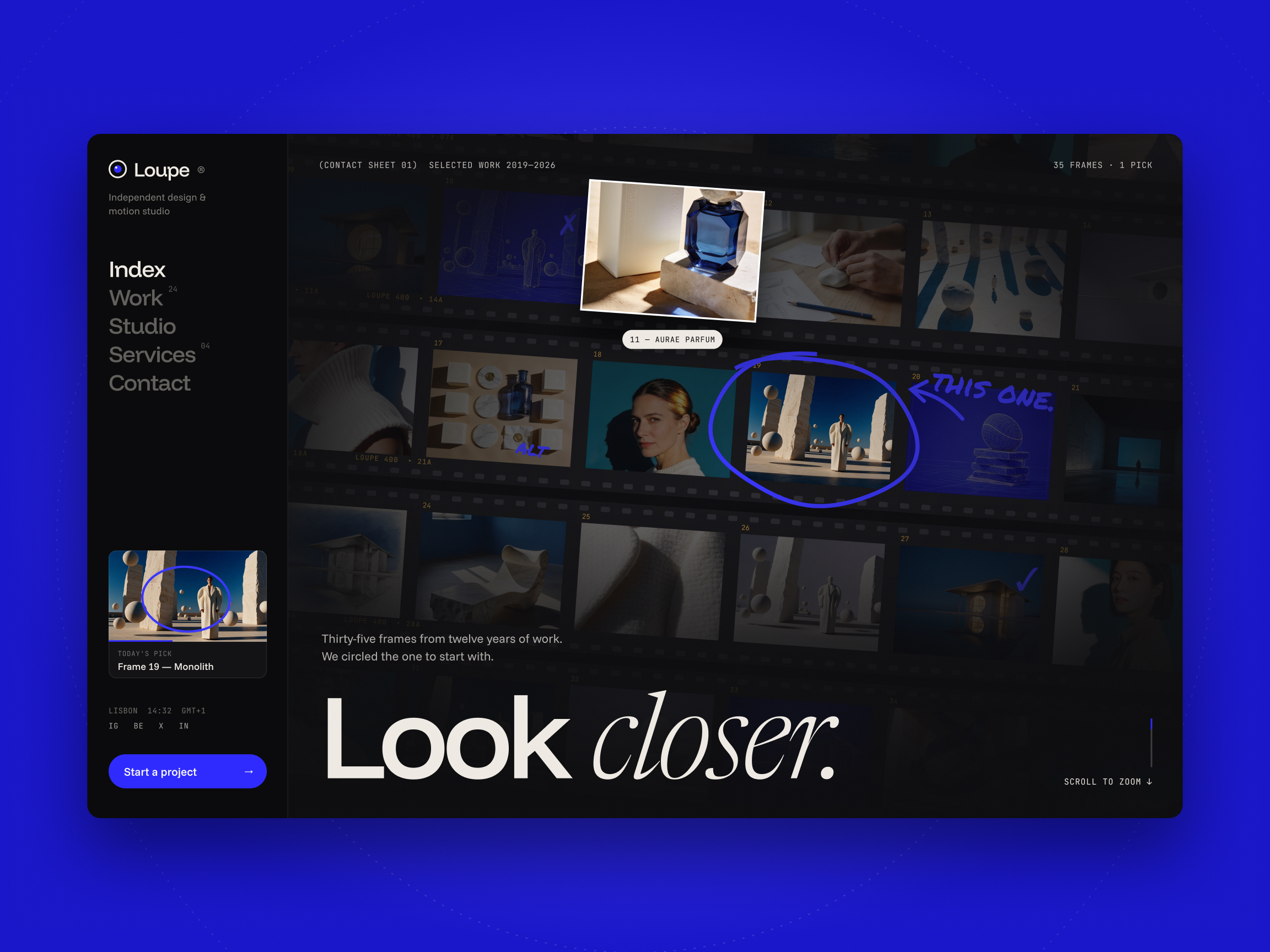
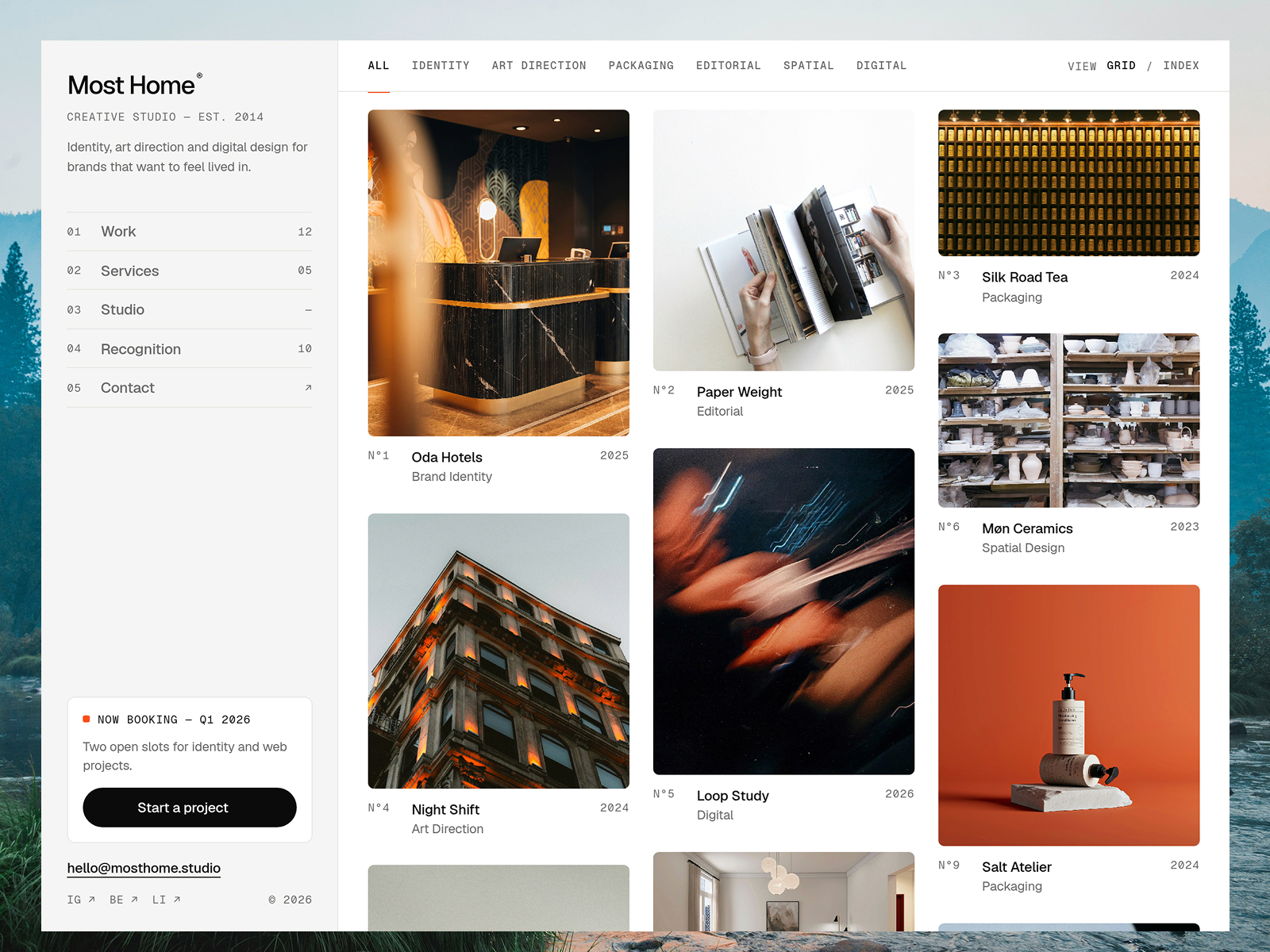
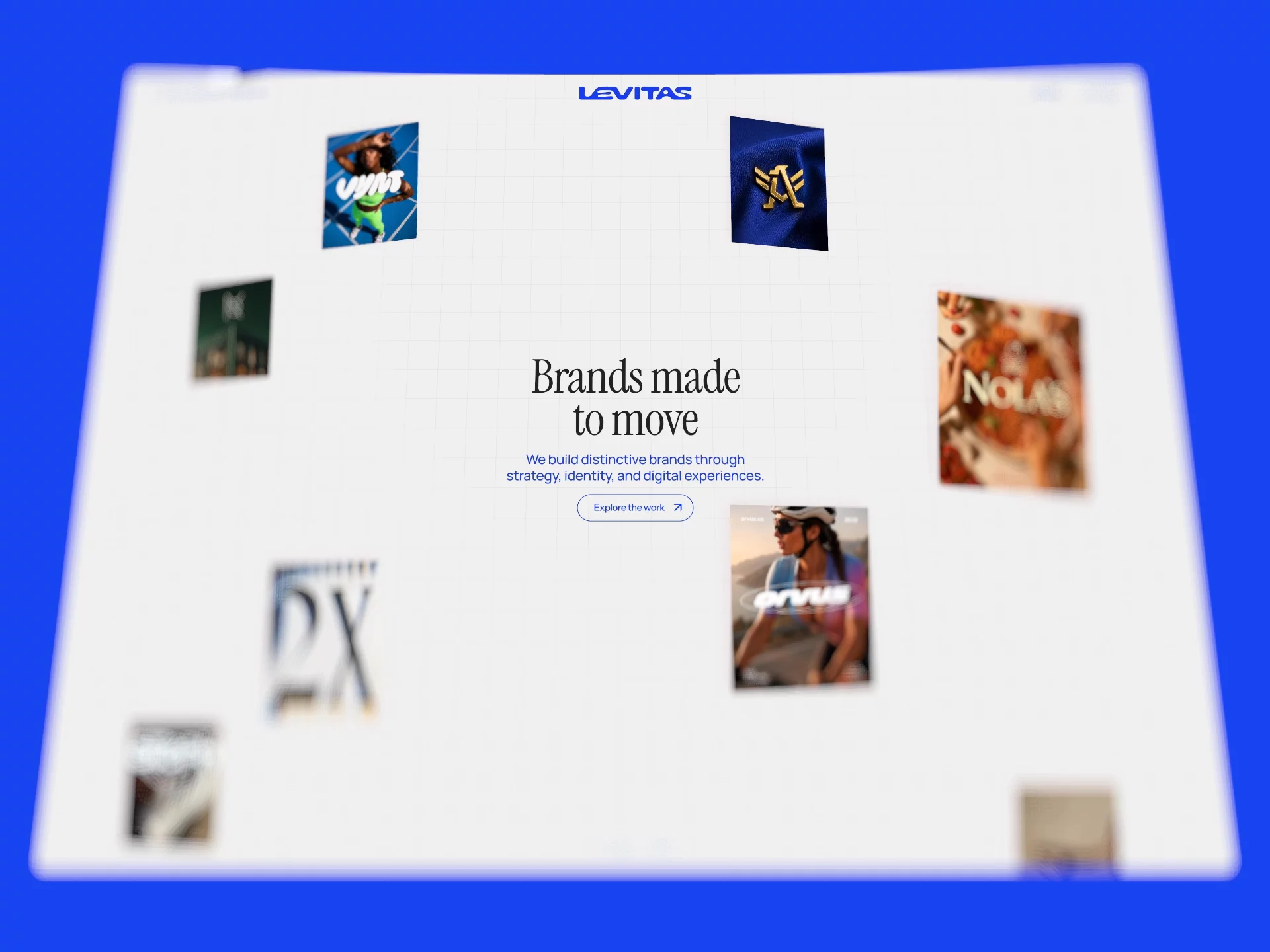
The preview leans warm and studio-like: soft neutrals, serif accents on headings, and photography-forward blocks that feel closer to a design practice site than a dark dev portfolio. Whitespace carries the hierarchy, so client logos and project stills read clearly on a phone between meetings.
Motion stays restrained, mostly section fades and hover states on the Work grid. That helps trust on creative work where the images should dominate. The honest fight is flexibility. A loud, neon, or strictly monospace brand will spend time retuning type and color because the default mood is earthy and editorial.
Five pages, named as Framer lists them:
The Work plus Project detail split is the reason to remix Cedar. There is no blog, no CMS collection, and no 404 page in the marketplace list, so plan redirects if you run ads to mistyped URLs.
Framer SEO, analytics, and breakpoint tooling ship with the platform. They are not a reason to pick Cedar over another portfolio file.
Remix Cedar when you want a polished studio portfolio with separate project URLs and you are fine updating cases by duplicating frames. The sitemap matches how many small agencies actually sell: show work, tell one story deep, invite contact.
Skip it when CMS case studies are non-negotiable. That is JORGE. Skip it when you want a single scroll and no Work index. That is Ferio. Still comparing layouts? Return to the portfolio shortlist or browse free Framer templates on the hub.
Quick answers about Cedar, including pricing, CMS support, responsiveness, and who it is built for.
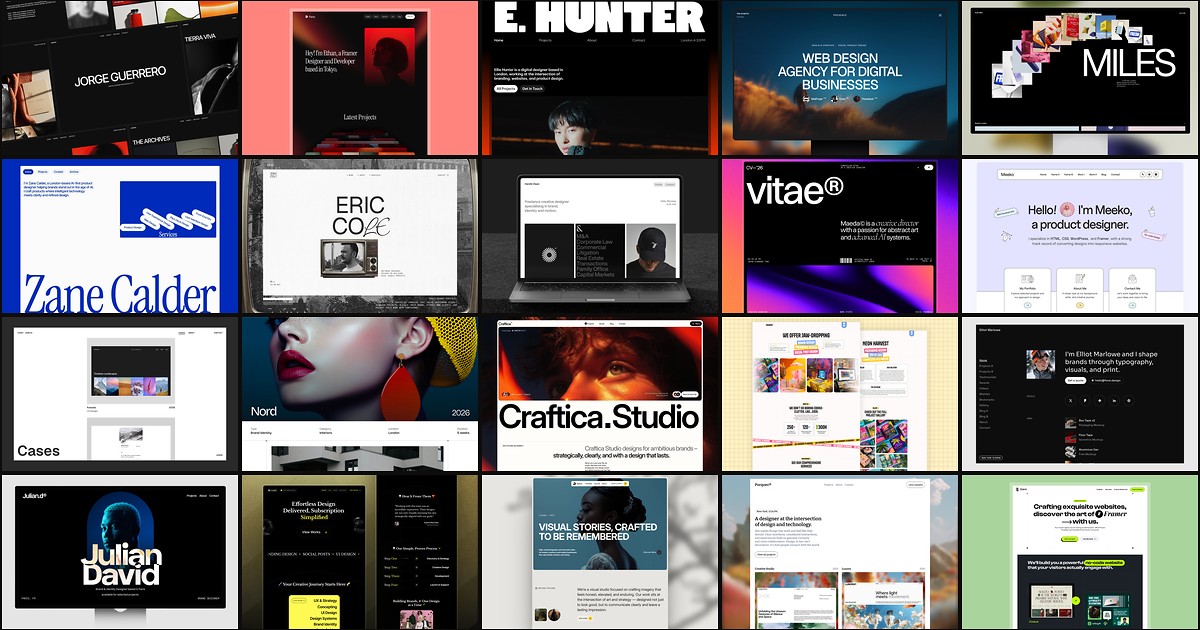
A portfolio site should show work first and make contact inevitable. These 20 Framer templates cover minimal one-pagers to full CMS studios.