 Live Preview
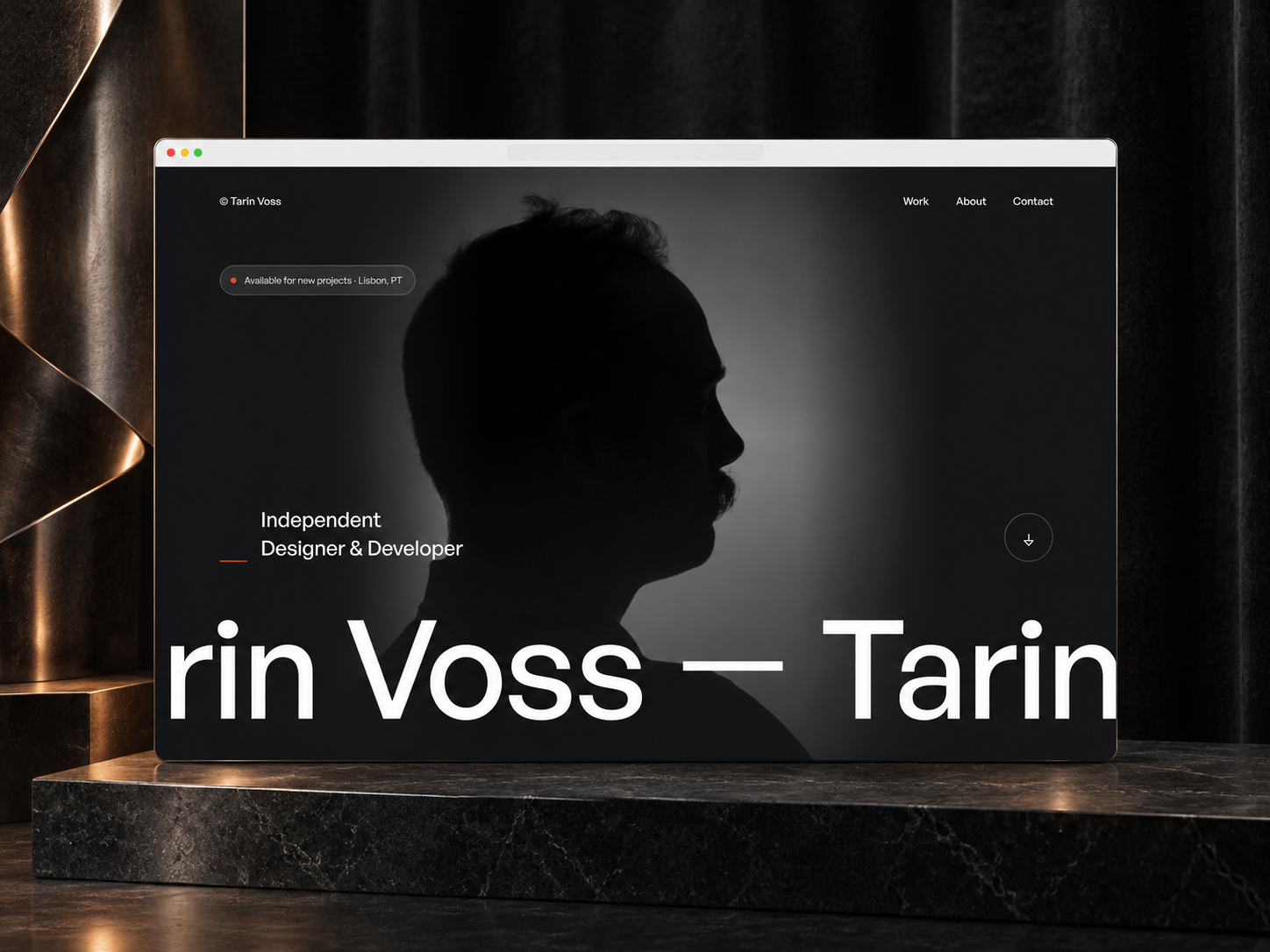
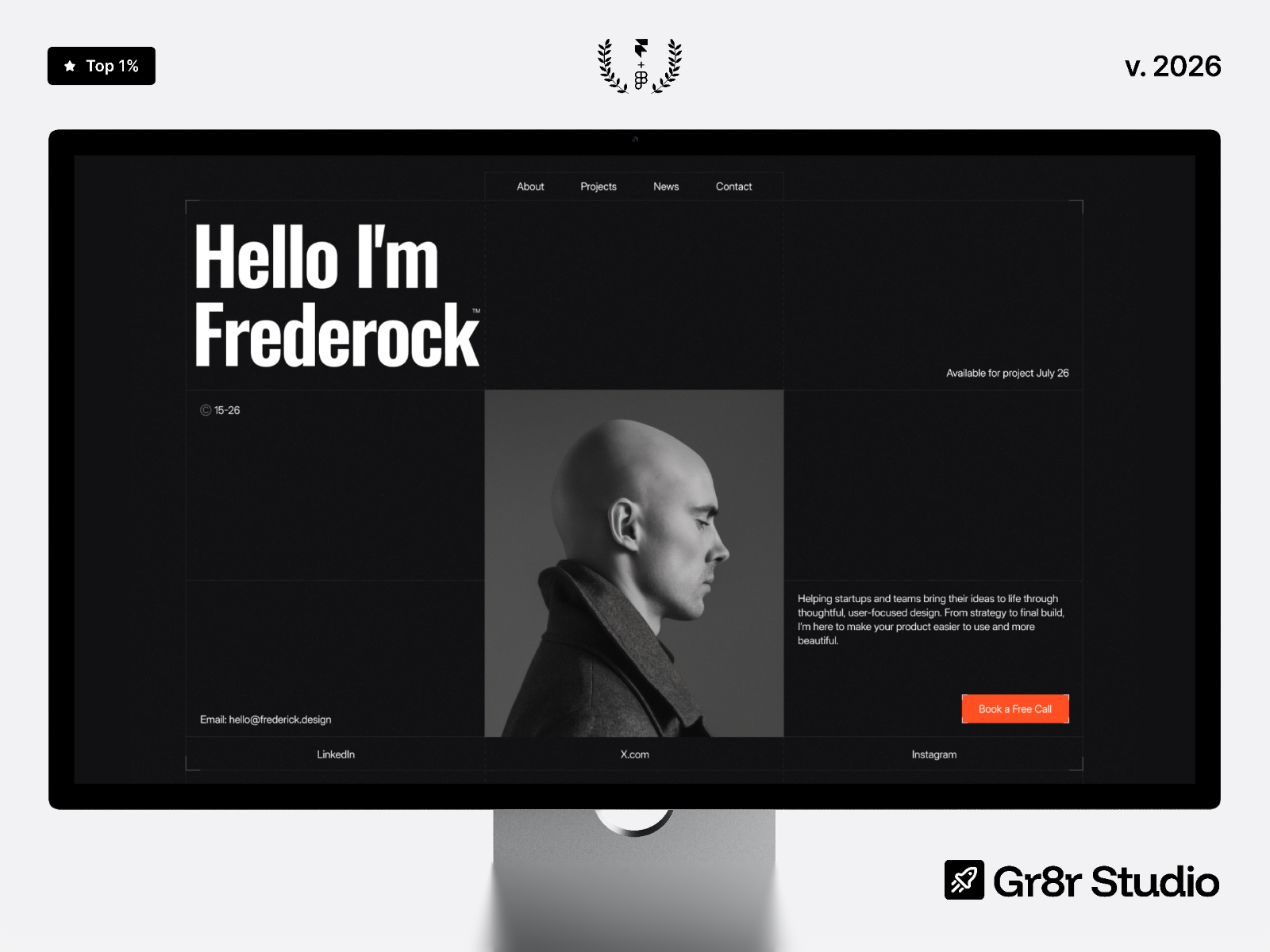
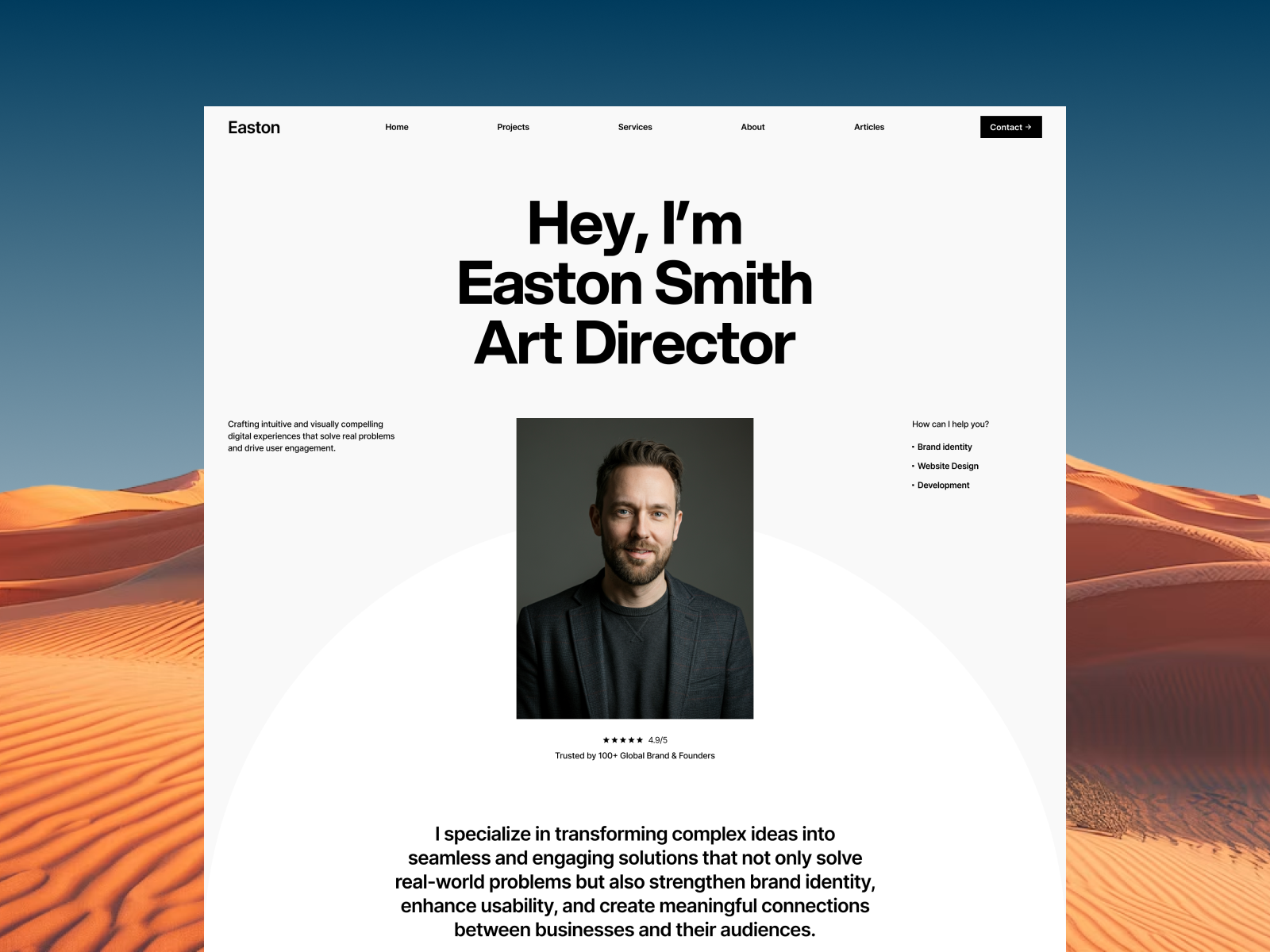
Easton — Free Portfolio Template for Framer by Quix Studio
by Quix Studio
Collins is a free Framer portfolio template for designers and creatives: project detail CMS, about, contact, and a home layout built to showcase work clearly.
Collins is a free Framer template from Akinbinu for designers, freelancers, and creatives who need a portfolio that feels intentional, not generic. It centers your work, adds CMS backed project detail, and still leaves room for personality on About and Contact.
Independent designers, illustrators, and hybrid product designers will recognize the structure: a strong home reel, a works index, then deep case pages. It is built for people who win work through craft and narrative, not keyword stuffing.
Studios can use it too, but the voice fits personal brands especially well. If you need a full agency blog and ten service pages, you may want to extend beyond the default map.
If you sell physical goods first, a commerce first template is smarter. Collins assumes digital creative output and inquiry.
When creative directors review portfolios, they skim thumbnails first, then open one case for depth. Collins supports that two step behavior with a works index and CMS detail pages that can carry process, constraints, and outcomes. If you collaborate with writers or strategists, you can credit roles per project without crowding the homepage.
The visual direction reads minimal and gallery forward: typography supports imagery, and layouts avoid fighting your screenshots. That discipline helps busy creative directors evaluate you quickly.
Motion, where present, tends to support scroll storytelling on case pages rather than global gimmicks. That is the right trade for portfolios where the asset is the work itself.
Portfolio sites often fail by hiding contact until the tenth scroll. Collins keeps the conversion path honest: after proof, you want a clear next step. You can still keep the tone soft and editorial if your brand is quiet; the layout does not force aggressive marketing language.
If you ship a new flagship project quarterly, CMS detail pages save hours compared to duplicating frames. You can standardize sections like problem, approach, outcome, and gallery while swapping media per client.
Six pages give you a complete personal site loop from discovery to message, including a styled dead end when links fail.
As you remix, treat navigation labels as part of your positioning: short, concrete words beat clever names when creative directors are scanning fast. If you add third party embeds for motion tests or prototypes, keep them lazy loaded so the first paint stays crisp. When you ship, audit every outbound link from your PDF portfolio and your social bios so they land on the right Work detail route, because broken deep links quietly cost inquiries. Finally, plan a quarterly refresh: swap one case, tighten About once, and confirm Contact routing still reaches the inbox you actually monitor.
CMS project detail means you ship new work without cloning frames blindly. Contact converts interest after proof. SEO helps name plus specialty discovery. Responsive behavior keeps mobile art directors happy.
Image performance still matters when every page is photography heavy, so export assets with intention and let Framer handle responsive variants. SEO fields help your name plus specialty appear in results. 404 keeps recruiter links from dying silently.
Collins is a solid free portfolio baseline with real CMS depth on cases. Akinbinu keeps the scope tight so you finish the site instead of drowning in unused sections.
Pick it if you trade on visual work and need polished project storytelling. Look elsewhere if your primary goal is a content only blog with no visual case layer.
Remix Collins by defining one repeatable case study outline in CMS first, then duplicate entries per project so quality stays even when you are tired. Keep About human: process beats buzzwords for creative hiring managers. If you add motion, favor scroll reveals that do not crop your work; the portfolio is the star.
Quick answers about Collins, including pricing, CMS support, responsiveness, and who it is built for.
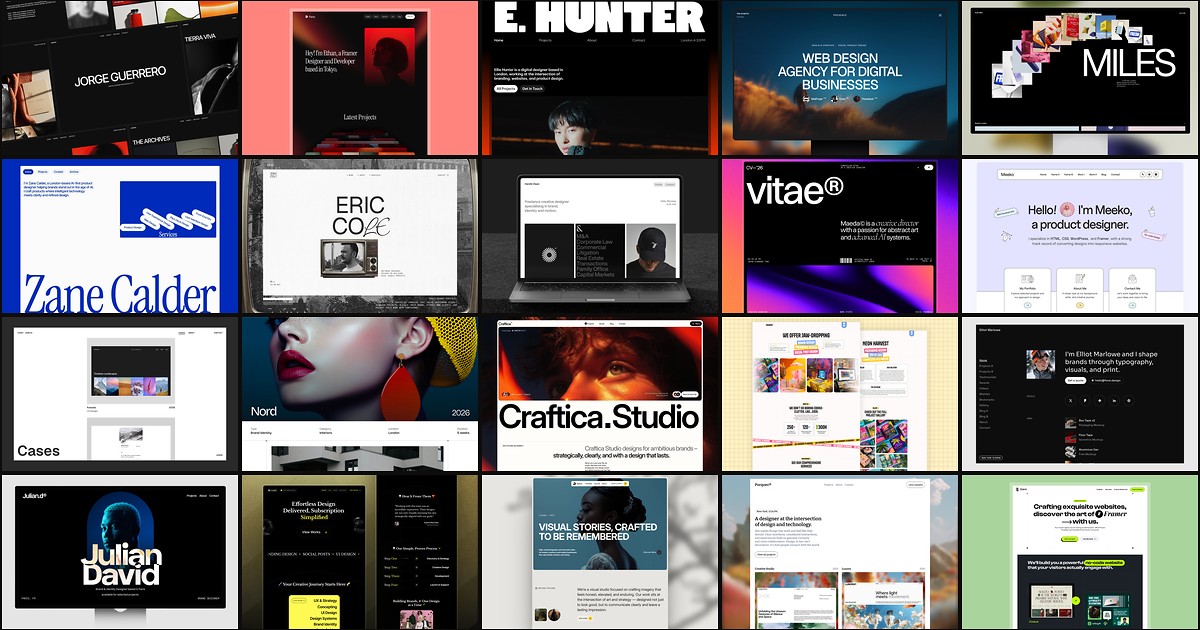
A portfolio site should show work first and make contact inevitable. These 20 Framer templates cover minimal one-pagers to full CMS studios.