 Live Preview
← All Templates
Portfolio
Doorfolio — Free Portfolio Template for Framer
Doorfolio is a free 13-page portfolio Framer template for multidisciplinary studios that frame each project as a door. Skip it if you need CMS case studies.
portfoliostudioarchitecturejournaleditorialfree
Doorfolio is a free 13-page portfolio Framer template built around the idea that every project starts at a door: Work, Project, Discipline, and All work routes give you more than a single grid. The demo reads like a multidisciplinary studio site (architecture, interiors, objects, film). Nothing in pageNames is CMS-backed, so you edit frames when the roster changes. Skip it if you need CMS case studies you publish every week. JORGE is the yoframer pick for that job. See more portfolios on the portfolio shortlist or the free Framer templates hub.
Who should remix Doorfolio?
Doorfolio fits a studio that crosses disciplines and needs separate shelves for people, services, and writing. Think a practice that shoots its own work, publishes essays in a Journal, and wants Person pages for collaborators without building a custom CMS schema on night one. Freelance art directors pitching spatial clients will recognize the pacing in the preview.
Skip it if you are a solo designer who only needs one scroll and a mail link. That is lighter work than thirteen routes. Skip it if your team publishes case studies constantly and expects Works plus Work Page collections. Duplicating Project frames will feel slow within a month. JORGE matches that CMS rhythm better.
What Doorfolio looks like
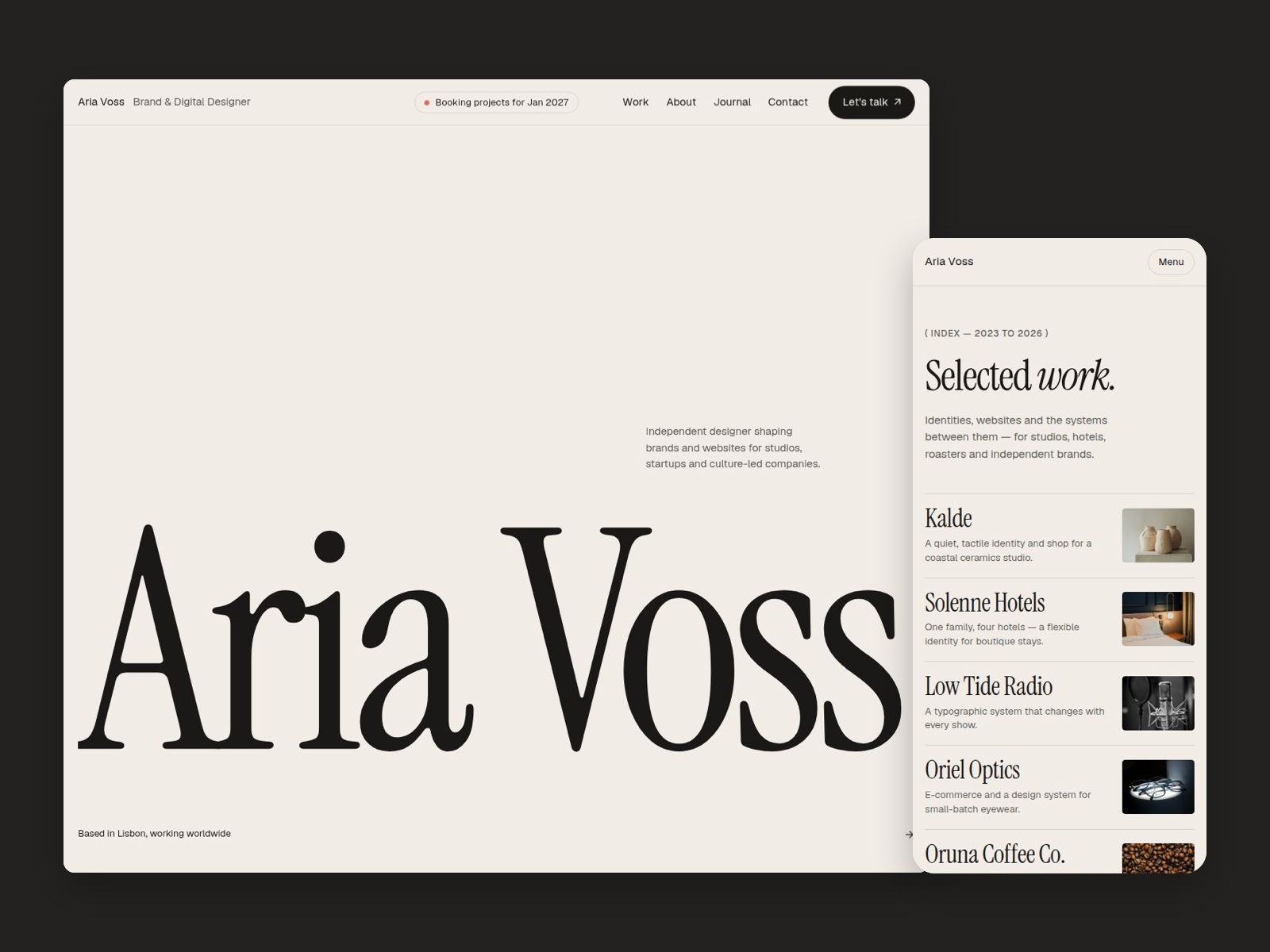
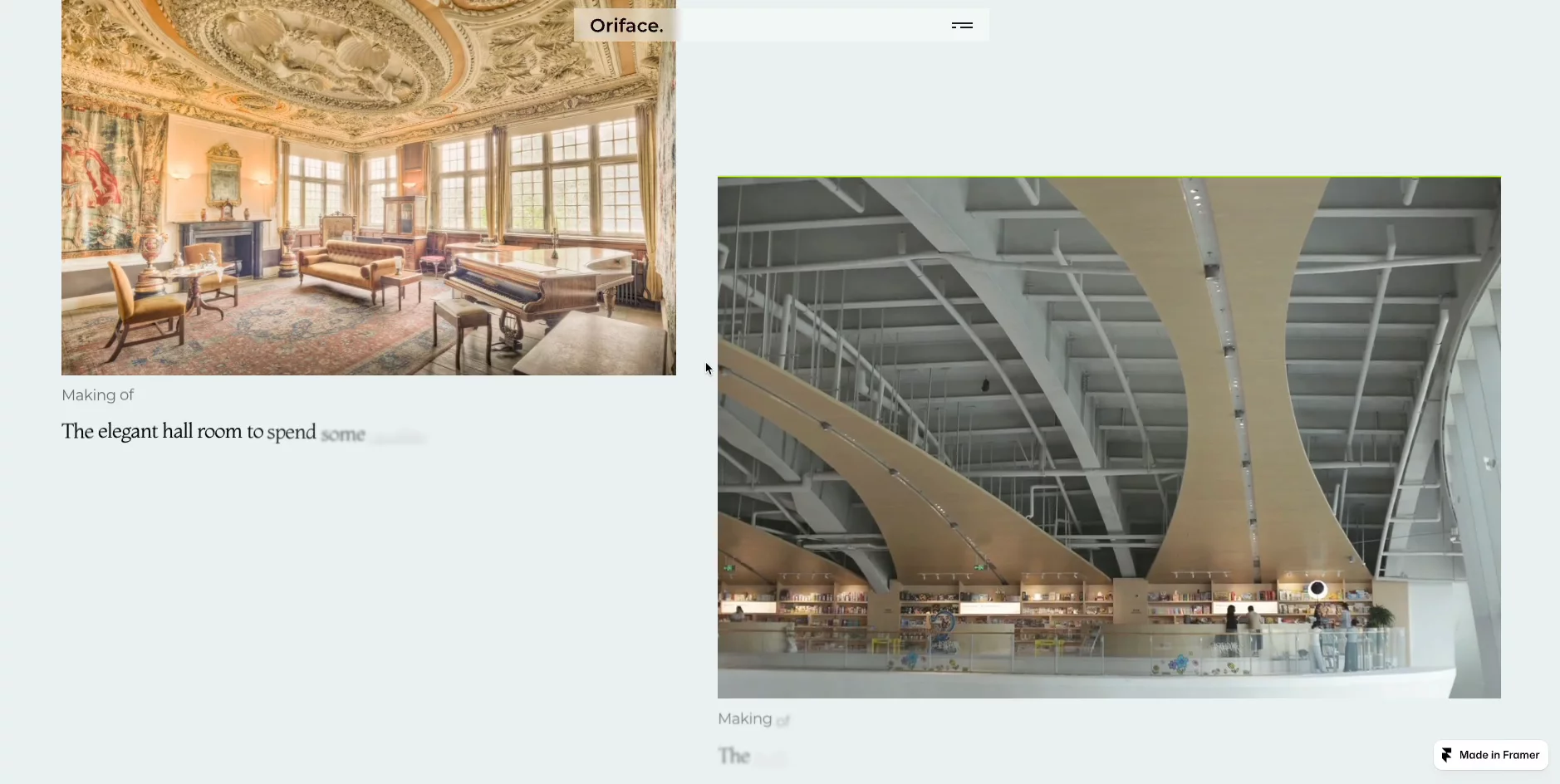
The marketplace demo uses calm editorial typography, full-bleed project photography, and generous margins so images feel like rooms you step into. Color stays neutral so timber, stone, and print work stay true on screen. The mood is closer to a monograph site than to a neon personal brand page.
Motion is subtle: enough to guide the eye between project blocks, not enough to fight slow connections on site visits. The fight is conceptual. If your brand is loud, playful, or app-like, you will rework type and spacing before the door metaphor lands for your audience.
Pages included in Doorfolio
Thirteen pages, named as Framer lists them:
- Home: door-led introduction that sends visitors into Work or Studio
- Work: curated project index
- Project: single-project story layout
- Discipline: view grouped by craft or practice area
- All work: full archive without the curated filter
- Services: overview of studio capabilities
- Service: detail page for one service line
- Studio: practice story, space, and philosophy
- Person: profile layout for a team member or collaborator
- Journal: writing index for studio notes or essays
- Journal post: long-form article layout
- Journal topic: topic hub tied to the journal
- Contact and 404: inquiries plus missing-page handling in one route
Discipline plus All work is the pair that helps when some projects are hero work and others are archive. Person is the page many portfolio templates omit even when the studio is collective.
What is distinctive about Doorfolio
- Door metaphor in the IA. Work routes emphasize entry into a project, not only a thumbnail grid.
- Discipline and All work split. Two indexes for curated versus complete catalogs without CMS tags.
- Person route. Dedicated collaborator profile outside a generic About blurb.
- Journal topic page. Topic hub beyond a flat blog list, still static in this file.
- Services plus Service pair. Enough structure to sell studio capabilities, not only show pictures.
Platform SEO, analytics, and responsive breakpoints come with Framer. They are not unique to Doorfolio.
When to remix Doorfolio, and when to skip
Remix Doorfolio when you want a studio-grade portfolio sitemap, you like the door-led story structure, and you are fine maintaining static project pages as work evolves. Thirteen pages cover services, people, and writing without forcing CMS setup on launch week.
Skip it when CMS case studies are non-negotiable. Use JORGE. Skip it when you want one page total. Use Ferio or a constraint roundup pick. Otherwise, compare options on the portfolio shortlist and the free Framer templates hub before you commit.
Frequently Asked Questions
Quick answers about Doorfolio, including pricing, CMS support, responsiveness, and who it is built for.
-
What kind of website is Doorfolio best for?
- Doorfolio suits creative studios that treat each project like an entry point: architecture, interiors, photography, or hybrid practices. It ships 13 static pages including Discipline, Person, and Journal routes. If you live in CMS case studies, start with JORGE instead.
-
Is Doorfolio free to remix?
- Yes. Doorfolio is a free Framer marketplace template. Remix it at no charge and replace the demo copy and imagery. Hosting on a custom domain still follows Framer plans. Yoframer does not charge for the file itself.
-
Does Doorfolio include a CMS?
- No. Project, Journal post, and related routes are static frames in the published page list. You duplicate layouts when you add work or posts. For CMS-backed Works and Services collections, remix JORGE from the portfolio cluster.
-
When should I skip Doorfolio?
- Skip Doorfolio if you need CMS case studies or a tiny one-scroll site. JORGE covers CMS portfolios; Ferio covers one page. Use the portfolio shortlist to compare depth before you remix.
Featured in our Portfolio roundup
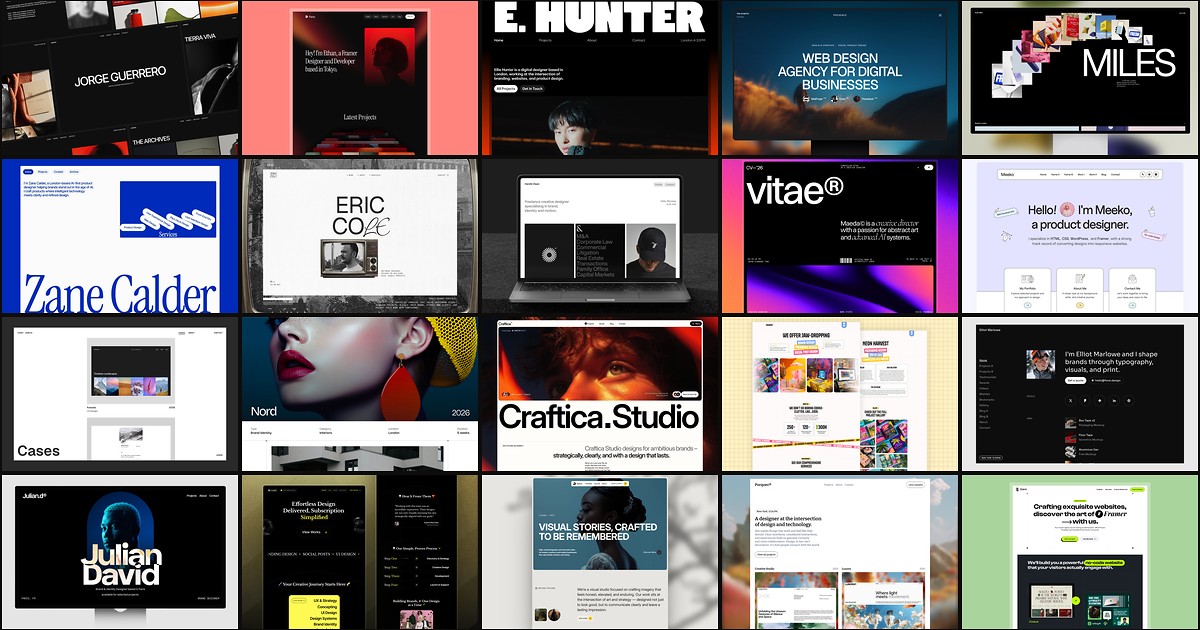
20 Best Portfolio Framer Templates in 2026 (Ranked)
A portfolio site should show work first and make contact inevitable. These 20 Framer templates cover minimal one-pagers to full CMS studios.