 Live Preview
← All Templates
Portfolio
Flowcv — Free Portfolio Template for Framer
Flowcv is a free 2-page portfolio Framer template for designers who want only Home and Works. Skip it if you need CMS case studies, Contact, or a 404 route.
freeportfoliocreativeflowcv
Flowcv is a free 2-page portfolio template for Framer with only Home and Works in the marketplace sitemap. No CMS collections are listed, so projects stay static frames you swap by hand. Remix it when you want a résumé-like site that jumps straight from intro to work. Skip it if every case study should publish from a collection or if Contact must be its own route. JORGE covers CMS portfolios with Archives and Contact. More free Framer templates sit on the hub, or start with the portfolio shortlist.
Who should remix Flowcv?
Flowcv fits a designer refreshing a personal site between jobs, a student building a first client-facing portfolio, or a creative director who keeps copy short and lets thumbnails carry the pitch. You already have six to twelve projects exported as images and you do not want to maintain Services, About, or blog posts yet. The two-page limit is a feature if your goal is to send one link from an email signature.
Walk away if you sell retainers and need Services, pricing, or team pages. Agencies will outgrow this file in a week. Photographers who need full-screen case studies with CMS fields should remix JORGE instead. If you literally want one long scroll with no second route, Ferio is even leaner than Flowcv.
What Flowcv looks like
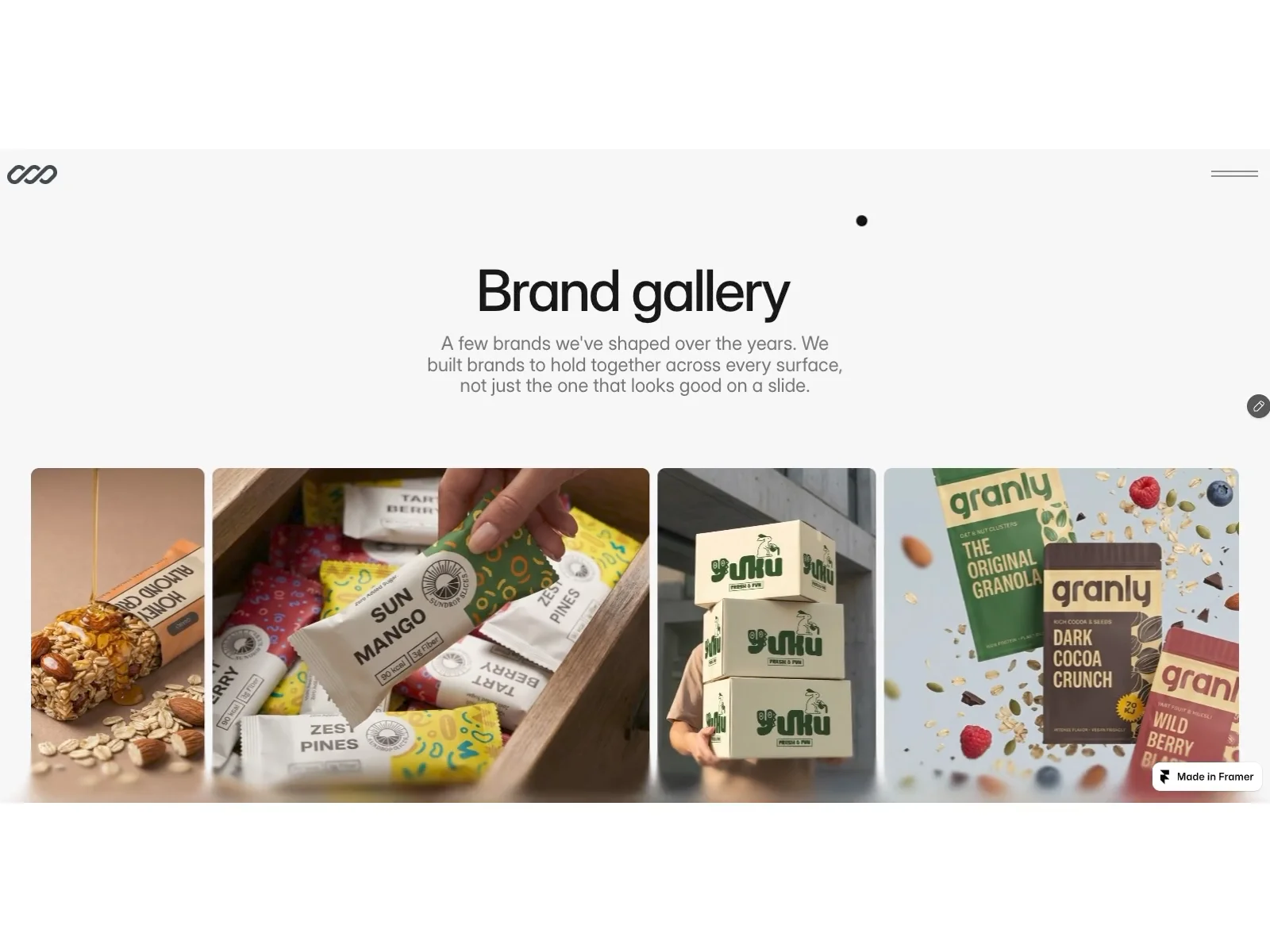
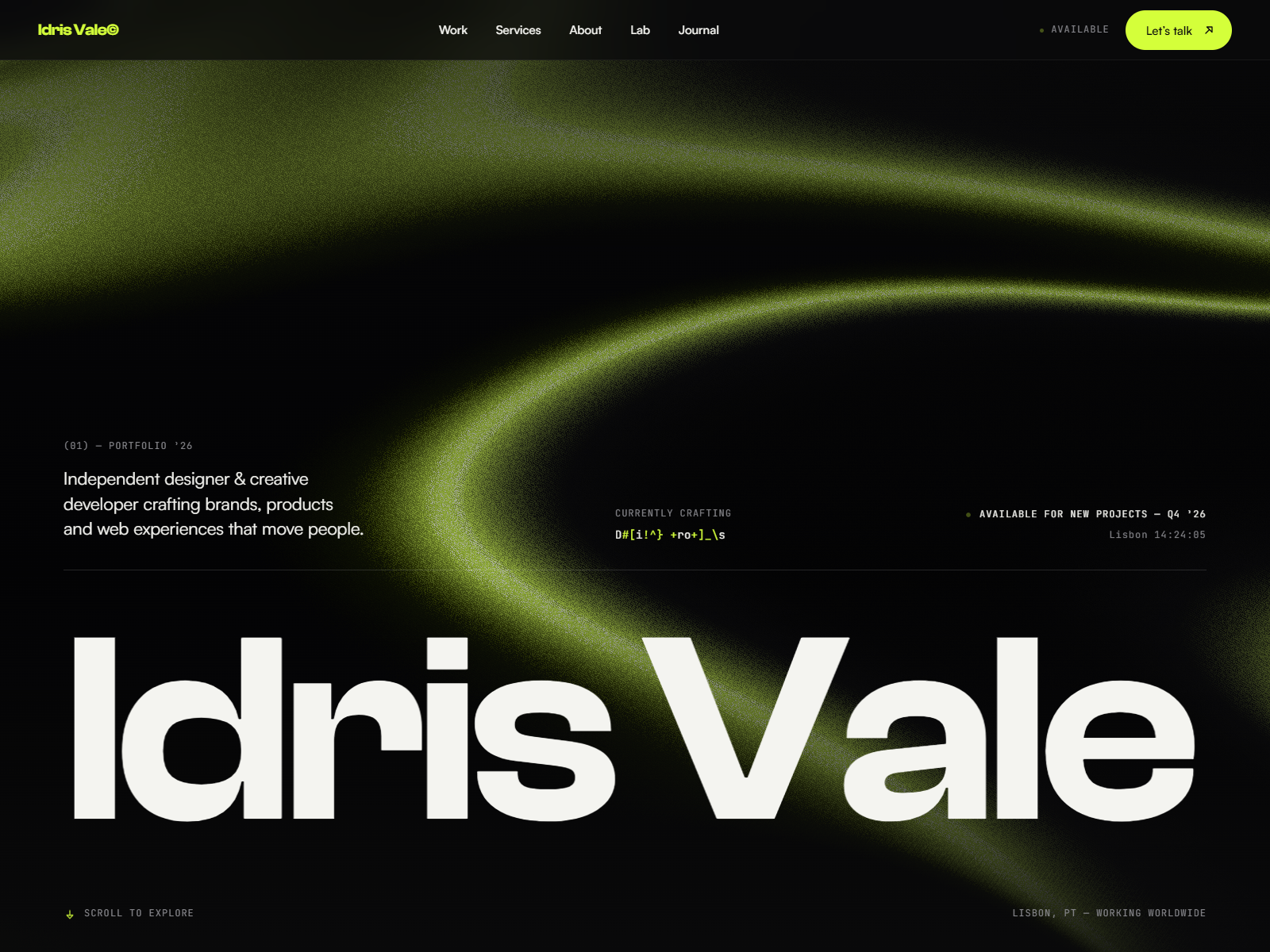
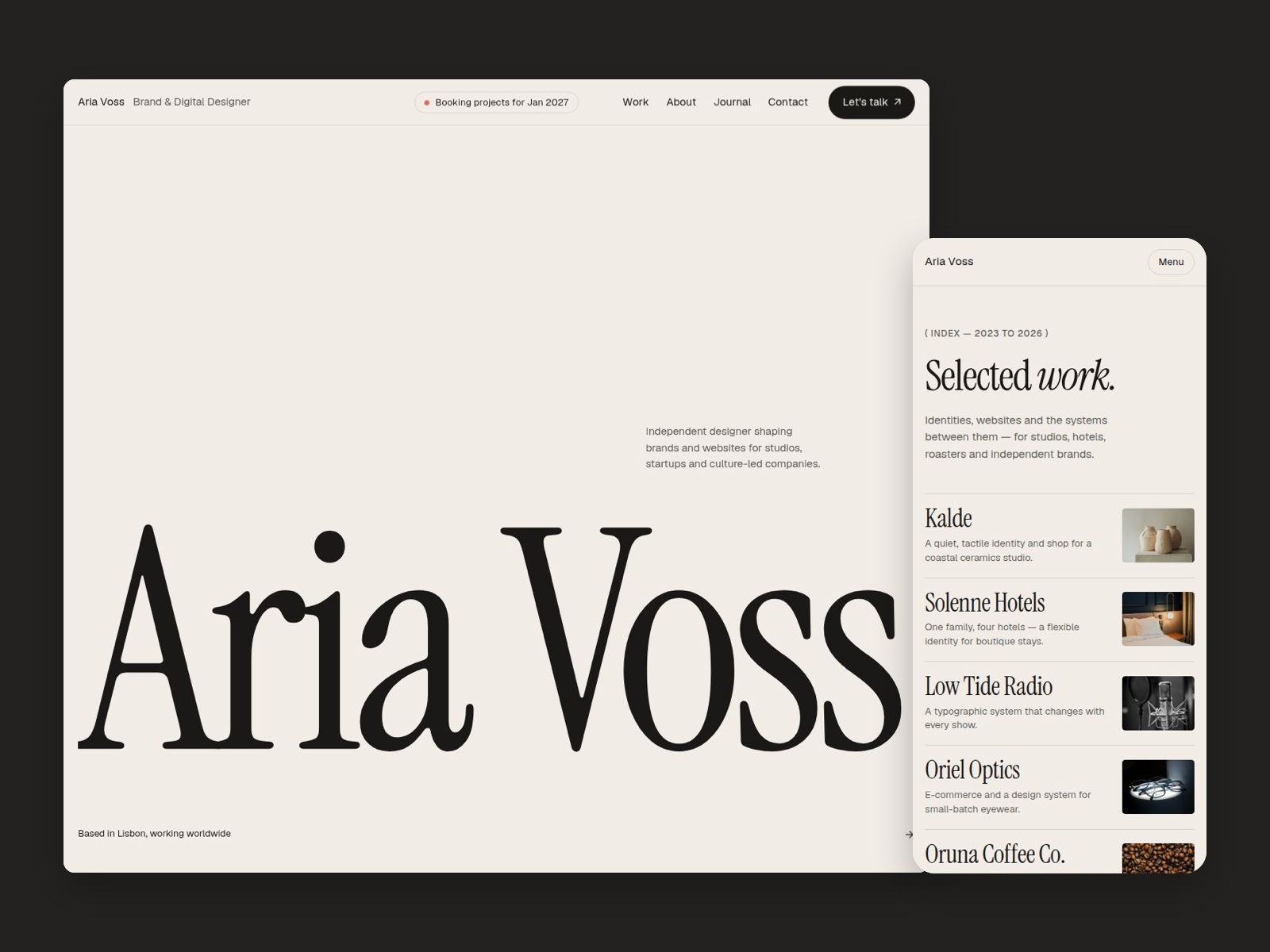
Flowcv reads clean portfolio minimal: strong type on Home, grid or stack presentation on Works, and enough whitespace to feel like a PDF deck translated to the web. Color tends toward neutral so UI, brand, and illustration work can sit on top without fighting a loud theme. The vibe is closer to a design hiring manager’s quick scan than a marketing agency homepage.
Motion is light so project thumbnails load predictably on mobile LTE. The honest fight is depth. There is no dedicated case-study template, so multi-page stories must compress into a card or you duplicate Works frames manually. Playful illustrators with heavy character art may want a warmer palette than the default.
Pages included in Flowcv
Two pages, named as Framer lists them:
- Home: name, role, short positioning, and navigation into the work grid
- Works: selected projects, outcomes, or client logos in a browseable layout
That is the entire sitemap. Plan to add Contact on Home or extend the file after remix if clients expect a footer form.
What is distinctive about Flowcv
- Two-page sitemap on purpose. Forces focus when you only need intro plus work.
- Works as the only inner route. Visitors cannot get lost in blog or services detours.
- CV-style pacing. Headlines and project order mimic how recruiters skim portfolios.
- No CMS overhead. Fast remix when projects change rarely.
- Creative-friendly defaults. Layout assumes visual work, not long-form agency copy.
Framer SEO, analytics, and responsive tooling ship with every template. They are not a reason to pick Flowcv over another portfolio file.
When to remix Flowcv, and when to skip
Remix Flowcv when you want the smallest credible portfolio on Framer and you can live with static Works tiles. The marketplace positions it as a design portfolio, and the two routes match that job.
Skip it when case studies need CMS fields or you want Contact and 404 out of the box. That is JORGE. For one scroll only, try Ferio. Otherwise return to the portfolio shortlist or free Framer templates on the hub.
Frequently Asked Questions
Quick answers about Flowcv, including pricing, CMS support, responsiveness, and who it is built for.
-
What kind of website is Flowcv best for?
- Flowcv is for Visual designers and art directors who want a CV-style portfolio with Home plus Works and nothing else. It includes 2 pages: Home, Works.
-
Is Flowcv free or paid?
- Flowcv is a free Framer template. The listed price on yoframer is free.
-
Does Flowcv support CMS and responsive design?
- Flowcv does not include CMS support. It is fully responsive.
-
When should I skip Flowcv?
- You need CMS project pages or a dedicated Contact route. JORGE ships seven pages with collections. Start with JORGE .
Featured in our Portfolio roundup
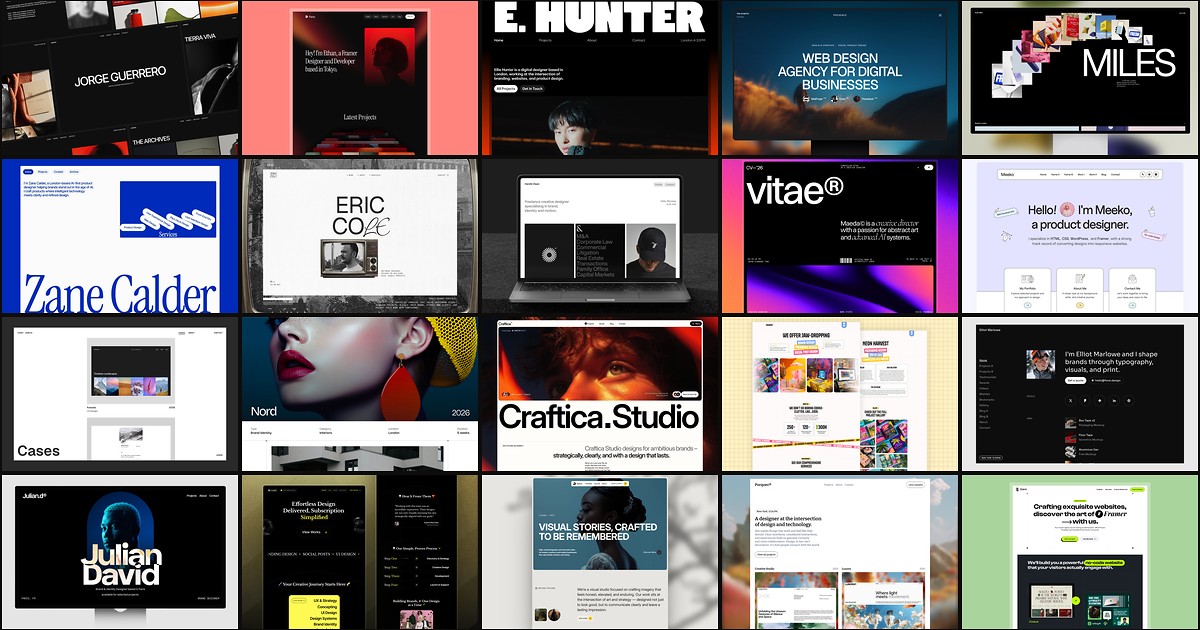
20 Best Portfolio Framer Templates in 2026 (Ranked)
A portfolio site should show work first and make contact inevitable. These 20 Framer templates cover minimal one-pagers to full CMS studios.