 Live Preview
← All Templates
Portfolio
Foliofold — Free Portfolio Template for Framer
Foliofold is a free 7-page portfolio Framer template for design studios with Work, Studio, and Journal routes. Skip it if case studies must publish from CMS collections.
freeportfoliostudiocreativejournalfoliofold
Foliofold is a free seven-page portfolio template for Framer with no CMS. The demo presents Halfturn, a design and engineering studio with Home, Work, Studio, Journal, Contact, Privacy, and Terms, plus project grids and a booking cue on the home frame. Skip it if every case study must publish from a CMS collection with its own detail URL. JORGE adds CMS Works and Work Page flows for that job. More free Framer templates live on the hub, or start with the portfolio shortlist.
Who should remix Foliofold?
Foliofold fits a compact studio that ships brand, product, and front-end code together and wants a credible site before CMS hygiene is worth the setup. You might be four senior designers who also commit production code, pitching international product teams that expect a Work index, a Studio culture page, and occasional Journal notes without a twelve-page agency sitemap. Static Work cards and capability lists are enough while project count stays in single digits.
Walk away if your pipeline depends on weekly case studies, tagged industries, and CMS fields for role, stack, and outcome metrics. Agencies selling retainers, pricing tables, and hiring pages will outgrow the layout fast. Solo freelancers who only need one scroll should compare lighter portfolio files on the hub before maintaining seven frames. When CMS case studies are non-negotiable, remix JORGE instead.
What Foliofold looks like
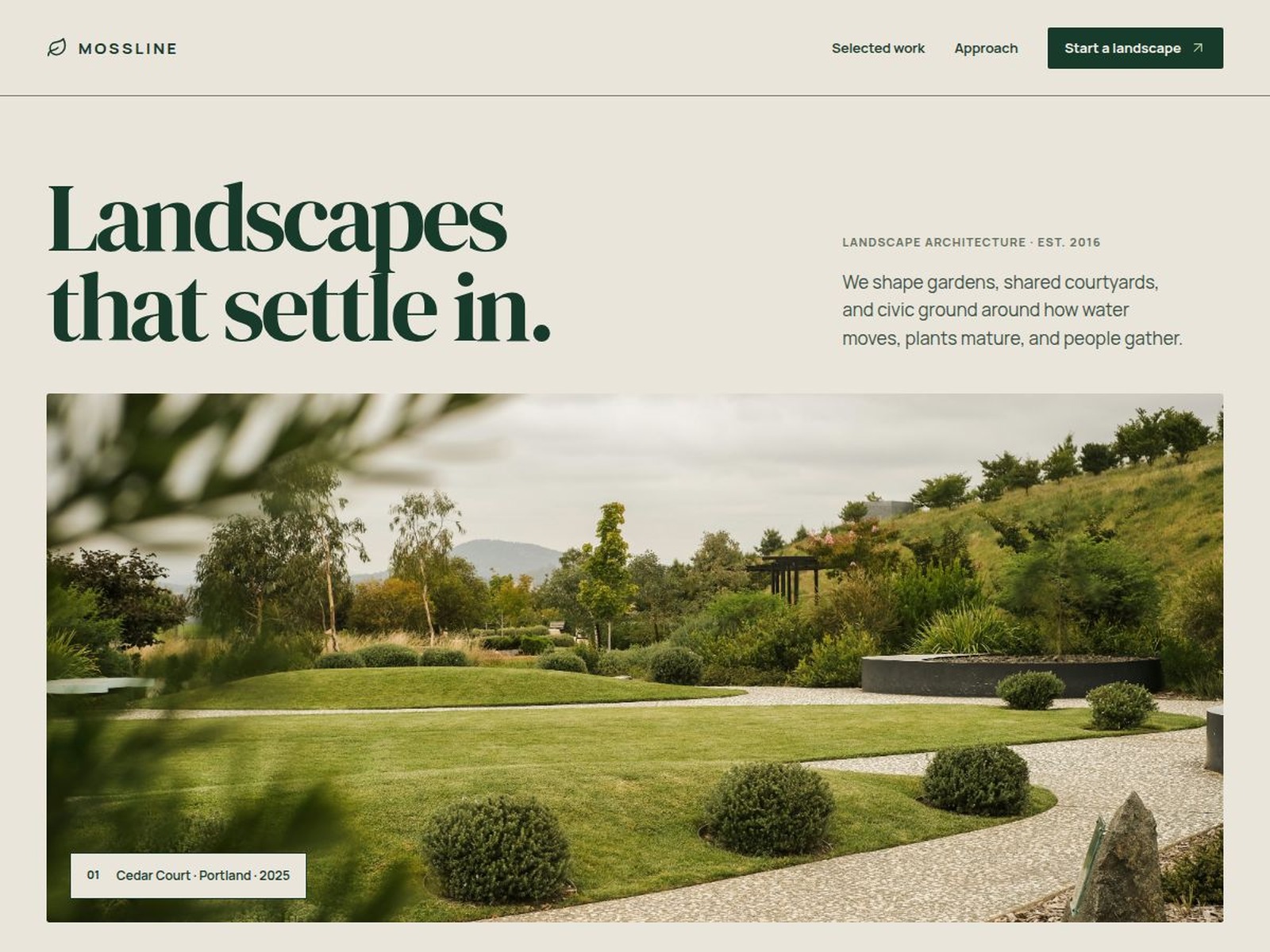
The preview is editorial studio marketing: muted backgrounds, crisp type, and project cards that feel closer to a European product consultancy than to a pastel Dribbble grid. Home introduces positioning, selected work with sector tags, capability columns, and a start-a-project CTA. Work and Studio split proof from culture, which helps prospects who skim work first and only then read about the team.
Motion is measured. Hover states and gentle transitions keep large photography readable on phones, where art directors often forward links in Slack. The honest fight is CMS depth. Without collection-backed detail pages, every new project means duplicating frames or expanding the Work grid manually. A playful illustration-heavy brand may retheme because the default tone is restrained and technical.
Pages included in Foliofold
Seven pages, named as Framer lists them:
- Home: positioning, featured projects, capability overview, trust logos, and a project inquiry CTA with booking-style placeholder copy you replace
- Work: project index with sector labels and links into case narratives on the same route or linked frames
- Studio: team story, geography, and how the studio works with clients
- Journal: notes, announcements, or lightweight articles as static layouts until you add CMS later
- Contact: inquiry form, email, or scheduling path for new work
- Privacy: privacy policy shell for analytics, forms, and client data
- Terms: terms of use shell for contracts and site policies
There is no CMS-backed Work Page route in the marketplace list. Plan frame duplication or migrate to a CMS portfolio when case study count grows.
What is distinctive about Foliofold
- Design-plus-code positioning. Demo copy sells brand, product, and shipping code, not generic creative services.
- Work and Studio split. Separates case proof from team narrative, which mirrors how studios actually pitch.
- Journal route included. Gives you a place for launch notes or hiring posts without bolting on a blog later.
- Legal pair on a portfolio file. Privacy and Terms are already routed for EU or enterprise clients who ask on day one.
- Seven-page scope without agency furniture. No pricing, careers, or services tree, which keeps maintenance small for a senior team.
Framer SEO, analytics, and breakpoint tooling ship with the platform. They are not reasons to remix Foliofold over another portfolio file.
When to remix Foliofold, and when to skip
Remix Foliofold when you run a small design or engineering studio, you can replace Halfturn demo projects with real work, and static pages are fine until CMS case studies become weekly work. The @john-nicholson profile publishes studio-shaped starters; expect to rewrite every headline.
Skip it when case studies must live in CMS collections with detail URLs. That is JORGE. Skip it when you only need one long homepage. Pick a one-page portfolio from the hub. Still choosing a creative file? Return to the portfolio shortlist or browse free Framer templates before you remix.
Frequently Asked Questions
Quick answers about Foliofold, including pricing, CMS support, responsiveness, and who it is built for.
-
What kind of website is Foliofold best for?
- Foliofold is for Small design and engineering studios that sell brand, product, and code on static Work and Studio pages without CMS case studies yet. It includes 7 pages: Home, Work, Studio, Journal, Contact, Privacy, Terms.
-
Is Foliofold free or paid?
- Foliofold is a free Framer template. The listed price on yoframer is free.
-
Does Foliofold support CMS and responsive design?
- Foliofold does not include CMS support. It is fully responsive.
-
When should I skip Foliofold?
- You need CMS project detail pages and a Services collection. JORGE ships CMS Works and Work Page routes. Start with JORGE .
Featured in our Portfolio roundup
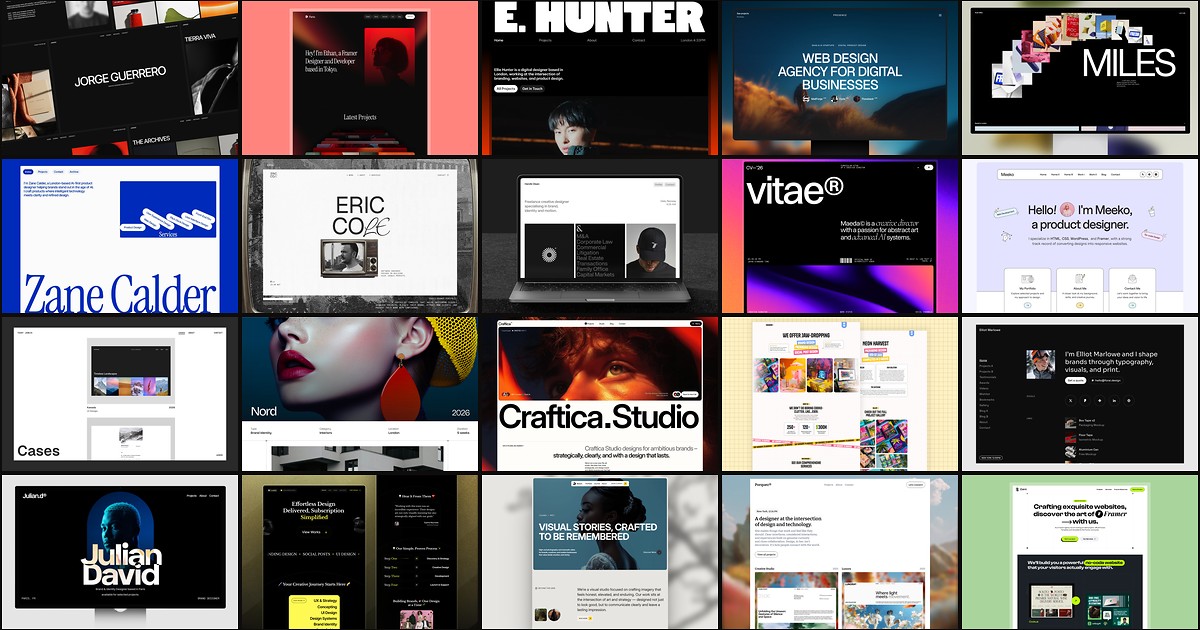
20 Best Portfolio Framer Templates in 2026 (Ranked)
A portfolio site should show work first and make contact inevitable. These 20 Framer templates cover minimal one-pagers to full CMS studios.