 Live Preview
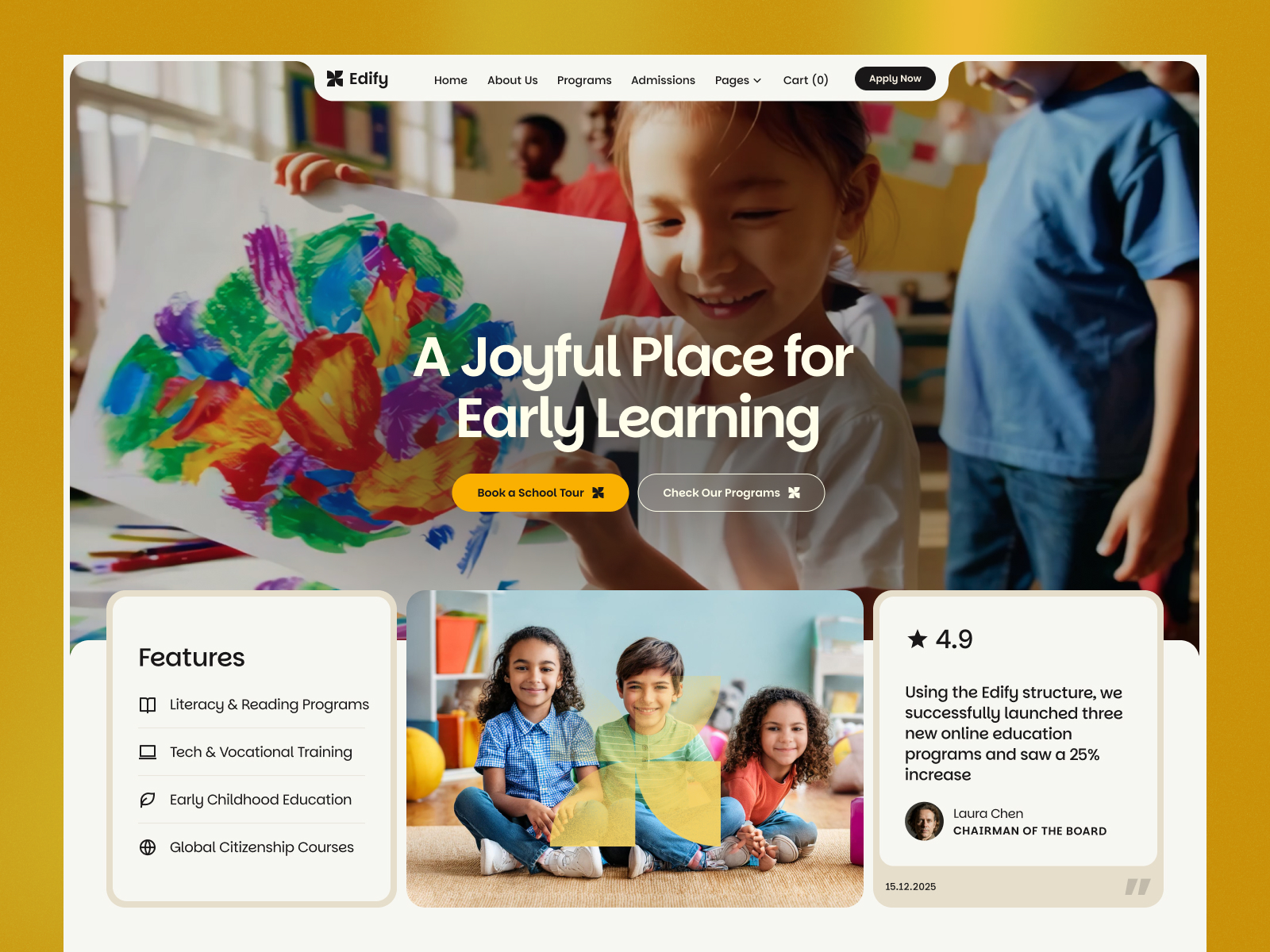
Edefy — Free Education Template for Framer
by Unknown
Framebuilder is a free 7-page education Framer template for creators teaching Framer with components, templates, vlogs, and coaching routes. Skip it if you need LMS checkout and course CMS.
Framebuilder is a free seven-page education Framer template aimed at creators who teach Framer building through components, template showcases, vlogs, coaching, and support routes. There is no CMS in the listing, so lesson libraries stay static unless you add collections after remix. Skip it if you need LMS checkout, cohort portals, and CMS module pages on day one. Flux Academy is a lighter course marketing starting point on yoframer. More free Framer templates sit on the hub, or browse the education shortlist.
Framebuilder is for Framer educators whose business mixes free YouTube content, paid component packs, template referrals, and office hours. You want Components and Templates as credible shelves, Vlogs as a watch hub, Coaching as a high-touch offer page, and Support as FAQ or Discord directions without wiring Teachable on the first weekend. Indie teachers launching a personal brand around Framer craftsmanship fit better here than university departments with accreditation copy.
Walk away if your product is a structured video course with progress tracking, quizzes, and gated modules inside Framer. Those teams need CMS lesson detail and payment flows this file does not ship. Generic online schools teaching unrelated subjects may fight the Framer-specific page names unless they rename every route during remix.
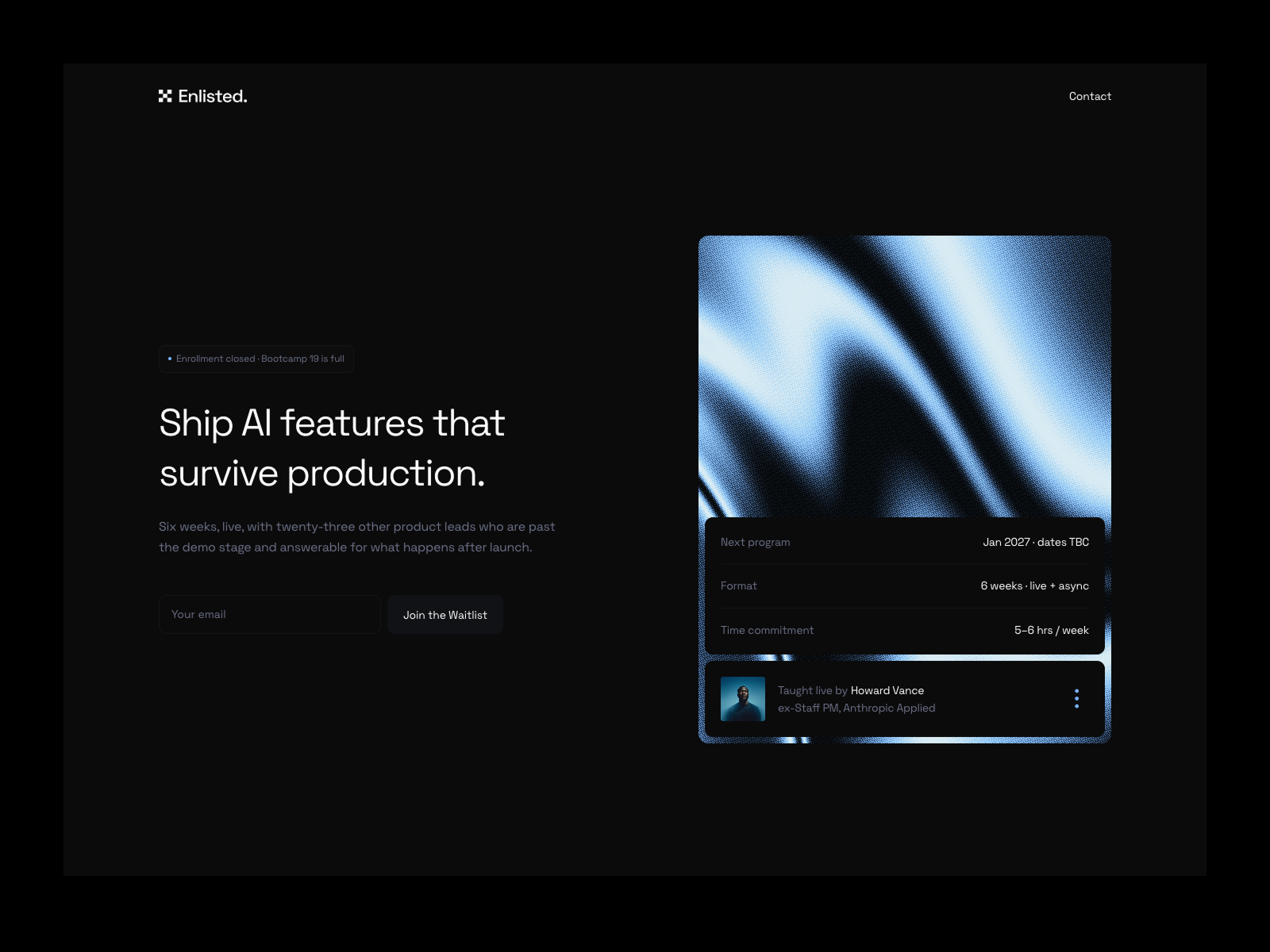
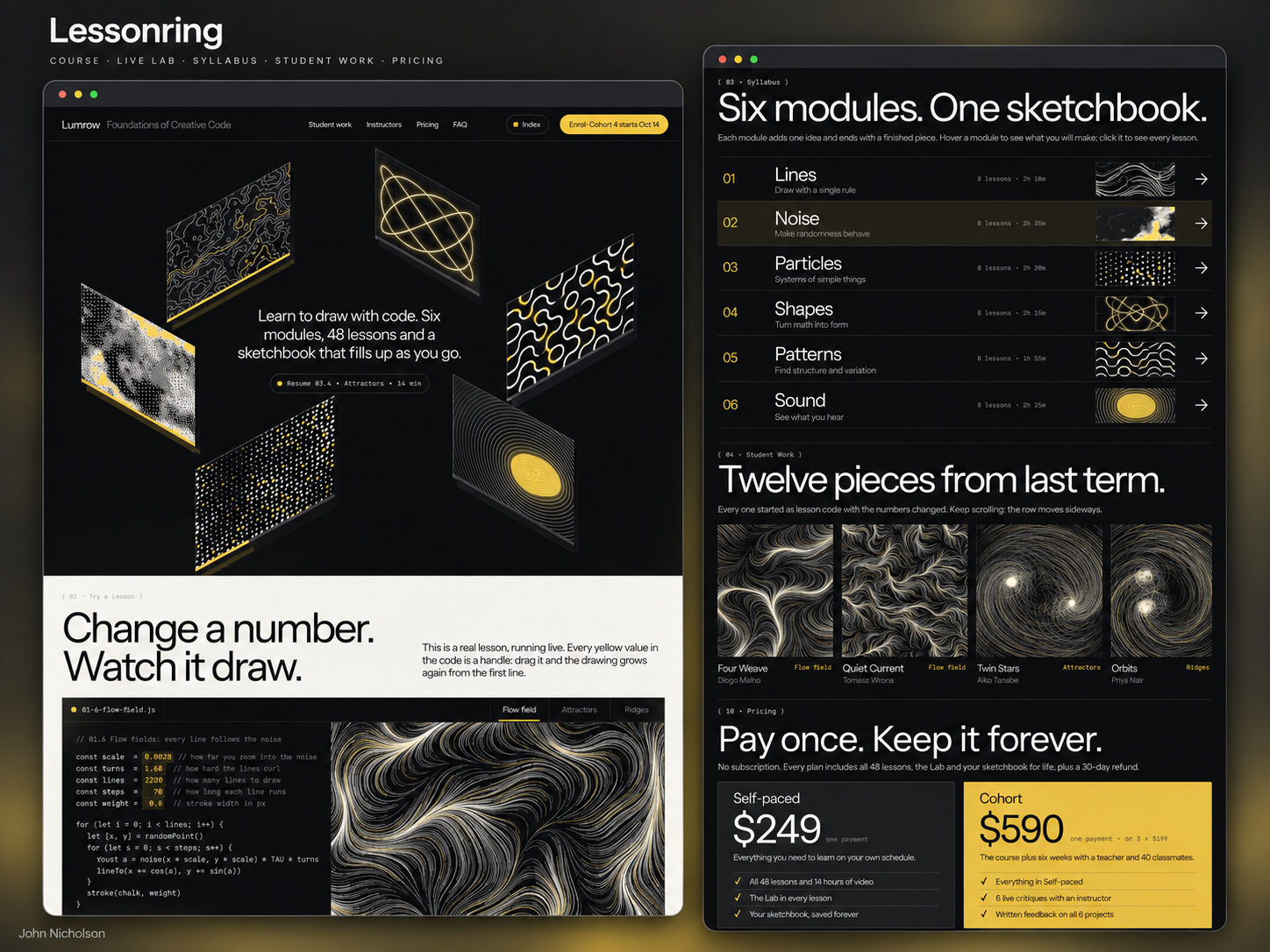
The framerbuilder preview reads maker-educator: productized sections for downloadable assets, video thumbnails for vlogs, and coaching blocks that feel like Calendly-ready sales pages. Palette and type skew modern SaaS-education rather than academic brochure beige.
Motion highlights cards and CTAs so component grids still feel alive on mobile. The honest fight is niche. The sitemap literally names Components, Templates, and Vlogs for Framer teachers. Repurposing it for language school or corporate compliance training means renaming half the nav and rebuilding section metaphors.
Seven pages, named as Framer lists them:
Components plus Templates is the pairing most Framer educators need before they add a CMS lesson index. Support keeps refund and community questions off your inbox footer.
Built-in breakpoints and forms are Framer defaults, not reasons to choose Framebuilder over another education file.
Remix Framebuilder when you teach Framer in public, sell assets on external checkout, and want a credible seven-page marketing shell fast. It fits YouTube-first educators adding coaching tiers.
Skip it when students must log in to CMS lessons or pay inside Framer-native course collections. Compare Flux Academy and other picks on the education shortlist, then return to free Framer templates on the hub.
Quick answers about Framebuilder, including pricing, CMS support, responsiveness, and who it is built for.
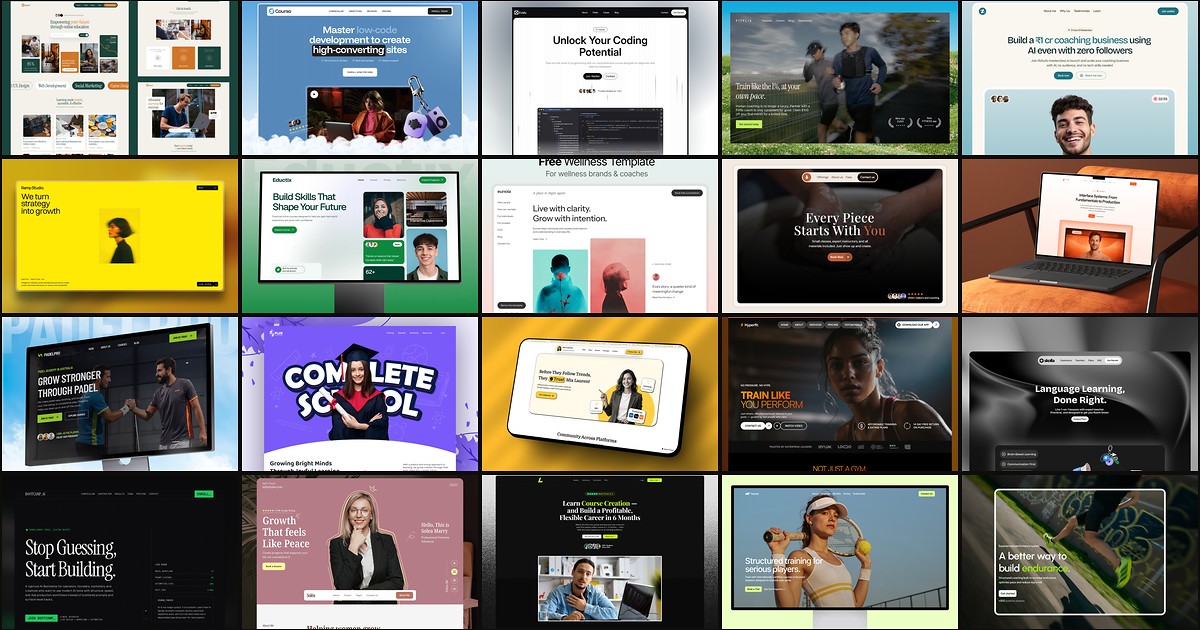
Education buyers judge curriculum clarity and instructor proof before they enroll. These 20 free Framer templates ship the course routes, blog CMS, and trust pages schools and creators need without a custom build.