 Live Preview
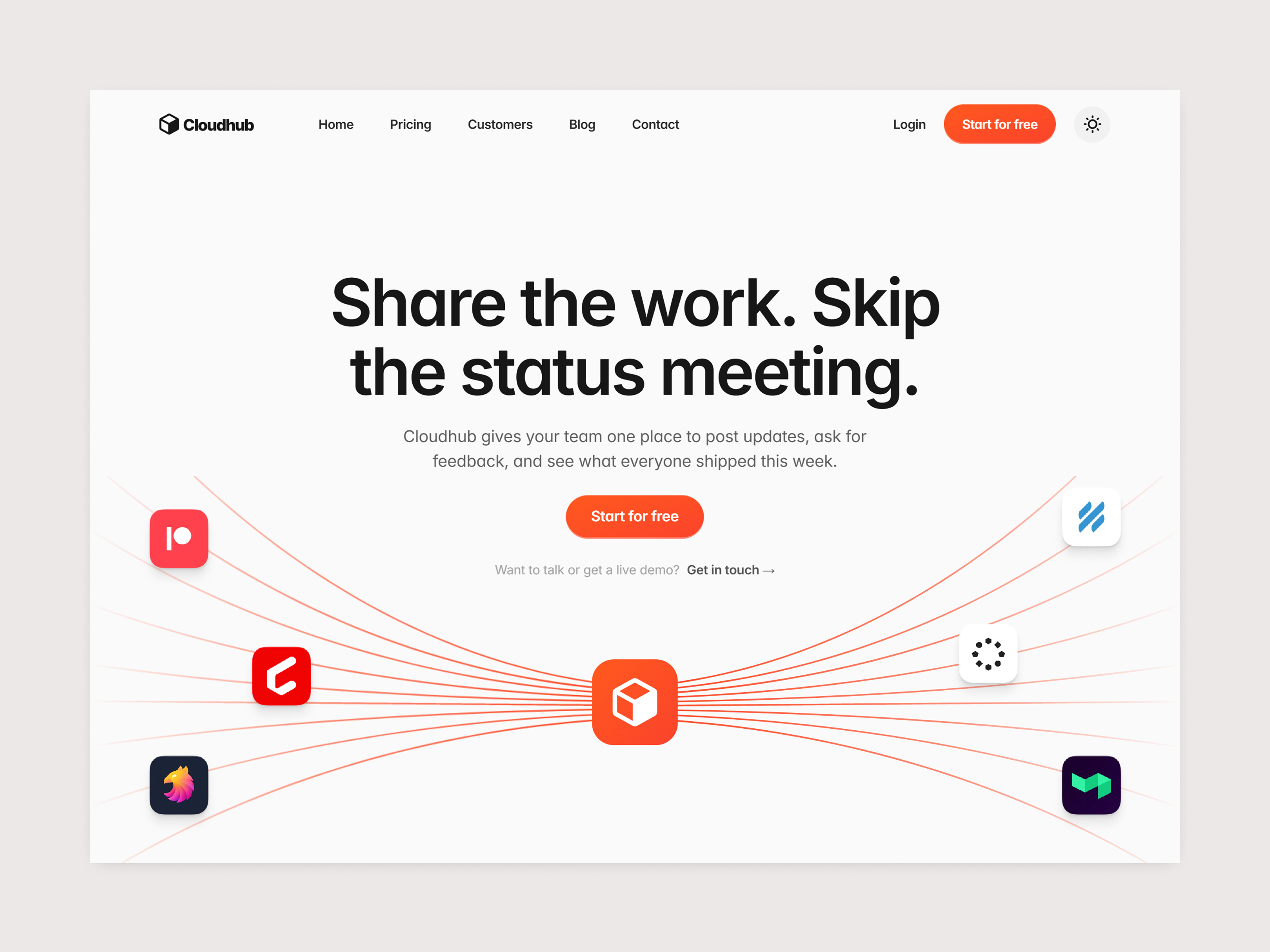
Cloudhub — Free SaaS Template for Framer
by Unknown
Fussion is a free 7-page SaaS Framer template for product teams that need integration and careers routes plus pricing. Skip it if a five-page static kit is enough.
Fussion is a free seven-page SaaS template for Framer aimed at product companies that market integrations and open roles as seriously as the homepage hero. Home, About, Blog, Integration, Careers, Contact, and Pricing are static frames with no CMS collections. Skip it if a five-page kit with a Customers proof page is enough for your launch. Cloudhub covers that lighter map. More free Framer templates sit on the hub, or open the SaaS shortlist.
Fussion fits B2B SaaS teams preparing for enterprise evaluations where buyers ask for integration stories and talent signal before they book a demo. The Integration page gives partnerships a home, Careers answers recruiting traffic, and About backs up the founder narrative investors expect. Lean marketing ops teams remixing before a launch window get a named sitemap instead of debating whether to hide hiring links in the footer.
Walk away if you only need pricing, customer logos, and contact for a seed-stage landing push. Cloudhub ships Customers and drops the extra corporate routes. Walk away if you need CMS blog posts, team profiles, and a dozen product landings. That depth lives in files like Impulse on the SaaS roundup, not in this seven-page static kit.
The fusion-saas preview leans modern product marketing: crisp sans type, generous section padding, and UI mockups that read closer to Linear or Vercel than to a consumer app store page. Integration logos and careers teasers use the same calm palette so the site feels like one system.
Scroll motion highlights feature rows without stealing focus from Pricing tables. The fight is scope versus tone. Teams that want a playful consumer brand will re-skin illustrations and color, while teams that want sober enterprise beige may mute gradients. The layout assumes confident product storytelling, not minimalist one-scroll landing energy.
Seven pages, named as Framer lists them:
Each route is static, so new job posts or integration partners mean duplicating sections or editing frames until you add CMS later. The names still match how SaaS teams organize outbound links today.
Platform SEO, analytics, and responsive breakpoints are Framer defaults, not differentiators for this file.
Remix Fussion when integrations and hiring are part of your GTM story and you want those pages live alongside Pricing without configuring collections first. The sitemap matches mid-stage SaaS teams that already answer RFP questions about partners and headcount.
Skip it when customer logo walls matter more than careers and you want the smallest credible kit. Choose Cloudhub. Skip it when you need CMS careers, team grids, and multi-product landings. Compare deeper picks on the SaaS shortlist, then browse free Framer templates on the hub.
Quick answers about Fussion, including pricing, CMS support, responsiveness, and who it is built for.
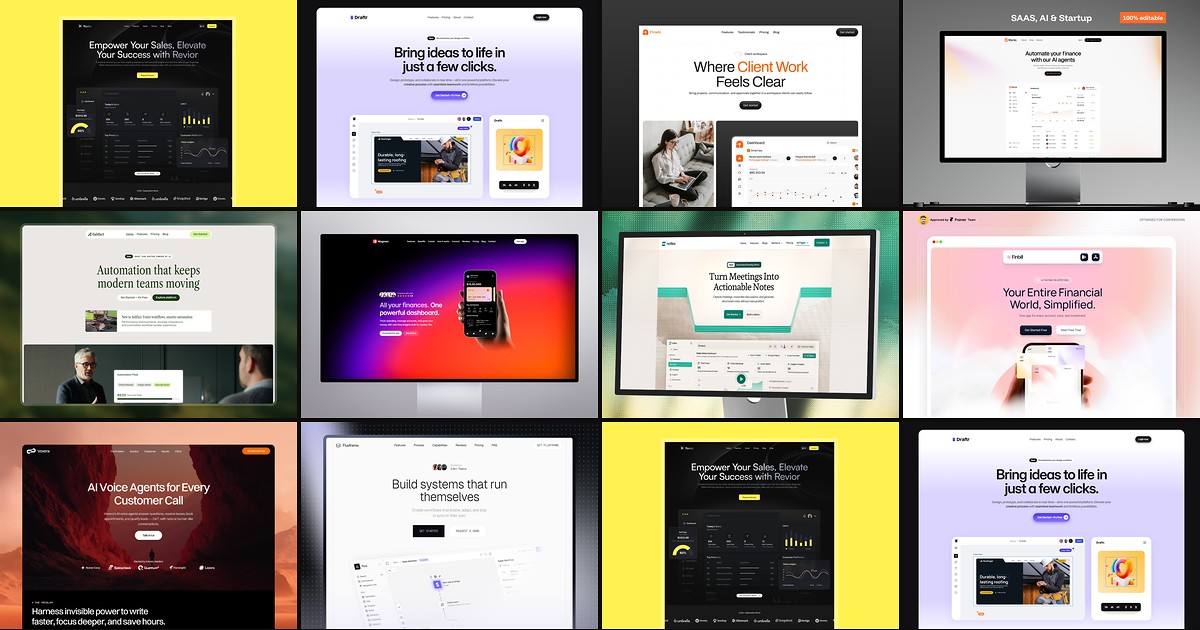
Most free SaaS templates on Framer look great in the preview and fall apart the moment you customize them. These 10 don't.
Live Preview
by Unknown
 Live Preview
by Salim from Webestica
 Live Preview