 Live Preview
Maevra — Free Events Template for Framer
by Unknown
Gesso Art is a free 12-page events Framer template for galleries and museums listing exhibitions, artists, and visit info. Skip it if you only need a single festival landing.
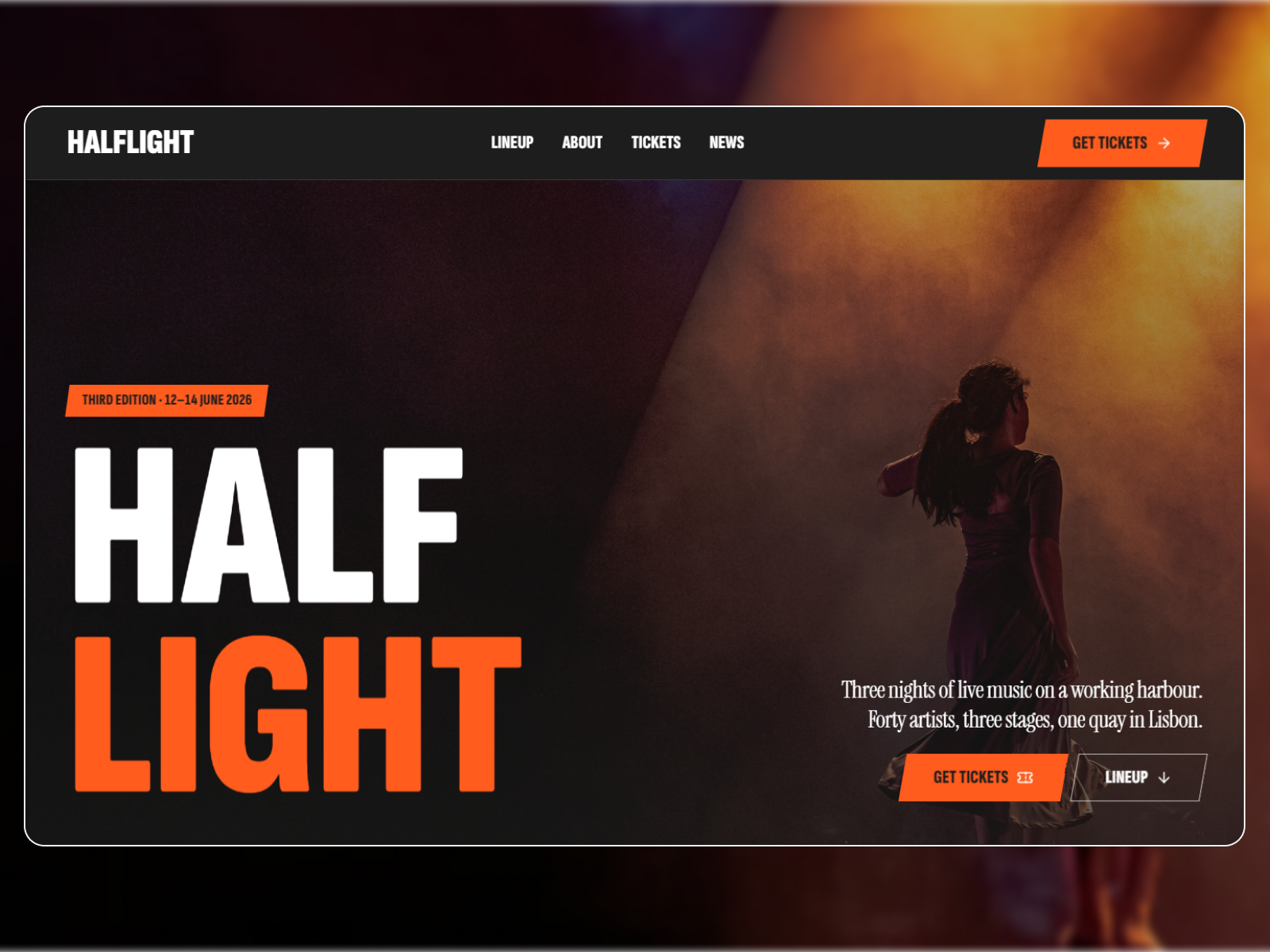
Gesso Art is a free 12-page events template for Framer aimed at galleries and museums: Exhibitions, Artists, Works, Events, Journal, and Visit sit in one static sitemap with no CMS in the remix file. Skip it if you only need a two-page festival landing with News. Halflight Fest is leaner for that job. Explore the events shortlist or free Framer templates on the hub for more shapes.
Imagine a regional gallery reopening with three shows, a roster of resident artists, and steady programming through the season. Staff need Exhibitions and Works pages donors can forward, a Visit page with hours and directions, and Journal for press-friendly updates. Gesso Art names those routes so curators can align the site with printed calendars without negotiating IA from scratch.
Pass if you are promoting one concert weekend. Festival promoters who only need Home plus News will maintain empty Artists and Works pages unless they strip the nav. Halflight Fest matches that smaller job. Teams that need ticket CMS and booking flows on day one should look at fuller event platforms like Eventry instead of forcing this cultural sitemap.
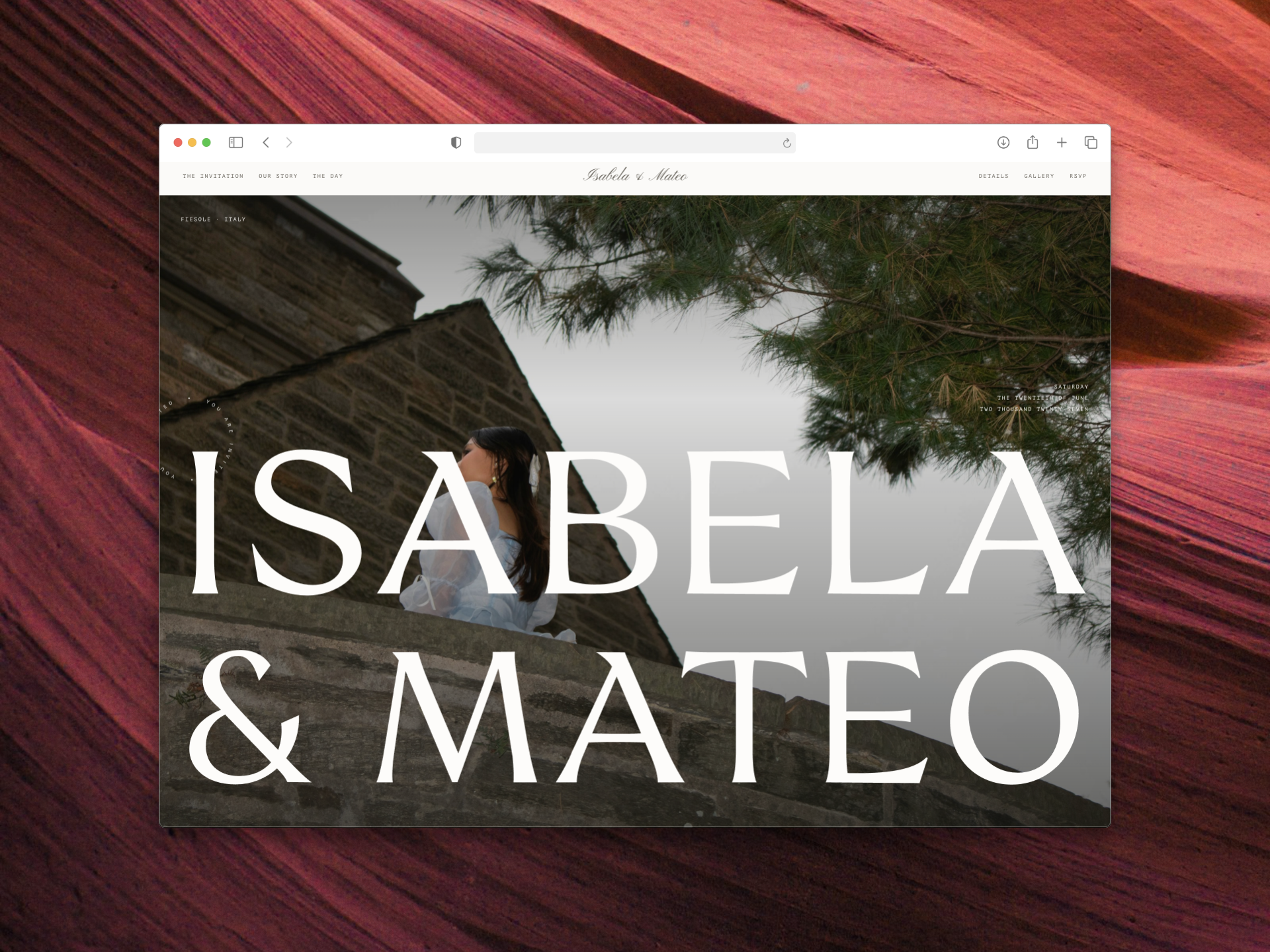
The file presents as a light, gallery-forward site: large imagery blocks, calm serif or serif-adjacent headings, and generous margins that let art photography breathe. Events and Exhibitions sections read like institutional programming, not neon ticket SaaS. Journal and About slots support long-form copy for grants and members.
Motion stays subtle so collection photos stay the focus. The trade-off is operational depth. Without CMS, every new show means frame edits across Exhibitions, Works, and Events unless you add collections later.
Twelve pages, spelled as Framer lists them:
Visit plus Exhibitions is the pair most festival templates omit. Gesso Art treats foot traffic as a first-class concern.
Framer hosting, forms, and responsive breakpoints are platform defaults, not Gesso Art-specific selling points.
Remix Gesso Art when you need a credible cultural web presence and you will hand-update exhibition frames until CMS is justified. The preview shows how photography-heavy sections stack without turning into a portfolio agency site.
Skip it when the event is a single weekend with one News feed. Halflight Fest is the two-page alternative. Skip it when you need speaker agendas and ticket flows out of the box; conference kits on the hub fit better. Compare picks on the events shortlist or return to free Framer templates.
Quick answers about Gesso Art, including pricing, CMS support, responsiveness, and who it is built for.
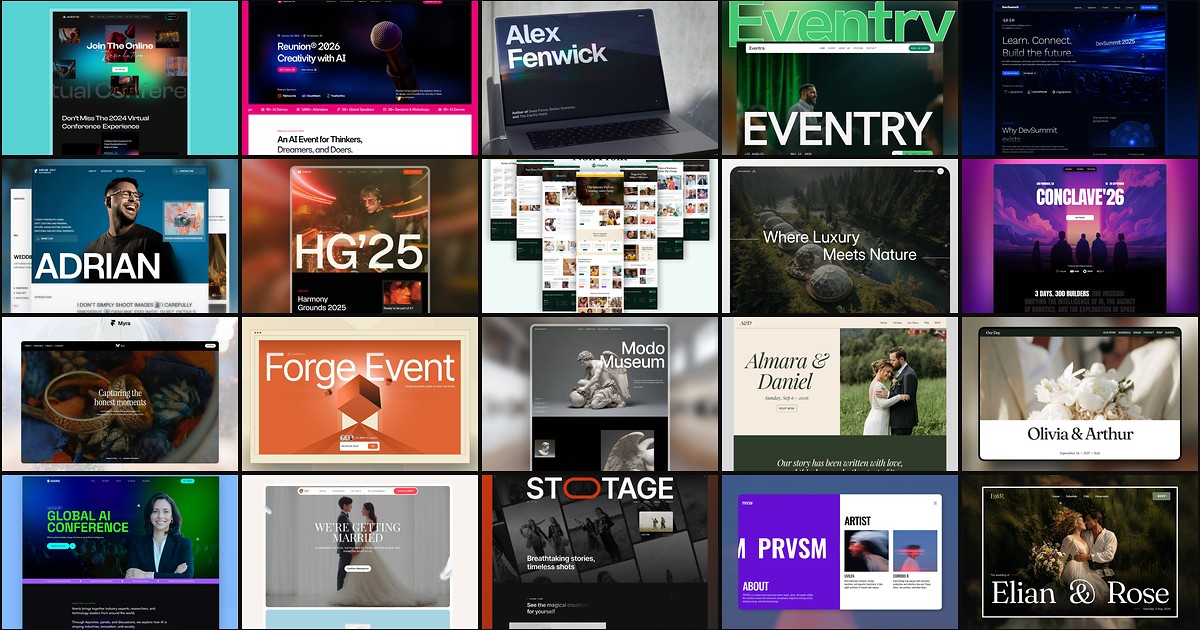
Event buyers decide on schedule clarity, speaker proof, and ticket paths before they register. These 20 free Framer templates ship the routes, CMS collections, and conversion sections organizers need without a custom build.