 Live Preview
← All Templates
Portfolio
Glossfolio — Free Portfolio Template for Framer
Glossfolio is a free 9-page portfolio Framer template for photo and film studios with licensing pages. Skip it if you need CMS case studies for every shoot.
freeframerportfoliophotographyfilmstudioglossfolio
Glossfolio is a free nine-page portfolio Framer template aimed at photo and film studios, not generic creative agencies. Home, Work, Studio, Journal, Contact, Privacy, Terms, Usage Rights, and 404 are all static routes with no CMS. Skip it if you want collection-backed project singles for every shoot. JORGE handles CMS case studies better. More free Framer templates live on the hub, or start with the photography shortlist.
Who should remix Glossfolio?
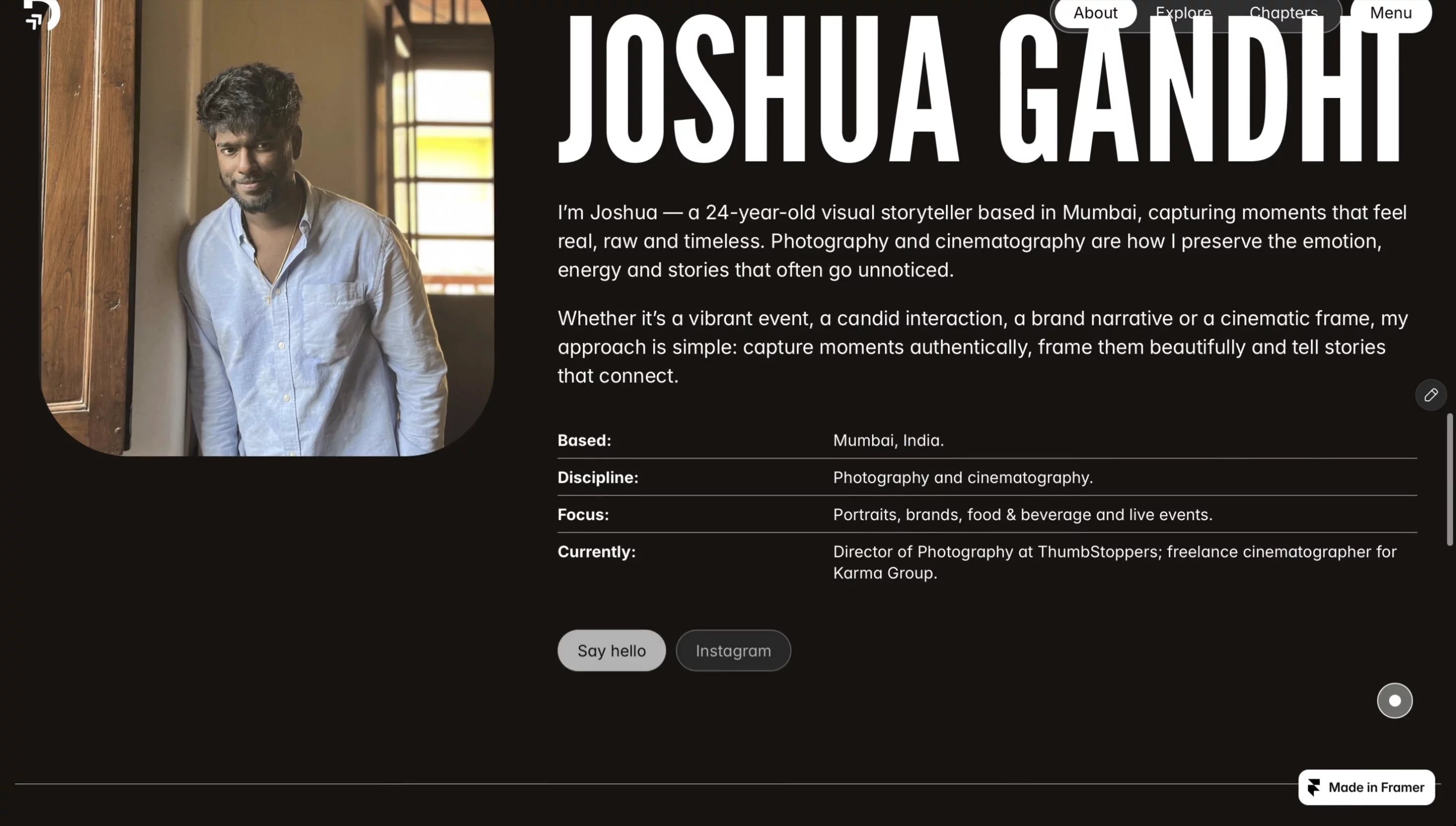
Glossfolio fits boutique production houses, still photographers, and small film crews who pitch on reels and need a Usage Rights page clients can bookmark. The Studio route carries gear, crew size, and process without cramming it into Contact. Journal gives you a place for BTS notes or release announcements that should not sit on the Work grid.
Walk away if your portfolio is really dozens of CMS case studies with services tiers. Glossfolio will feel thin once you are duplicating Work frames weekly. Visual designers who sell UI case studies should start with JORGE or another CMS portfolio from the roundup. One-page personal sites should not fight nine routes when Ferio-style scroll portfolios exist on the hub.
What Glossfolio looks like
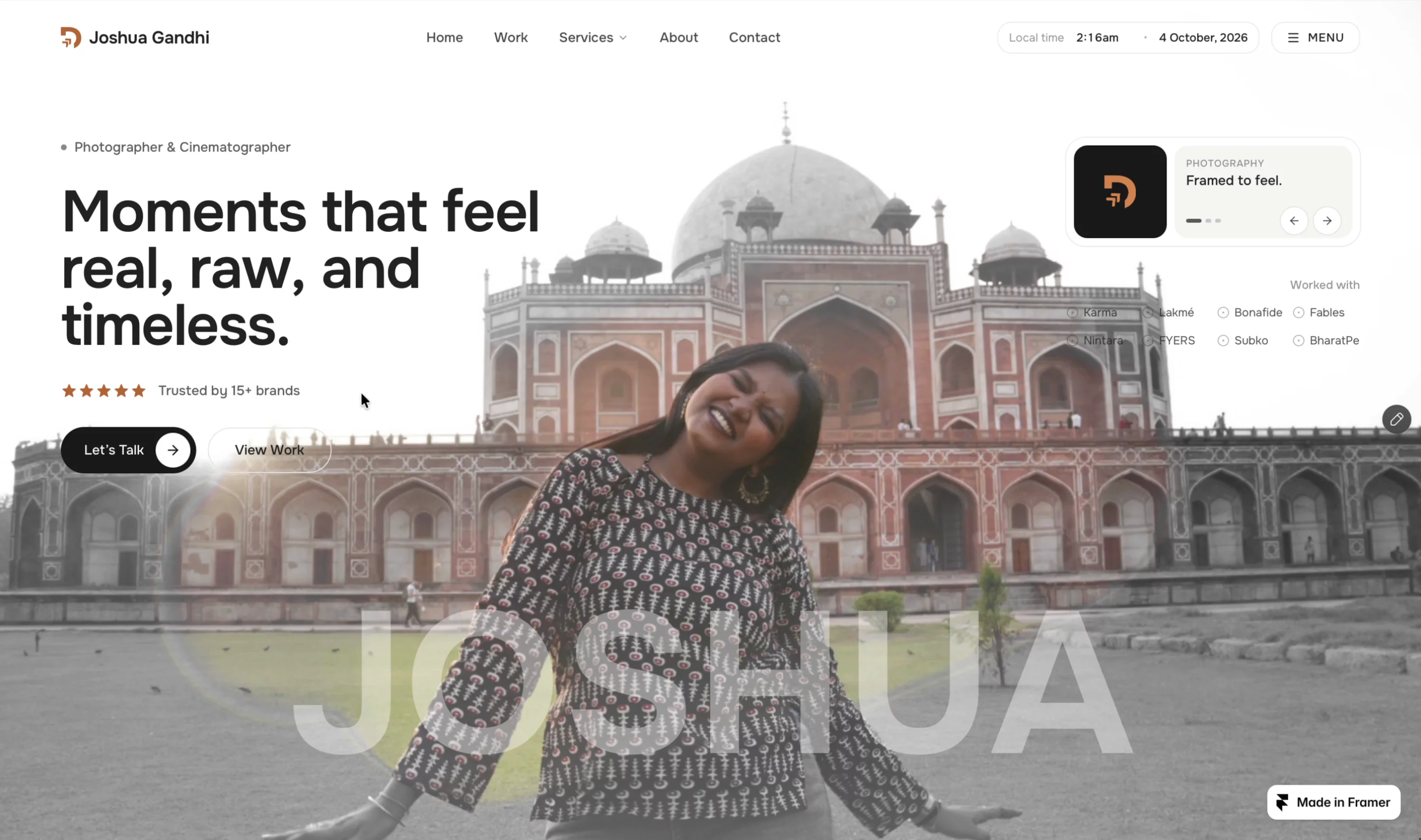
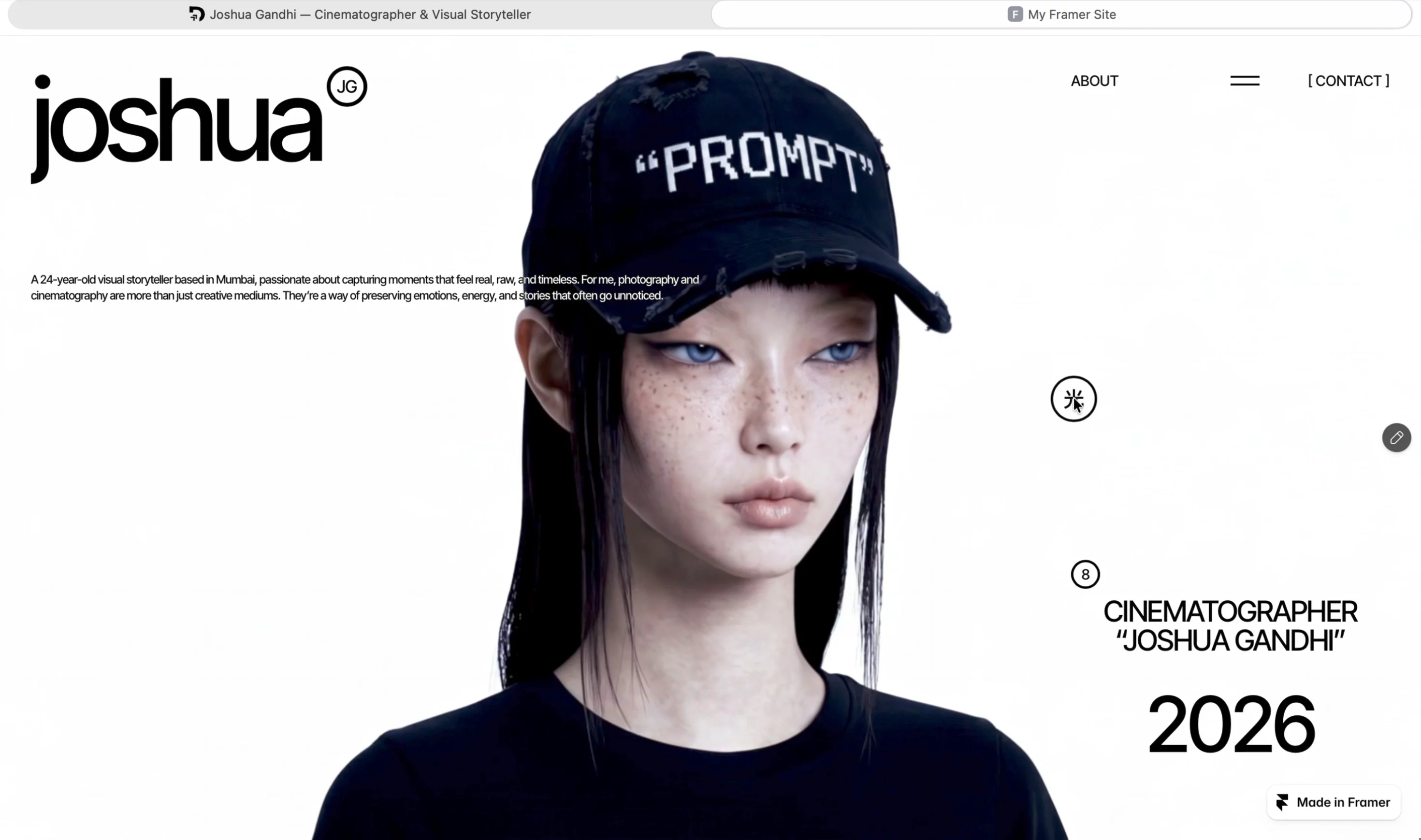
The brave-overlays preview reads glossy and gallery-first: large image fields, calm sans-serif type, and section rhythm that assumes stills or frame grabs do the persuading. Whitespace keeps contact sheets readable when art buyers open the link on a phone between meetings.
Motion stays subtle so footage thumbnails and photo grids stay sharp. The trade-off is mood. Glossfolio assumes a polished commercial studio voice. Playful illustrators or gritty documentary brands will recolor and retype heavily because the default chrome is bright and client-safe, closer to a retouching house than a zine portfolio.
Pages included in Glossfolio
Nine pages, named as Framer lists them:
- Home: studio positioning, featured Work teasers, and paths into Studio or Contact
- Work: curated projects grid or reel index for campaigns you highlight this quarter
- Studio: team, space, process, and credibility for producers checking who executes the shoot
- Journal: updates, BTS posts, or short notes that should not clutter the Work index
- Contact: booking inquiries, availability, and form-driven lead capture
- Privacy: policy copy for client data and site analytics disclosures
- Terms: general site terms separate from licensing language
- Usage Rights: licensing tiers, credit rules, or download terms clients expect from photo and film vendors
- 404: branded dead end when shared project links break after a redesign
Usage Rights plus Terms is the pairing most free portfolios skip. Plan on writing real legal copy with counsel, not leaving placeholder lorem.
What is distinctive about Glossfolio
- Usage Rights route. Gives licensing conversations a named URL instead of a PDF buried in email.
- Journal beside Work. Room for process writing without pretending every note is a portfolio piece.
- Studio as its own page. Keeps About energy off Contact so producers can scan crew and space quickly.
- Nine-page studio map without CMS. Faster remix when your roster changes slowly and you edit frames by hand.
- 404 included. Safer when you rename routes after client feedback.
Framer forms, hosting, and responsive breakpoints are table stakes. They are not why you pick Glossfolio over another portfolio remix.
When to remix Glossfolio, and when to skip
Remix Glossfolio when you are a photo or film studio with a handful of hero projects, real licensing language to publish, and no appetite for CMS setup on day one. The author profile points to John Nicholson on Framer; treat the file as a structured studio starter you re-skin.
Skip it when every new client needs a CMS project page in minutes. That is JORGE. Skip it when you only need one scroll and a contact button. Compare picks on the photography shortlist or return to free Framer templates on the hub.
Frequently Asked Questions
Quick answers about Glossfolio, including pricing, CMS support, responsiveness, and who it is built for.
-
What kind of website is Glossfolio best for?
- Glossfolio targets photo and film studios presenting selected Work, a Studio story, and a Journal lane. It is a free nine-page static portfolio with Privacy, Terms, and Usage Rights for client licensing. Creatives who live in CMS case studies should remix JORGE instead.
-
Is Glossfolio free to remix?
- Yes. Glossfolio is a free Framer template on the marketplace. Remix it at no charge and publish on Framer hosting when you are ready. The yoframer listing does not add a fee for the file itself.
-
Does Glossfolio include a CMS?
- No. Work, Studio, and Journal are static pages you edit in the canvas. That keeps launch simple on Basic, but every new campaign means duplicating frames or wiring collections yourself after remix.
-
When should I skip Glossfolio?
- Skip Glossfolio if you need collection-backed project pages and a services menu. JORGE ships CMS case studies for designers. For a tighter photography-only shortlist, browse the hub and roundup links from the listing body.
Featured in our Portfolio roundup
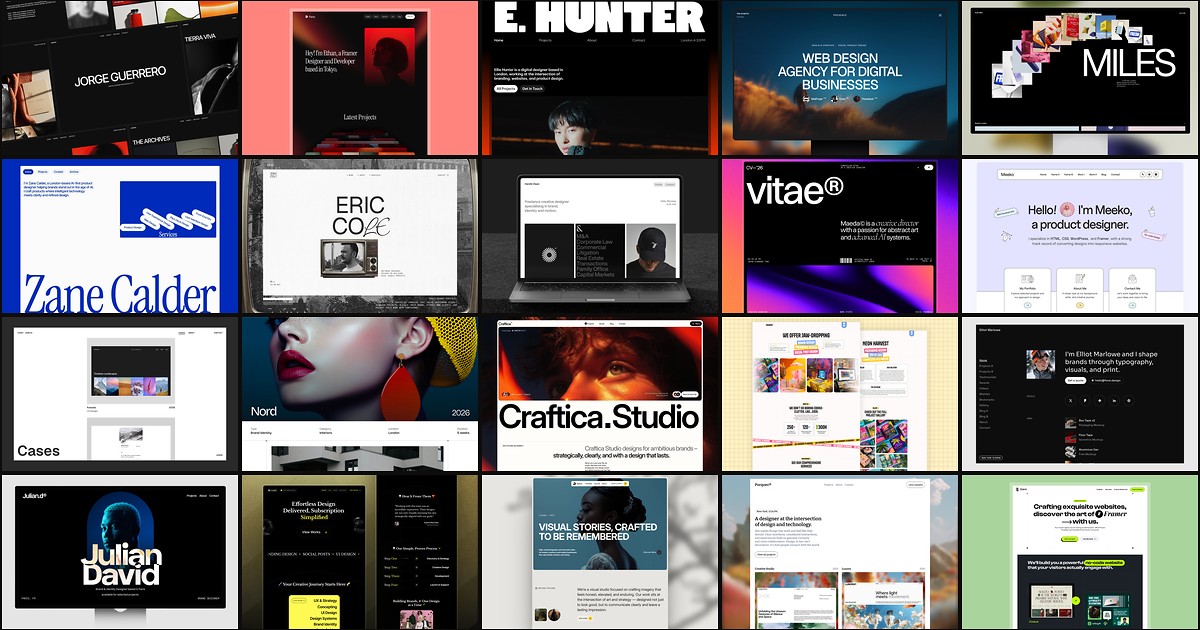
20 Best Portfolio Framer Templates in 2026 (Ranked)
A portfolio site should show work first and make contact inevitable. These 20 Framer templates cover minimal one-pagers to full CMS studios.