 Live Preview
← All Templates
Architecture
Halden Architect — Free Architecture Template for Framer
Halden Architect is a free 6-page architecture Framer template for studios selling projects and a journal. Skip it if you need CMS case studies or a one-page scroll.
freeframerarchitecturestudiohalden
Halden Architect is a free 6-page architecture template for Framer with Home, Projects, About, Contact, Journal, and a 404. No CMS collections are wired in the marketplace file, so project stories stay static frames unless you add collections after remix. Skip it if every new build should publish from a CMS detail template. Archiora covers that job with a Project collection. Explore more free Framer templates on the hub, or browse the architecture shortlist.
Who should remix Halden Architect?
Halden fits a boutique studio that has six to ten hero projects and wants a proper Projects index plus a Journal page for studio news, awards, or process essays. Think a residential firm showing façades and interiors, or a landscape-adjacent practice that still labels itself architecture. The Journal route is the tell: this template expects occasional writing, not a daily content team.
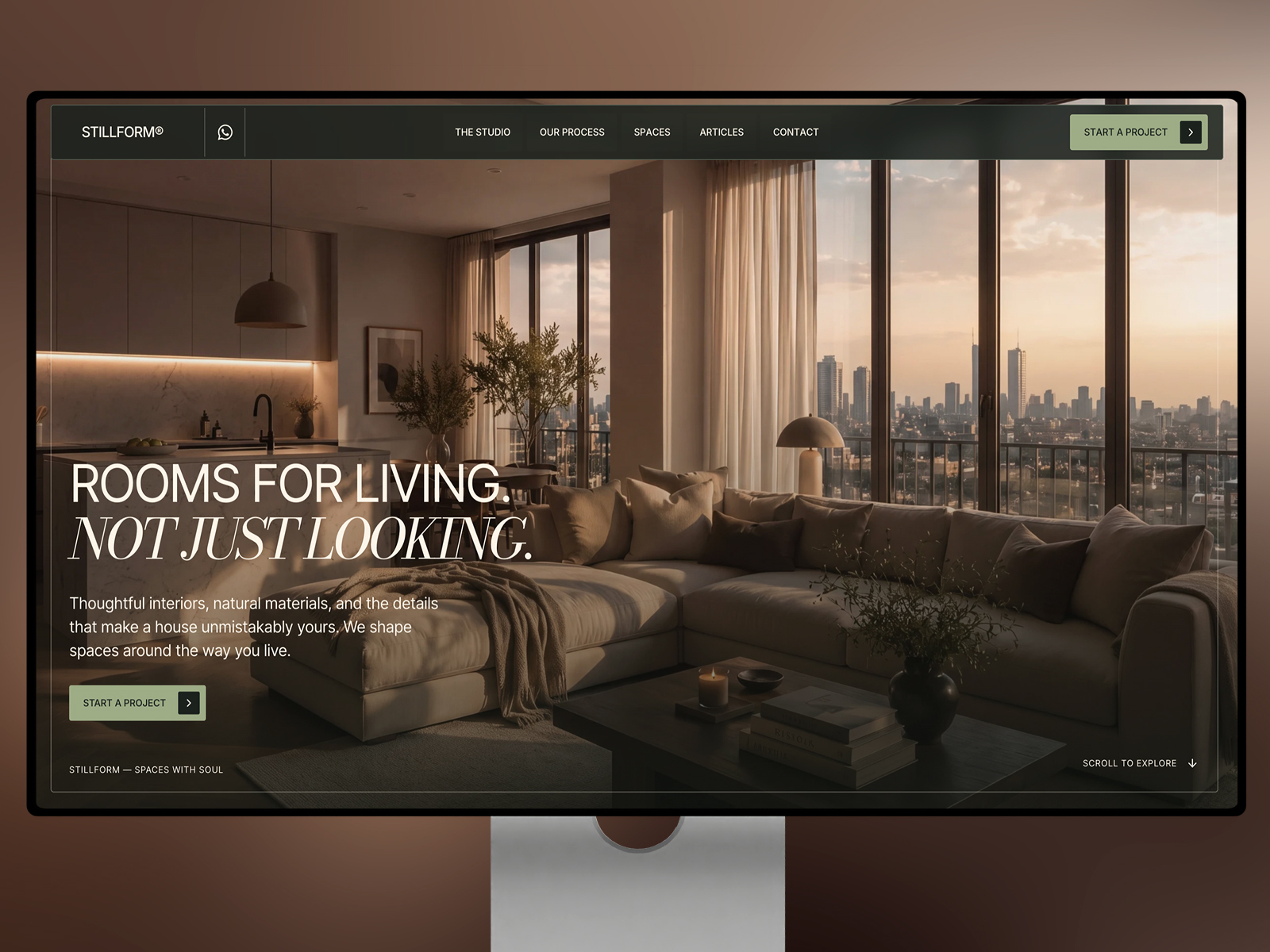
Look elsewhere if you are an interior-only stylist with a portfolio of styled rooms and no built work narrative. Stillform Spaces or a portfolio-first file may match that mood better. Also skip if you are a large firm needing careers, offices, and downloadable press kits. Six pages will feel tight once HR and media teams get involved.
What Halden Architect looks like
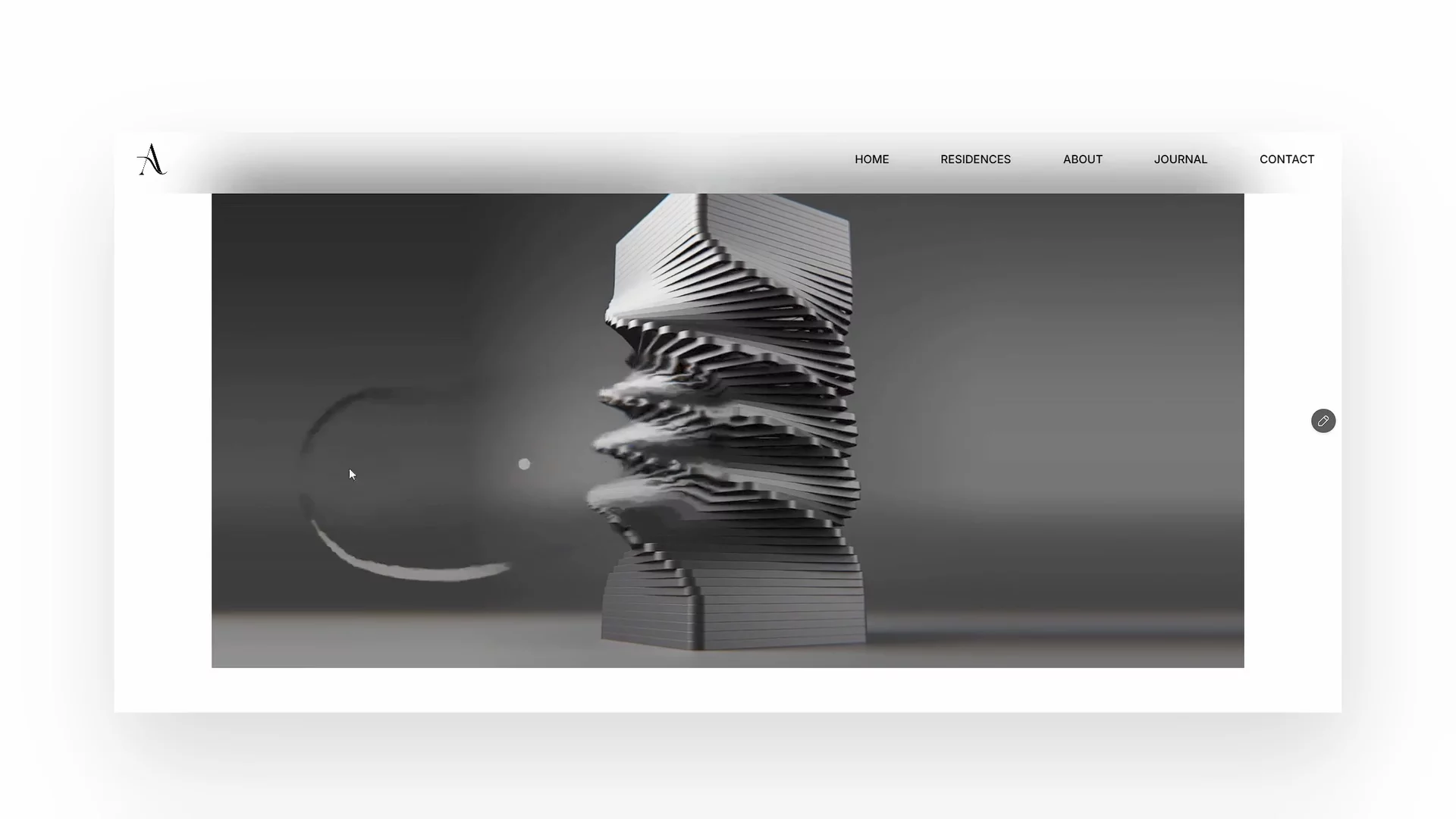
The demo skews editorial and calm: generous margins, architectural photography at full bleed, and type that feels more monograph than startup landing page. Neutrals and stone tones dominate, which keeps masonry, wood, and sky photography readable. It sits closer to a printed studio brochure translated to the web than to a neon tech brand.
Motion is restrained, mostly image reveals and gentle scroll pacing, so project photos stay the hero on phones. The fight is flexibility. Halden assumes a refined, high-end studio voice. Playful color, brutalist type, or industrial punk branding will require a deeper reskin than swapping logos.
Pages included in Halden Architect
Six pages, named as Framer lists them:
- Home: studio positioning, featured work teasers, and a path into Projects or Contact
- Projects: grid or list of built work with room for typology, location, and year labels
- About: partners, philosophy, and credentials that win residential and small commercial bids
- Contact: inquiry form, studio email, and space for office location or service area notes
- 404: on-brand error page when a project slug changes after a redesign
- Journal: editorial index for news, essays, site visits, or competition results
Projects plus Journal is the pairing that separates this from a bare portfolio scroll. You can tell stories that are not full case studies yet.
What is distinctive about Halden Architect
- Journal route on a small sitemap. Many six-page architecture files stop at Projects and About. Halden leaves room for studio voice.
- Projects index without pretending CMS. Good when your project count is stable and you update twice a year, not twice a week.
- 404 as a named page. Helpful when you migrate from WordPress and old project URLs still get traffic.
- Contact separated from About. Clients who only want directions or RFP details land on a focused page.
- Static simplicity. No collection setup on day one, which speeds a launch before you learn Framer CMS.
Framer SEO settings, analytics hooks, and breakpoints are platform tooling, not Halden-specific reasons to remix.
When to remix Halden Architect, and when to skip
Remix Halden Architect when you want a credible architecture studio site with projects, about, contact, and occasional journal posts, all on static pages you can hand-edit after each completion photo shoot.
Skip it when every project needs a CMS detail page you duplicate from a template. Choose Archiora instead. Still deciding? Use the architecture shortlist or return to free Framer templates on the hub.
Frequently Asked Questions
Quick answers about Halden Architect, including pricing, CMS support, responsiveness, and who it is built for.
-
What kind of website is Halden Architect best for?
- Halden Architect is for Small architecture studios that want projects, journal, and contact on a static six-page sitemap. It includes 6 pages: Home, Projects, About, Contact, 404, Journal.
-
Is Halden Architect free or paid?
- Halden Architect is a free Framer template. The listed price on yoframer is free.
-
Does Halden Architect support CMS and responsive design?
- Halden Architect does not include CMS support. It is fully responsive.
-
When should I skip Halden Architect?
- You need CMS project detail pages. Archiora ships collections for that workflow. Start with Archiora .
Featured in our Architecture roundup
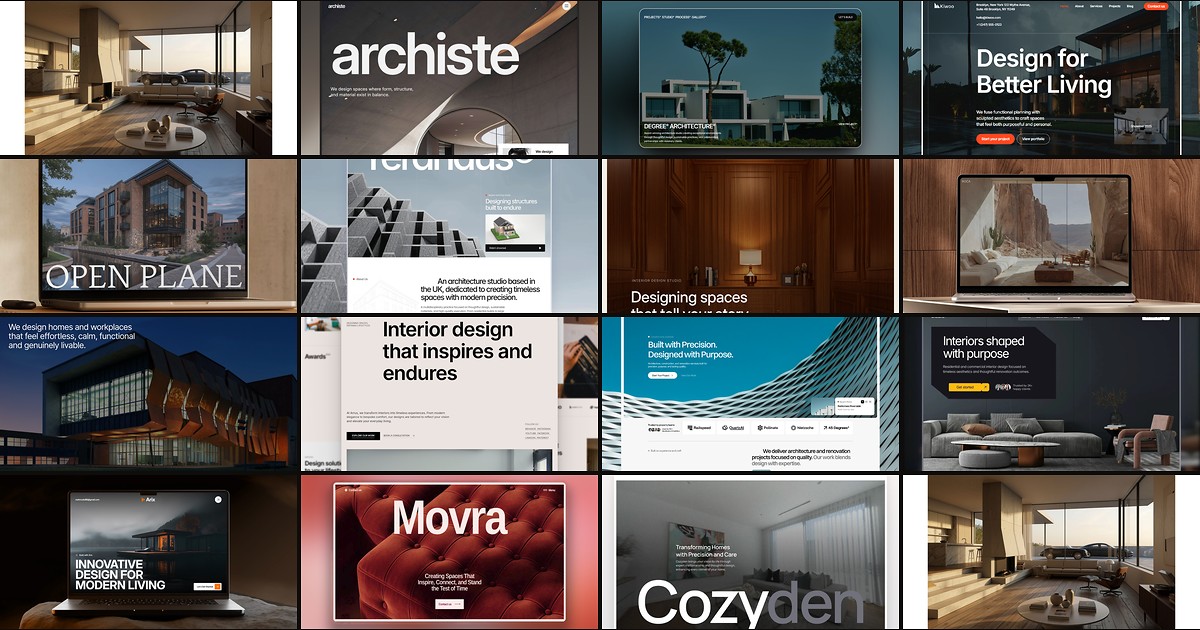
15 Best Free Architecture Framer Templates in 2026 (Ranked)
Fifteen free Framer templates with Architecture as the primary niche on yoframer, from deep CMS studio systems to lean interior landing pages you can remix today.