 Live Preview
← All Templates
Portfolio
Helixfolio — Free Portfolio Template for Framer
Helixfolio is a free 8-page portfolio Framer template for researchers who publish work, talks, and lab updates. Skip it if you only need CMS case studies.
freeframerportfolioresearchacademichelixfolio
Helixfolio is a free 8-page portfolio Framer template with no CMS collections. Remix it when your credibility lives in papers, lab updates, and conference talks, not a Dribbble grid. Home, Research, Publications, Lab, About, Talks, Journal, and Contact are all static pages you edit by hand. Skip it if you only need CMS case studies and a dark creative portfolio shell. JORGE covers that tighter. Browse more free Framer templates on the hub, or start with the portfolio shortlist.
Who should remix Helixfolio?
Helixfolio fits people whose portfolio is really a research trail. PhD students, postdocs, independent scientists, design researchers, and creative technologists who already have PDFs, preprints, or slide decks and want each thread to have a named route instead of one long bio page. If your site has to answer “what are you working on,” “what have you published,” and “where can I hear you speak,” the sitemap matches that conversation.
Walk away if you are a visual creative selling polished case studies. Helixfolio does not ship CMS project templates, and duplicating frames for every client gets old fast. Agencies pitching retainers should not start here either. If the whole job is one scroll with big type and a contact link, pick a leaner file from the portfolio roundup before you fight eight pages of structure.
What Helixfolio looks like
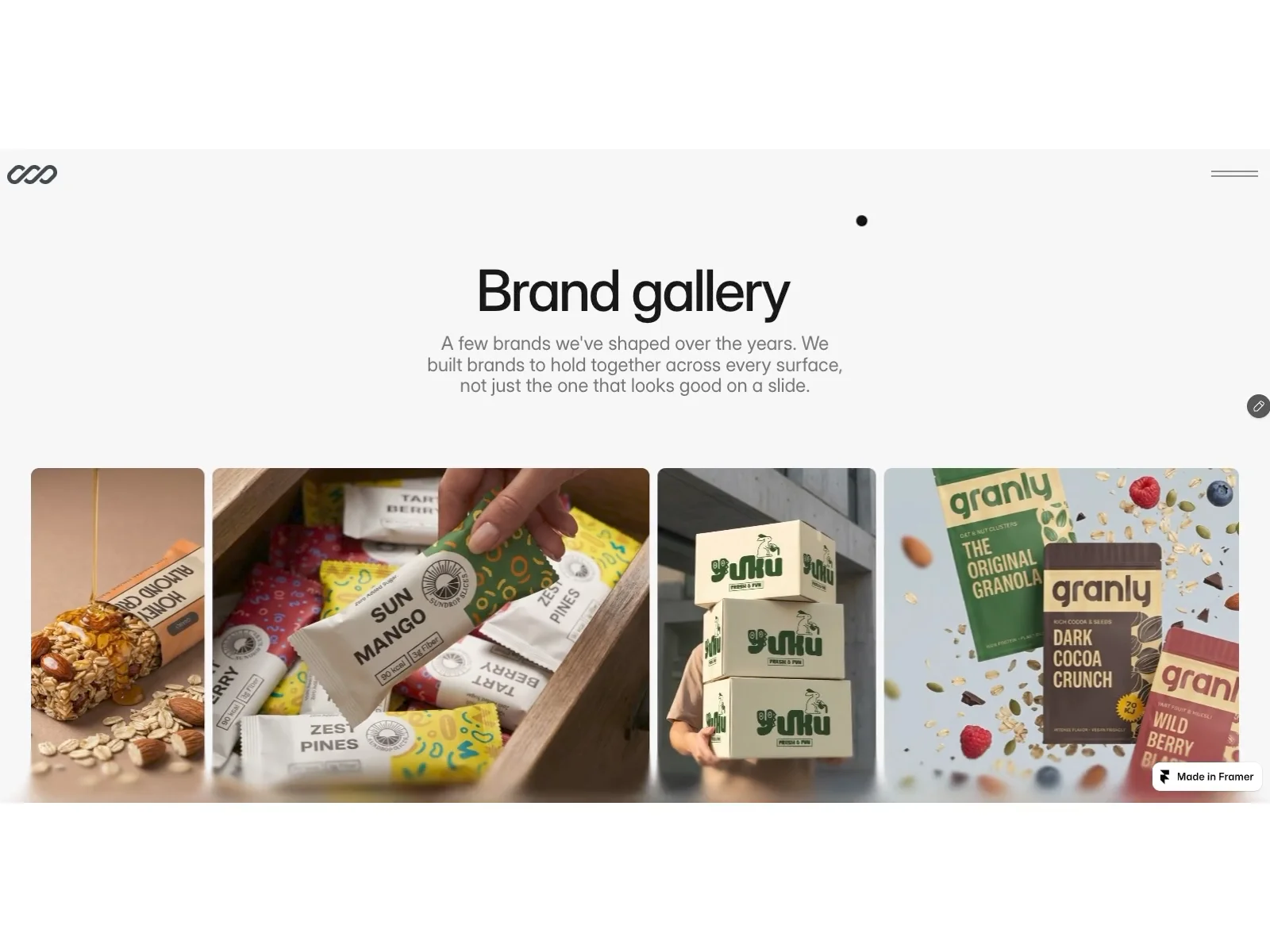
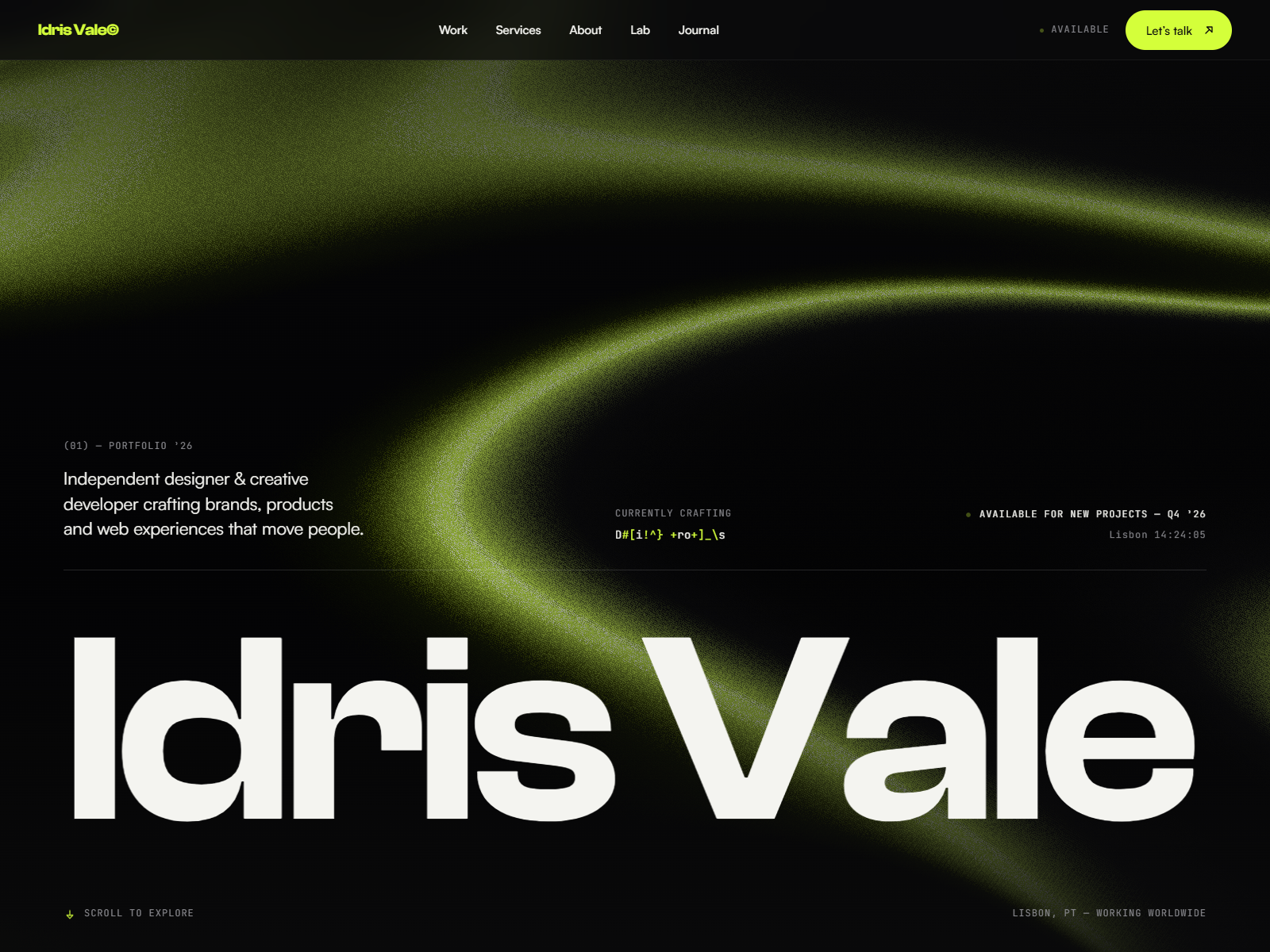
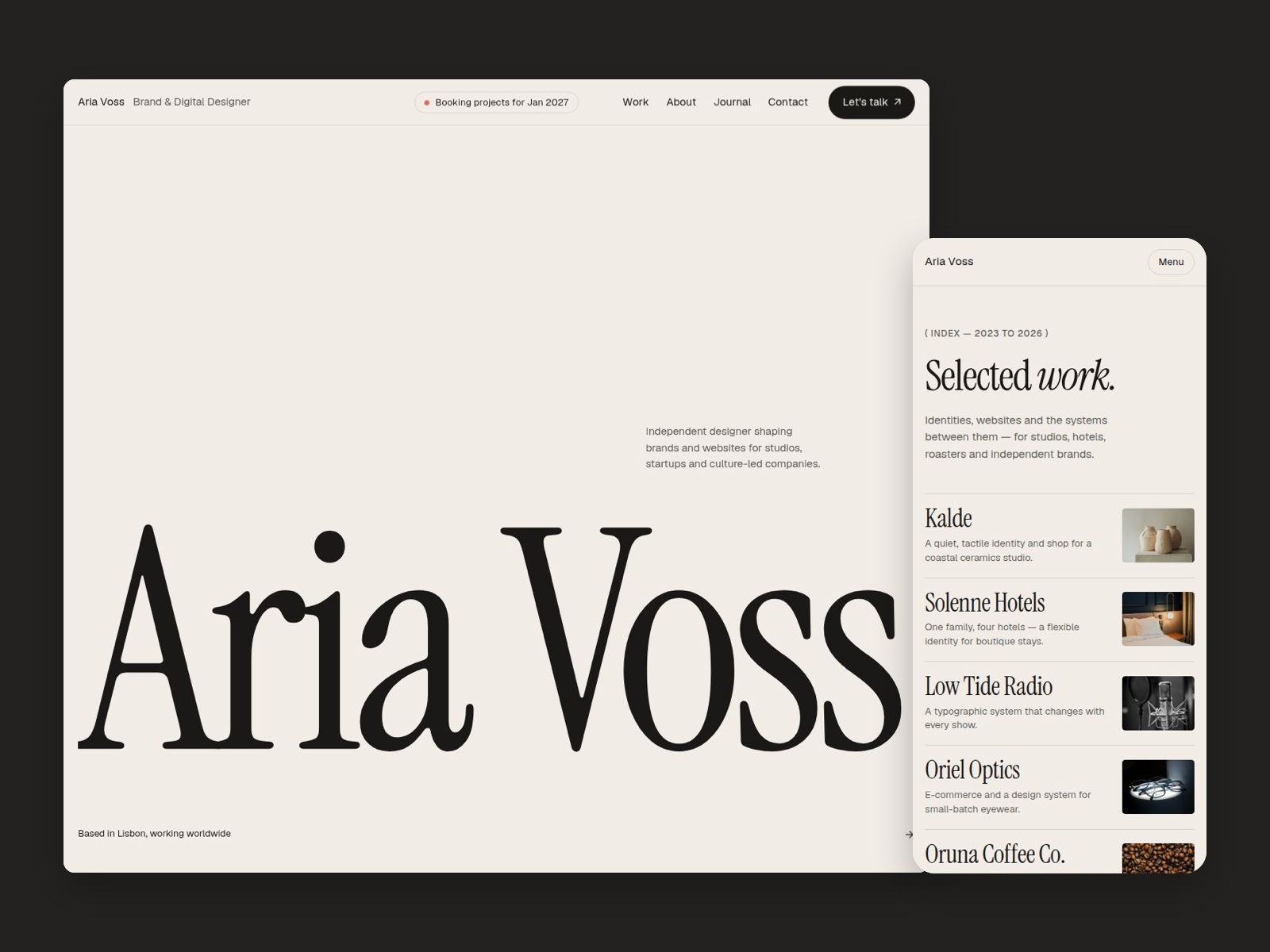
The preview reads clean and editorial: generous whitespace, restrained sans-serif hierarchy, and section blocks that feel closer to a university lab site than a neon startup landing. Imagery slots expect charts, lab photos, or paper thumbnails rather than full-bleed hero art. Motion stays polite, mostly fades and layout shifts, so long reading pages still feel calm on a phone.
That calm is the trade-off. Brands that want loud gradients, glassmorphism, or playful illustration will spend time restyling every section. Helixfolio assumes the reader trusts you because the work is documented, not because the chrome screams award-show energy.
Pages included in Helixfolio
Eight static routes, named exactly as Framer lists them:
- Home: orients visitors toward active research, featured publications, and the fastest paths to Lab or Talks
- Research: ongoing questions, grants, or project themes without mixing them into a generic About page
- Publications: bibliography-style listing for papers, articles, or external links you maintain manually
- Lab: people, equipment, or process notes that support the research story
- About: bio, affiliations, and the human context behind the work
- Talks: speaking history, upcoming events, or embedded decks
- Journal: informal updates, field notes, or news that is too short for Publications
- Contact: direct reach-out for collaborators, media, or hiring managers
None of these pages are collections. Plan on duplicating a layout when you add a major project, or link out to arXiv, YouTube, and Slideshare when you want zero maintenance.
What is distinctive about Helixfolio
- Academic sitemap in a free file. Research, Publications, Lab, and Talks together are rare in marketplace portfolios that stop at Home, Work, and Contact.
- Journal separate from Publications. Gives you a place for updates without pretending every note is a peer-reviewed entry.
- No CMS overhead. Faster launch if your content changes slowly and you are fine editing frames.
- Creative category without case-study CMS. Useful when your “work” is ideas and experiments, not client logos.
- Eight pages, still lightweight. Enough structure for committees and grant reviewers, not an agency-sized map.
Framer hosting, forms, and responsive breakpoints are table stakes. They are not why you pick Helixfolio over another portfolio remix.
When to remix Helixfolio, and when to skip
Remix Helixfolio when you need a credible research presence tomorrow and you already know what belongs on each named page. The author profile points to John Nicholson on Framer; treat the file as a structured starter you re-skin, not a finished personal brand.
Skip it when the site must sell visual case studies with repeating CMS entries. That is JORGE. Skip it when you want a business energy or infrastructure story with project CMS. Compare files on the portfolio shortlist or return to free Framer templates on the hub.
Frequently Asked Questions
Quick answers about Helixfolio, including pricing, CMS support, responsiveness, and who it is built for.
-
What kind of website is Helixfolio best for?
- Helixfolio is for Researchers, scientists, and creative technologists who need publications, lab notes, and talks on one credible site. It includes 8 pages: Home, Research, Publications, Lab, About, Talks, Journal, Contact.
-
Is Helixfolio free or paid?
- Helixfolio is a free Framer template. The listed price on yoframer is free.
-
Does Helixfolio support CMS and responsive design?
- Helixfolio does not include CMS support. It is fully responsive.
-
When should I skip Helixfolio?
- You only sell visual case studies with CMS project pages. JORGE is built for that job. Start with JORGE .
Featured in our Portfolio roundup
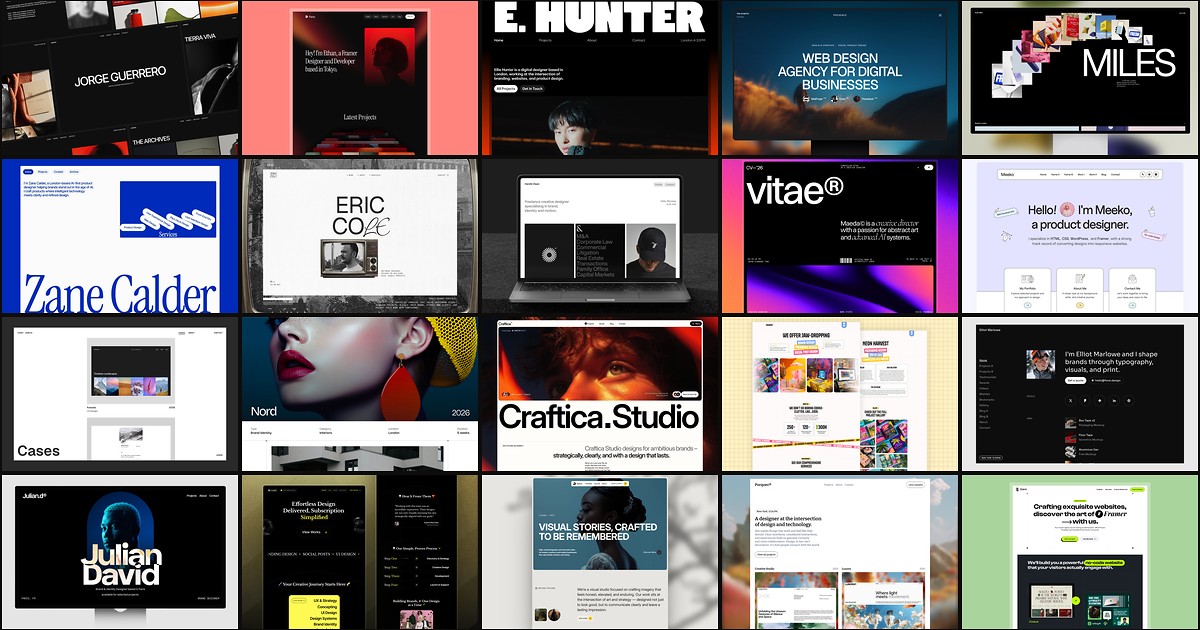
20 Best Portfolio Framer Templates in 2026 (Ranked)
A portfolio site should show work first and make contact inevitable. These 20 Framer templates cover minimal one-pagers to full CMS studios.