 Live Preview
Handle — Free Portfolio Template for Framer
by Unknown
Hey Creator is a free 4-page portfolio Framer template for UGC and content creators who pitch brands. Skip it if you need case study pages. JORGE covers that.
Hey Creator is a free 4-page portfolio template for Framer, built around a UGC creator’s pitch to brands. Remix it if your proof is short-form video and a “let’s talk” button. It has no CMS: just Home, Terms And Support, Privacy, and a 404. Skip it if you need a case study per client. JORGE does that with CMS project pages. Want to compare more first? The free Framer templates hub is one click away, and the portfolio shortlist narrows it fast.
Picture a bilingual UGC creator who gets DMs from brand managers asking for “your media kit.” Right now the answer is a Notion link and three Instagram handles. Hey Creator replaces that with one confident homepage: a name, a promise, a stack of vertical video cards, and a button that opens a conversation. That is the brief this file was built for.
Skip it if you sell to clients who want to read about process, results, and scope. There is no project index and no detail page, so a strategist or motion studio will feel cramped. Photographers and designers with long case studies should start from JORGE. Anyone who wants a single scroll with no legal pages can look at Ferio.
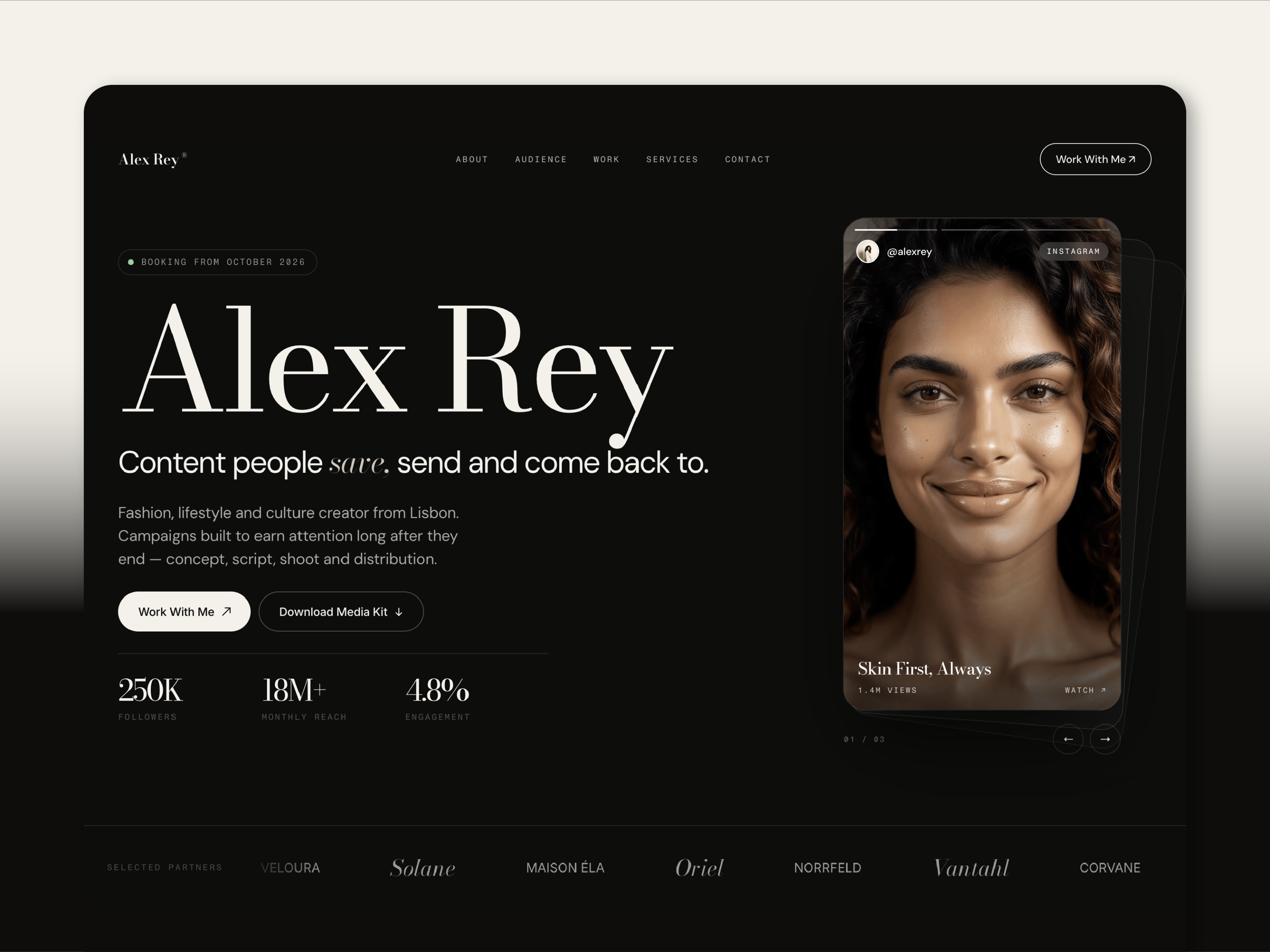
The preview opens on a saturated electric blue hero with a huge white headline: “Content that feels real,” with the last word in italic blue. Below it sits a pale, off-white site frame, a floating pill nav, and a fan of phone-shaped video cards at a slight tilt. Think Arc’s friendly confidence rather than Linear’s coolness. Type is a clean grotesque, black on cream, with one accent color doing the emphasis.
That look suits creators because the content is the colorful part. Thumbnails and clips carry the page, and the chrome stays out of the way. The honest fight is the personality: the default copy, the tilt, and the blue are all one person’s brand. Remixing means swapping every card and re-checking contrast once your own footage goes in, and a creator in a dark or luxury niche will rework more than the text.
Four pages, named as Framer lists them:
Two of the four pages are legal and support, so the real sitemap is one page plus safety nets. That is a feature if you want speed and a limit if you want depth.
Framer’s own SEO, analytics, and breakpoint tooling come with the platform. They are not a reason to pick this file.
Remix Hey Creator when you are a creator whose proof is a reel and a rate card, and you want a site live this week. The author is listed as Unknown on the marketplace, so there is no track record to point to. Judge it by the preview, which is tidy and specific rather than generic.
Skip it when the work needs room to explain itself. That is JORGE, with a Works index and CMS case study pages. If you are still shopping, go back to the portfolio shortlist or the full set of free Framer templates. The remix button sits in the sidebar of this page.
Quick answers about Hey Creator, including pricing, CMS support, responsiveness, and who it is built for.
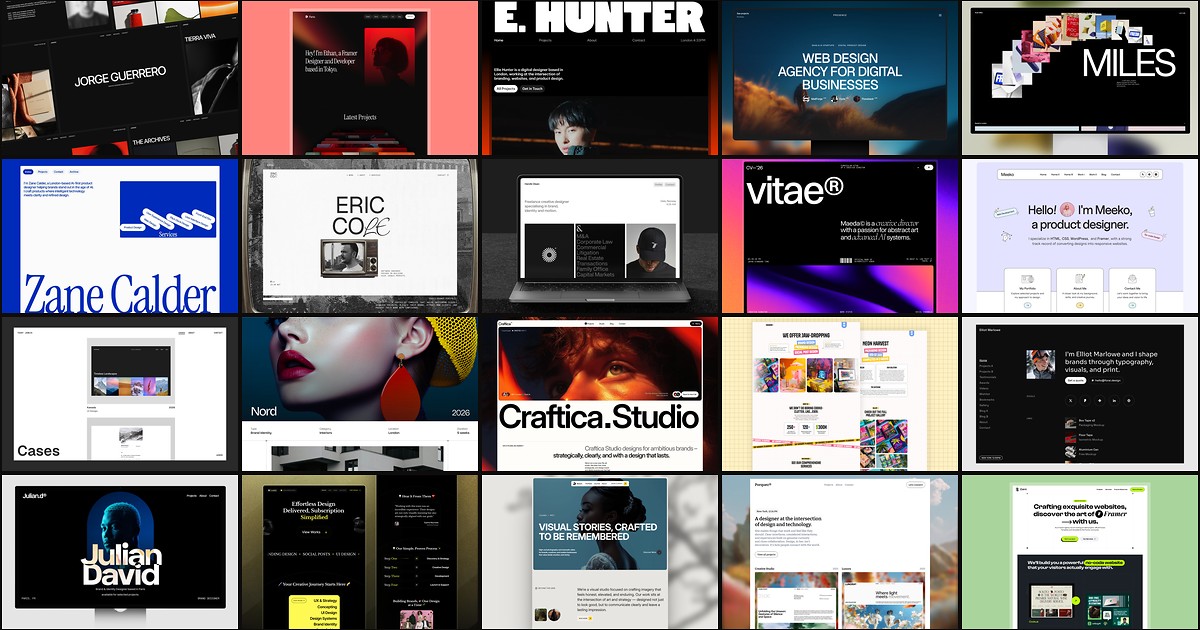
A portfolio site should show work first and make contact inevitable. These 20 Framer templates cover minimal one-pagers to full CMS studios.