 Live Preview
← All Templates
Photography
IvyLens — Free Photography Template for Framer
IvyLens is a free 5-page photography Framer template with About, Projects, Blog, and Contact routes. Skip it if those pages must be CMS collections on day one.
freeframerremixphotographyportfoliominimalivylens
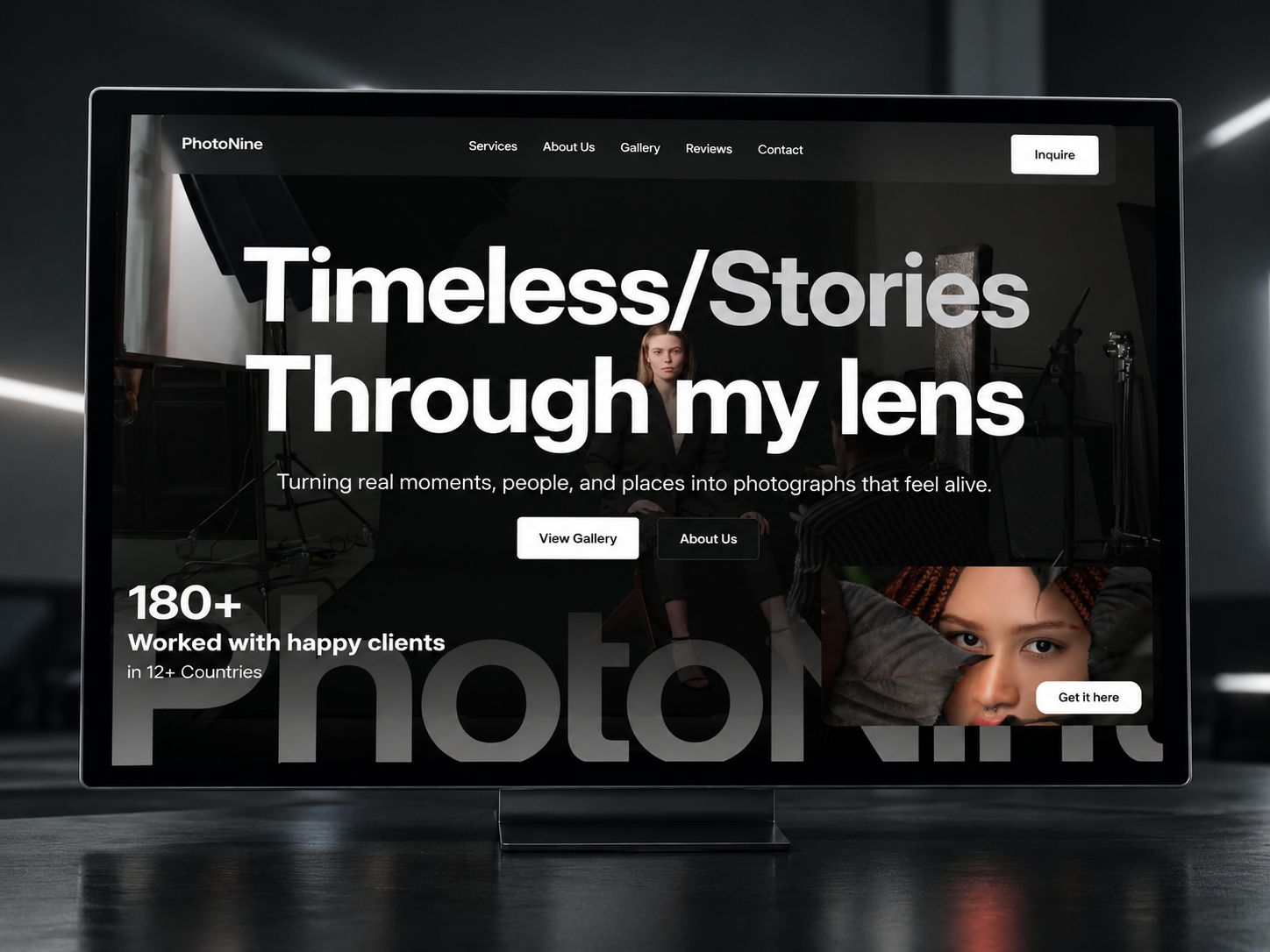
IvyLens is a free five-page photography Framer template for photographers who want About, Projects, Blog, and Contact as real routes. The author field is Unknown. There is no CMS. Skip it if projects must be collection entries. PhotoNine is the dark two-route alternative. The photography shortlist and free Framer templates are the loop back.
Who should remix IvyLens?
IvyLens fits a portrait or brand photographer who is done with a one-page teaser and wants a client to open Projects or Contact without scrolling a novel. Home already carries a short bio and an explore-my-work button. About is called out again lower on the page, which is a hint that the story is split on purpose across routes. Blog gives you a journal URL even before you own a CMS.
Walk away if each assignment needs its own generated page. JORGE is the portfolio with CMS project pages. Walk away if the work is night studio and flash, not natural light. PhotoNine starts black and stays there, with a much shorter map. IvyLens will look wrong if you only have one photo and no plan for a blog.
What IvyLens looks like
Cream background, near-black condensed headline (“Capturing moments that feel like memories”), and a large photograph on the right: a photographer in a green jacket, winter light, a striped strap. Below, a centered about block and a strip of stills (a flower, a camera, a figure). The nav says About, Services, Work, Journal, Contact. The sitemap says About, Projects, Blog, Contact. Trust the sitemap when you name URLs. The look is closer to a quiet magazine than to a dark campaign.
The fight is softness. This file wants gentle photos. Hard graphic work will float on the cream and look unfinished. Services appears in the nav and not in the page list, so either fold services into About or add a page. Do not leave a link to nowhere.
Pages included in IvyLens
Five routes, none marked CMS:
- Home: headline, short photographer bio, hero image, and the start of the about story
- About: a route for the longer bio the homepage only begins
- Projects: selected work as its own URL (the nav may say Work)
- Blog: a journal route (the nav may say Journal), static unless you add a CMS
- Contact: the page for commissions that should not live only in the hero button
Services is a preview nav item, not a sixth page in the scrape. Add it only if you mean to.
What is distinctive about IvyLens
- Editorial split of image and type. The hero is a two-column magazine open, not a full-bleed photo with type on top.
- Projects and Blog both exist. Many one-page photographer files make you choose. This one names both routes.
- Natural-light demo. The default pictures are daylight and still life, which tells you who the layout was drawn for.
- Cream field. You are not remixing a black studio and then fighting the contrast.
- Nav words and page names disagree. Work versus Projects, Journal versus Blog, Services with no route. Fixing that mismatch is part of a honest launch.
Do not list Framer’s default accessibility settings as a reason to pick this file.
When to remix IvyLens, and when to skip
Remix IvyLens when you want a light photographer site with five clear routes and you can maintain projects by hand.
Skip it for CMS case studies or a dark studio one-screen. Use PhotoNine or JORGE, then the photography shortlist or free Framer templates.
Frequently Asked Questions
Quick answers about IvyLens, including pricing, CMS support, responsiveness, and who it is built for.
-
What kind of site is IvyLens best for?
- IvyLens fits a free photography portfolio in Framer with five static routes: Home, About, Projects, Blog, and Contact. The preview is a cream page, a large black headline, and a natural-light portrait of a photographer. There is no CMS marker on Projects or Blog. If you need collection-backed case studies, use JORGE. If you want a dark two-page studio, use PhotoNine.
-
Is IvyLens free to remix?
- Yes. IvyLens is free on the Framer marketplace. yoframer does not charge for access. Replace the demo bio and the flower stills before you send the URL to a client. Hosting stays on your Framer plan.
-
Does IvyLens include a CMS?
- No. Projects and Blog are pages, not collections labeled CMS. New work means editing or duplicating frames. That is fine for a small set of stories and painful once the journal is weekly. Nothing in the sitemap is a project detail template fed by a collection.
-
When should I skip IvyLens?
- Skip IvyLens if the cream editorial look is wrong, if you need per-project URLs from a CMS, or if a dark campaign site fits the work better. PhotoNine is the dark two-page option. The photography shortlist and the free Framer templates hub are the next pass.
Featured in our Photography roundup
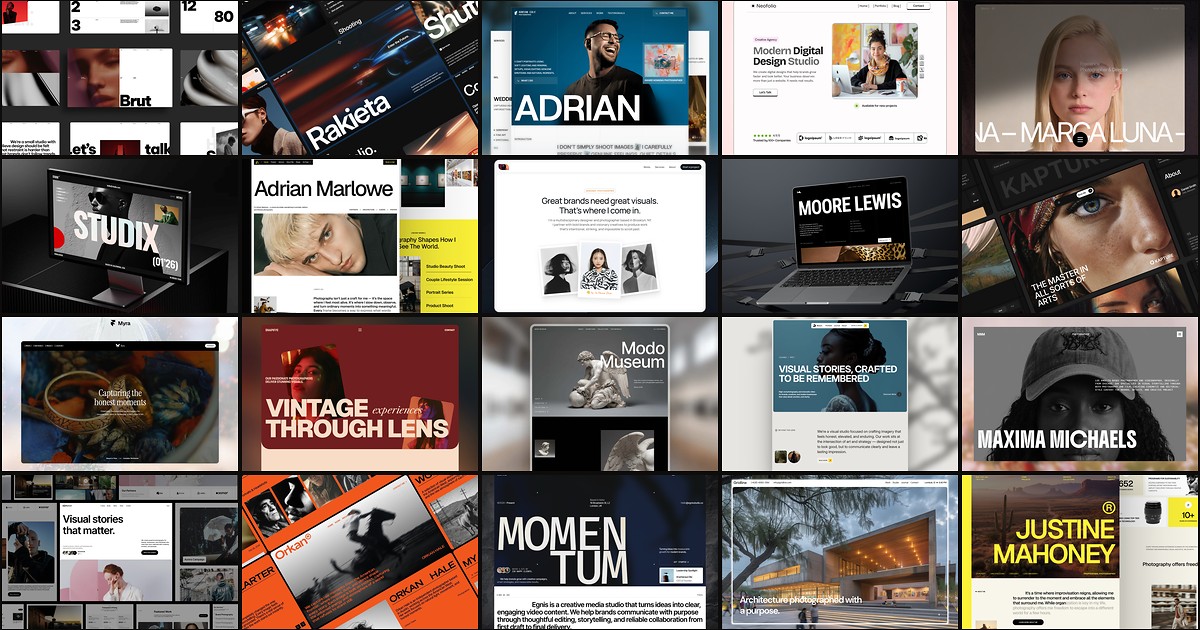
20 Best Free Photography Framer Templates in 2026
Photography buyers judge you on image hierarchy before they read a bio. These 20 free Framer templates ship the gallery routes, studio pages, and CMS depth shooters and agencies need without a custom build.