 Live Preview
← All Templates
Portfolio
Julian Voss — Free Portfolio Template for Framer
Julian Voss is a free 8-page portfolio Framer template for designers who want work, journal, and about pages without CMS. Skip it if you need CMS case studies.
freeframerremixportfoliocreativejulian
Julian Voss is a free eight-page portfolio template for Framer with no CMS. It pairs Work / Selected Projects and Project Detail with Journal and Journal Detail, plus About, Contact, and 404, for designers who publish depth as static pages. Skip it if you want collection-driven case studies and services. JORGE is the CMS portfolio pick. Compare other files on the portfolio shortlist, then browse free Framer templates on the hub.
Who should remix Julian Voss?
Julian Voss fits a senior product or brand designer who ships a handful of flagship case studies each year and also writes short journal posts about process. You get named routes for an index, a project story, an essay index, and a long read, which mirrors how many independent studios actually publish without a CMS budget yet.
Pass if you expect a growing archive of twenty-plus projects. Cloning Project Detail and Journal Detail frames works once; it becomes chores quickly. Photographers who need CMS galleries and minimal copy should remix JORGE instead. Agencies that need pricing, team grids, or careers should look at agency files, not this portfolio map.
What Julian Voss looks like
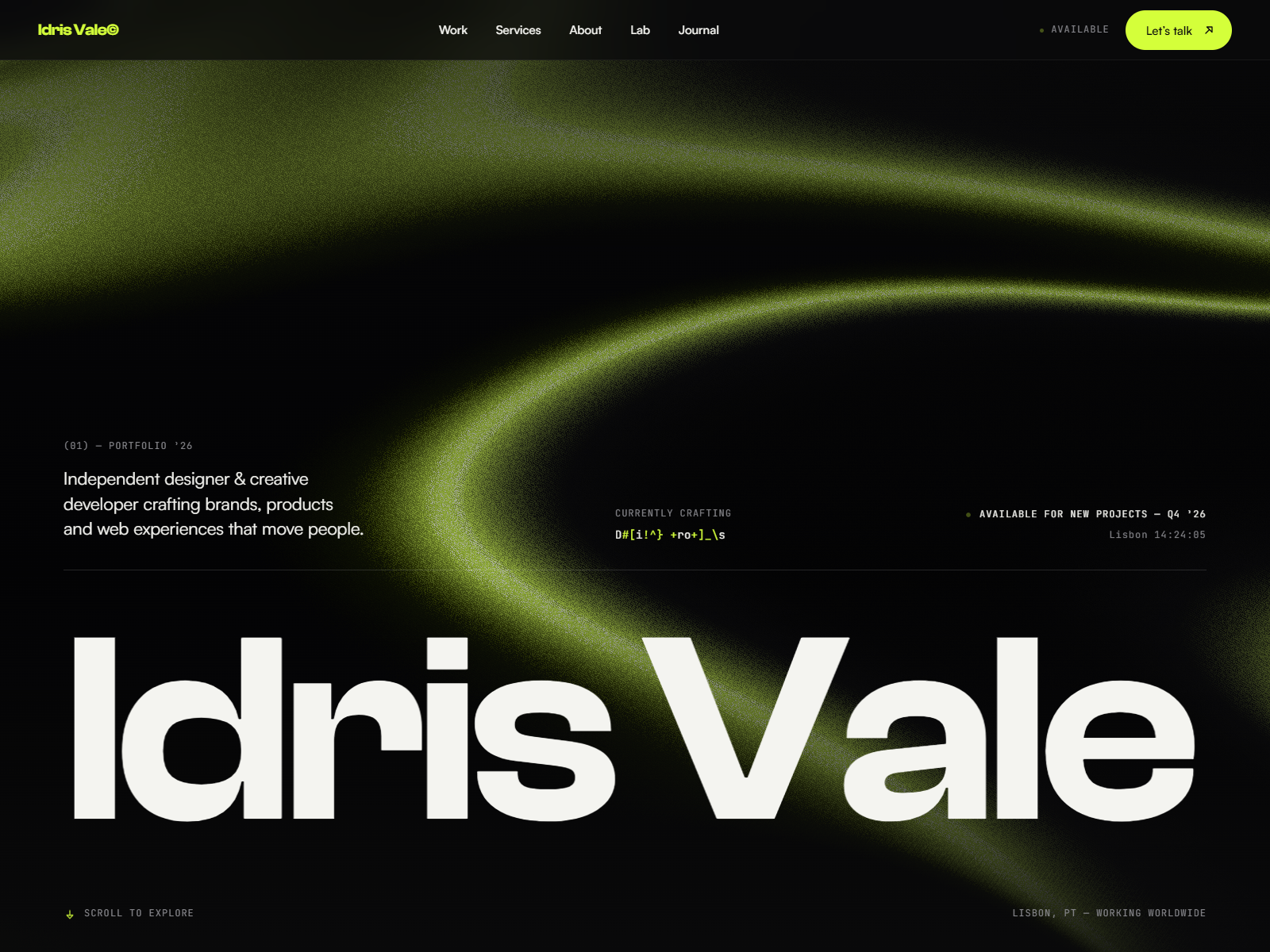
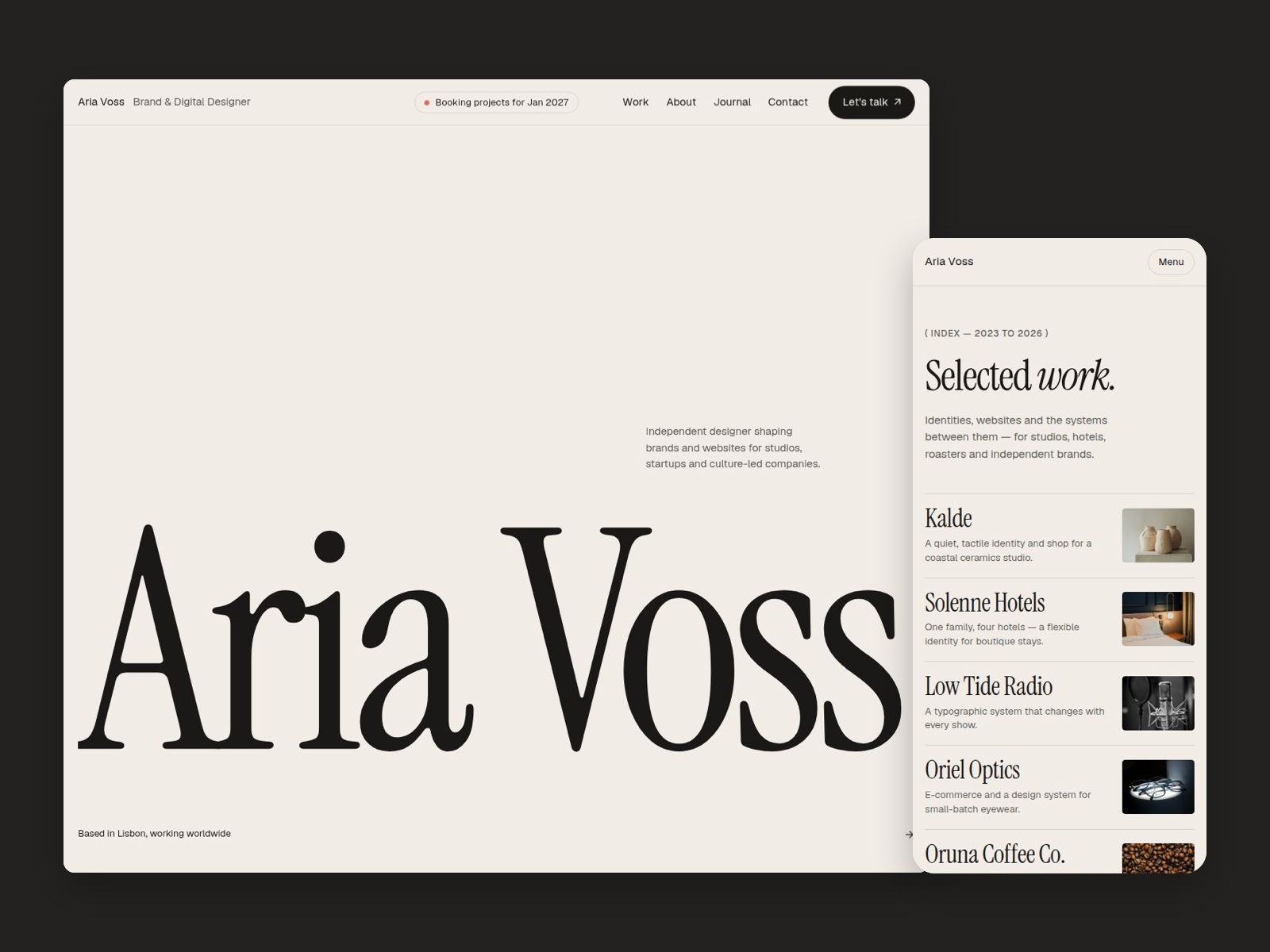
The Julian Voss demo site reads contemporary European portfolio: restrained neutrals, sharp sans-serif hierarchy, and project imagery treated like editorial spreads rather than card tiles. Journal pages borrow magazine pacing, which helps designers who sell thinking, not just pixels. Contact and About stay quiet so Work remains the hero.
Motion is understated, mostly section reveals that keep long case studies readable on mobile. The default mood is serious and studio-clean, closer to a design consultancy than a playful illustrator brand. Colorful personal identities will retheme, but the grid discipline is the point.
Pages included in Julian Voss
Eight pages, named as Framer lists them:
- Home: positioning, featured work, and paths into the journal
- Work / Selected Projects: grid or list of flagship engagements
- Project Detail: long-form case study layout for one client story
- Journal: index of essays, notes, or studio updates
- Journal Detail: article layout paired with the journal index
- About: bio, capabilities, and credibility without a team roster
- Contact: inquiry form and direct reach-out cues
- 404: branded missing-page recovery
Nothing here is CMS-backed. Duplicate Project Detail and Journal Detail when you add stories, and keep navigation in sync by hand.
What is distinctive about Julian Voss
- Work and journal dual track. Supports designers who publish cases and writing side by side.
- Named Project Detail route. Clear URL story for sharing one case with hiring managers.
- Journal Detail paired with Journal. Avoids bolting a blog onto a portfolio as an afterthought.
- Eight pages, still no CMS tax. More depth than a one-pager without collections setup.
- 404 included. Keeps a polished portfolio from leaking trust on bad links.
Framer SEO, analytics, and responsive breakpoints are defaults, not Julian Voss differentiators.
When to remix Julian Voss, and when to skip
Remix Julian Voss when you already have three to six strong cases and occasional essays, and you are fine maintaining them as static pages for this launch cycle. The marketplace author profile aligns with portfolio-forward Framer work in a similar register.
Skip it when Works and Services must update through CMS collections. That is JORGE. Skip it when you only need one scroll and zero journal. Ferio is faster. Still deciding? Use the portfolio shortlist or return to free Framer templates.
Frequently Asked Questions
Quick answers about Julian Voss, including pricing, CMS support, responsiveness, and who it is built for.
-
What kind of website is Julian Voss best for?
- Julian Voss is for Product and brand designers who write case studies manually and want a journal without CMS. It includes 8 pages: Home, Work / Selected Projects, Project Detail, Journal, Journal Detail, About, Contact, 404.
-
Is Julian Voss free or paid?
- Julian Voss is a free Framer template. The listed price on yoframer is free.
-
Does Julian Voss support CMS and responsive design?
- Julian Voss does not include CMS support. It is fully responsive.
-
When should I skip Julian Voss?
- You need CMS-backed Works and Services collections. JORGE ships those routes. Start with JORGE .
Featured in our Portfolio roundup
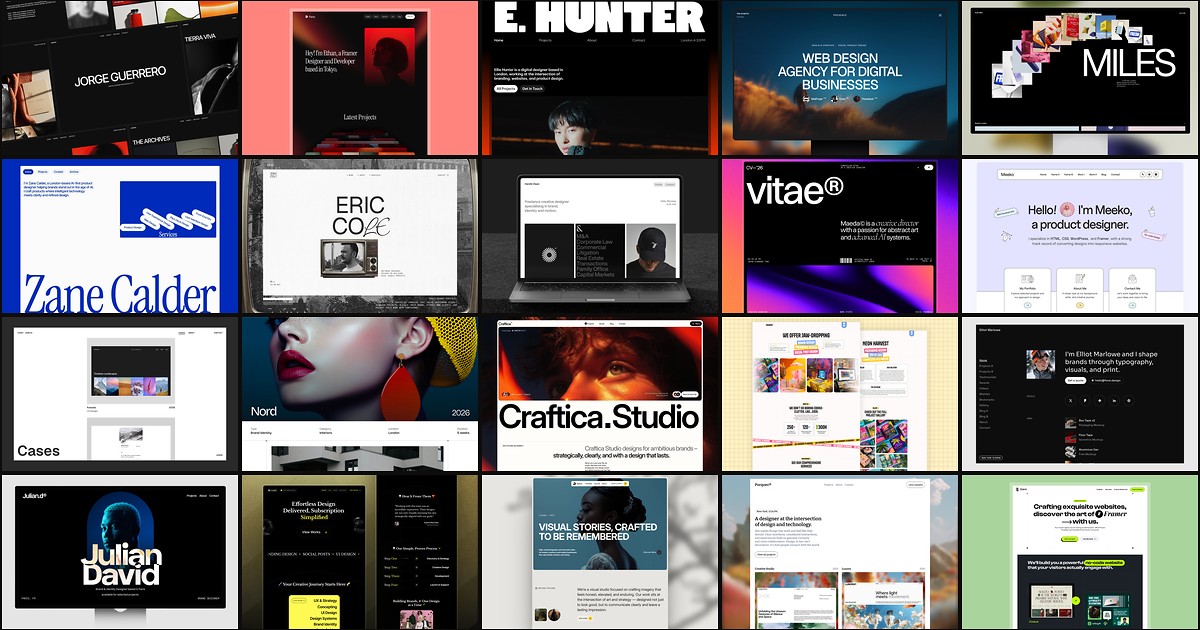
20 Best Portfolio Framer Templates in 2026 (Ranked)
A portfolio site should show work first and make contact inevitable. These 20 Framer templates cover minimal one-pagers to full CMS studios.