 Live Preview
← All Templates
Live Preview
 Live Preview
 Live Preview
AI
Levi — Free AI Template for Framer
Levi is a free 4-page AI Framer template for local businesses pitching an assistant on the web. Skip it if you need pricing tabs or a CMS blog. Voxera adds policy routes.
freeaiassistantlocal businesslandinglevi
Levi is a free 4-page AI template for Framer aimed at local businesses that want a credible assistant story on the web, not a portfolio grid. The live preview reads as Levi.ai for local operators: Home sells the assistant, About builds trust, Resources hosts guides or FAQs, and Contact captures leads. There is no CMS in the marketplace list, so every resource block is a frame you edit by hand. Skip it if you need pricing tiers or refund language as named routes before launch. Voxera covers that job for product-led AI teams. Compare other agent landings on the AI shortlist or browse free Framer templates on the hub.
Who should remix Levi?
Picture a dental practice or HVAC shop that bought a white-label assistant and now needs a marketing site their front desk can share. Levi fits that brief: four static pages, clear nav labels, and room on Home for use cases like booking, FAQs, and after-hours coverage without inventing a twelve-page SaaS sitemap. Freelancers reskinning the same assistant pitch for different verticals also win, because Resources gives you a dedicated shelf for PDFs, checklists, or short articles.
Walk away if you are selling a developer platform with tiered pricing, security questionnaires, and changelog posts every week. That buyer expects Cirro-scale marketing depth, not a local-business story. Solo founders who only need one scroll should start with Ferry Agent instead of maintaining four routes you barely link to.
What Levi looks like
The demo pairs Inter marketing type with Fragment Mono accents, which reads closer to a modern B2B tool than to a warm neighborhood brochure. Sections alternate hero proof, capability cards, and soft gradients that match current AI landing conventions. Photography slots assume friendly staff or storefront context, so the default mood fits service businesses more than abstract devtools.
Motion stays restrained: enough entrance polish to feel current, not scroll theater that fights readability on a phone between appointments. The honest fight is industry tone. A playful consumer app or luxury brand will spend a night retokenizing color and illustration because the layout assumes trustworthy local service, not whimsical mascot energy.
Pages included in Levi
Four pages, named as Framer lists them:
- Home: assistant value prop, feature bands, social proof, and primary calls to action for demos or signup
- About: team or founder story, credentials, and why the business adopted AI support
- Resources: downloadable guides, FAQ-style articles, or onboarding tips without a CMS collection
- Contact: inquiry form, location details, or booking handoff for human follow-up
Resources is the page most one-page agent landings skip. Use it when prospects ask for paperwork before they call.
What is distinctive about Levi
- Local-business positioning. Copy rhythm and section order assume brick-and-mortar or appointment-led services, not enterprise PLG funnels.
- Resources route. Dedicated URL for help content so Home stays a conversion lane.
- Four-page discipline. Enough structure for stakeholders who want About and Contact separate, without blog or careers maintenance.
- Assistant-first hero. Layout expects chat, automation, and after-hours coverage claims, not generic SaaS feature grids.
- Fragment Mono accent. Technical hint that the product is software, while headlines stay approachable for non-developer owners.
Framer SEO, analytics, and breakpoint tooling ship with the platform. They are not reasons to pick Levi over another AI file.
When to remix Levi, and when to skip
Remix Levi when you are packaging an AI assistant for local customers and you want a four-page site your office manager can review without a CMS course. The preview at levi-assistant.framer.website matches that job: credible, product-shaped, and small enough to retheme per client vertical.
Skip it when marketing needs Refund Policy, tiered pricing, or changelog posts as first-class routes. Voxera is the better yoframer swap for product-led AI launches. If you only need one homepage, use Ferry Agent. When you are still comparing agent templates, return to the AI shortlist or the free Framer templates hub.
Frequently Asked Questions
Quick answers about Levi, including pricing, CMS support, responsiveness, and who it is built for.
-
What kind of website is Levi best for?
- Levi is for Shops, clinics, and service businesses launching a branded AI assistant site with About, Resources, and Contact linked in the nav. It includes 4 pages: Home, About, Resources, Contact.
-
Is Levi free or paid?
- Levi is a free Framer template. The listed price on yoframer is free.
-
Does Levi support CMS and responsive design?
- Levi does not include CMS support. It is fully responsive.
-
When should I skip Levi?
- You need standalone pricing, refund policy, or demo booking routes on day one. Voxera ships a tighter AI product map with Refund Policy. Start with Voxera .
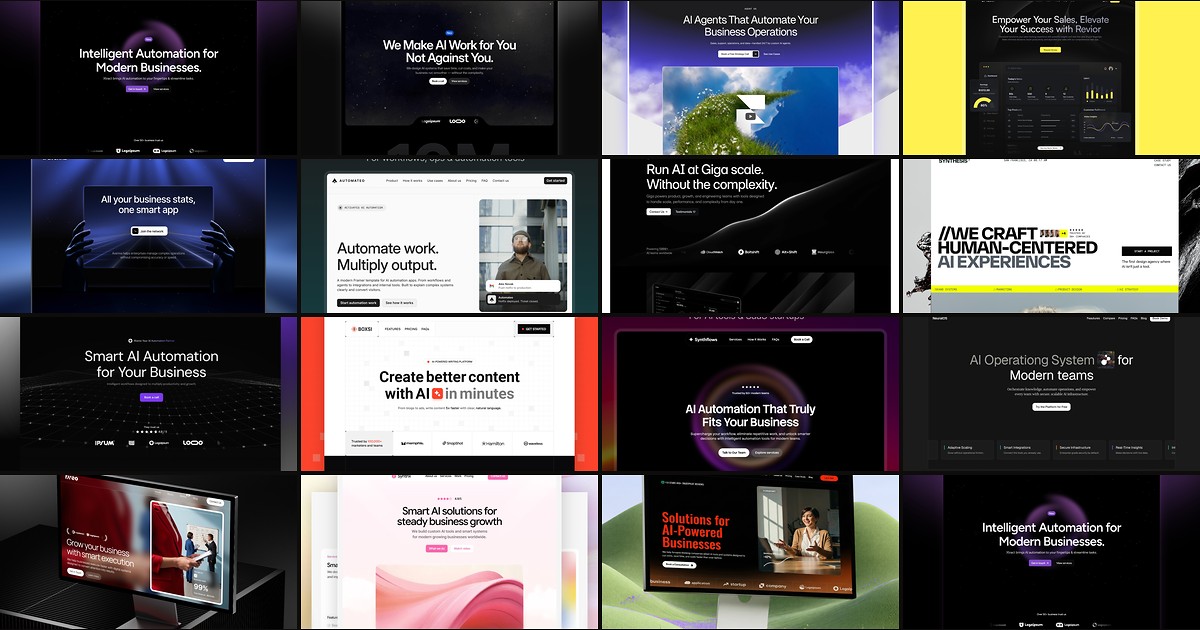
Featured in our AI roundup
15 Best Free AI Framer Templates in 2026
AI products need sites that explain complex workflows without looking like every other purple gradient startup. These 15 free Framer templates actually ship the pages you need.
More AI templates
View all AI templates
Live Preview
Live Preview
Live Preview
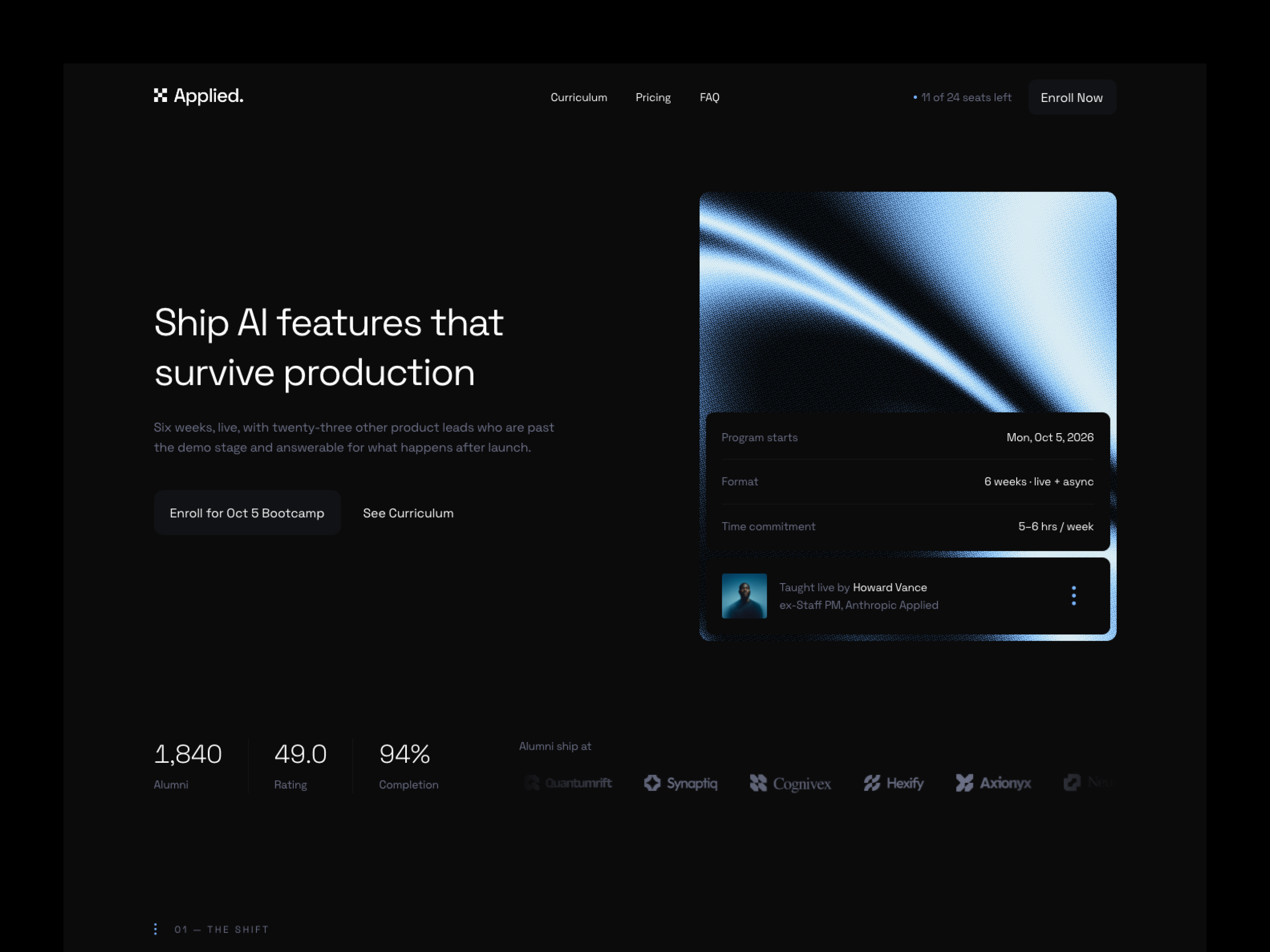
Applied — Free AI Template for Framer by Berci Hazman
by Berci Hazman