 Live Preview
← All Templates
Portfolio
Linseed — Free Creative Portfolio Template for Framer
Linseed is a free 10-page creative portfolio Framer template for artists showing series, shows, and commissions. Skip it if new work must publish from CMS collections.
freeportfoliocreativeartistexhibitionslinseed
Linseed is a free 10-page creative portfolio template for Framer aimed at artists and small studios who present work in series, exhibitions, and commission pipelines. Home, Works, Series, Exhibitions, Studio, About, Commissions, Notes, Contact, and Privacy are static routes with no CMS in the page list. Skip it if every new project must publish from a collection without duplicating frames. JORGE ships CMS case studies instead. More free Framer templates live on the hub, or open the portfolio shortlist.
Who should remix Linseed?
Linseed fits illustrators, photographers, and studio practices where the site is a catalog of bodies of work: a Series page for a cohesive project, Exhibitions for show dates and install shots, and Commissions for how clients start a conversation. Educators and residencies that want Notes for process writing without running a full blog CMS will also get mileage from the sitemap.
Walk away if your workflow is add a CMS entry and the case study goes live. That is JORGE. Skip Linseed when you are a services-heavy agency selling retainers and team pages. Formix Co covers that depth. If you only need one long homepage, Ferio ships faster than ten routes you will never update.
What Linseed looks like
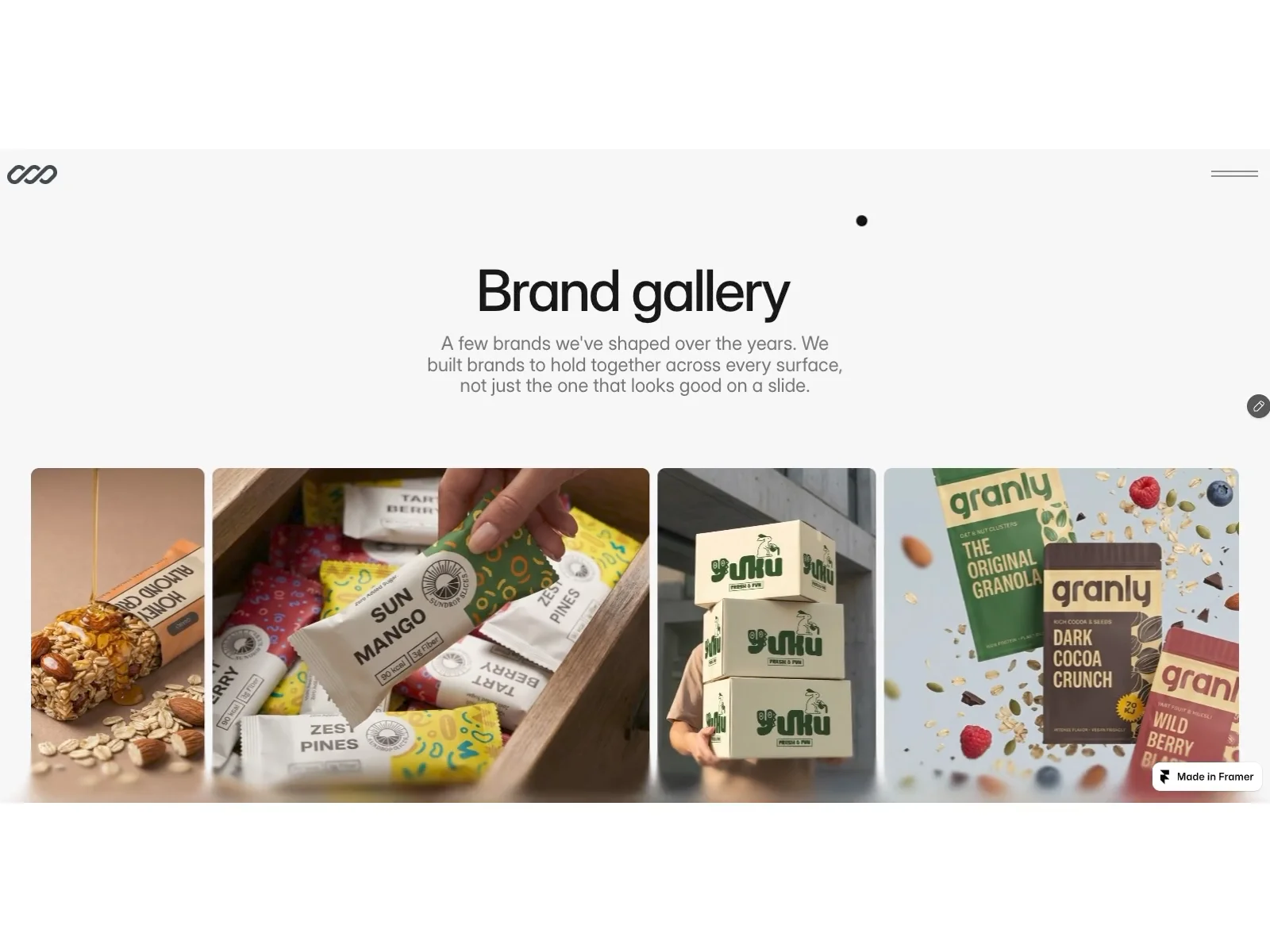
The live preview reads gallery-forward creative: generous image fields, calm sans-serif type, and section breaks that let photography breathe. Studio and About pages carry maker credibility without turning into a corporate team grid. The mood sits closer to a white-cube portfolio than to a neon startup landing.
Motion stays subtle so large art files stay the focus on phones. The honest fight is maintenance. Without CMS, Series and Exhibitions depend on you copying frames when work changes, which is fine for a slow practice and tedious for a busy commission queue.
Pages included in Linseed
Ten pages, named as Framer lists them:
- Home: entry point that routes visitors into Works, Series, or Commissions
- Works: primary portfolio grid or featured project index
- Series: grouped projects that share a theme, medium, or year
- Exhibitions: show history, install photography, and venue context
- Studio: space, tools, or practice notes that humanize the work
- About: biography, statement, and press-friendly story
- Commissions: how clients inquire, timelines, and scope cues
- Notes: shorter writing, sketches, or updates without a full blog engine
- Contact: inquiry form or email path for commissions and press
- Privacy: policy copy for forms and analytics compliance
Series plus Exhibitions together signal an artist site, not a generic agency portfolio that stops at Works and Contact.
What is distinctive about Linseed
- Exhibitions as a first-class route. Many free portfolios stop at Works. Linseed names shows explicitly.
- Series page for grouped work. Useful when your site sells on bodies of work, not one-off thumbnails.
- Commissions route. Separates client work from personal Works without hiding pricing behind a modal.
- Notes without blog CMS. Room for process posts when you do not want Blog and Blog Detail collections yet.
- Ten-page static map. Privacy is included, which solo artists often forget until a form goes live.
- No CMS in the file list. Faster remix for a fixed catalog; slower when work changes every week.
Framer breakpoints and form components are platform tooling, not reasons to pick Linseed over another portfolio file.
When to remix Linseed, and when to skip
Remix Linseed when you already think in series and exhibitions, and you are fine editing static pages when new work ships. The sitemap matches how many artists talk in studio visits: show the work, explain the practice, leave a clear commission path.
Skip it when CMS case studies are the workflow. That is JORGE. Skip it when you need agency furniture like pricing and careers. Return to free Framer templates on the hub, or compare picks on the portfolio shortlist.
Frequently Asked Questions
Quick answers about Linseed, including pricing, CMS support, responsiveness, and who it is built for.
-
What kind of website is Linseed best for?
- Linseed fits painters, photographers, and installation artists who organize work by series and shows, not by a SaaS feature list. Ten static routes cover Works, Exhibitions, Commissions, and Notes without collections. Studios that publish case studies from CMS should remix JORGE instead.
-
Is Linseed free to remix?
- Yes. Linseed is a free Framer template on the marketplace. Remix it into your project at no charge from this listing. Hosting on a custom domain still follows Framer plans. yoframer does not charge for the file itself.
-
Does Linseed include a CMS?
- No. The marketplace page list has no CMS labels on Works, Series, or Exhibitions. You duplicate or edit frames when new work ships. If CMS project pages are non-negotiable, pick JORGE or browse the portfolio shortlist .
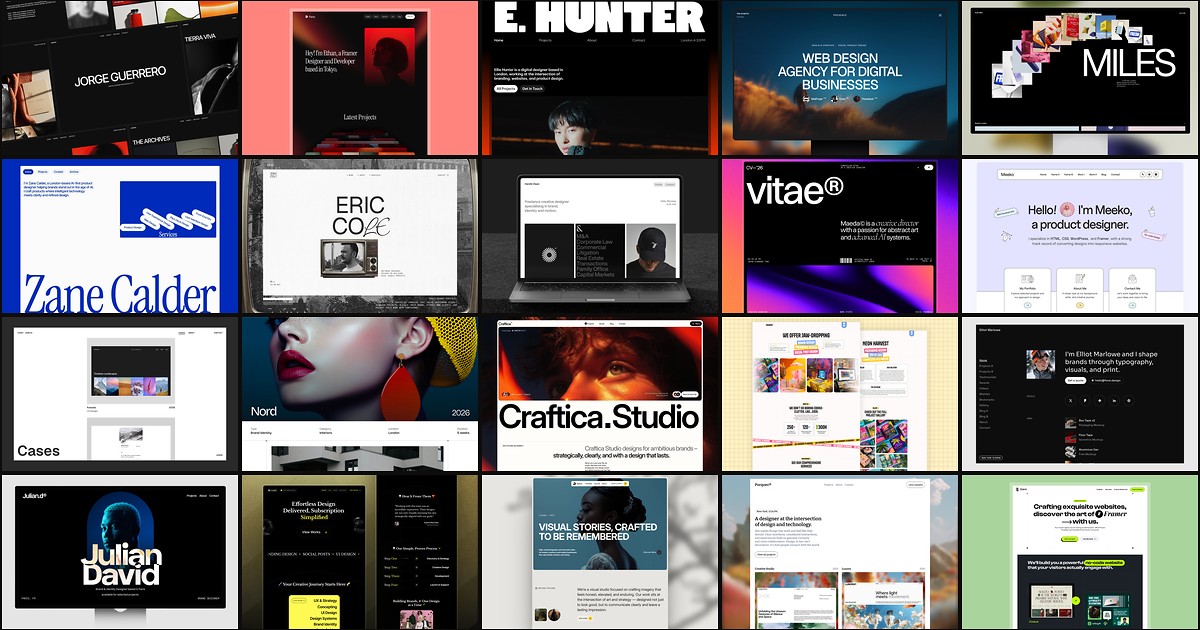
Featured in our Portfolio roundup
20 Best Portfolio Framer Templates in 2026 (Ranked)
A portfolio site should show work first and make contact inevitable. These 20 Framer templates cover minimal one-pagers to full CMS studios.