 Live Preview
← All Templates

Education
Little Oak — Free Education Template for Framer
Little Oak is a free 13-page education Framer template for a nursery or pre-school with Rooms, Fees, and Programs. Skip it if you want a lean 7-page kindergarten.
nurserypre-schoolchildcaredaycarecmseducationfree
Little Oak is a free 13-page education template for Framer, listed without a named author. It is a nursery and pre-school site with Rooms, Daily Plan, Fees, Food, Teachers, Parents, and Programs, and the cover says the rooms, programs, and fees run from CMS collections. Skip it if you want a lean 7-page kindergarten. Sunny is smaller. Browse the education shortlist or the free Framer templates hub for more.
Who should remix Little Oak?
Picture an independent nursery in a Victorian house with four small rooms and a waiting list. A parent finds you on a Sunday night with one question: can my daughter start in September, and what will it cost? Little Oak answers in order. Meet the room, see the day, read the fees, meet the teachers, book a tour. That is the brief it was drawn for.
Walk away if you run a clinic or a pediatric practice. Nothing here handles appointments or clinical credibility, and Care Leaf is a better starting point. Small kindergartens that only need Programs, Teachers, and Contact will find the thirteen-page map heavy. Sunny gets there with seven pages.
What Little Oak looks like
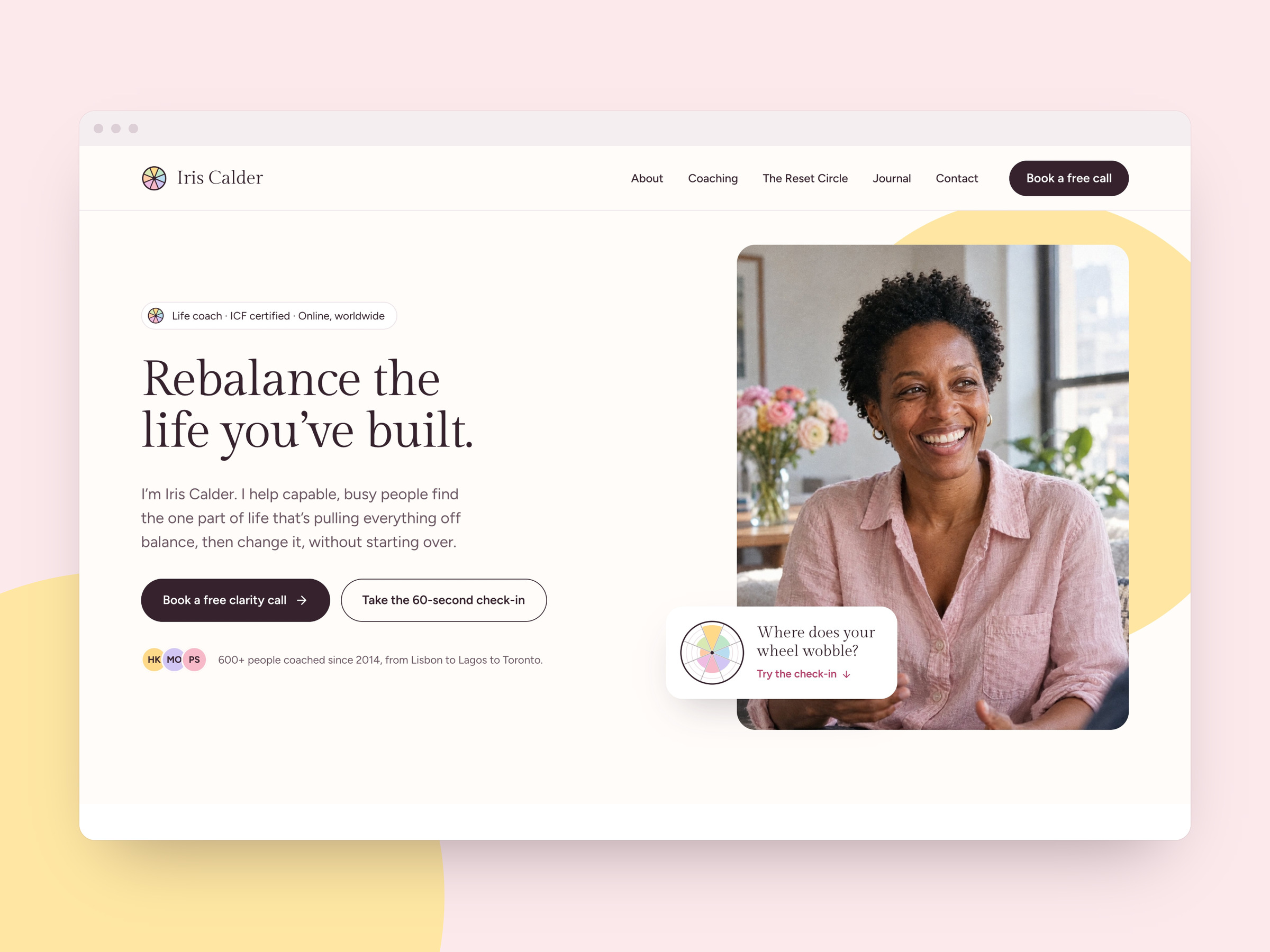
The palette is cream paper, plum for type and buttons, and a terracotta bar across the top for announcements like open mornings. Pastel circles of sage, butter, and blush float behind headings, and the display type is rounded and soft, closer to a children’s book than a school logo. Photography is warm and domestic: a parent reading with a baby by a window, not a stock classroom.
That softness is the reassurance. Parents choosing childcare want calm before they want credentials, and the demo copy delivers it in plain sentences. The fight is that the whole system is gentle and pastel. A forest-school brand or a STEM-minded pre-school will need a firmer palette and sharper photography before it stops feeling like a storybook.
Pages included in Little Oak
- Home: a calm hero, reviews, the four rooms, enrolment steps, an open-places banner, a FAQ, and the latest journal posts
- About: the nursery’s story and values
- Rooms: age-group rooms (Buds, Shoots, Oaks, Saplings) with a routine and photos for each
- Daily Plan: morning, midday, and afternoon laid out as a timeline
- Fees: session prices by room, with a calculator for monthly cost
- Food: menus and what is cooked on site
- Teachers: the key people parents will meet
- Parents: practical information for families already on the list
- News: the journal of garden finds and settling-in notes
- Contact: address, phone, email, and a tour enquiry
- Privacy: the policy page for enquiry forms
- 404: a branded dead end
- Programs: the activity detail pages, such as Forest School and Mud Kitchen
What is distinctive about Little Oak
- Four rooms as structure. Each age group has its own page, fees, routine, and gallery, so parents jump straight to their child’s room.
- Fee calculator. The Fees page estimates monthly cost, including funded hours, which is the question that decides most enrolments.
- Eight program detail pages. Baby Sensory, Messy Art, Puddles and Wellies and others turn a vague “we do activities” into concrete reasons.
- Ten CMS collections. The cover lists them, so rooms, programs, and fees update without a layout pass.
- Enrol in four steps. Visit, join the list, settling sessions, first full day. A gentle sequence for anxious parents.
- Inspection and registration details in the footer. Childcare buyers look for them.
When to remix Little Oak, and when to skip
Remix it when your nursery has real rooms, real fees, and a waiting list to manage. It is one of the few free files that treats childcare like childcare, not like a school landing page. Creator details are not listed, so judge it by the demo, which is detailed and consistent.
Skip it if you want a lean 7-page kindergarten. That is Sunny. Run a clinic instead? Try Care Leaf. Otherwise return to the education shortlist or the free Framer templates hub.
Frequently Asked Questions
Quick answers about Little Oak, including pricing, CMS support, responsiveness, and who it is built for.
-
What kind of website is Little Oak best for?
- Little Oak is for Independent nurseries and pre-schools that must show age-group rooms, session fees, teachers, and parent info before a family books a tour. It includes 13 pages: Home, About, Rooms, Daily Plan, Fees, Food, Teachers, Parents, News, Contact, Privacy, 404, Programs.
-
Is Little Oak free or paid?
- Little Oak is a free Framer template. The listed price on yoframer is free.
-
Does Little Oak support CMS and responsive design?
- Little Oak does not include CMS support. It is fully responsive.
-
When should I skip Little Oak?
- You want a lean 7-page kindergarten without a fee calculator or a deep CMS. Sunny is smaller. A clinic should look at Care Leaf. Start with Sunny .
Featured in our Education roundup
20 Best Free Education Framer Templates in 2026
Education buyers judge curriculum clarity and instructor proof before they enroll. These 20 free Framer templates ship the course routes, blog CMS, and trust pages schools and creators need without a custom build.