 Live Preview
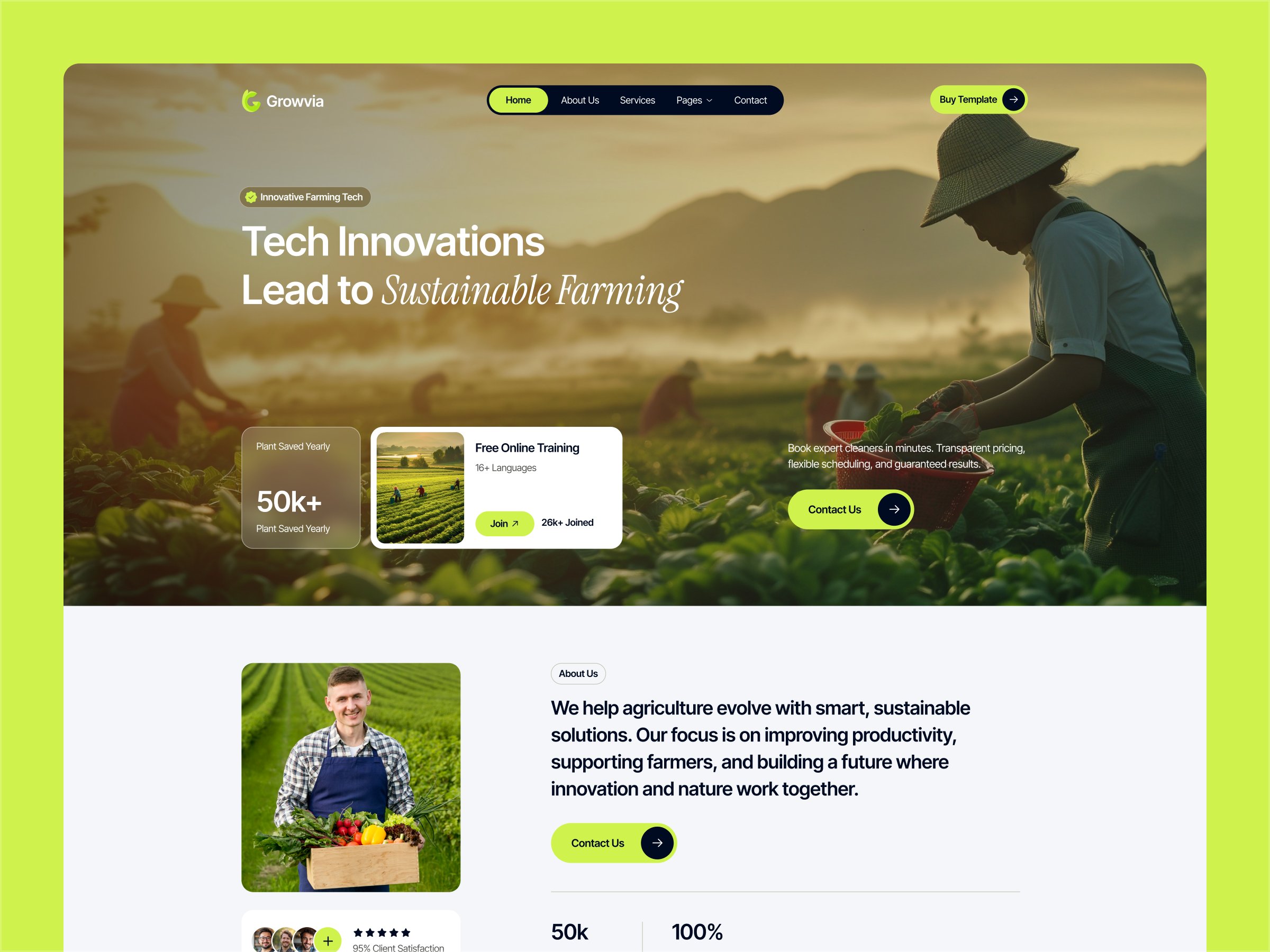
Growvi — Free Business Template for Framer
by Unknown
LogiVenture is a free 9-page business Framer template for ocean freight teams with two homepages. Skip it if the job is household moving, not cargo ships.
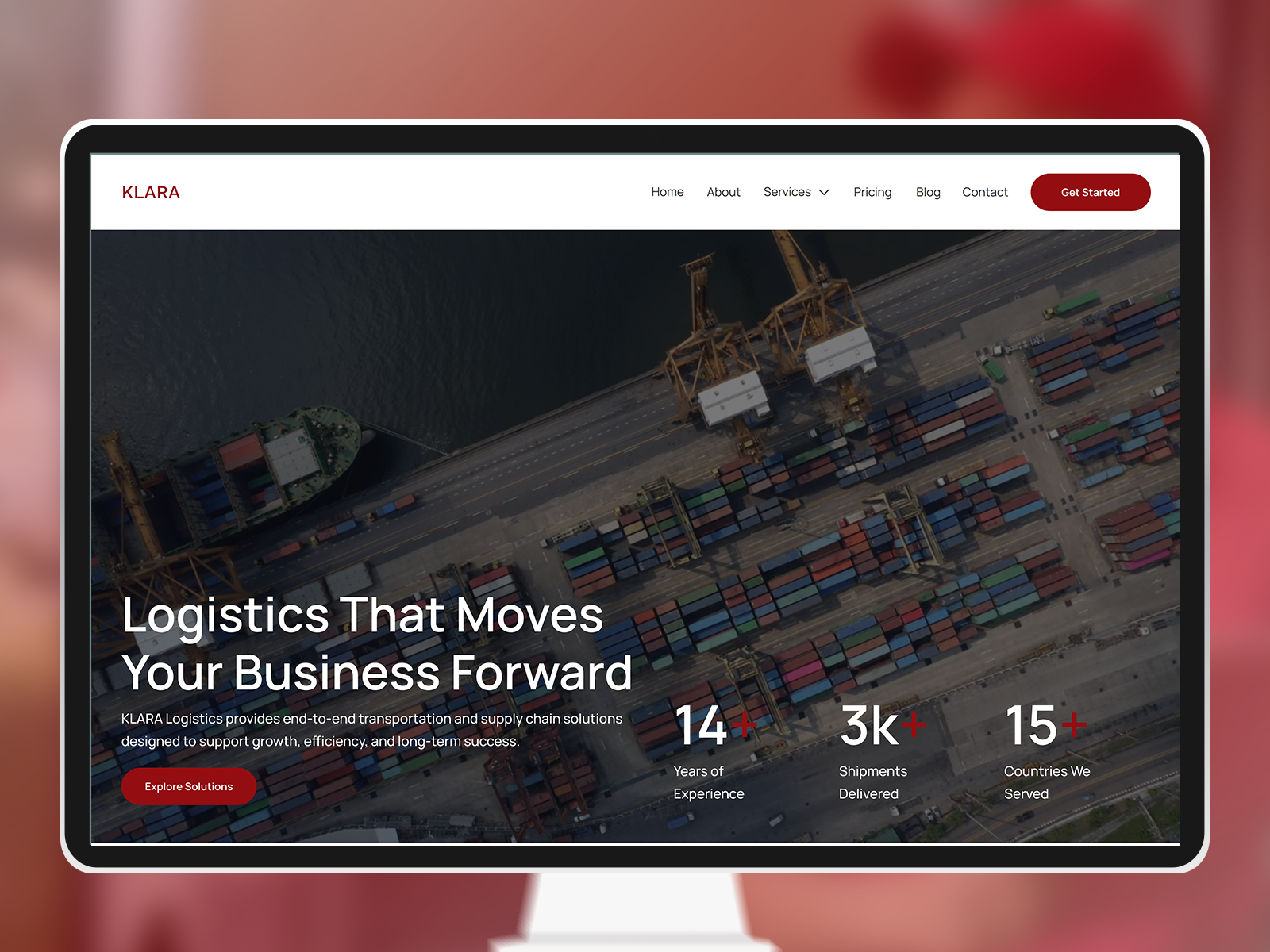
LogiVenture is a free nine-page business template for an ocean freight desk, and it has no CMS. The preview frames a container ship from above at dusk, cranes and a wet dock behind a white rounded border. White type says find your route and move seamlessly. A yellow button reads Explore Services. Journal is a fixed page, not a collection. The byline is uncredited. Skip it if the job is household moving. Shiftly is the relocation file.
LogiVenture fits a small carrier, a forwarder, or a port desk that needs a public site before a custom build. The photograph is the brief: a loaded ship, gantry cranes, and a terminal still wet from the sky. That is a page about lanes and vessels, not boxes in a living room.
Walk away if you book apartment moves, storage, or last-mile vans. Shiftly already speaks that language and includes a quote route. Also leave the listing named Freightly alone. The title sounds like freight, but that file is an electrical contractor site, so it will not help an ocean brief.
The attached frame is a photograph inside a white rounded border, not a flat color field. Dusk orange sits in the sky and again on the wet dock. The ship is centered, wake spreading, containers stacked in color. Inside the border the type is white and heavy. LOGIVENTURE sits small at the top left. A hamburger sits at the top right. The only labeled control is a yellow Explore Services pill beside a blue square with a white arrow. A small-caps kicker above the headline reads premium freight solutions for modern commerce. Treat that line as stock copy until a real lane replaces it.
The photo does the trust work a rate sheet cannot: scale, water, hardware. It will fight you if the company is rail, air, or a warehouse with no ship to show. A household mover on this image looks like the wrong costume. The preview shows a hamburger, not a labeled menu.
Nine routes, spelled the way the listing spells them:
Two homepages are the structural bet. Journal goes stale unless someone edits it, because nothing collects posts.
Remix LogiVenture when the company actually moves freight by sea and you can swap the stock ship for your own vessel, terminal, or lane map. Nine pages cover two landings, about, services, contact, a static journal, a 404, and both legal pages. The profile link is a handle. This listing keeps the author as Unknown, so do not treat that username as a studio reputation.
Skip it when the job is household moving. Open Shiftly for that. If you are still comparing logistics files, use the business shortlist and come back through free Framer templates.
Quick answers about LogiVenture, including pricing, CMS support, responsiveness, and who it is built for.

A business website should establish trust, explain what you sell, and give prospects a clear next step before you ever get on a call. These 15 free Framer templates cover that baseline for service firms, local trades, and professional brands.