 Live Preview
← All Templates
Photography
Lou™ gallery — Free Infinite Canvas Portfolio Template for Framer by ate studio
Lou™ gallery is a free 5-page dark image portfolio Framer template for photographers and AI image makers. Skip it if you need project case studies or a services page.
photographygalleryinfinite canvasai imagesdarkgridfree
Agent walkthrough
The creator's video on running Lou™ gallery with Framer's agent and the skills it ships with. More free Agent Templates
Skills included
- make-it-yours
- add-work
- works-from-images
- add-series
- add-post
- tags
- rates
- legal
- write-texts
- widgets
- build-page
- design-system
- template-guide
- help
- launch-check
- seo-check
- accessibility-check
Lou™ gallery is a free 5-page photography portfolio template for Framer by ate studio. The homepage is an infinite canvas you drag in any direction, with search, a zoom slider, and a grid switch. Around it sit About, Journal, Legal, and a 404. No page is marked as CMS, and there is no project detail page. Skip it if your work needs case studies or a services menu. JORGE is the case study pick. Browse more in the photography shortlist.
Who should remix Lou™ gallery?
Think of a fashion photographer or an AI image artist sitting on three hundred frames: night portraits, desert cars, fur hats, a cheetah mid-leap. Each image is a single, not a series with a story. They want visitors to get lost for a minute and come away remembering a mood. Lou™ gallery is built for that wander. The demo tags each frame with a short title and a set name, so even a huge archive stays searchable.
Walk away if clients need to read how a project went. Art directors pitching brand work, UX designers, and anyone with outcomes to show will find the canvas fun and useless. They should start with JORGE and its CMS project pages.
What Lou™ gallery looks like
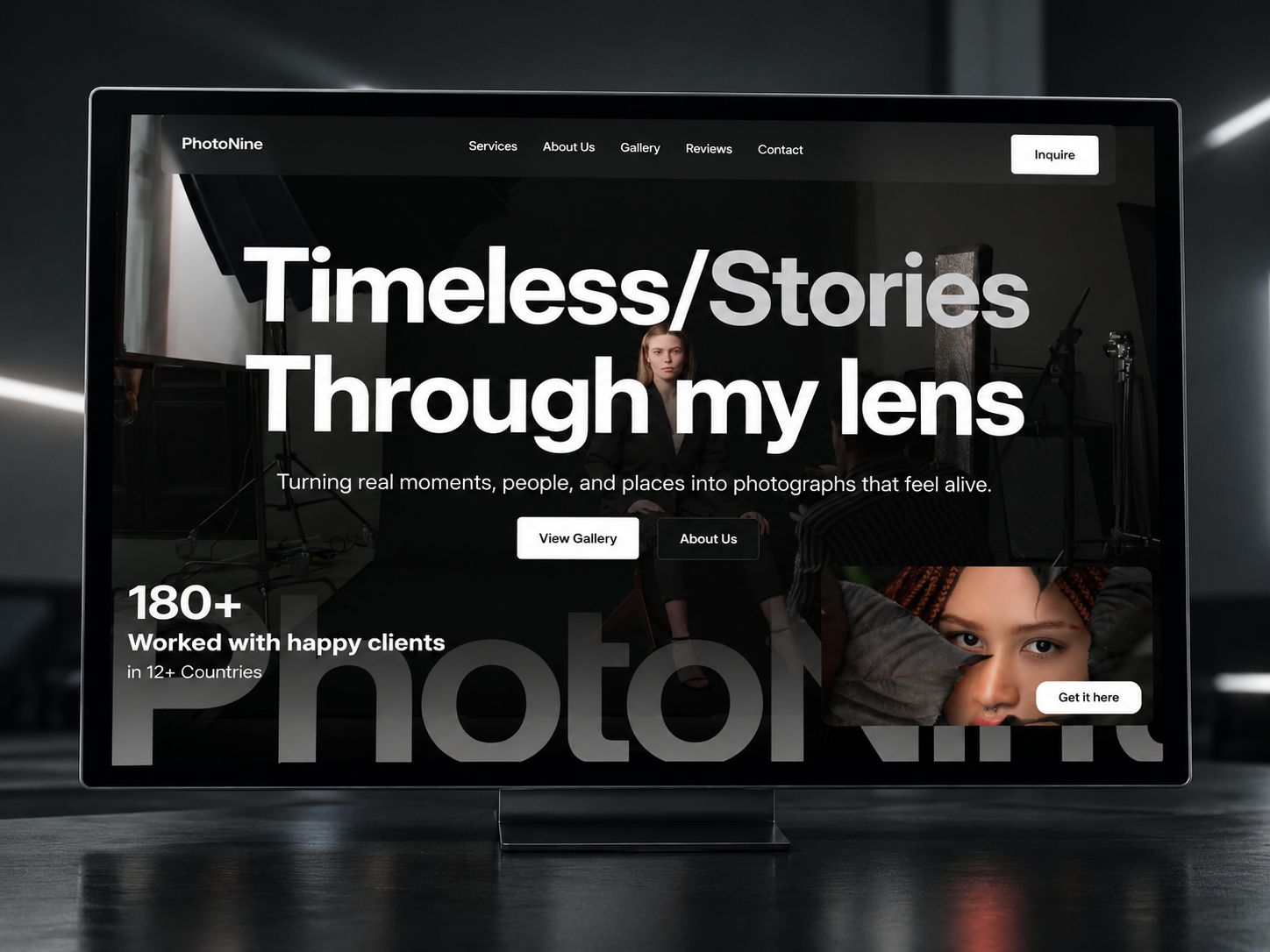
Charcoal background, rounded image cards with small captions underneath, and Hanken Grotesk for the UI. Floating pill controls hold the artist name top left, a zoom slider and layout toggle top right, and a search field with a shuffle button at the bottom. A hint tells you to drag anywhere and press the slash key to search. The look is closer to a desktop moodboard app than a website.
That matters for trust in a specific way: it proves the artist has volume. A dozen images in a tidy grid can look thin; a field that never ends says “there is more.” The fight is focus. With no curated hero and no featured series, your best frame competes with your tenth best, so prune hard before you publish.
Pages included in Lou™ gallery
Five pages, as Framer lists them:
- Home: the infinite drag canvas with search, shuffle, zoom, and a grid toggle
- About: who the artist is and how to reach them
- Journal: a place for notes, process, or announcements alongside the images
- Legal: imprint and usage terms in one page, handy when images may be licensed
- 404: a styled dead end
Journal is the only text-heavy page, which tells you where the file’s priorities sit.
What is distinctive about Lou™ gallery
- Drag in any direction. The canvas wraps endlessly, a rare interaction among free portfolios.
- Search by name or tag. The slash shortcut and live filter turn a big archive into something a client can navigate.
- Shuffle button. Reorders the field so repeat visitors see new frames first.
- Zoom slider and grid switch. A visitor can step back to see density or flip to a tidy grid.
- AI image labels. Cards carry an “AI” badge in the demo, honest labelling worth keeping if your work is generated.
Framer’s own SEO and analytics are platform defaults, not why you pick Lou™ gallery.
When to remix Lou™ gallery, and when to skip
Remix Lou™ gallery when your archive is large, the images stand alone, and you want people exploring instead of scrolling. ate studio leans into interaction here, and it shows in the small controls.
Skip it when you need project stories, a services list, or pricing. JORGE handles case studies cleanly. For more image-led options, scan the photography shortlist, then return to the free Framer templates hub.
Frequently Asked Questions
Quick answers about Lou™ gallery, including pricing, CMS support, responsiveness, and who it is built for.
-
What kind of website is Lou™ gallery best for?
- Lou™ gallery is for A photographer or AI image maker with a big archive of single frames who wants people to wander, not read. It includes 5 pages: Home, About, Journal, Legal, 404.
-
Is Lou™ gallery free or paid?
- Lou™ gallery is a free Framer template. The listed price on yoframer is free.
-
Does Lou™ gallery support CMS and responsive design?
- Lou™ gallery does not include CMS support. It is fully responsive.
-
When should I skip Lou™ gallery?
- You sell on project write-ups or need a services page. JORGE gives each project a CMS case study. Start with JORGE .
Featured in our Photography roundup
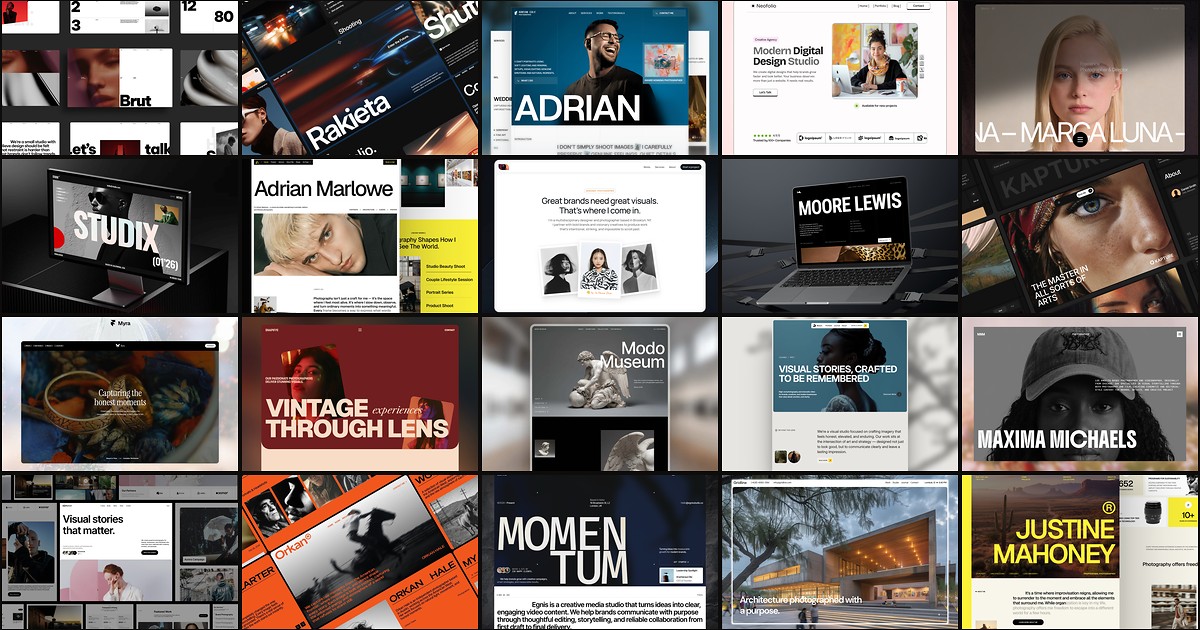
20 Best Free Photography Framer Templates in 2026
Photography buyers judge you on image hierarchy before they read a bio. These 20 free Framer templates ship the gallery routes, studio pages, and CMS depth shooters and agencies need without a custom build.