 Live Preview
← All Templates
Landing Page
Make me wow — Free Landing Page Template for Framer
Make me wow is a free 2-page landing Framer template for curated web design inspiration and a short studio About page. Skip it if you need CMS case studies and client services routes.
freelandingdesigninspirationgallerymake-me-wow
Make me wow is a free two-page landing template for Framer built as a curated web design inspiration gallery plus About. Laingockien keeps the sitemap at Home and About with no CMS collections, which suits taste-forward sites more than client service menus. Skip it if you need CMS case studies, pricing, and a full agency sitemap. Nordframe is the one-scroll portfolio alternative on yoframer when you only need proof and contact on one URL. More free Framer templates sit on the hub, or start with the design shortlist.
Who should remix Make me wow?
Make me wow fits designers, art directors, and tiny studios that attract followers by collecting strong UI references, motion studies, and layout ideas on a homepage built to scroll and share. The brief is a link you drop in newsletters or social bios where the product is curation and point of view, not a structured pitch deck with service tiers. You might monetize later through courses or client work, but the template assumes the site itself is the inspiration board.
Walk away if you sell packaged branding projects and need Work, Services, and Contact as separate URLs with CMS case studies. That job belongs to deeper agency or portfolio files on yoframer. Skip Make me wow when your brand requires long legal, careers, or blog archives on day one; two static pages will feel cramped no matter how good the gallery looks.
What Make me wow looks like
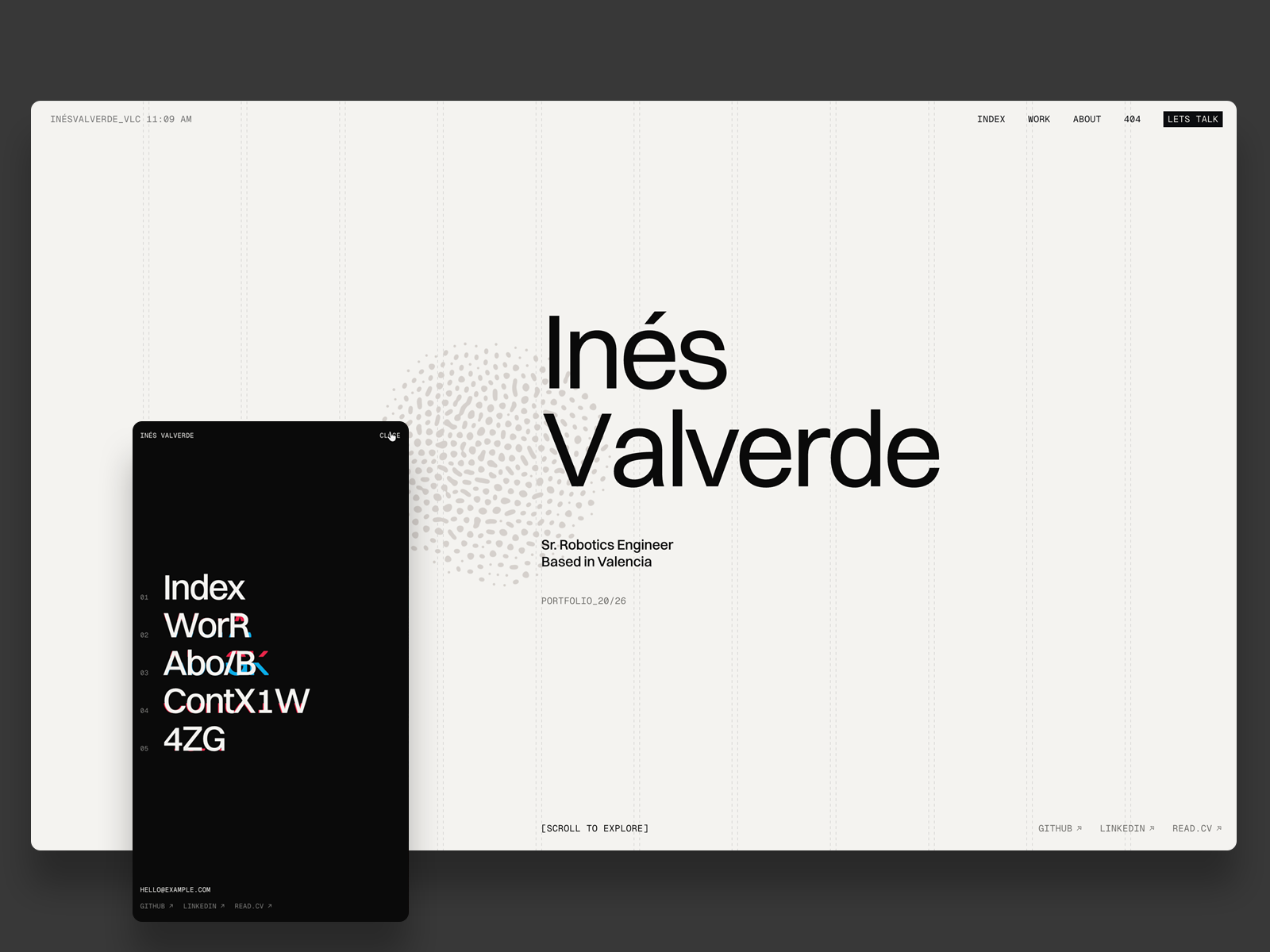
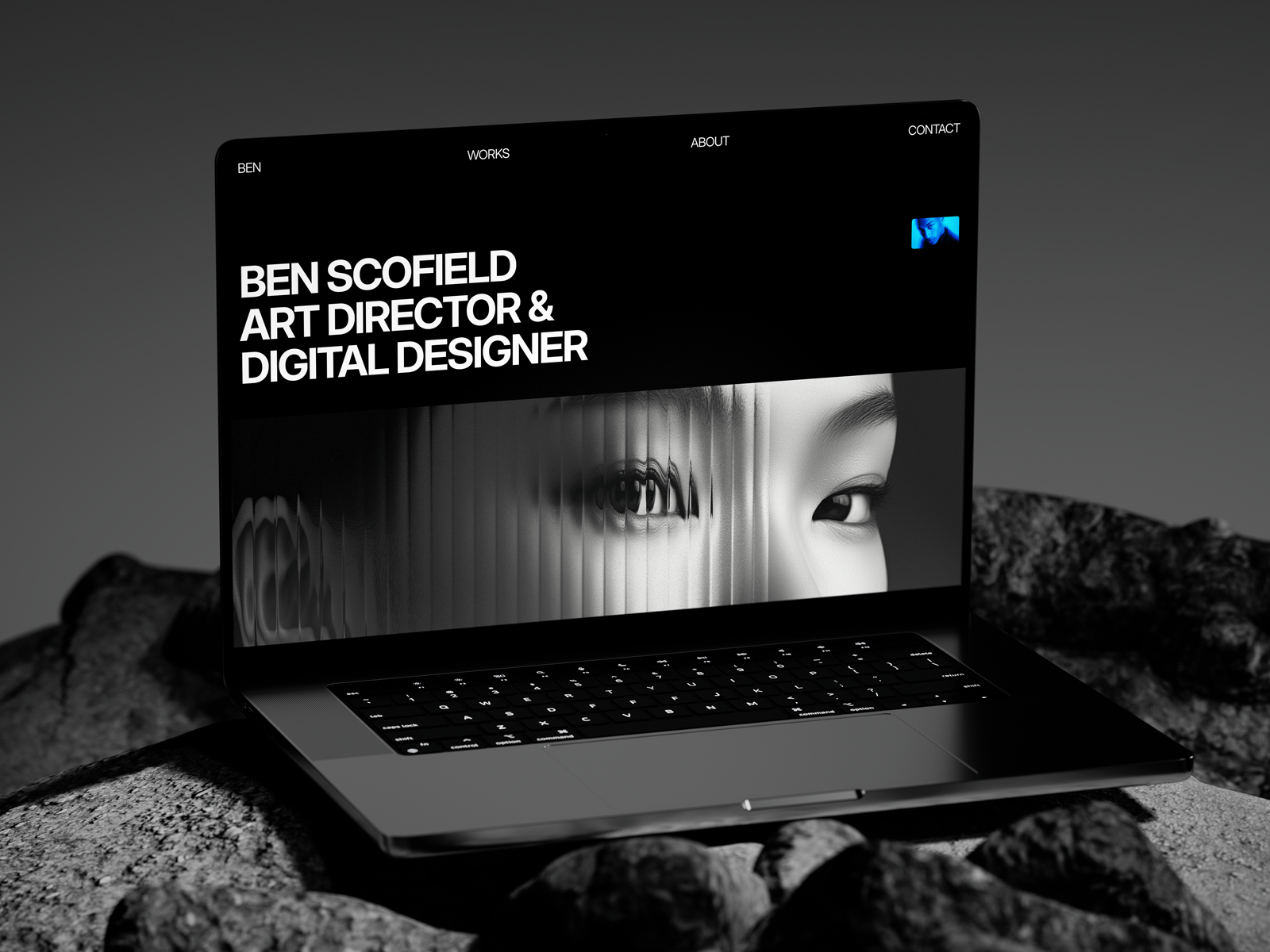
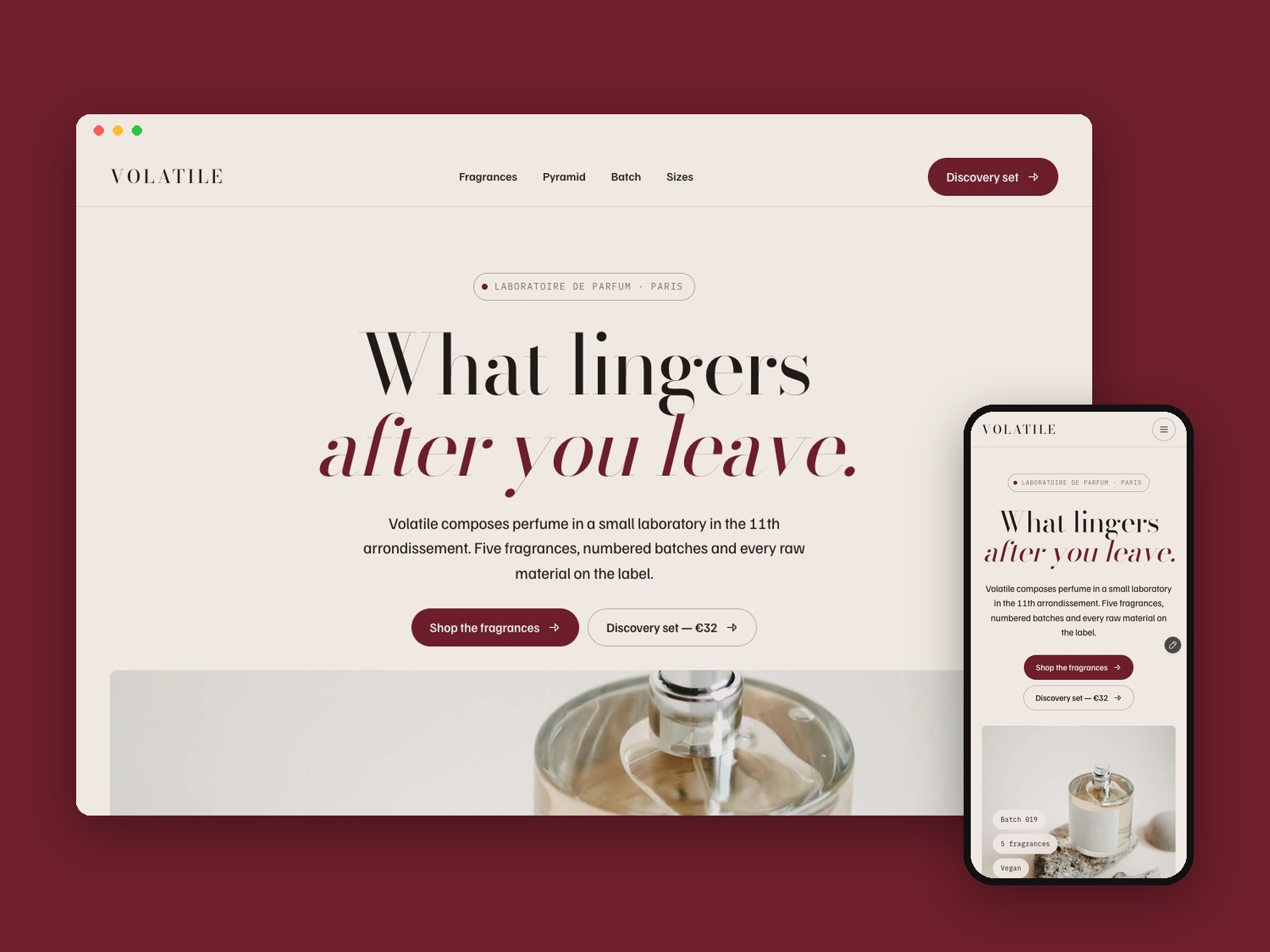
The live demo leans gallery-first: bold thumbnails, tight grids, and typography that stays out of the way so screenshots read as the hero. About carries studio identity, links, and a short manifesto so visitors know who is curating the feed. The mood is closer to a design Pinterest board with a face than to a corporate marketing site.
Motion often highlights hover states and scroll reveals on tiles, which rewards high-quality captures and short clips. The honest fight is commercial clarity. A B2B consultancy or a regulated industry buyer will miss explicit service copy, compliance pages, and structured proof unless you add pages after remix.
Pages included in Make me wow
Two pages, named as Framer lists them:
- Home: curated inspiration grid or feed, filters or categories if you add them, and outbound links to featured sites
- About: who runs the gallery, submission rules, social links, and optional contact or newsletter call to action
The entire experience lives in those two routes, so you decide what stays on Home versus what deserves a slower About read.
What is distinctive about Make me wow
- Two-page inspiration product. Home is the gallery; About is identity. No fake Services route to fill.
- Built for share traffic. Layout assumes visitors bounce in from social and want immediate visual payoff.
- Static and fast to remix. Swap tiles and copy without CMS wiring before launch week.
- Design-category positioning. Marketplace copy frames curated web inspiration, not generic startup hero sections.
- Separate About for trust. Curators can explain cred without cluttering the grid above the fold.
Framer analytics, SEO defaults, and responsive breakpoints are platform tooling, not unique to this file.
When to remix Make me wow, and when to skip
Remix Make me wow when you want a lightweight inspiration site and you are fine maintaining Home as a living gallery. It is a strong free starter for personal brands that grow audience before they productize services.
Skip it when you need structured client work and pricing paths. Try Nordframe for a one-scroll portfolio or pick a deeper agency template from the hub. If you are still browsing design landings, see the design shortlist or return to free Framer templates.
Frequently Asked Questions
Quick answers about Make me wow, including pricing, CMS support, responsiveness, and who it is built for.
-
What kind of website is Make me wow best for?
- Make me wow is for Designers and small studios running a curated UI inspiration gallery with a separate About page, not a ten-route client services site. It includes 2 pages: Home, About.
-
Is Make me wow free or paid?
- Make me wow is a free Framer template. The listed price on yoframer is free.
-
Does Make me wow support CMS and responsive design?
- Make me wow does not include CMS support. It is fully responsive.
-
When should I skip Make me wow?
- You need work CMS, pricing, and agency proof pages. Nordframe is leaner for a one-scroll portfolio pitch on yoframer. Start with Nordframe .
Featured in our Landing Page roundup
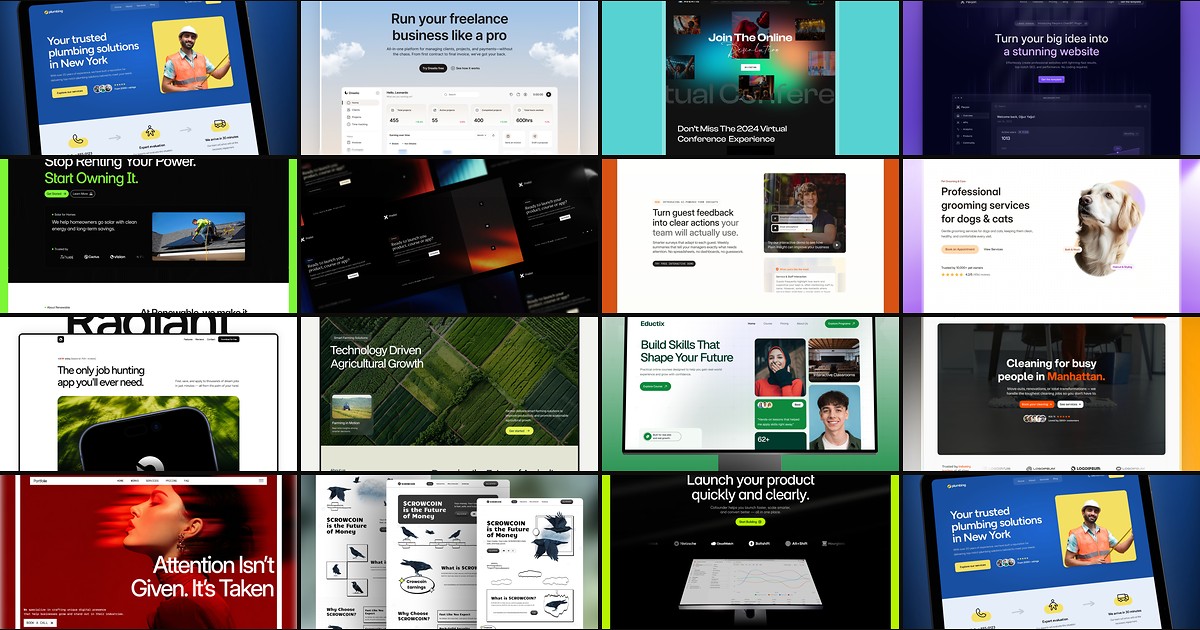
15 Best Free Landing Page Framer Templates in 2026
A landing page template should ship a focused hero, proof, and CTA without dragging you into a twelve-page sitemap. These 15 free Framer builds do exactly that.