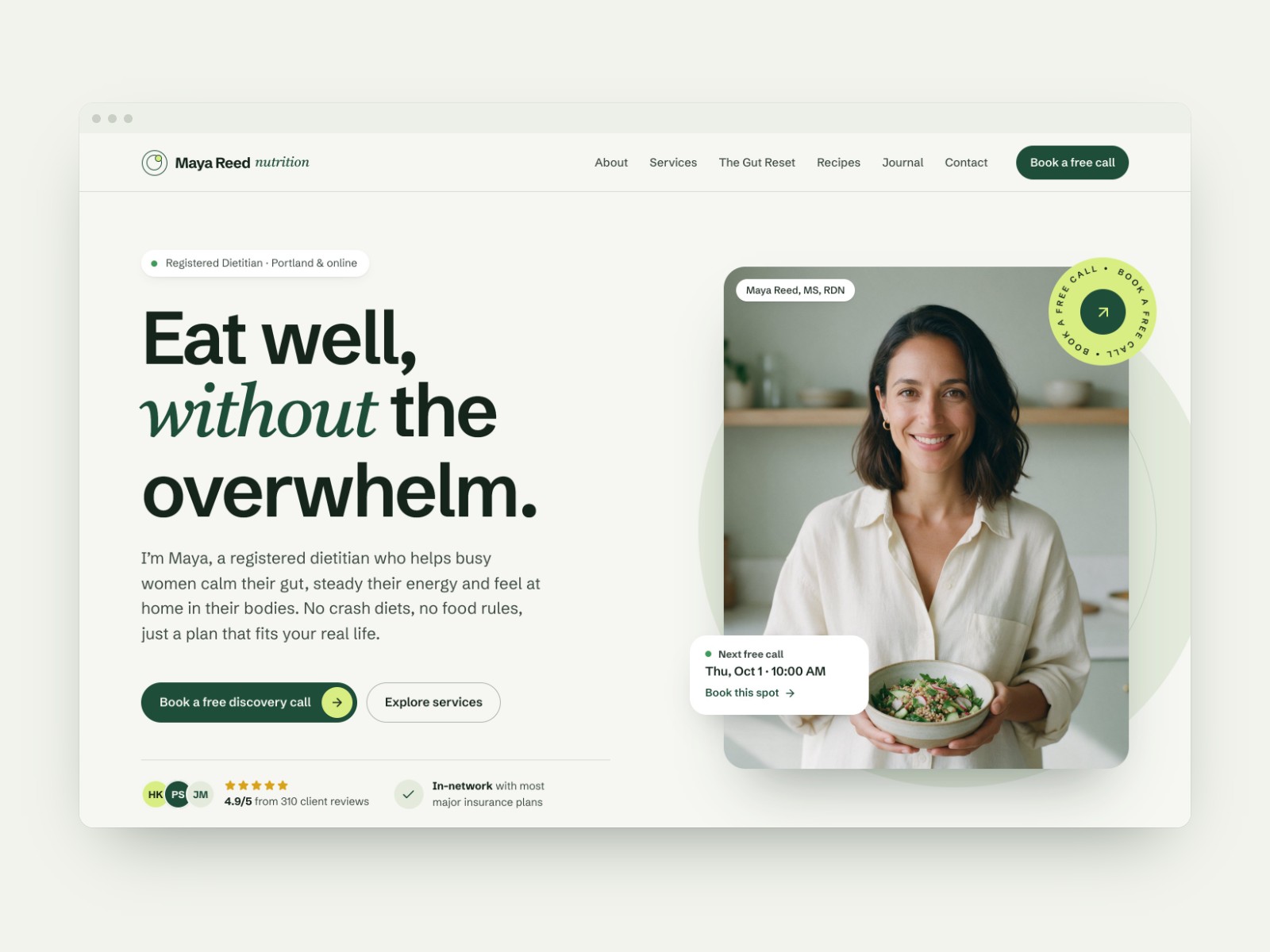
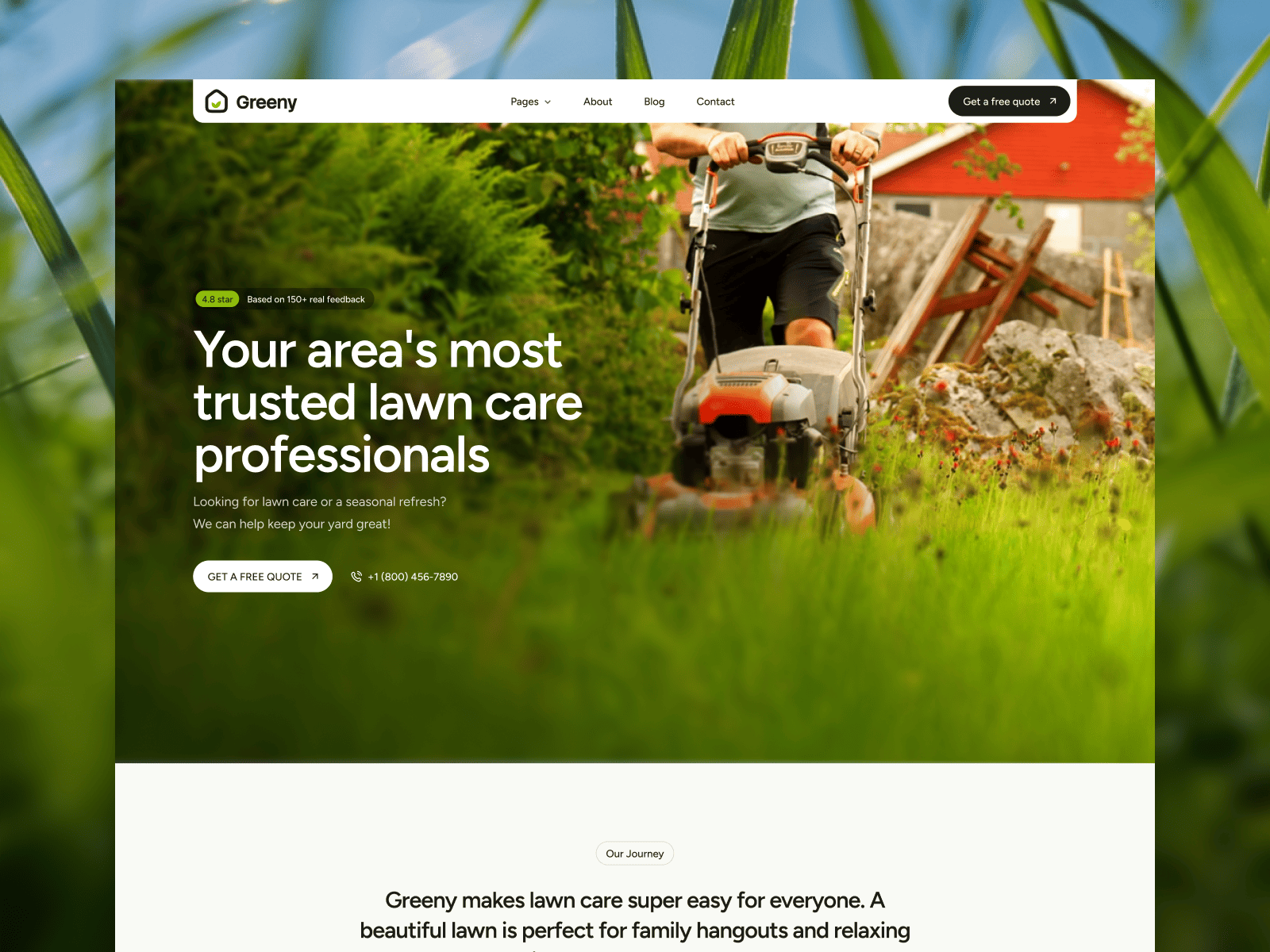
 Live Preview
Greeniy — Free Portfolio Template for Framer
by Unknown
Makeupy is a free 6-page portfolio Framer template for freelancers who sell services and need a Blogs route. Skip it if you need CMS case study singles.
Makeupy is a free 6-page portfolio template for Framer from an Unknown marketplace author. Remix it if you are a beauty or creative freelancer who needs Services, a Blogs index, and contact routes without turning on collections. Everything is static, so launch day stays simple when you only have a few posts and offers. Skip it if case studies should scale in the CMS. JORGE is the work-single pick. Browse more free Framer templates on the hub or open the portfolio shortlist.
Makeupy fits independent makeup artists, stylists, and small creative shops that book clients from a polished site, not a marketplace profile. You get room to explain packages on Services, show personality on About Us, and park tips or launch notes on Blogs while leads use Contact Us. The six-page map matches how many solo creatives actually sell: credibility first, depth second.
Walk away if your portfolio is ninety percent visual case studies with repeatable detail layouts. You will fight static Blogs when every new shoot deserves its own long page. JORGE is built for CMS work flows. Walk away if you are a full agency with hiring and pricing. This file never pretended to be that sitemap.
The preview reads soft, service-forward, and beauty-industry friendly: hero space for transformation photos, calm sections for packages, and blog cards that can carry tutorials or before-and-after stories. Typography stays readable for mobile bookings during commutes. Whitespace keeps product shots and faces from feeling cramped.
The honest fight is depth versus maintenance. Blogs without CMS means you clone frames or edit one index whenever you publish. That is fine for monthly posts, tedious for a daily content plan. The default mood is approachable glam, not stark gallery minimalism, so luxury editorial brands may re-skin heavily.
Six pages, named as Framer lists them:
Blogs is the standout for SEO-minded creatives. Services plus Contact Us keep the file sales-ready without a bloated agency map.
Framer still gives you breakpoints, forms, and hosting options. Those are platform basics, not reasons to pick Makeupy over another portfolio file.
Remix Makeupy when you are a service creative who needs credibility pages fast and can live with manual blog updates. The author keeps the route list short enough that collaborators can click every title in one review.
Skip it when work proof should live in CMS case studies. JORGE fits that buyer. Skip it when you want a product preorder story with specs and reviews. Preorderpage is closer to hardware launches. Compare more options on the portfolio shortlist or return to free Framer templates.
Quick answers about Makeupy, including pricing, CMS support, responsiveness, and who it is built for.
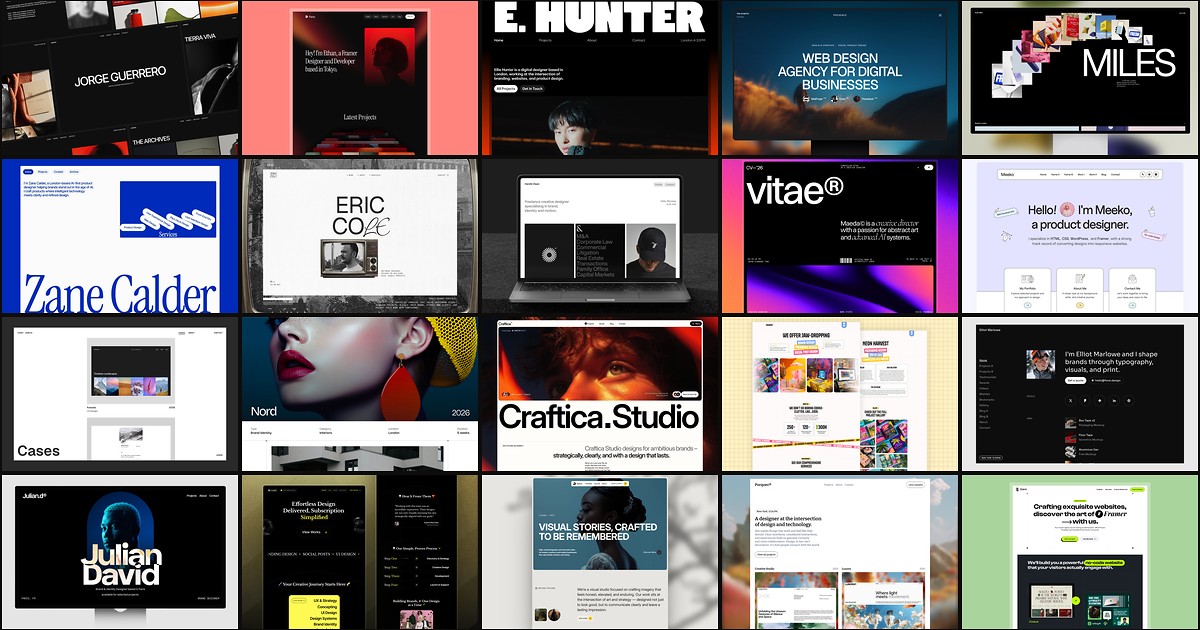
A portfolio site should show work first and make contact inevitable. These 20 Framer templates cover minimal one-pagers to full CMS studios.