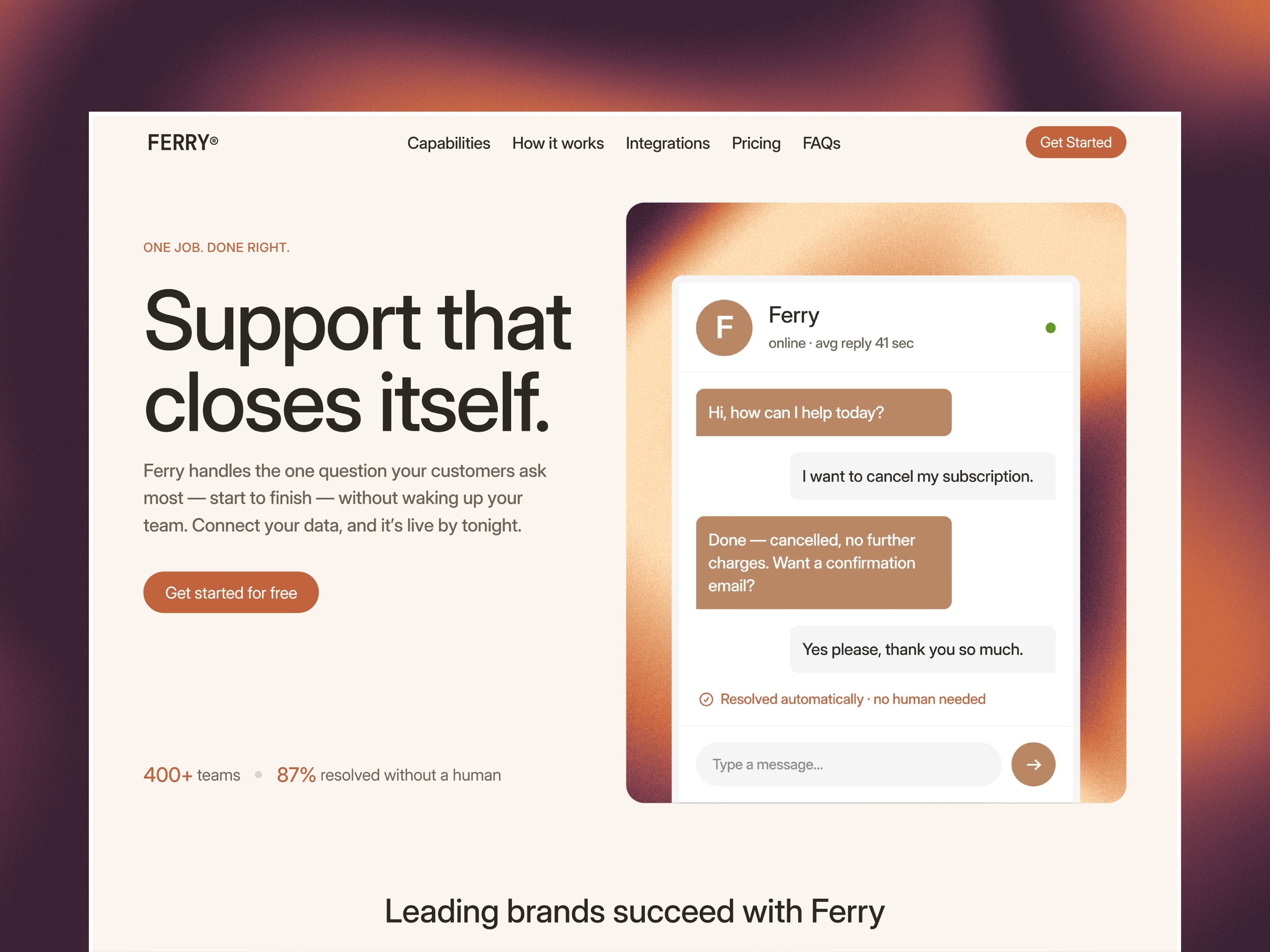
 Live Preview
Ferry Agent — Free AI Template for Framer
by Unknown
Nuvraya is a free 7-page AI studio Framer template for automation consultancies with an interactive agent demo. Skip it if you need docs, security, or a dev section.
Nuvraya is a free 7-page AI studio and automation template for Framer, with no CMS collections. Remix it if you sell agents and workflows to teams that live in Gmail and Slack. Home carries an interactive agent demo, and the sitemap adds Pricing, Service, Case Study, Blog, About, and Contact. Skip it if you need docs, security, or a developer section. AxonOps covers that job. The browse-everything view is the free Framer templates hub, and the AI shortlist narrows it.
Picture a three-person automation shop. They wire inbox triage, knowledge-base answers, and approval steps for ops teams, and every sales call ends with “can you show me what that looks like?” Nuvraya answers on Home with a staged agent card, then hands the lead to Pricing and a Case Study once the questions turn to cost and proof.
Walk away if you are a product company with one AI tool, an API, and a security review to survive. Nuvraya is a studio site, not a product site. AxonOps has the extra routes for that. If you have a pitch but no case studies yet, Workflow Studio 01 lets you start with a single scroll and grow later.
The mood is hot magenta and plum. Translucent glass panels float over ribbons of light, and every button is butter yellow. Small monospace labels such as “Applied intelligence. Amplified.” and numbered section markers (01 through 04) add a lab-notebook feel under tight, oversized sans headlines like “Make every app work as one.” It is closer to a product keynote than to Linear’s gray restraint.
That energy tells curious mid-market buyers you are new and a little playful, which helps a studio stand out in a crowded AI category. It hurts if your buyer is a bank’s procurement team. The honest fight is the magenta itself. A navy-and-white brand will end up recoloring the hero, the glass cards, and the background in one sitting.
Seven pages, named as Framer lists them:
Framer does not flag any of these as CMS-backed, so a growing blog means building a collection yourself after remix.
Framer’s SEO, analytics, and breakpoint tooling ship with the platform. They are not a reason to pick this file.
Remix Nuvraya when you are a small studio that needs to look current, show a working-looking demo, and price engagements in public. The marketplace lists the author as Unknown, so there is no track record to judge. Check the live preview on a phone before you commit, since the glass and gradient layers are the heavy part.
Skip it when the site has to carry product docs, a security page, or a changelog. That is AxonOps. Skip it when one scroll is enough. That is Workflow Studio 01. Still choosing a lane? Go back to the AI shortlist or the free Framer templates hub.
Quick answers about Nuvraya, including pricing, CMS support, responsiveness, and who it is built for.
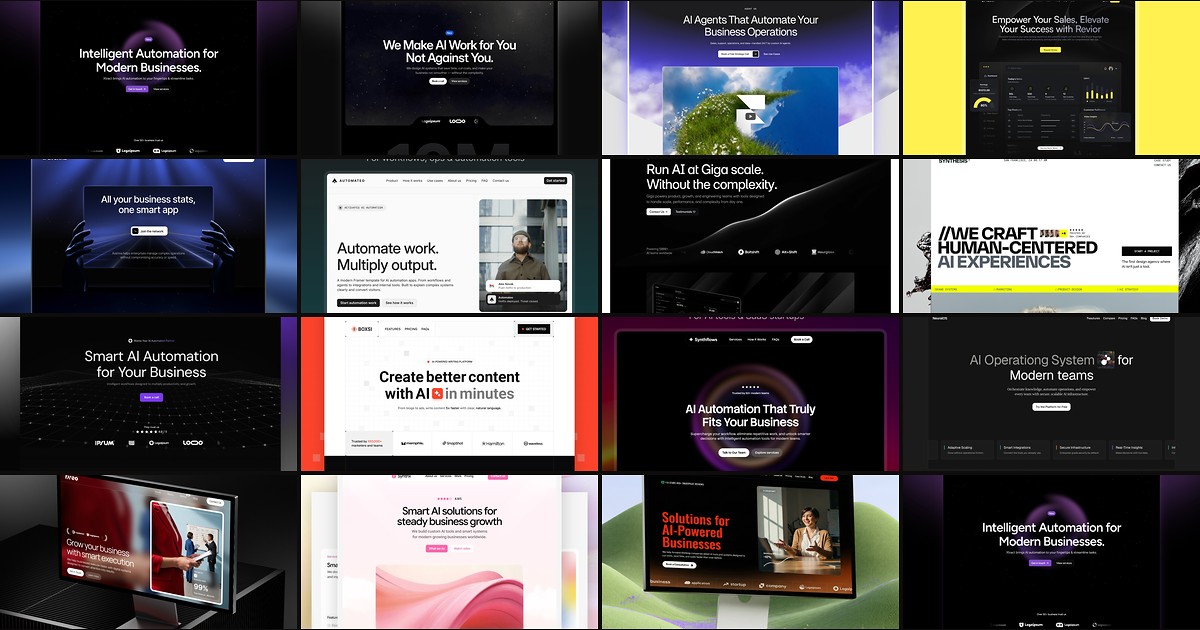
AI products need sites that explain complex workflows without looking like every other purple gradient startup. These 15 free Framer templates actually ship the pages you need.