 Live Preview
← All Templates
Portfolio
Nyra UI designer — Free Portfolio Template for Framer
Nyra UI designer is a free 3-page portfolio Framer template for interface designers who want Home, Work, and Blog on a small sitemap. Skip it if you need CMS project detail pages.
freeframerremixportfoliocreativenyrauiblog
Nyra UI designer is a free 3-page portfolio template for Framer: Home, Blog, and Work. The marketplace list has no CMS labels, so posts and projects are static routes you edit on canvas unless you add collections later. Remix it when you want a designer site with writing room and a work index on a small sitemap. Skip it if every project needs its own CMS detail template. JORGE ships CMS case studies and more pages. Browse free Framer templates on the hub or the portfolio shortlist.
Who should remix Nyra UI designer?
Nyra UI designer fits interface designers who publish process notes, redesign breakdowns, or career updates alongside a Work grid. You might be job hunting while building in public, or freelancing and using Blog posts as proof of thinking, not just pixels. Three routes keep Home focused on positioning while Work and Blog split proof and voice.
Pass if your sales motion depends on long CMS case studies with shared components per client. Agencies that need Services, pricing, and team pages will outgrow this file quickly. In that case remix JORGE or a deeper agency template instead of forcing this sitemap to behave like a studio site.
What Nyra UI designer looks like
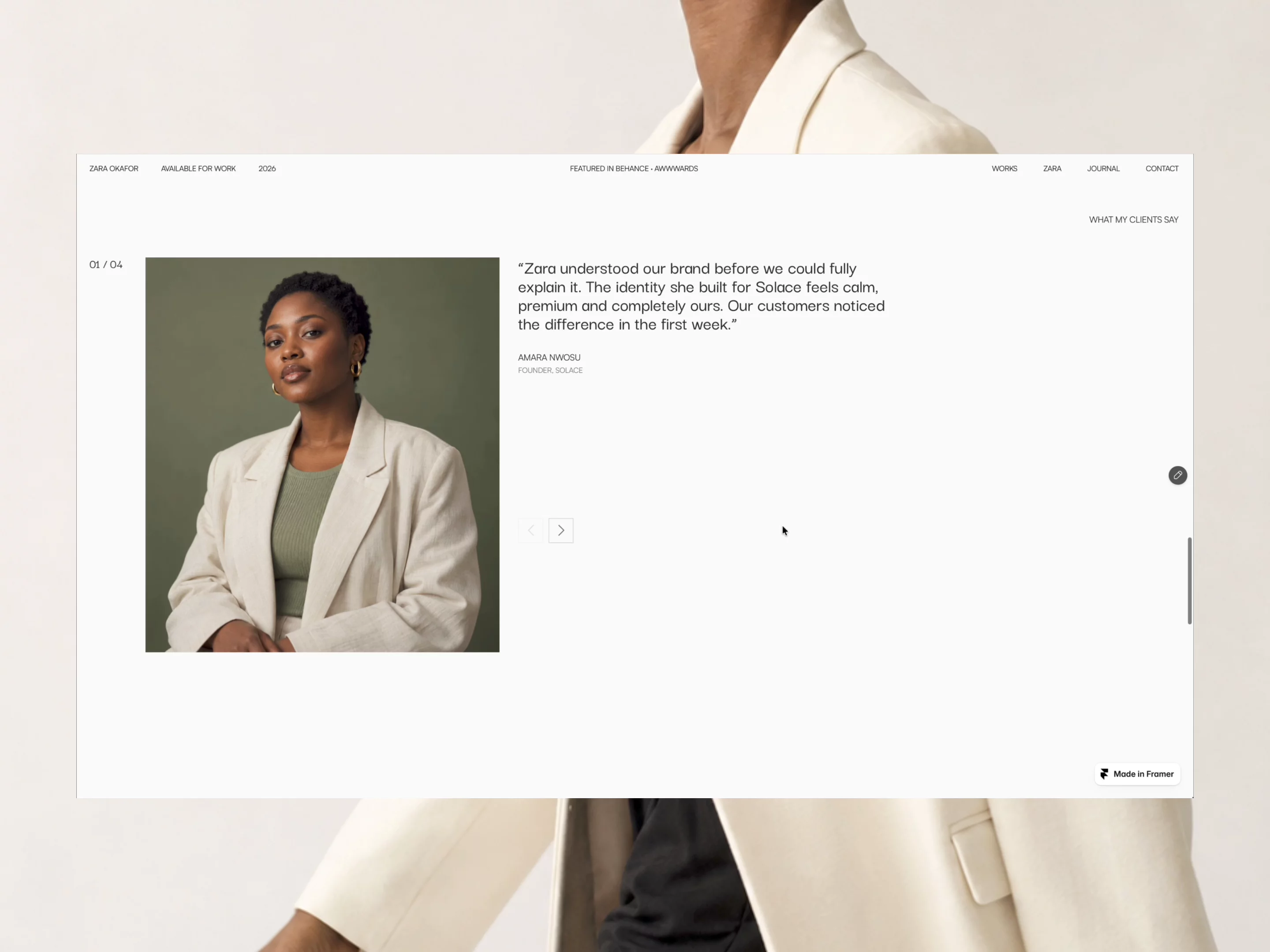
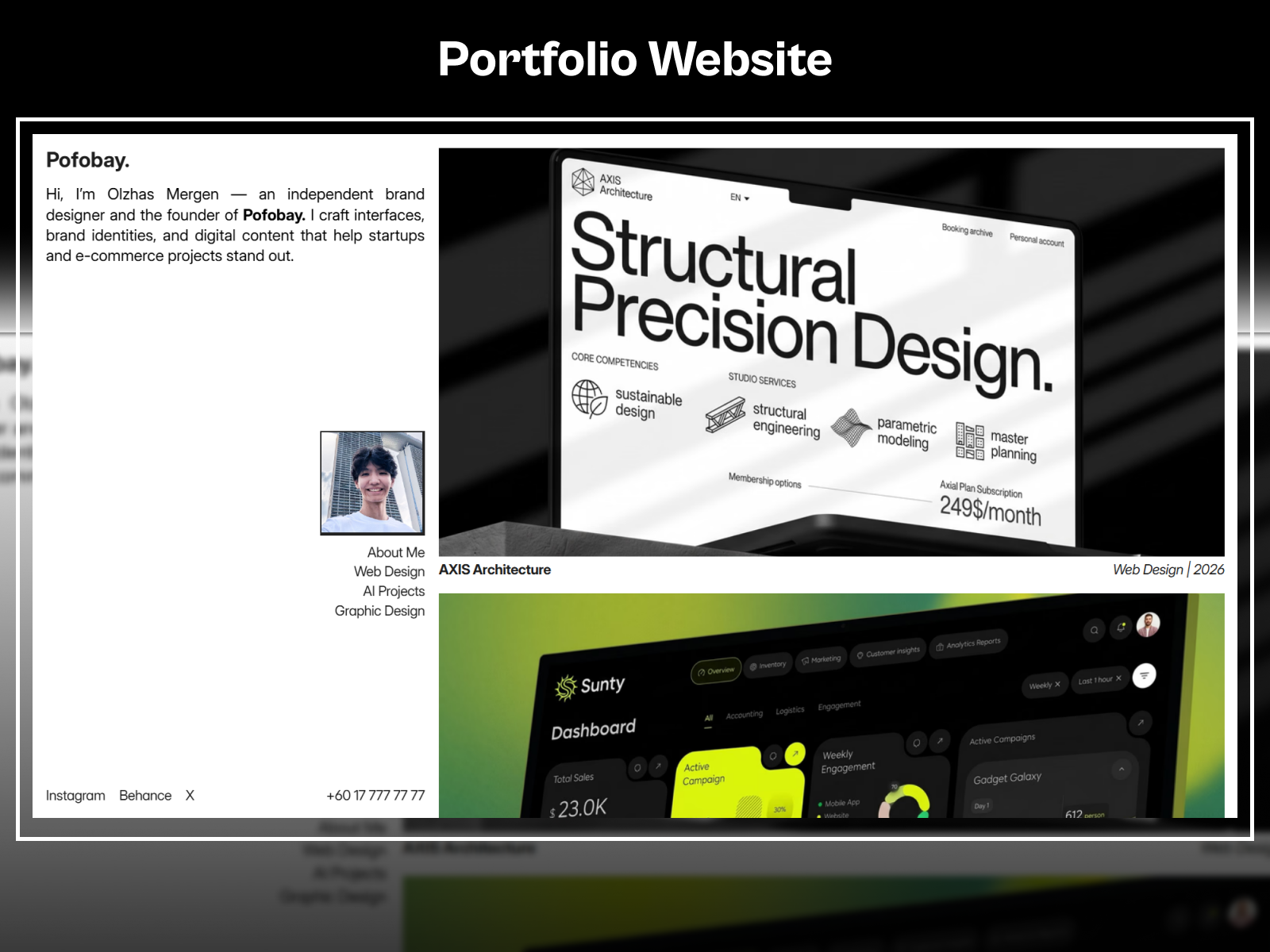
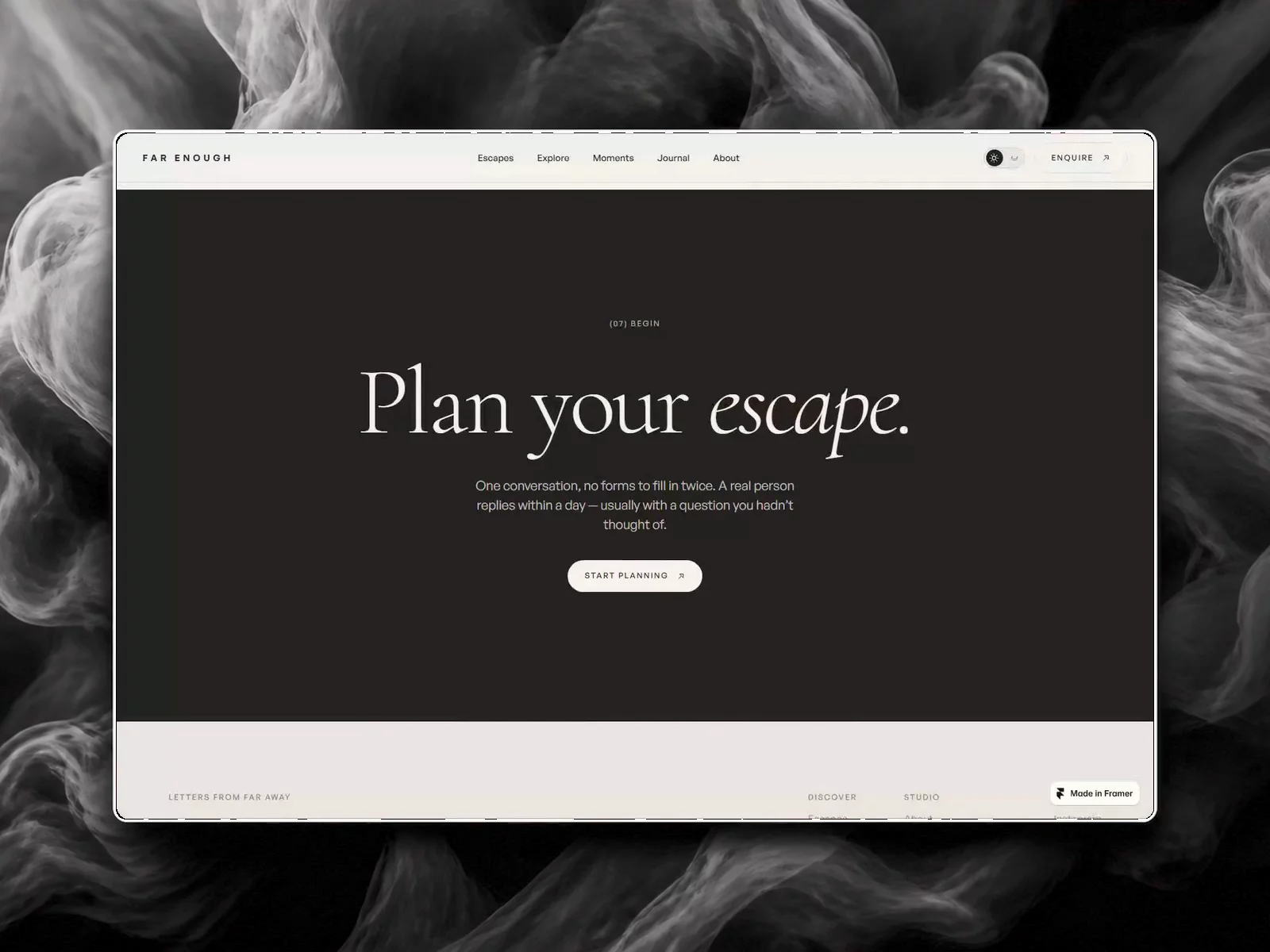
The demo skews modern product-design portfolio: crisp sans type, card-based work tiles, and Blog layouts that feel like Medium articles dropped into a personal brand shell. Color is controlled so UI shots stay legible, which helps when recruiters scan on a phone between meetings. The overall mood is professional and contemporary without dark-mode theatrics.
Animation is light, mostly hover states and section reveals, so performance stays predictable on cellular data. The trade-off is personality. Designers with loud illustration-led brands may replace large parts of the visual system. The structure still works, but the default skin reads safe rather than experimental.
Pages included in Nyra UI designer
Three pages, named as Framer lists them:
- Home: positioning, highlights, and paths into Work and Blog
- Blog: index or feed for articles, notes, and process writing
- Work: selected projects and outcomes on a dedicated route
No Contact page ships in the listing, so inquiries usually live on Home unless you add a fourth page after remix. There is also no CMS-backed project template in the page list.
What is distinctive about Nyra UI designer
- Blog plus Work on one file. Rare combo at three pages without jumping to a large CMS portfolio.
- Static Work index. Fast to duplicate frames for new projects when you do not need collection fields yet.
- Designer-shaped Home. Assumes UI case studies and product storytelling, not wedding photography grids.
- Small sitemap. Easier handoff to collaborators than a twelve-page agency export.
- No CMS in the listing. Lower setup cost, higher manual work when project count grows.
Platform SEO and analytics ship with Framer. They do not differentiate Nyra UI designer from other free portfolios.
When to remix Nyra UI designer, and when to skip
Remix Nyra UI designer when you want Home, Work, and Blog together and you accept static project pages for now. It rewards designers who write and ship UI work on a schedule.
Skip it when case studies must scale through CMS entries and shared detail layouts. Choose JORGE for that job. If you only need Home and Contact, a leaner two-page file may save time. Compare options on the portfolio shortlist or head back to free Framer templates.
Frequently Asked Questions
Quick answers about Nyra UI designer, including pricing, CMS support, responsiveness, and who it is built for.
-
What kind of website is Nyra UI designer best for?
- Nyra UI designer is for UI and product designers who want a Work index and a Blog route without wiring CMS collections on day one. It includes 3 pages: Home, Blog, Work.
-
Is Nyra UI designer free or paid?
- Nyra UI designer is a free Framer template. The listed price on yoframer is free.
-
Does Nyra UI designer support CMS and responsive design?
- Nyra UI designer does not include CMS support. It is fully responsive.
-
When should I skip Nyra UI designer?
- You need CMS case study pages with repeatable fields. JORGE lists Work Page and Services collections. Start with JORGE .
Featured in our Portfolio roundup
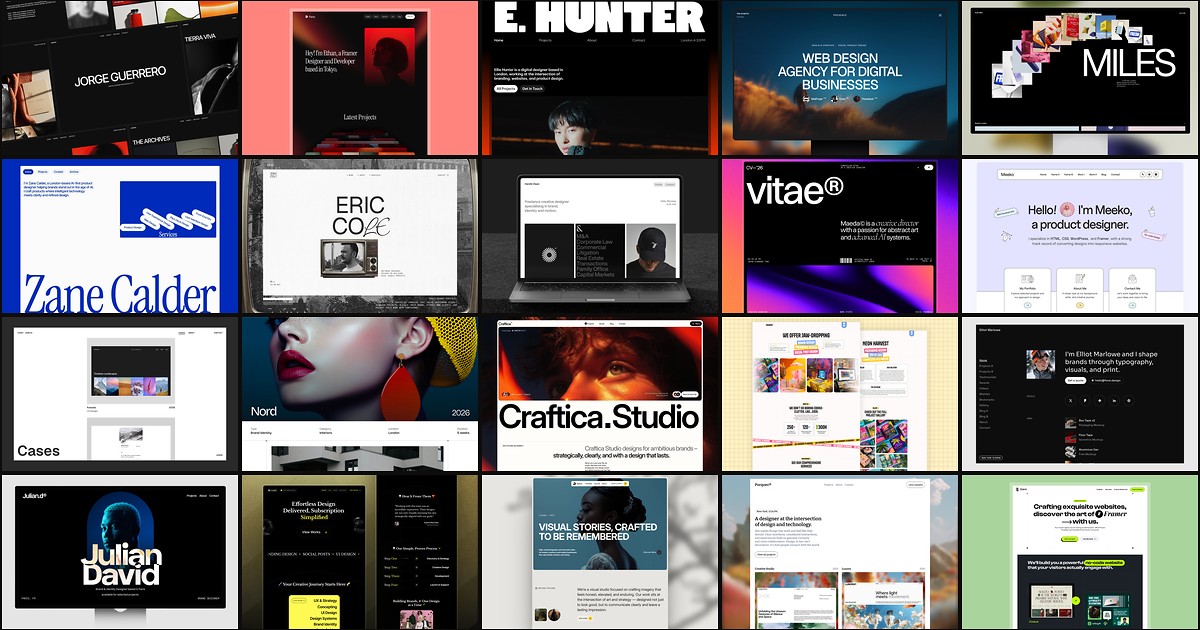
20 Best Portfolio Framer Templates in 2026 (Ranked)
A portfolio site should show work first and make contact inevitable. These 20 Framer templates cover minimal one-pagers to full CMS studios.