 Live Preview
← All Templates
Portfolio
Oblique Edition — Free Portfolio Template for Framer
Oblique Edition is a free eight-page portfolio Framer template for object designers cataloguing collections, materials, and studio process. Skip it if you need CMS case studies.
portfoliocreativeobject-designcataloguestudiofree
Oblique Edition is a free eight-page portfolio Framer template built like an object designer’s catalogue: Collection, Materials, Studio, and a Guide route alongside Journal and Enquire. Nothing in the marketplace file is CMS-backed, so projects stay static frames until you add collections yourself. Skip it if case studies should publish from a Works grid and CMS detail pages. JORGE covers that photographer and product-designer workflow. More free Framer templates live on the hub, or open the portfolio shortlist.
Who should remix Oblique Edition?
Oblique Edition is for the designer who thinks in editions and material palettes, not dribbble shots alone. Furniture makers, lighting studios, and ceramicists who need to show how a collection hangs together, which finishes exist, and how the studio fabricates will recognize the sitemap. Journal and Guide give you room for process essays and care instructions without forcing everything into a single case study template.
Pass if you are a freelance UI designer whose proof is screen recordings and client logos. You will fight the catalogue nouns and miss CMS project detail. Agencies selling retainers and packaged services should look at deeper studio files rather than this editorial object layout.
What Oblique Edition looks like
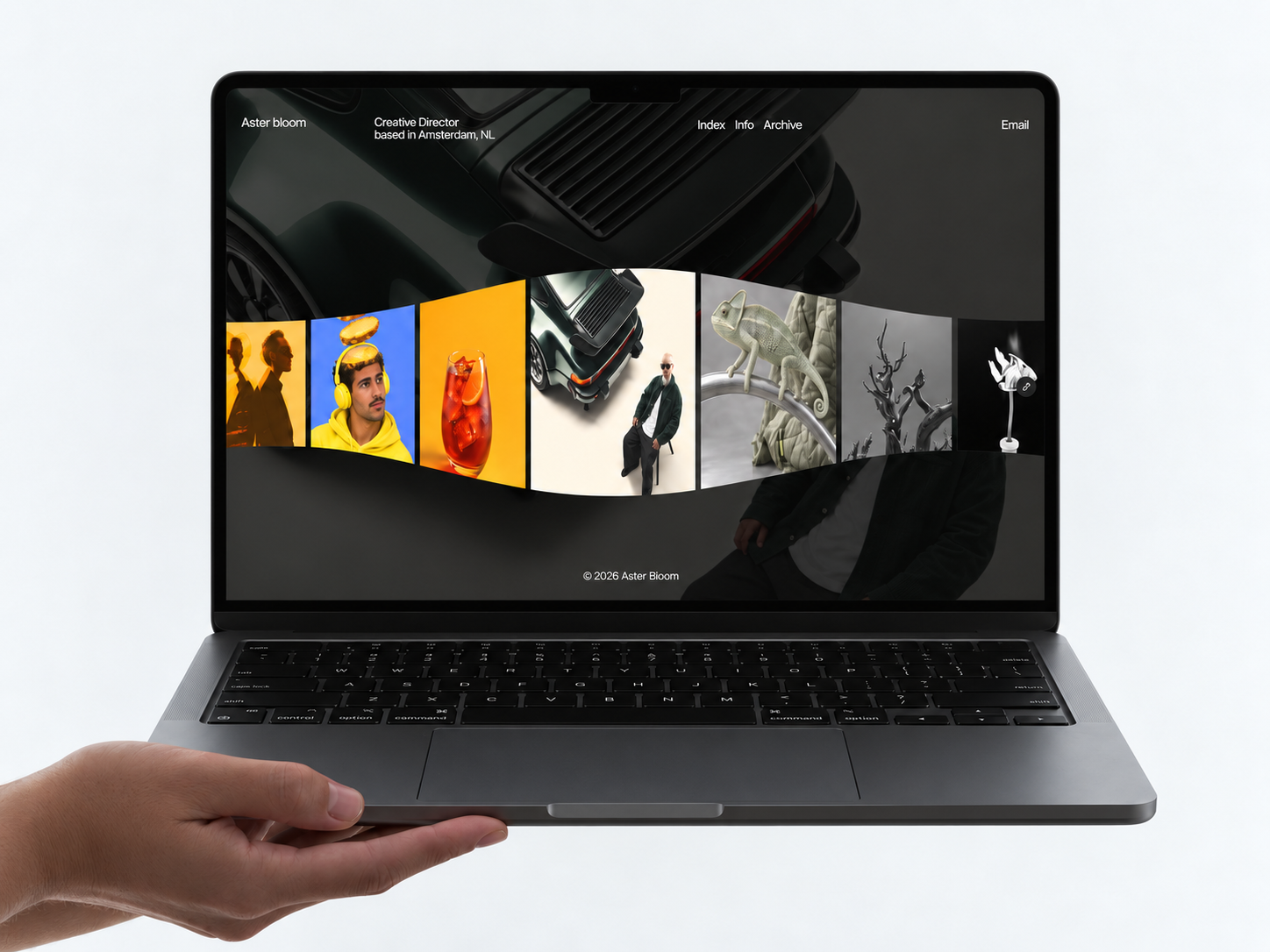
The preview reads restrained and gallery-like: generous whitespace, serif-forward headlines, and photography treated as product stills rather than lifestyle clutter. Navigation labels sound like a museum shop site (Collection, Materials) instead of generic Services and About. Motion, where it appears, supports scroll rhythm rather than hero gimmicks.
The trade-off is temperature. The default mood is cool and precise, which flatters timber, stone, and metal objects. A maximalist illustrator or neon brand will repaint heavily. Type-led layouts also demand strong writing on Journal and Guide, or those routes feel empty.
Pages included in Oblique Edition
Eight pages, named as Framer lists them:
- Home: editorial landing that routes visitors into Collection and Studio proof
- Collection: index of objects or editions, meant to read like a catalogue shelf
- Studio: practice story, team, or workshop credibility
- Materials: finishes, suppliers, or sustainability notes that buyers ask before Enquire
- Enquire: trade and commission inquiry path
- Journal: dated or thematic writing about process, launches, or exhibitions
- Guide: long-form usage, care, or specification content that supports the objects
- 404: branded dead end for mistyped URLs from press PDFs
Collection plus Materials is the pairing that separates this file from a generic creative portfolio. Journal and Guide reward studios that publish more than hero images.
What is distinctive about Oblique Edition
- Catalogue vocabulary. Collection and Materials mirror how object studios talk to buyers, not generic Works and Services labels.
- Guide route. Rare on free portfolios; useful for assembly, care, or dimension tables.
- Enquire instead of Contact. Signals trade and commission conversations, not a casual hello form.
- Eight-page static sitemap. Enough depth for a small studio without fourteen agency pages.
- Creative category fit. Filters cleanly in the directory for design-led practices that are not SaaS.
Platform SEO toggles and responsive breakpoints ship with Framer. They do not make Oblique Edition unique among portfolios.
When to remix Oblique Edition, and when to skip
Remix Oblique Edition when your site should feel like a published catalogue with room for material storytelling and long-form Guide pages. The Unknown author slot on the marketplace does not change the layout job: it is built for physical objects and studio inquiry.
Skip it when CMS case studies are non-negotiable. Remix JORGE for Works, Work Page collections, and a darker editorial case-study flow. Skip it when you want one scroll and no secondary routes. Compare lighter picks on the portfolio shortlist, then bounce back to free Framer templates when you are ready to remix.
Frequently Asked Questions
Quick answers about Oblique Edition, including pricing, CMS support, responsiveness, and who it is built for.
-
What is Oblique Edition best for?
- Oblique Edition is a free eight-page portfolio Framer template aimed at object designers and small studios that present collections, materials, and process writing without a marketplace CMS bundle. Routes like Collection, Materials, and Guide read like a physical catalogue translated to the web. For CMS case studies, compare JORGE on the portfolio grid.
-
Is Oblique Edition free to remix?
- Yes. Oblique Edition is a free Framer template. Remix it into your workspace at no template charge. Custom domains and team seats still follow Framer plan limits. yoframer links to the marketplace remix URL and does not sell the file.
-
Does Oblique Edition include a CMS?
- No CMS-backed project pages appear in the marketplace page list. Collection and Journal are static frames unless you add collections after remix. If every new chair needs a CMS detail template, start with JORGE instead.
-
When should I skip Oblique Edition?
- Skip Oblique Edition if your proof lives in scrolling case studies with a Works grid and CMS detail pages. JORGE is built for that workflow. If you only need one dark scroll, Ferio may be faster, but Oblique Edition wins when catalogue structure matters.
Featured in our Portfolio roundup
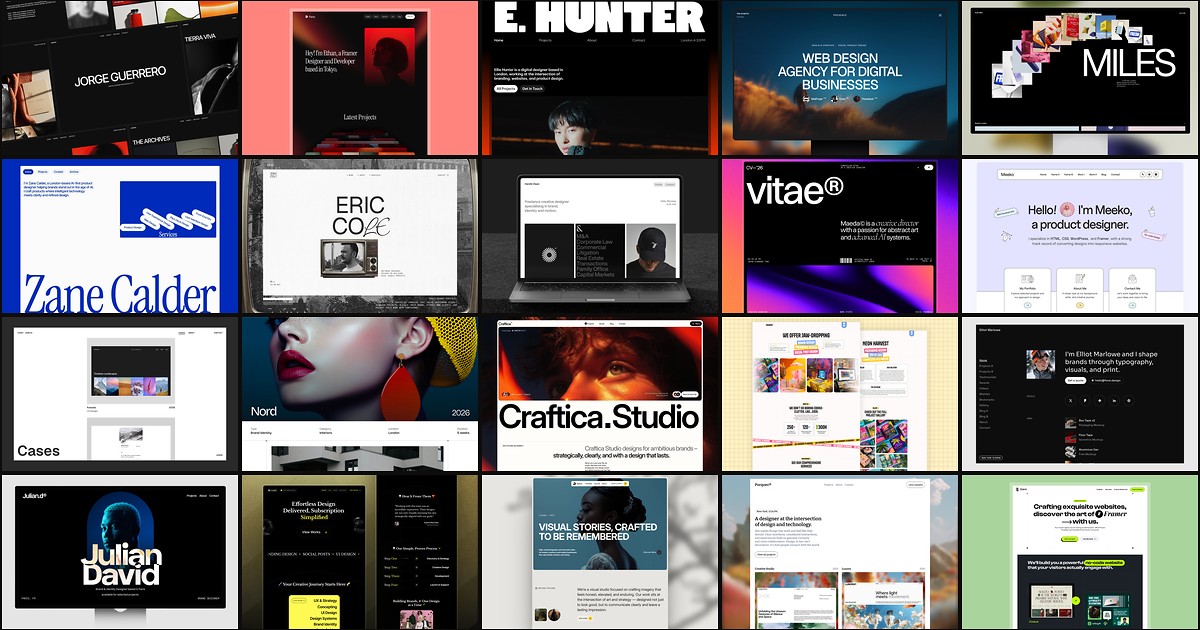
20 Best Portfolio Framer Templates in 2026 (Ranked)
A portfolio site should show work first and make contact inevitable. These 20 Framer templates cover minimal one-pagers to full CMS studios.