 Live Preview
← All Templates
Photography
Piccaso — Free Photography Template for Framer by FTC Studio
Piccaso is a free 4-page Photography Framer template for shooters who want Archives beside Home and Contact. Skip it if you need CMS case studies. Marlowe fits.
freephotographyportfoliominimalarchivescreative
Piccaso is a free 4-page Photography template for Framer by FTC Studio. Remix it if you are a photographer who wants a minimal Home, a dedicated Archives route, Contact, and a 404, without wiring CMS collections on day one. It is static across four pages. Skip it if you need CMS case studies, Services, and blog detail templates. Marlowe covers that job. More free Framer templates sit on the hub, or start with the photography shortlist.
Who should remix Piccaso?
Piccaso is for shooters whose site should feel like a gallery wall, not a SaaS landing page. Wedding, editorial, and fine-art photographers who already curate sets and want Archives separated from the hero grid will ship faster here than on a ten-page CMS file. If your pitch deck is mostly images and a short bio, this sitemap matches how clients actually browse you.
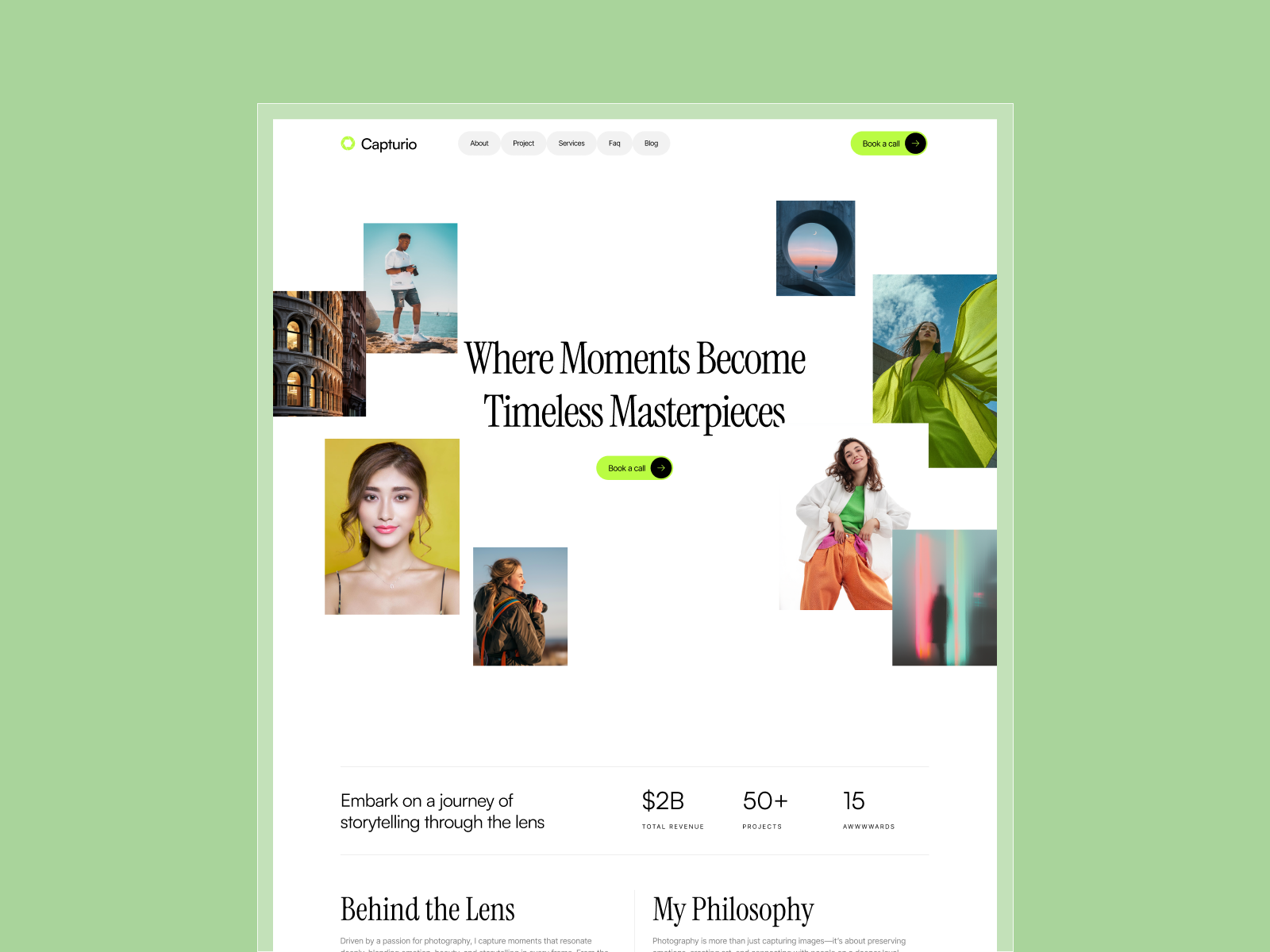
Skip it if you sell packages on CMS service pages or publish long written case studies weekly. That workflow wants Marlowe or another collection-backed portfolio. Skip it if you only need one scroll and done. Capturio is leaner for a single Home.
What Piccaso looks like
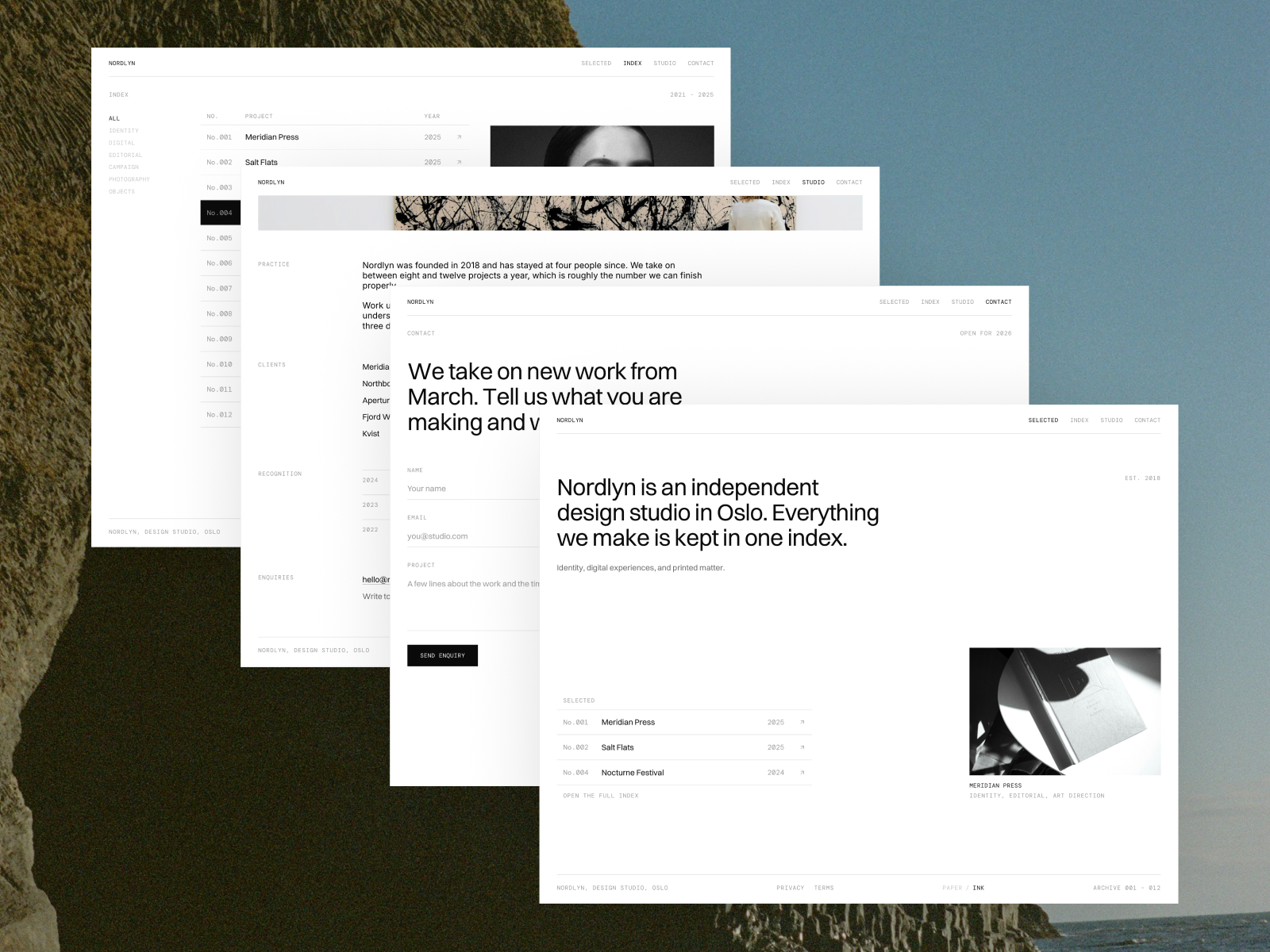
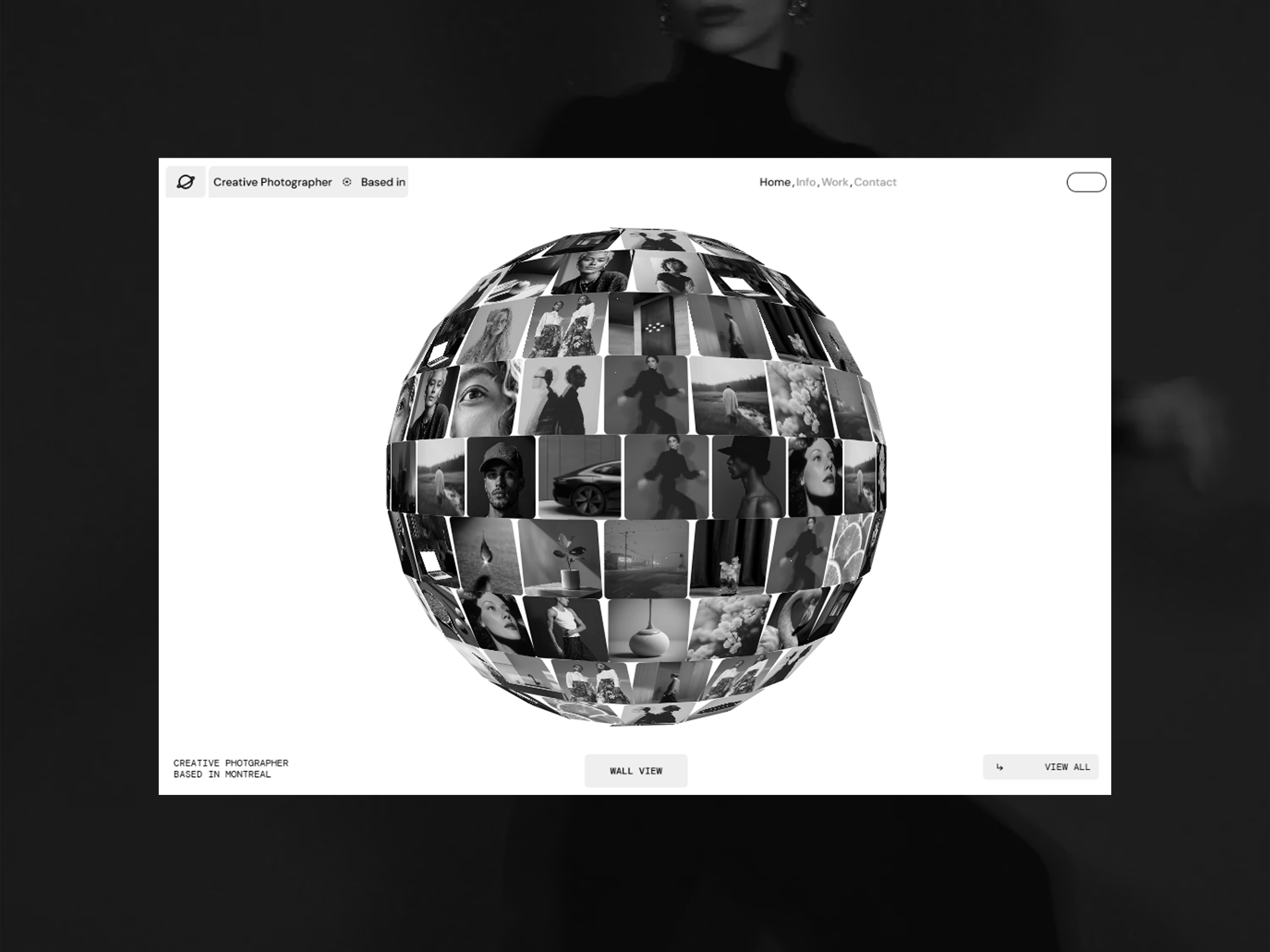
The live preview is minimal and photography forward: large image fields, calm typography, and navigation that stays out of the way. The aesthetic sits closer to a white-wall gallery than a colorful creative agency site. Motion is light so full-bleed photos load without competing effects.
That restraint helps trust with art buyers and couples planning weddings. The trade-off is personality. Loud personal brands or neon studio identities may fight the default neutrals until you retheme type and spacing.
Pages included in Piccaso
Four pages, named as Framer lists them:
- Home: hero work and the primary portfolio story
- Archives: secondary grid or shelf for older or experimental shoots
- Contact: inquiry path for bookings and assignments
- 404: branded dead end so broken links still feel on-brand
Archives as its own route is the reason to pick this file over a one-page photography remix. You keep the Home tight while still showing depth.
What is distinctive about Piccaso
- Archives route. Separate shelf without rebuilding Home every time you add a shoot.
- Four-page static spine. Fast remix, no collection wiring required at launch.
- Photography-first layout. Image hierarchy beats feature copy blocks.
- Contact plus 404. Enough operational pages for real traffic without agency bloat.
- Minimal chrome. Works for editorial and fine art positioning out of the box.
Platform SEO and analytics ship with Framer. They are not differentiators for Piccaso.
When to remix Piccaso, and when to skip
Remix Piccaso when you want a calm photography site with Home, Archives, and Contact, and you are fine updating galleries manually in Framer. FTC Studio aimed this at visual artists who prioritize curation over CMS plumbing.
Skip it when your business runs on CMS Services and Blog posts. Marlowe is the depth pick. Skip it for one long scroll. Capturio does that faster. Compare more options on the photography shortlist or return to free Framer templates.
Frequently Asked Questions
Quick answers about Piccaso, including pricing, CMS support, responsiveness, and who it is built for.
-
What kind of website is Piccaso best for?
- Piccaso fits photographers who want a quiet Home, an Archives page for older work, Contact, and a branded 404. It is free and static across four routes. Studios publishing CMS case studies every month should remix Marlowe instead.
-
Is Piccaso free to remix?
- Yes. Piccaso is a free Framer template by FTC Studio. Remix it at no charge. Custom domains follow Framer hosting plans. The yoframer listing does not charge for the file.
-
Does Piccaso include a CMS?
- No. Home, Archives, Contact, and 404 are static pages in the marketplace list. Add a Framer collection after remix if you want repeating project entries without duplicating frames.
-
When should I skip Piccaso?
- Skip Piccaso if you need Services, Projects, and Blog collections with detail pages. Marlowe covers that depth. For one scroll only, compare Capturio on the photography shortlist .
Featured in our Photography roundup
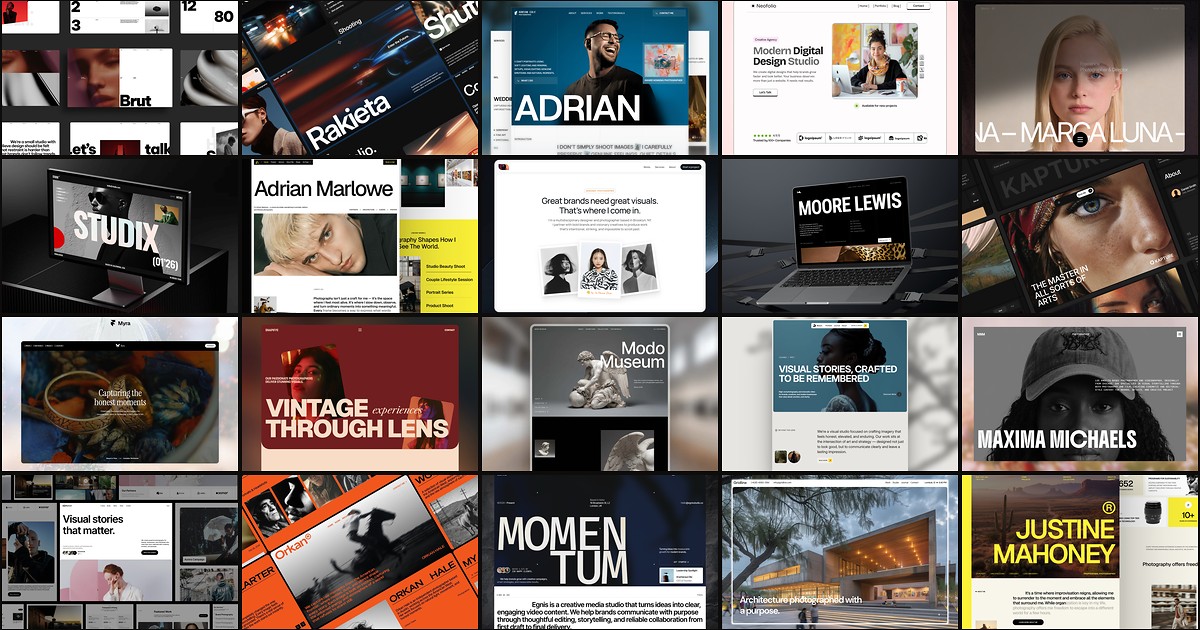
20 Best Free Photography Framer Templates in 2026
Photography buyers judge you on image hierarchy before they read a bio. These 20 free Framer templates ship the gallery routes, studio pages, and CMS depth shooters and agencies need without a custom build.