 Live Preview
Modelhorizon — Free SaaS Template for Framer
by Unknown
Salesly is a free 9-page SaaS Framer template for CRM and sales teams that want Features, Pricing, and Blog Details on static routes. Skip it if you need Changelog or Integrations pages.
Salesly is a free nine-page SaaS template for Framer from Studio Framigo (marketplace author Unknown) aimed at sales and CRM positioning, not a logged-in product shell. Home, About, Features, Pricing, Blog, Blog Details, Contact, Privacy Policy, and 404 are all static: no CMS collections in the listing. Skip it if launch comms belong in Changelog and Integrations routes instead of a duplicated blog detail frame. Saaslane covers that eight-page product map. More free Framer templates sit on the hub, or open the SaaS shortlist.
Salesly fits founders and marketers selling pipeline software, outbound tools, or revops services who already talk in demos, integrations, and pricing tiers. The dedicated Features and About URLs help when ads deep-link past the homepage and legal wants Privacy Policy live before paid traffic lands. Teams publishing two or three launch posts can wire Blog and Blog Details as static frames until they add CMS later.
Walk away if release notes and integration catalogs are non-negotiable on day one. That is Saaslane or a deeper file from the SaaS roundup. Skip Salesly when you need CMS-backed customer stories or a Careers route for hiring pushes. Pull a larger map from the hub instead of stretching nine static pages.
The demo reads modern B2B SaaS: Inter Tight headings, bright UI chrome, and dashboard-style blocks that suit CRM and sales automation stories more than wellness or architecture brands. Sections follow a familiar march from promise to proof to pricing, closer to a polished startup landing stack than to a dark devtool night mode. Photography and icon slots expect product UI shots or team candids, not property exteriors.
Motion stays restrained so pricing and feature grids stay readable on a phone between meetings. The honest fight is mood. Salesly defaults to upbeat sales energy. A sober enterprise or clinical brand will spend time rebalancing color and photography before the first stakeholder review.
Nine pages, named as Framer lists them:
Blog plus Blog Details gives you a content lane without CMS wiring. Privacy Policy saves a last-minute scramble when marketing turns on tracking.
Responsive layouts and form components are Framer defaults. They are not reasons to pick Salesly over another SaaS remix.
Remix Salesly when you want a credible sales or CRM marketing site with blog-shaped routes and legal coverage on a static nine-page map. It is a strong afternoon remix if your copy already matches Features and Pricing headings.
Skip it when Changelog, Integrations, and customer proof need dedicated URLs out of the box. That is Saaslane. Skip it when you need CMS blog posts or enterprise careers pages. Browse the SaaS shortlist or return to free Framer templates on the hub.
Quick answers about Salesly, including pricing, CMS support, responsiveness, and who it is built for.
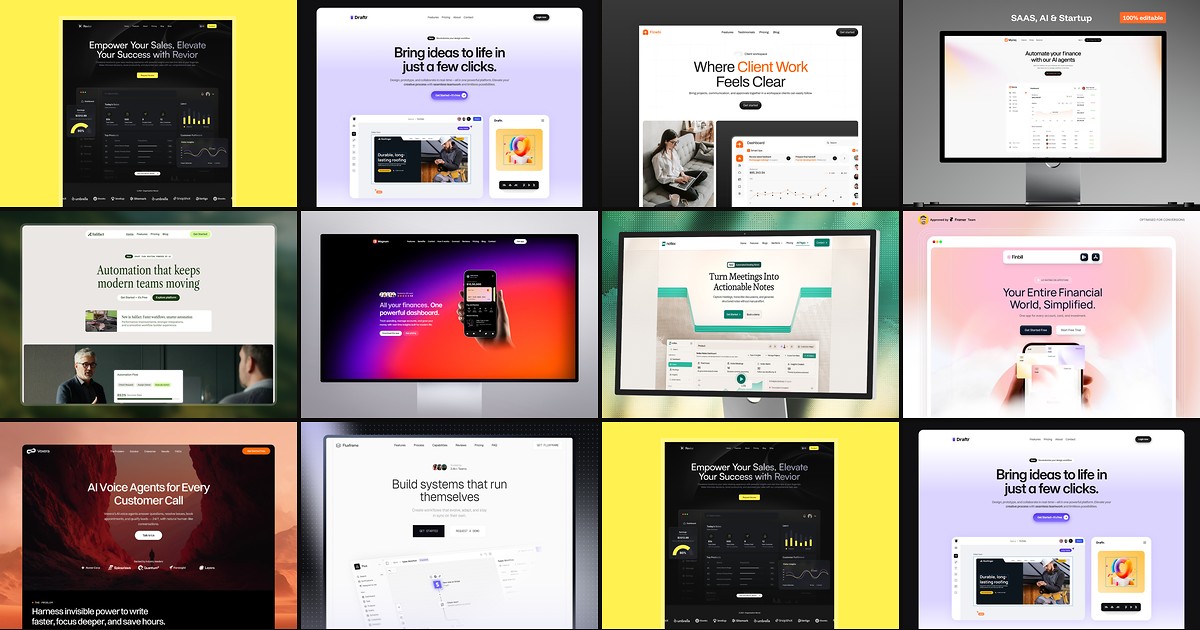
Most free SaaS templates on Framer look great in the preview and fall apart the moment you customize them. These 10 don't.