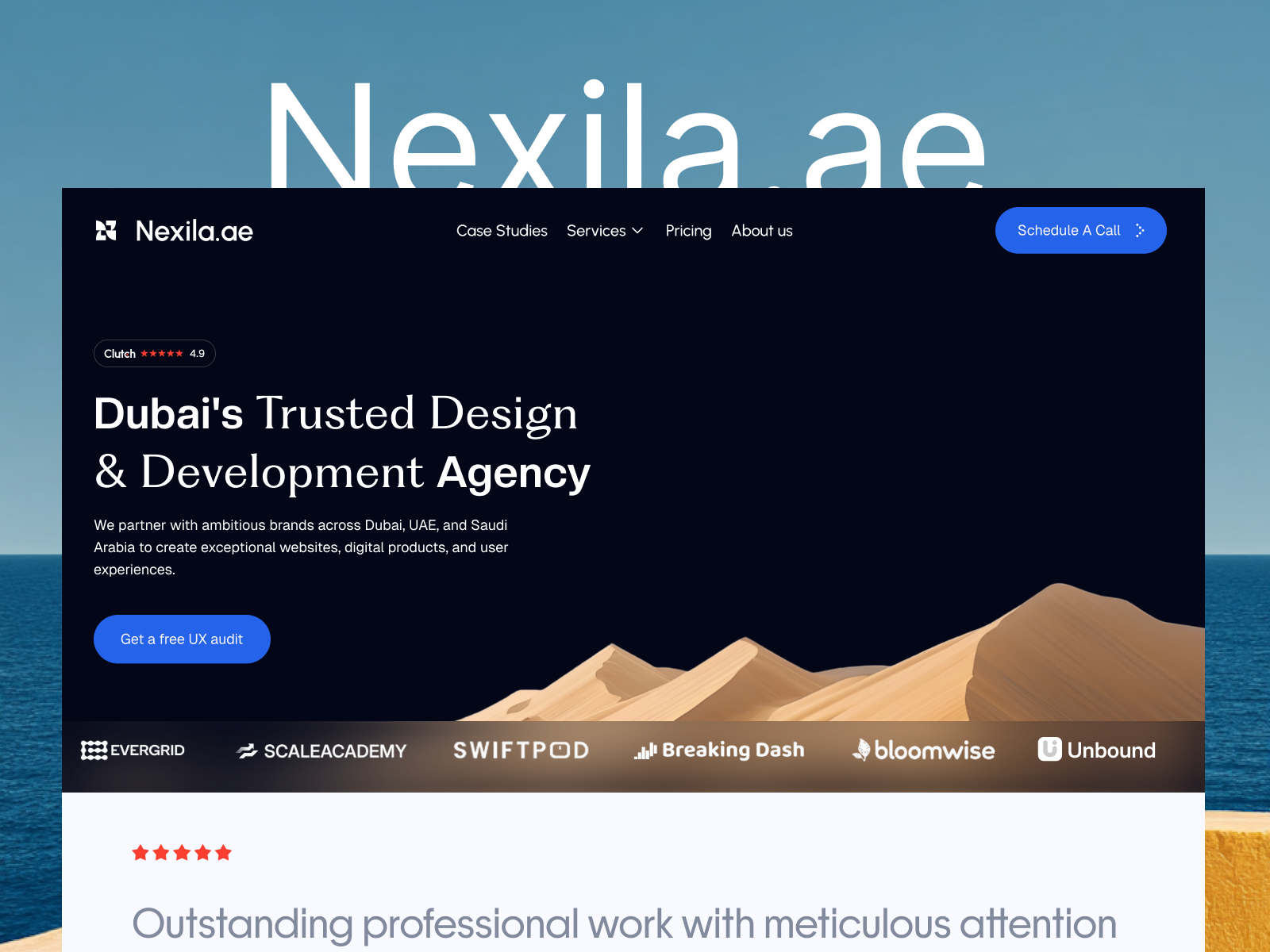
 Live Preview
← All Templates
Live Preview
 Live Preview
 Live Preview
Portfolio
Shador — Free Portfolio Template for Framer
Shador is a free 5-page portfolio Framer template with a Case Studies route and static About and Legal pages. Skip it if you need CMS case studies. JORGE covers that job.
freeportfolioagencycase-studiescreativeshador
Shador is a free 5-page portfolio template for Framer from Chowcase Design’s remix line: Home, About, Case Studies, Legal, and Contact Us, all static with no CMS in the page list. Remix it when you want a case-study shelf and a legal page linked honestly before collections are configured. Skip it if every new client needs a CMS Work Page entry. JORGE handles that workflow on yoframer. More free Framer templates sit on the hub, or narrow choices on the portfolio shortlist.
Who should remix Shador?
Picture a two-person branding studio pitching three flagship clients on a single site. Shador gives you a Case Studies route so Home stays positioning while proof lives where art directors expect it. About covers process, Legal covers the boilerplate agencies get asked for, and Contact Us is spelled out for form-driven leads. That map fits freelancers and micro-studios who are past Linktree but not ready to admin CMS fields nightly.
Skip it if you publish new work every month and want each project to spawn its own detail URL from a collection. You will duplicate Case Studies frames or rebuild in CMS anyway. Larger consultancies that need pricing, careers, and team grids should remix Formix Co instead of stretching five static pages.
What Shador looks like
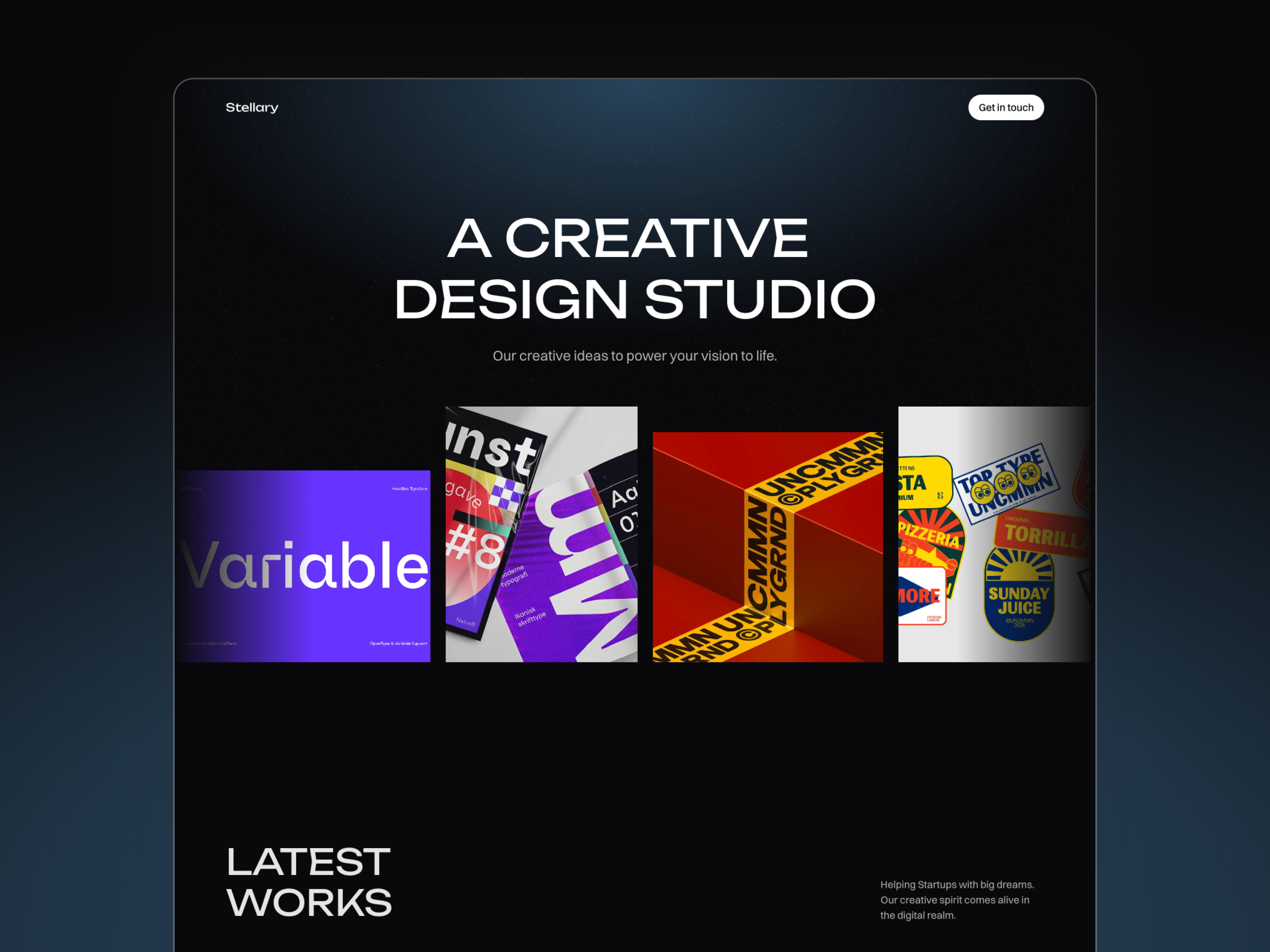
Shador uses Mona Sans with italic weight for accents, so the file feels contemporary studio rather than stiff corporate. The demo stacks large headlines, case-study thumbnails, and dark-friendly contrast blocks that suit branding and digital product shops. Motion highlights section entrances and card hovers without long scroll gimmicks that slow mobile review.
That mood helps creative agencies selling craft and outcomes to marketing leads. It is a fight for photographers who need full-bleed quiet grids until you swap imagery and loosen type scale. The layout assumes you have three to six strong cases to feature; empty placeholders will read unfinished fast.
Pages included in Shador
Five pages, named as Framer lists them:
- Home: studio positioning, selected work teasers, and primary contact CTAs
- About: team story, process, and credibility for buyers checking who executes the work
- Case Studies: dedicated proof page for outcomes, thumbnails, and client names
- Legal: policy or terms content partners sometimes request before SOW signatures
- Contact Us: inquiry form or mail path spelled out in the nav label
Case Studies as its own route is the reason to pick Shador over four-page creator files. Nothing in the list is CMS-tagged, so detail pages are manual duplicates until you add collections.
What is distinctive about Shador
- Named Case Studies page. Proof is not buried only on Home; art directors get a familiar URL shape.
- Legal route included. Handy when clients ask for terms before signing, rare on tiny free portfolios.
- Contact Us label in the sitemap. Clear B2B wording instead of a vague Connect link.
- Five-page static studio map. More credible than a one-pager, lighter than a twelve-page agency kit.
- Chowcase Design preview polish. The bundled demo reads like a real studio site, not placeholder lorem.
Platform SEO, analytics, and responsive breakpoints ship with Framer. They are not differentiators for Shador specifically.
When to remix Shador, and when to skip
Remix Shador when you want a small studio portfolio with About, Case Studies, Legal, and Contact Us linked upfront, and you are fine updating static case frames until CMS is worth it. The preview site matches Chowcase Design’s studio positioning.
Skip it when case studies should publish from a collection with detail templates. That is JORGE. Skip it when you only need one scroll for a solo creator brand. Ferio stays faster. Return to the portfolio shortlist or free Framer templates when you want more options.
Frequently Asked Questions
Quick answers about Shador, including pricing, CMS support, responsiveness, and who it is built for.
-
What kind of website is Shador best for?
- Shador is for Small studios and freelancers who want a dedicated Case Studies page and Legal route without wiring CMS collections yet. It includes 5 pages: Home, About, Case Studies, Legal, Contact Us.
-
Is Shador free or paid?
- Shador is a free Framer template. The listed price on yoframer is free.
-
Does Shador support CMS and responsive design?
- Shador does not include CMS support. It is fully responsive.
-
When should I skip Shador?
- You add new client work weekly and need CMS project detail pages. JORGE is the yoframer pick for that flow. Start with JORGE .
Featured in our Portfolio roundup
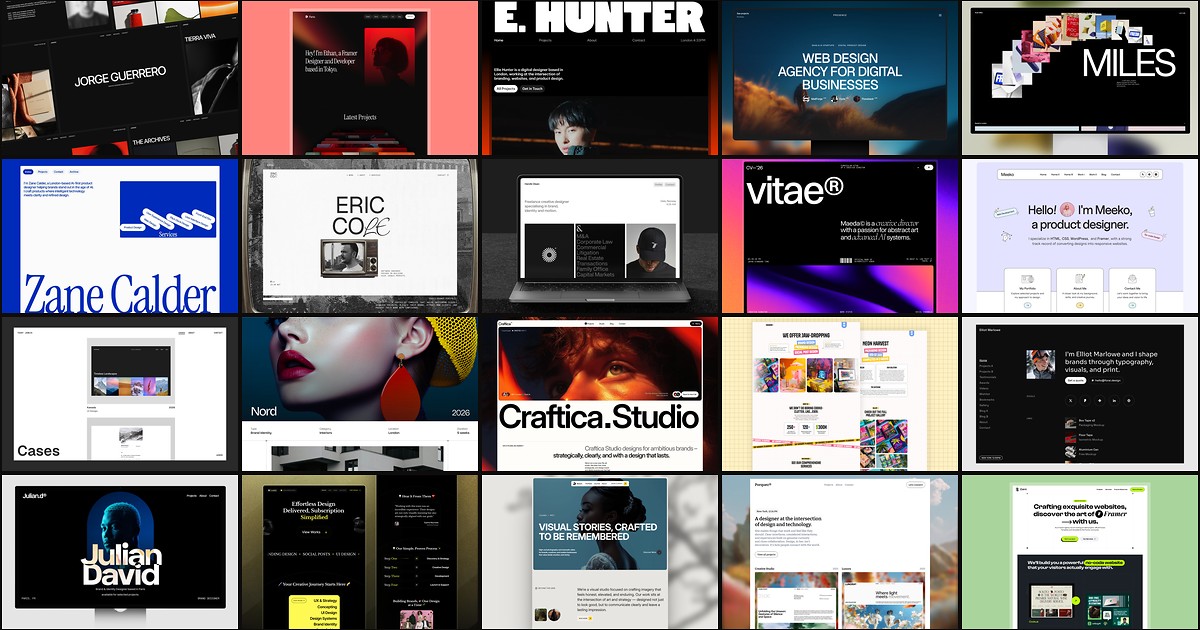
20 Best Portfolio Framer Templates in 2026 (Ranked)
A portfolio site should show work first and make contact inevitable. These 20 Framer templates cover minimal one-pagers to full CMS studios.
More Portfolio templates
View all Portfolio templates
Live Preview
Live Preview
Live Preview
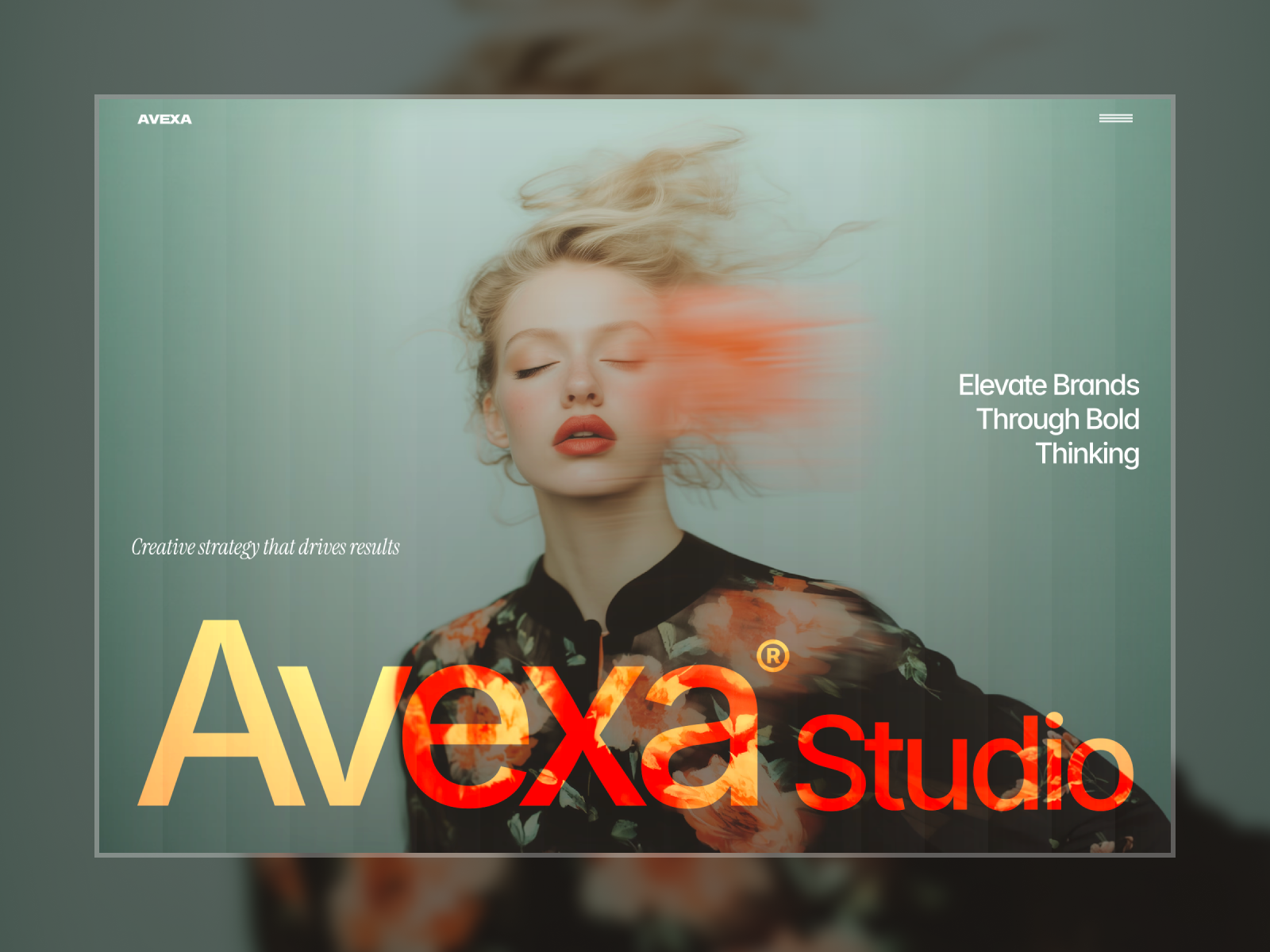
Avexa — Free Portfolio Template for Framer by Lunis Design
by Lunis Design