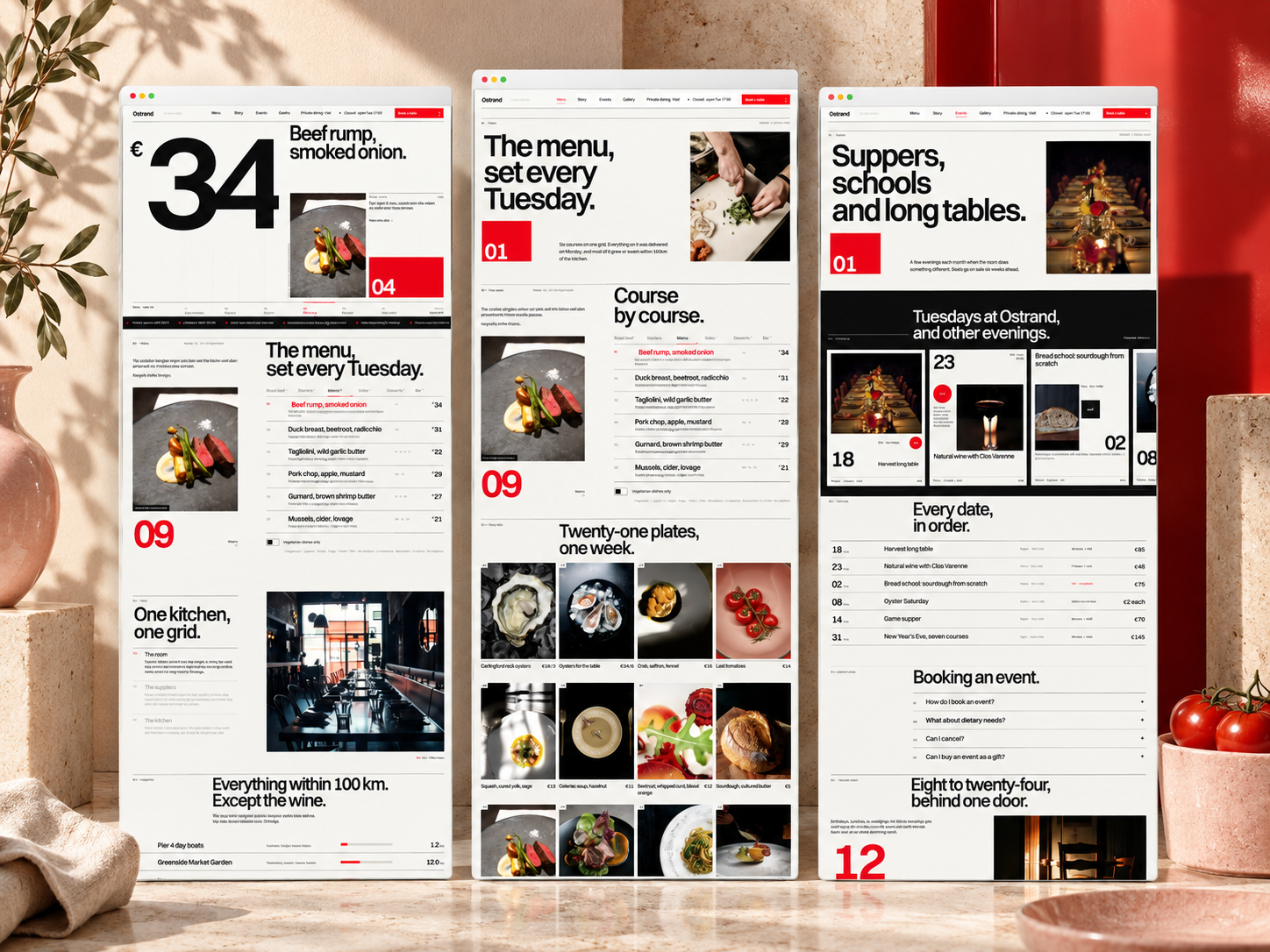
 Live Preview
← All Templates
Live Preview
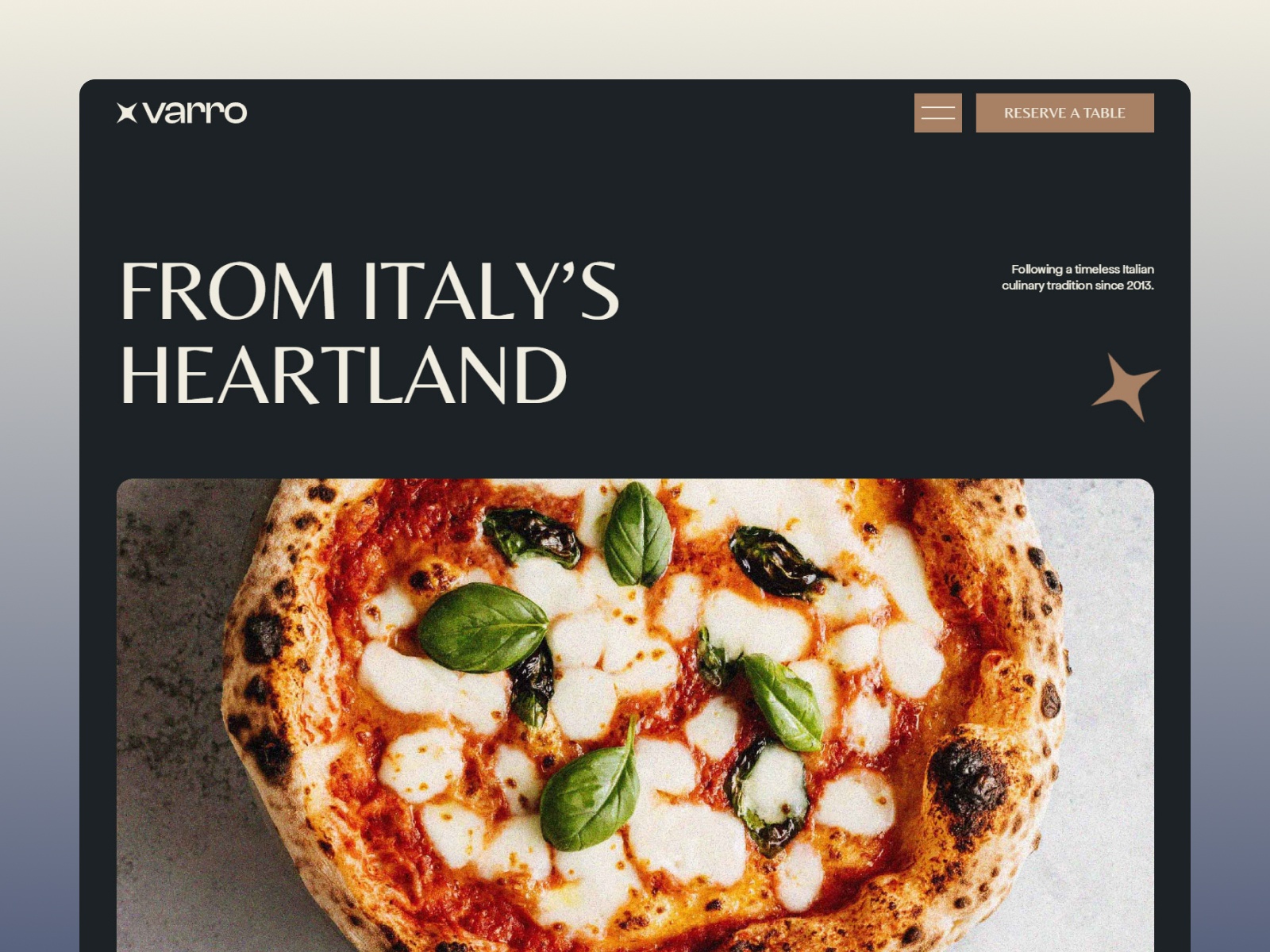 Live Preview
 Live Preview
Restaurant
Side Pocket — Free Restaurant Template for Framer
Side Pocket is a free 11-page restaurant Framer template for venues with Menu, Tables, and Gallery routes. Skip it if you need Reservation and Blog pages out of the box.
freeframerremixrestaurantmenuside-pocket
Side Pocket is a free eleven-page restaurant template for Framer built around Menu, Tables, and Gallery, not a generic creative portfolio. Sergey Korobkov’s marketplace listing ships About, Contact, and a 404 plus designer Instructions and Changelog frames, all static with no CMS. Skip it if you need Reservation and Blog routes on the primary nav before soft opening. Aveline Dining adds those food pages on yoframer. More free Framer templates sit on the hub, or open the food shortlist.
Who should remix Side Pocket?
Side Pocket fits owners launching a brick-and-mortar room where guests check the menu on their phone, peek at the dining room in Gallery, and maybe browse Tables for private dining or bar seating. Agencies packaging sites for independent restaurants benefit when page names match how managers already talk about service, not abstract “Works” labels.
Pass if you are a freelancer selling design case studies. This sitemap assumes food photography, service hours, and reservation pressure, not CMS project pages. Catering-only brands with no dine-in story may not need a Tables route at all. Event venues that sell weddings should look at event templates on the hub instead of retokenizing a restaurant menu.
What Side Pocket looks like
The side-pocket preview leans warm hospitality: menu typography, plate photography, and gallery grids that reward high-contrast food shots on dark or neutral backgrounds. Layout prioritizes thumb-friendly menu scanning during commute planning, closer to a modern bistro site than to a SaaS landing page.
Motion stays subtle so prices and dietary notes stay readable on dim bar lighting and cheap data plans. The honest fight is scope. Side Pocket looks best when Menu and Gallery carry the brand. Operators who lean on daily specials pushed through a blog will miss a dedicated Blog route unless they add one after remix.
Pages included in Side Pocket
Eleven pages, named as Framer lists them:
- Home: hero, hours cues, and paths into Menu, Gallery, or Contact
- Tables: seating layouts, private dining, or bar zones depending on your copy
- Menu: dishes, drinks, and pricing edited as static sections
- Gallery: interior and plate photography for social proof
- About: chef story, sourcing, or neighborhood context
- Contact: location, phone, and inquiry or booking forms
- Style Guide: type and color tokens for collaborators
- Instructions: remix notes from the template author
- Licenses: asset and font attribution
- Changelog: version history for the kit
- 404: branded dead-end recovery
Menu and Tables as separate URLs help hosts link Instagram stories straight to seating or food without sending everyone through Home.
What is distinctive about Side Pocket
- Tables as a named route. Private dining and bar seating get a bookmarkable page rare in free food kits.
- Menu plus Gallery split. Food and room story do not compete on one long scroll.
- Restaurant-native page list. No portfolio “Works” label fighting your service copy.
- Instructions and Changelog included. Handoffs to junior designers stay documented inside the file.
- Eleven routes without CMS. You can ship while POS and reservation vendor choices are still open.
Framer forms, breakpoints, and SEO defaults ship with the platform. They are not a reason to remix Side Pocket instead of another restaurant file.
When to remix Side Pocket, and when to skip
Remix Side Pocket when you are opening or rebranding a dine-in venue and you want Menu, Tables, and Gallery live this week on static pages you control. The unknown author profile still points to a food-forward preview, so spend launch night on photography and hours, not inventing nav labels.
Skip it when reservations and blog posts must sit on the main menu from day one. Aveline Dining covers that expanded food map. Skip it when you need izakaya-style event and reservation detail shells. Try Hibana. Compare options on the food shortlist or return to free Framer templates on the hub.
Frequently Asked Questions
Quick answers about Side Pocket, including pricing, CMS support, responsiveness, and who it is built for.
-
What kind of website is Side Pocket best for?
- Side Pocket fits sit-down restaurants, bistros, and bars that want Menu, Tables, and Gallery as named routes plus About and Contact. Eleven pages include designer Instructions and Changelog frames. Skip it when reservations and editorial need dedicated URLs day one.
-
Is Side Pocket free to remix?
- Yes. Side Pocket is a free Framer template. Remix without a template fee. Custom domains and publishing still follow Framer plans. The yoframer listing does not charge for the file.
-
Does Side Pocket include a CMS?
- No. Menu and Gallery are static pages you edit in Framer. Duplicate sections when seasons change or add CMS after remix. Aveline Dining expands the food sitemap with Reservation and Blog.
-
When should I skip Side Pocket?
- Skip Side Pocket if you run events-heavy Japanese service with reservation detail pages. Hibana targets that lane. For CMS menus, scan the food shortlist before remixing.
Featured in our Food roundup
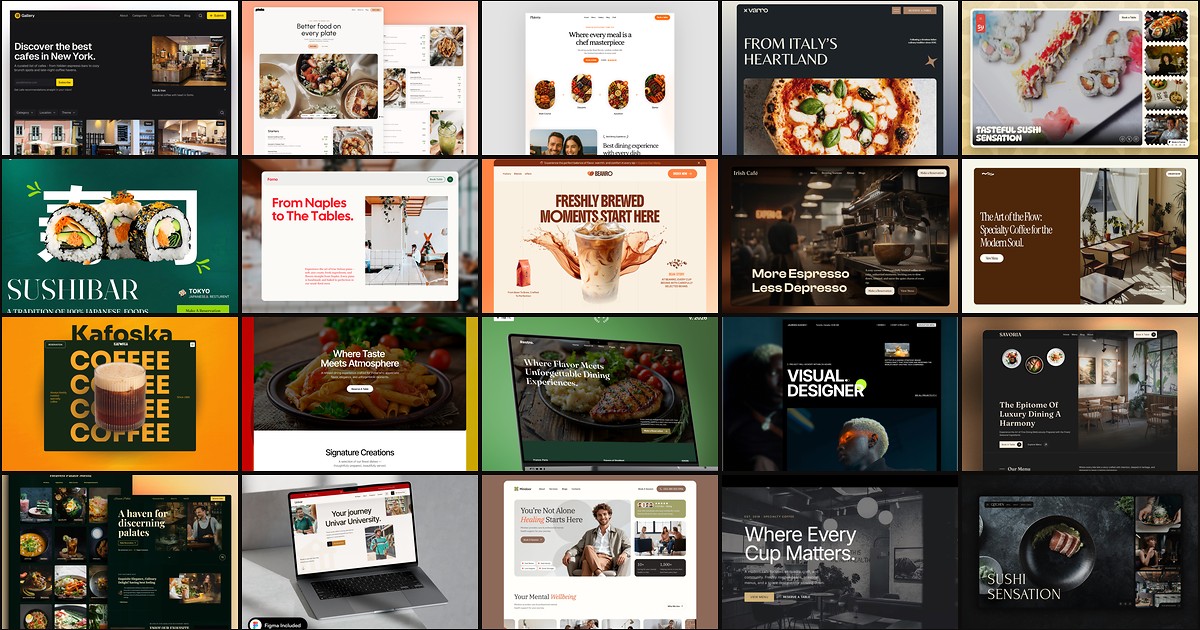
20 Best Free Food Framer Templates in 2026
Diners bounce when a restaurant site hides the menu, buries reservation details, or reads like a generic landing page with stock food photography. These 20 free Framer food templates ship menu CMS, booking routes, and hospitality sections indie operators need without commissioning a custom build.
More Restaurant templates
View all Restaurant templates
Live Preview
Live Preview
Live Preview
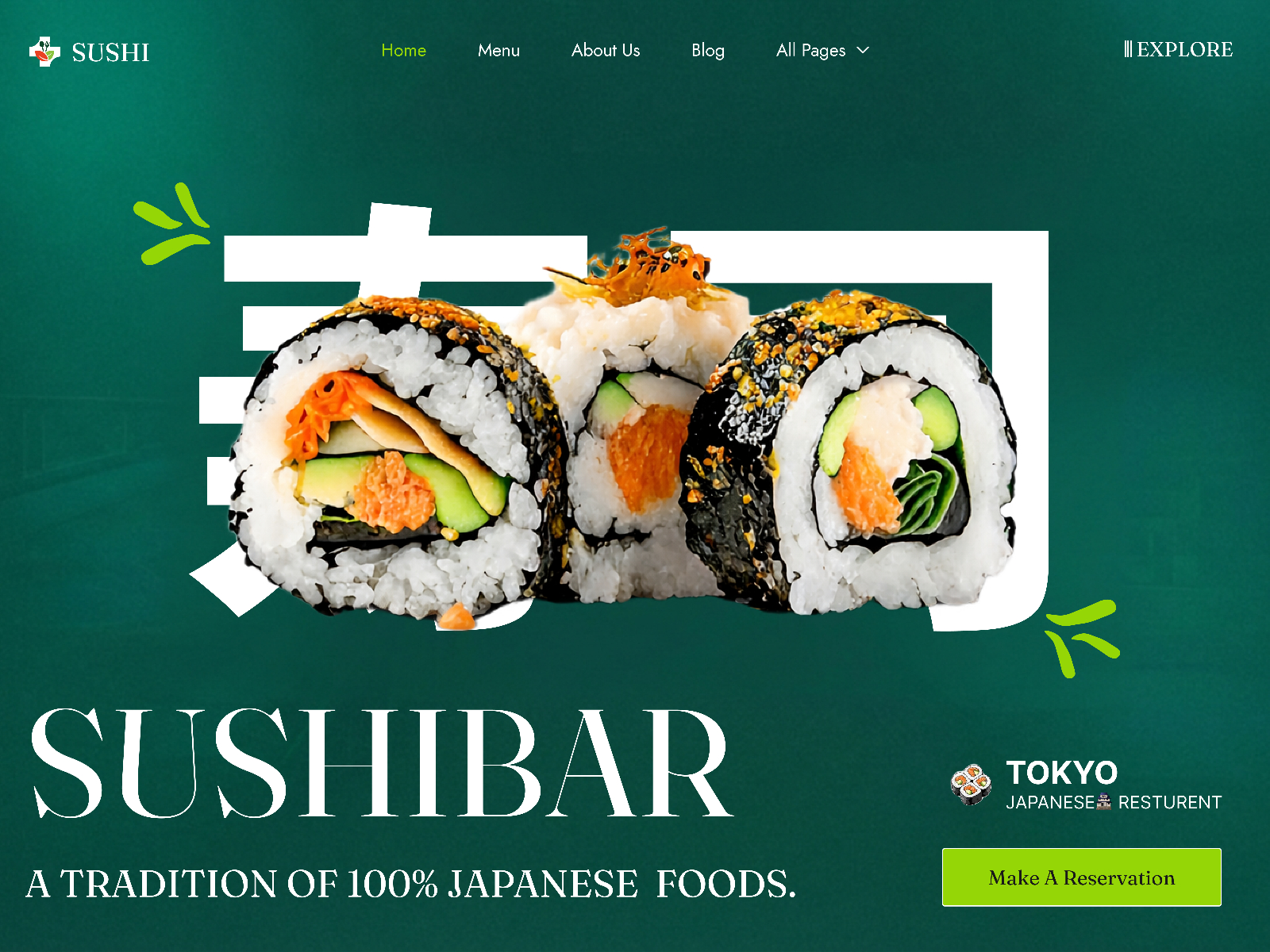
Sushi — Free Restaurant Template for Framer by Framerbucket
by Framerbucket