 Live Preview
← All Templates
Portfolio
StudioHue — Free Portfolio Template for Framer
StudioHue is a free 10-page portfolio Framer template for creative studios with Work, Service, and Blog routes. Skip it if you only need four static pages.
freeframerportfoliocreativeblogstudiohue
StudioHue is a free ten-page portfolio template for Framer aimed at creative studios that pitch services, show Work, and publish Blog updates without CMS collections. Service and Service Detail routes let you explain offerings, while Instruction and Style Guide pages help handoffs to clients or junior designers. Everything stays static, so blog posts are duplicated frames until you add CMS later. Skip it if you only need Home, About, Works, and Contact. Sorel is the lighter four-page yoframer file. More free Framer templates live on the hub, or open the portfolio shortlist.
Who should remix StudioHue?
StudioHue fits small branding or digital studios that sell packaged services, not just pretty pictures. The sitemap expects you to explain what you do on Service, drill into one offer on Service Detail, prove taste on Work, and keep Thought leadership on Blog for SEO or recruiting. Instruction reads like an onboarding or process page for clients who just signed. If your proposals link to /service and /work in the same breath, this map matches how you already sell.
Walk away if you are a solo freelancer who only needs a grid and a contact form, or if CMS case studies are mandatory on day one. Sorel keeps four routes when ten feels like homework. Skip StudioHue when you want dark CMS project pages instead of static Work tiles. JORGE is the yoframer pick for CMS Works and Services collections.
What StudioHue looks like
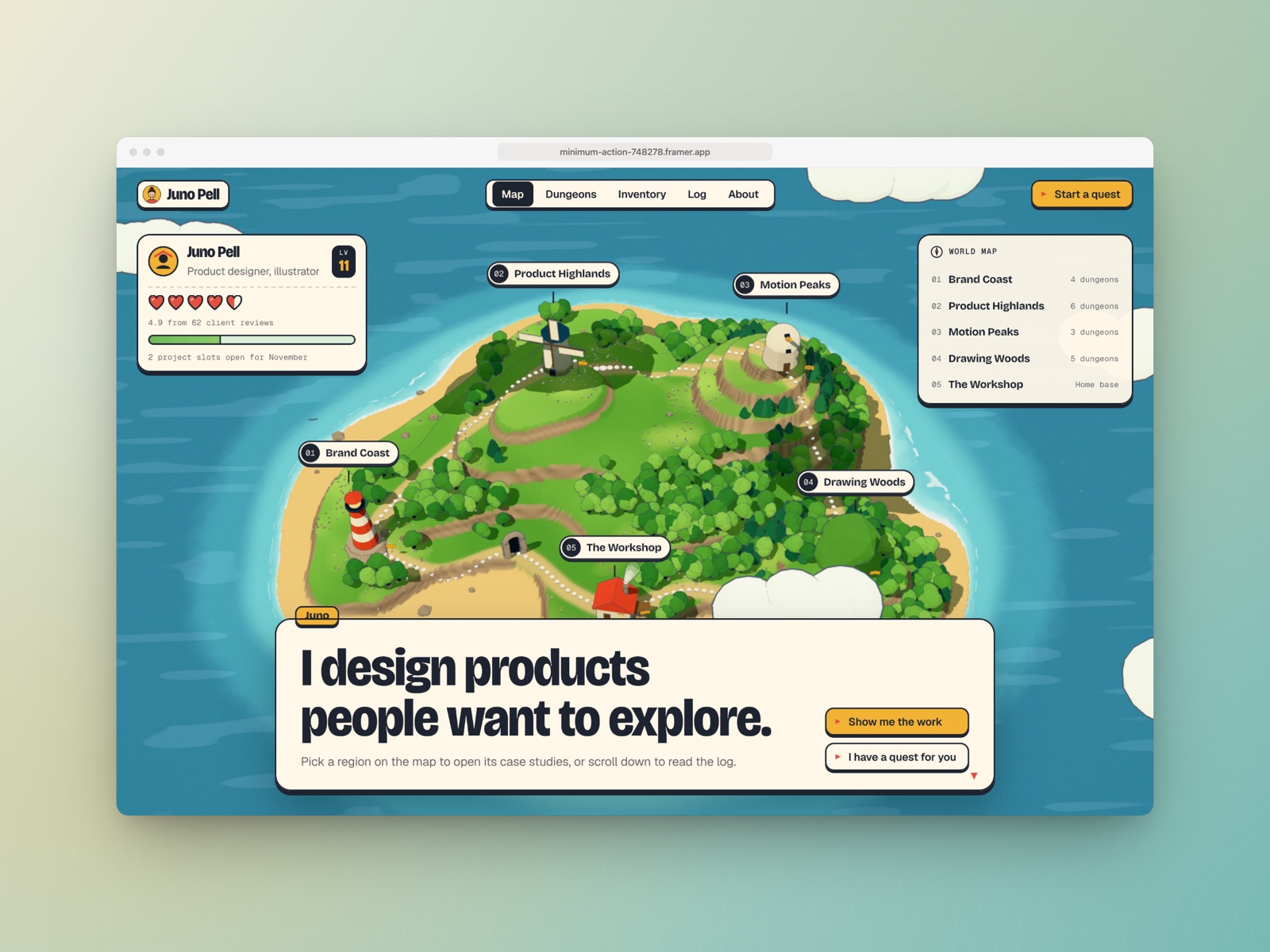
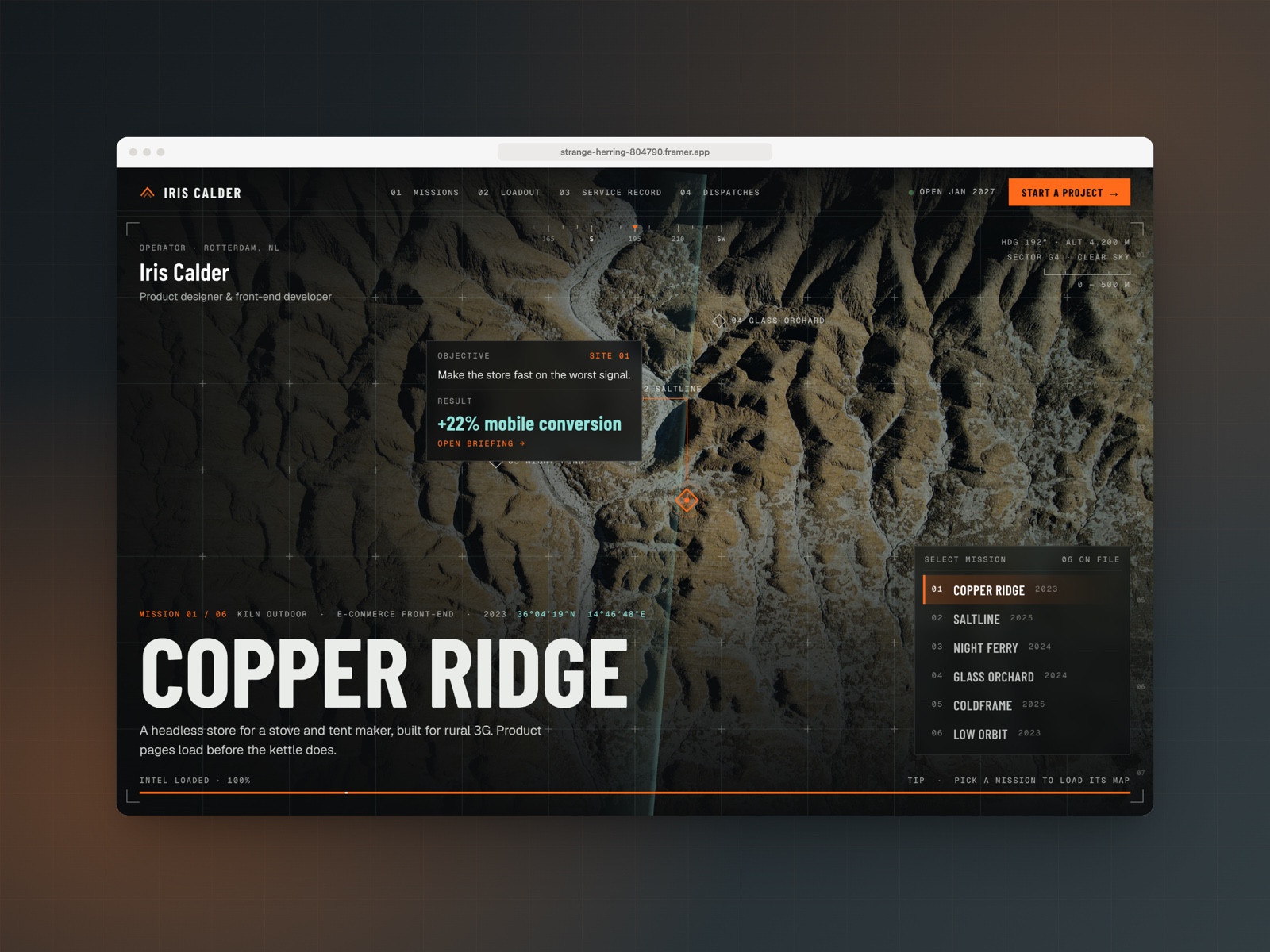
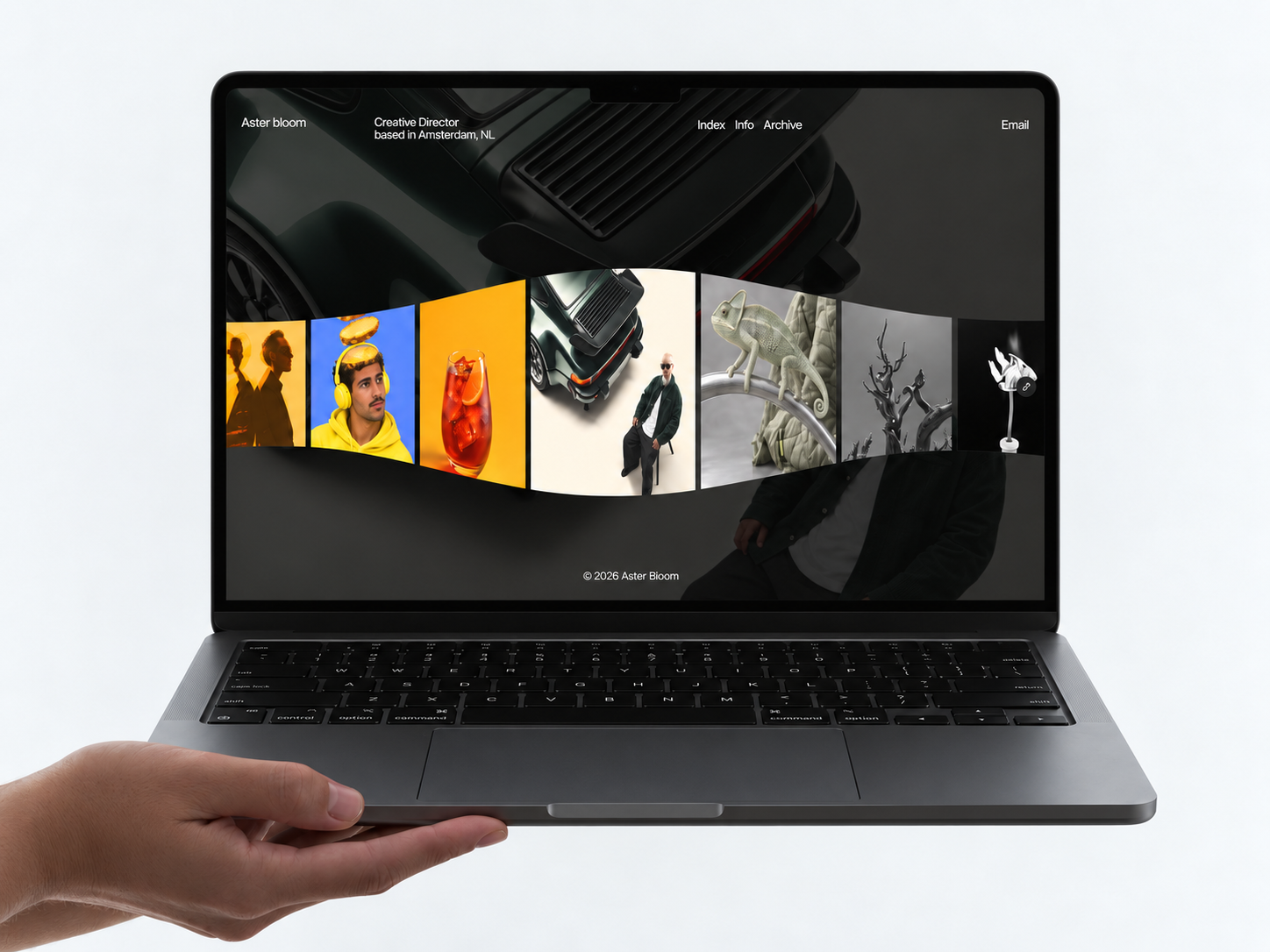
The preview skews studio-grade creative: bold color accents, grid-based Work cards, and service copy blocks that feel closer to an agency site than a minimalist personal portfolio. Typography mixes display headlines with readable body text so retainers and process steps get room beside hero imagery. Blog and Instruction pages use calmer layouts so long text stays scannable.
Motion highlights Work hovers and section reveals without hijacking scroll. That helps art directors reviewing on a phone between meetings. The fight is maintenance. Ten static routes plus Blog Post duplicates mean more empty sections to fill before launch than a four-page freelancer file, even though the visual system stays cohesive.
Pages included in StudioHue
Ten pages, named as Framer lists them:
- Home: studio positioning, featured Work, service teaser, and primary Contact or inquiry CTA
- About: team story, values, and credibility for clients hiring the studio, not one freelancer
- Service: overview of packages, disciplines, or engagement types you sell
- Work: portfolio index linking to case frames or external proof
- Blog: article index for studio news, process posts, or SEO content you duplicate manually
- Contact: project inquiry form, email, or booking path for new business
- Instruction: client onboarding, file delivery rules, or how-to page for collaborators
- Style Guide: color, type, and component reference for brand consistency after handoff
- Licenses: attribution for fonts, stock, and third-party assets in client deliverables
- Service Detail: deep dive on one service line with scope, timeline, and proof blocks
There is no CMS in the file list. Duplicate Blog and Work detail frames or migrate to collections after launch.
What is distinctive about StudioHue
- Service plus Service Detail pair. Many portfolio files stop at Work; here you can sell methodology on two linked routes.
- Instruction page included. Useful for studios that onboard clients with written rules instead of a Notion doc every time.
- Blog route on a static remix. Ten-page creative sitemap with editorial index even before CMS setup.
- Style Guide for handoffs. Rare on free portfolio files aimed at freelancers only.
- Work and Service both inner anchors. Supports ads or emails that deep-link to proof or packaging separately.
Framer hosting and form wiring are table stakes, not differentiators for StudioHue.
When to remix StudioHue, and when to skip
Remix StudioHue when you run a small creative studio that needs services copy, Work proof, Blog-shaped updates, and client Instruction on one free file, and you accept static duplication until CMS is worth it. Unknown authorship does not change the job: it is an agency-leaning portfolio shell you re-brand with your own case studies.
Skip it when four pages are enough or CMS case studies are required from day one. Start with Sorel for the lighter map, or JORGE for CMS depth. Still comparing creative files? Return to the portfolio shortlist or browse free Framer templates on the hub.
Frequently Asked Questions
Quick answers about StudioHue, including pricing, CMS support, responsiveness, and who it is built for.
-
What kind of website is StudioHue best for?
- StudioHue is for Small creative studios that sell retainers and need Service, Work, Blog, and a Service Detail route on one static sitemap. It includes 10 pages: Home, About, Service, Work, Blog, Contact, Instruction, Style Guide, Licenses, Service Detail.
-
Is StudioHue free or paid?
- StudioHue is a free Framer template. The listed price on yoframer is free.
-
Does StudioHue support CMS and responsive design?
- StudioHue does not include CMS support. It is fully responsive.
-
When should I skip StudioHue?
- You want a four-page freelancer map with Works and Contact only. Sorel on yoframer is the lighter pick. Start with Sorel .
Featured in our Portfolio roundup
20 Best Portfolio Framer Templates in 2026 (Ranked)
A portfolio site should show work first and make contact inevitable. These 20 Framer templates cover minimal one-pagers to full CMS studios.