 Live Preview
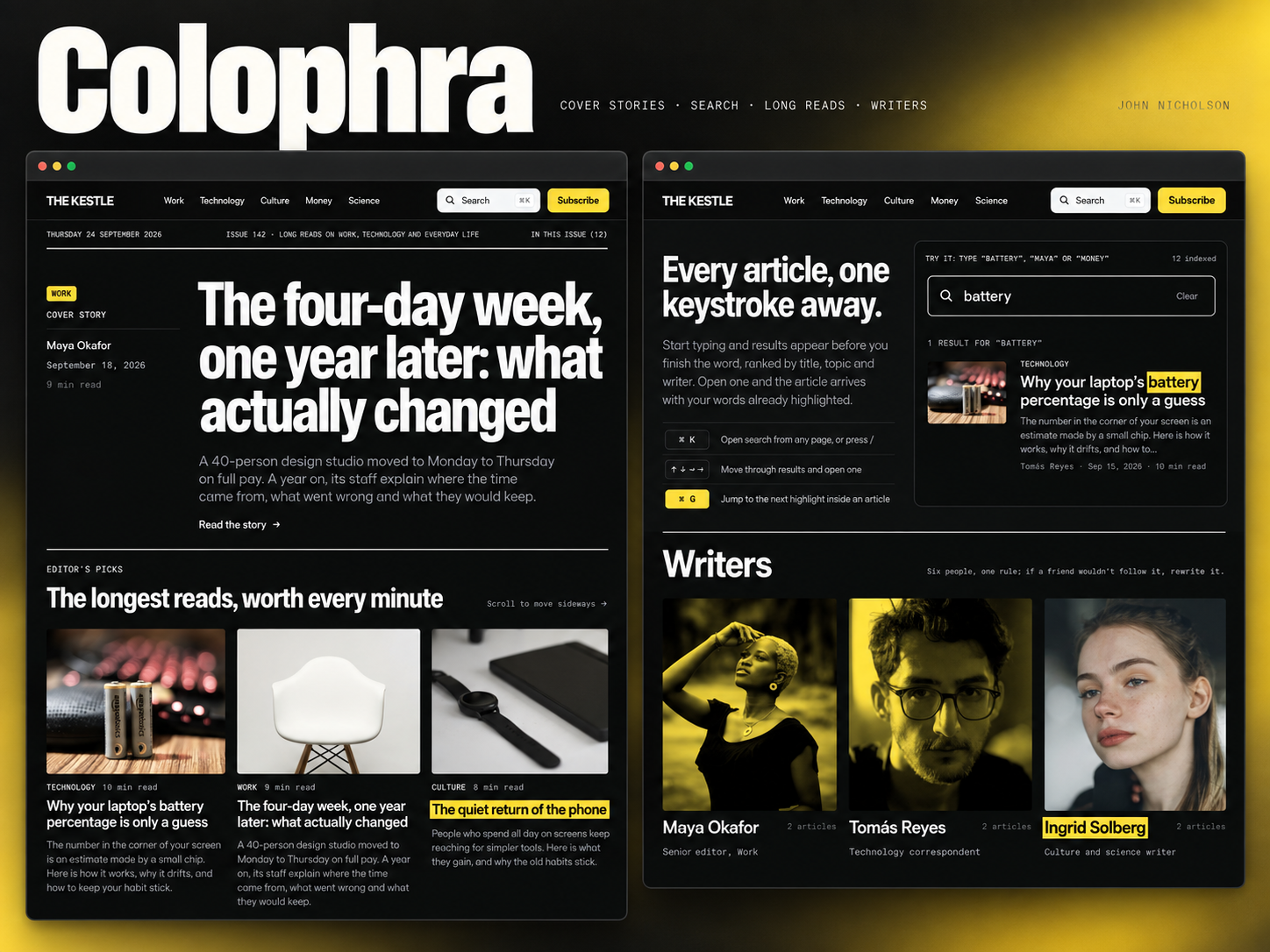
Colophra — Free Blog Template for Framer
by Unknown
Threadblog is a free 8-page blog Framer template with feed, topics, and newsletter routes for writers. Skip it if you need CMS article detail pages at launch.
Threadblog is a free eight-page blog template for Framer aimed at feed-style reading: Home, Feed, Articles, Topics, About, 404, Contact, and Newsletter, all static in the marketplace list with no CMS labels. Remix it when you want topic hubs and a newsletter page before you wire collections. Skip it if every post must publish from a CMS detail template on launch day. Glacia adds News CMS for that job. More free Framer templates sit on the hub, or open the blog shortlist.
Threadblog fits solo writers, newsletter operators, and small editorial brands that think in threads and topics more than magazine covers. The Feed and Articles split gives you a scrolling reading experience plus an index visitors can skim when they land from social. Topics supports pillar pages or tags without forcing a heavy CMS migration on week one. Contact and Newsletter routes keep list growth and reader questions on named URLs instead of burying everything in the footer.
Walk away if you are a marketing team that will publish daily long-form from a CMS with author bylines and scheduled posts. Glacia is the honest yoframer swap. Also skip when the site is really a portfolio with a blog tucked in the corner. A portfolio-first file will fight less than a feed-native layout.
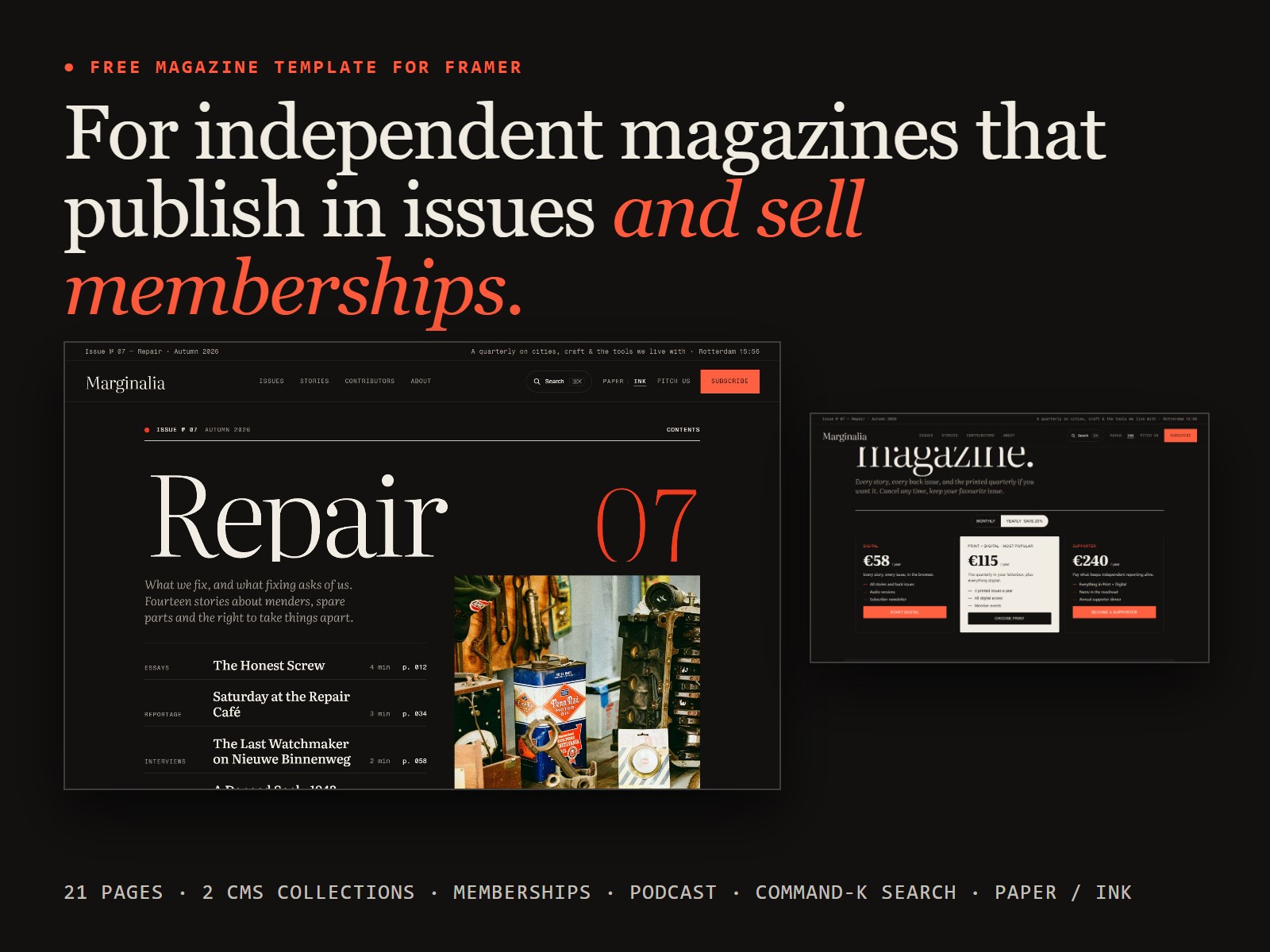
The marketplace positions Threadblog as a dark, feed-style blog, and the preview follows through: high-contrast backgrounds, readable body type, and card or row layouts that feel closer to a reading app than a corporate newsroom. Feed-forward hierarchy helps when readers arrive from X or Threads expecting continuous scroll, not a giant hero and three featured posts.
Motion stays restrained so long articles remain comfortable on phones at night. The honest fight is mood. Threadblog assumes a darker editorial voice. Bright lifestyle brands or kid-friendly publishers will reskin more than they tweak.
Eight pages, named as Framer lists them:
Feed plus Topics is the tell: this file expects habitual readers, not a one-off company blog with three posts.
Framer SEO settings, breakpoints, and form components are platform tooling, not Threadblog-specific reasons to remix.
Remix Threadblog when you want a dark feed-style blog, topic hubs, and newsletter signup on static pages you can hand-edit while your publishing rhythm stabilizes.
Skip it when article detail pages must come from CMS on day one. Choose Glacia. Still comparing editorial files? Use the blog shortlist or return to free Framer templates on the hub.
Quick answers about Threadblog, including pricing, CMS support, responsiveness, and who it is built for.
A blog template should ship readable article layouts, category routes, and publishing workflows without forcing you to wire CMS collections from scratch. These 15 free Framer builds do exactly that.