 Live Preview
← All Templates
Landing Page
Tiny Orbit — Free Landing Page Template for Framer
Tiny Orbit is a free 1-page landing page Framer template for compact launches and one-URL campaigns. Skip it if you need privacy, terms, and extra routes.
freeframerremixlandingpagetiny
Tiny Orbit is a free one-page landing template for Framer built around a small, orbit-themed marketing story on a single route. There is no CMS. Home carries the headline, feature beats, social proof, and the primary button in one vertical flow. Skip it if you need privacy, terms, and multiple URLs for ads and legal review. Handled adds policy routes on yoframer. Browse more free Framer templates on the hub or open the one-page shortlist.
Who should remix Tiny Orbit?
Picture a solo founder running a Product Hunt launch next month. They have one offer, three screenshots, and a Stripe link or waitlist form. They do not have time to wire a blog or negotiate a twelve-section sitemap with a cofounder. Tiny Orbit fits when the job is a credible landing page that feels designed, not a Notion doc with a button pasted at the bottom.
Walk away if your compliance team expects Privacy and Terms on their own paths, or if paid social needs a dedicated thank-you URL. That is when Handled is the honest remix here. Walk away too if you are building a local trades site with service detail in CMS. Tiny Orbit never pretended to be that file.
What Tiny Orbit looks like
The demo leans cosmic without turning into a game UI: soft gradients, rounded modules, and type that reads friendly on a phone between meetings. Sections stack in a classic launch order so a cold visitor sees promise, proof, and action without hunting a nav bar. It feels closer to a polished App Store feature page than to a corporate homepage with mega menus.
Motion stays subtle. Small fades and hover states keep the scroll alive while the headline stays the loudest element on the page. The fight is specificity. Marketplace placeholders still say generic product names until you replace them. Budget time for real screenshots, one sharp subhead, and a form wired to your list tool so the orbit theme supports your story instead of masking thin copy.
Pages included in Tiny Orbit
One route, named as Framer lists it:
- Home: the full launch narrative on one scroll, from hero and benefit rows through testimonials or logos if you keep them, pricing or signup, and footer links you wire manually
Because everything lives on Home, QR codes, bio links, and ad destinations can share one URL. If you later need tracked Contact or Thank you routes, duplicate frames inside Framer or switch to a multi-page landing file rather than stretching Tiny Orbit past its shape.
What is distinctive about Tiny Orbit
- Orbit visual motif. Circular accents and soft space-like backgrounds give the one-pager a memorable skin without heavy illustration work.
- Compact section stack. Built for a single offer and one primary CTA, not a company wiki.
- True one-route sitemap. No blog shell, no legal route list, no 404 page to maintain before launch day.
- Launch-first pacing. Proof and feature blocks appear in an order that matches short attention spans from social traffic.
- Light remix surface. One page means faster swaps when the headline or hero art changes weekly during a beta.
Framer forms, breakpoints, and hosting behave like any other remix. They are not why you pick Tiny Orbit over another one-page landing file.
When to remix Tiny Orbit, and when to skip
Remix Tiny Orbit when you need a designed landing URL this week for a launch, a beta invite, or a single SKU and you are fine keeping legal copy in the footer or off-site until you outgrow one scroll.
Skip it when stakeholders require separate Privacy and Terms routes, or when your marketing plan already assumes blog posts and case studies on the same domain. Handled covers the policy routes on yoframer. Still comparing one-scroll options? Return to the one-page shortlist or the free Framer templates hub.
Frequently Asked Questions
Quick answers about Tiny Orbit, including pricing, CMS support, responsiveness, and who it is built for.
-
What kind of website is Tiny Orbit best for?
- Tiny Orbit is for Founders and indie makers who want one campaign URL with a tight hero, proof blocks, and a single conversion goal. It includes 1 page: Home.
-
Is Tiny Orbit free or paid?
- Tiny Orbit is a free Framer template. The listed price on yoframer is free.
-
Does Tiny Orbit support CMS and responsive design?
- Tiny Orbit does not include CMS support. It is fully responsive.
-
When should I skip Tiny Orbit?
- You need Privacy Policy, Terms, and separate routes for compliance and ad tracking. Handled on yoframer adds those policy pages. Start with Handled .
Featured in our Landing Page roundup
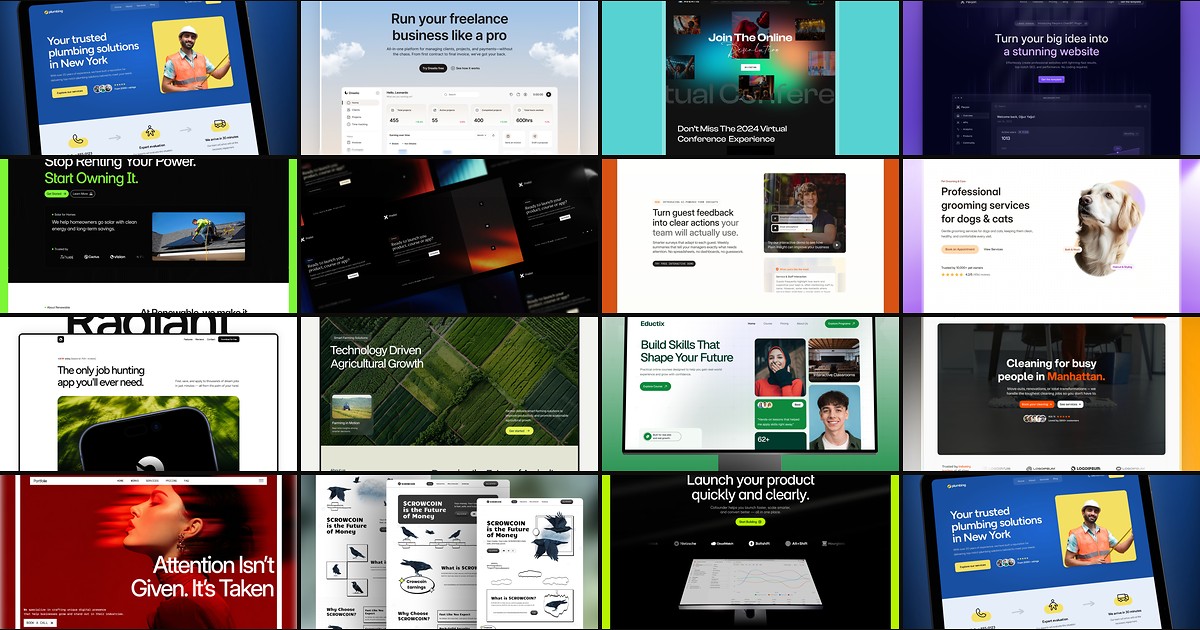
15 Best Free Landing Page Framer Templates in 2026
A landing page template should ship a focused hero, proof, and CTA without dragging you into a twelve-page sitemap. These 15 free Framer builds do exactly that.