 Live Preview
← All Templates

Automotive
TORQUE Auto Mechanic — Free Automotive Template for Framer
TORQUE Auto Mechanic is a free 11-page automotive Framer template for shops with detailing, pricing, reviews, and booking. Skip it if you need CMS service posts.
freeautomotivemechanicdetailingbookingtorque
TORQUE Auto Mechanic is a free 11-page automotive Framer template from Solo Foundry with static Services, a dedicated Detailing page, Pricing, Reviews, Contact, and Book plus legal and accessibility routes. There is no CMS in the page list, so new offers mean canvas edits, not new collection entries. Skip it if you market like a publisher with rotating service URLs and blog posts. AutoGear adds CMS services and a blog on yoframer. Compare shops on the automotive shortlist or browse free Framer templates.
Who should remix TORQUE Auto Mechanic?
TORQUE fits owner-operators who want the website to match how the bay actually sells work: list core repairs, isolate detailing as its own story, show prices before the phone rings, surface Google-style Reviews, and push Book from the header. Mobile mechanics, independent garages, and detail shops that close leads with calls and forms will use the sitemap as-is.
Pass if your shop already feeds CMS service pages and how-to articles every week. You will outgrow static Services fast. Multi-location franchises that need location indexes and job boards are also a mismatch. Remix AutoGear when collections matter, or strip TORQUE down to Home and Contact if you only need a digital business card.
What TORQUE Auto Mechanic looks like
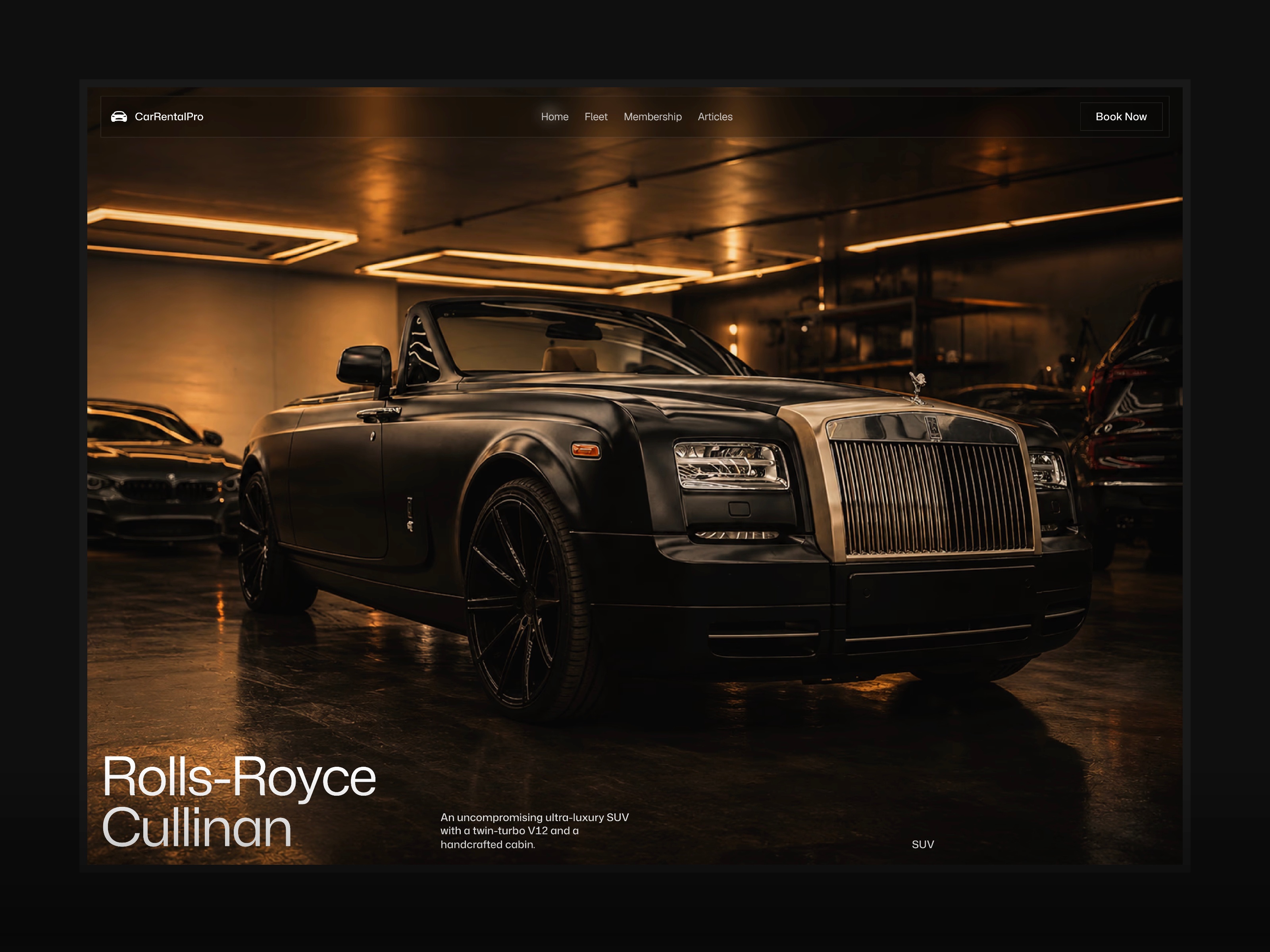
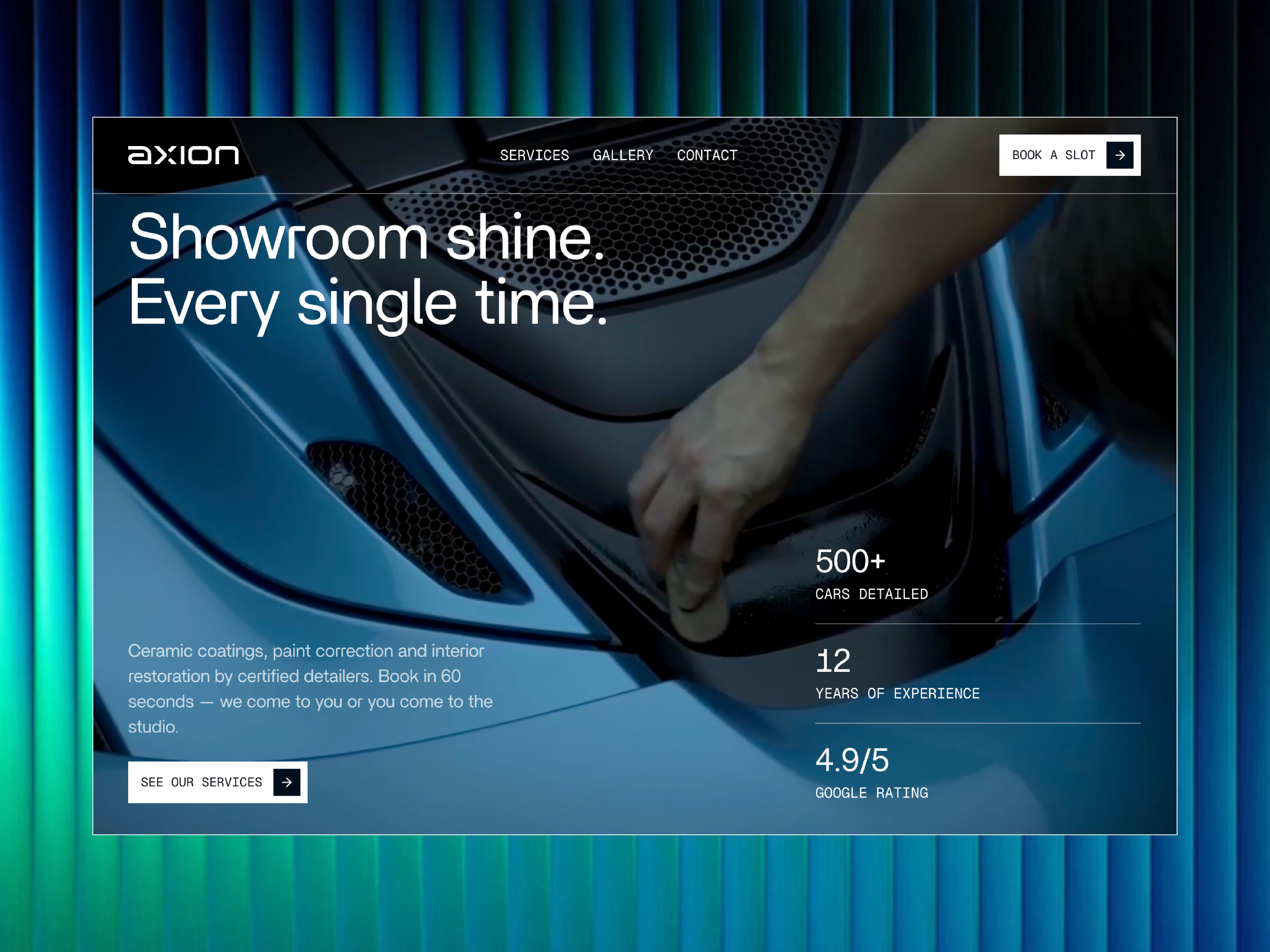
The preview reads industrial and confident: dark backgrounds, high-contrast service photography, and bold headings that stay legible under fluorescent shop lighting on a phone. Detailing sections expect gloss, paint, and interior shots. Pricing blocks use comparison-friendly rows instead of vague call-for-quote copy only.
Animation highlights offers and booking calls rather than abstract scroll tricks. That helps conversion on mobile search traffic. The trade-off is vertical flexibility. A neutral SaaS retheme fights the default garage art until you replace most imagery and iconography.
Pages included in TORQUE Auto Mechanic
Eleven pages, named as Framer lists them:
- Home: primary offers, trust signals, and paths into services, pricing, and booking
- Services: core repair categories and how engagements work for new customers
- Detailing: long-form pitch for paint correction, interior packages, or ceramic add-ons
- Pricing: packaged tiers or menu pricing visitors can screenshot before they call
- Reviews: social proof grid or testimonial wall for local SEO and trust
- Contact: hours, map, and form for questions that do not need a live booking widget
- Book: appointment or request frame wired to your scheduler or form stack
- Privacy: policy page for ad and analytics compliance
- Terms: service terms visitors expect before they pay deposits online
- Accessibility: accessibility statement for procurement and public-sector adjacency
- 404: branded dead end when someone mistypes a service URL
Detailing as its own route is the tell. Most automotive kits fold paint work into Services and leave detailers fighting for space.
What is distinctive about TORQUE Auto Mechanic
- Dedicated Detailing page. Separates cosmetic revenue from general repair without duplicating the whole site.
- Pricing plus Reviews together. Supports local-intent visitors who compare shops on cost and stars.
- Book route in the nav. Makes scheduling a first-class destination, not a footer link only.
- Compliance trio included. Privacy, Terms, and Accessibility sit in the official page list, not as afterthoughts.
- Eleven-page static map. Broad enough for a real shop site without CMS admin on day one.
Built-in Framer analytics and SEO settings are not TORQUE-specific reasons to remix this file.
When to remix TORQUE Auto Mechanic, and when to skip
Remix TORQUE when you want a credible garage or detail brand site with pricing and booking linked upfront and you are fine updating Services manually as offers change. Solo Foundry kits tend to ship complete small-business routes, and this one matches how independents sell on Google.
Skip it when CMS services and blog posts drive your marketing. AutoGear is the collection-backed alternative on yoframer. Skip it when you only need a single scrolling landing page. Pull a one-page pick from free Framer templates or the automotive shortlist.
Frequently Asked Questions
Quick answers about TORQUE Auto Mechanic, including pricing, CMS support, responsiveness, and who it is built for.
-
What kind of website is TORQUE Auto Mechanic best for?
- TORQUE Auto Mechanic fits local repair and detailing brands that need Services, Detailing, Pricing, Reviews, Contact, and Book linked in the nav. Eleven routes include Privacy, Terms, Accessibility, and 404 for compliance-minded owners. It is a marketing site, not a shop management portal.
-
Is TORQUE Auto Mechanic free to remix?
- Yes. TORQUE Auto Mechanic is a free Framer template. Remix it at no charge from the marketplace. Custom domains and team seats still follow Framer plans. yoframer does not charge for the file itself.
-
Does TORQUE Auto Mechanic include a CMS?
- No. Services and Detailing are static frames in the page list. If you need collection-backed service detail URLs or a blog index, remix a cmsReady automotive file such as AutoGear or add collections after launch.
-
When should I skip TORQUE Auto Mechanic?
- Skip TORQUE when content velocity depends on CMS services and articles. AutoGear lists Services CMS detail pages and Blog CMS on yoframer. For a lighter brochure, browse the automotive shortlist .
Featured in our Automotive roundup
15 Best Free Automotive Framer Templates in 2026
Automotive sites fail when inventory, financing, and booking routes live in separate tools. These 15 free Framer templates ship the pages dealers and rental operators actually need.