 Live Preview
← All Templates
Home Services
Trellis — Free Home Services Template for Framer
Trellis is a free 11-page home services Framer template for lawn and landscape firms with Prices, Work, and Advice routes. Skip it if you need reviews CMS. FlowPro adds a blog lane.
freelandscapinglawn carehome serviceslocaltrellis
Trellis is a free eleven-page home services template for Framer built for lawn care and landscape positioning. The live preview reads like a local grounds crew site: Services, Prices, Work galleries, and an Advice lane for seasonal tips, plus Privacy, Terms, and Legal for lead forms. Everything is static, no CMS collections in the listing. Skip it if homeowners expect Google reviews and a Team grid before they call. FlowPro adds Reviews and Team routes. More free Framer templates live on the hub, or open the home services shortlist.
Who should remix Trellis?
Trellis fits an owner-operator or small crew selling recurring lawn maintenance and design jobs in one metro. You need homeowners to see service menus, ballpark pricing, and photos of finished yards without clicking through a generic one-pager. Advice gives you a place to publish fertilization or irrigation tips that support local SEO, even if you duplicate frames when posts pile up. Agencies white-labeling landscaping sites get the same win because Prices and Work mirror how these businesses actually sell.
Walk away if you are a law firm or professional services shop. The page names look legal-adjacent, but the bundled preview and marketplace copy target lawn and landscape trades, not solicitors. Walk away if social proof means star ratings and named technicians on every service page. FlowPro is the better fit when Reviews and Team belong in the primary nav. Walk away if you only need one scroll with a phone number. Handgrid and other one-page trades templates ship faster.
What Trellis looks like
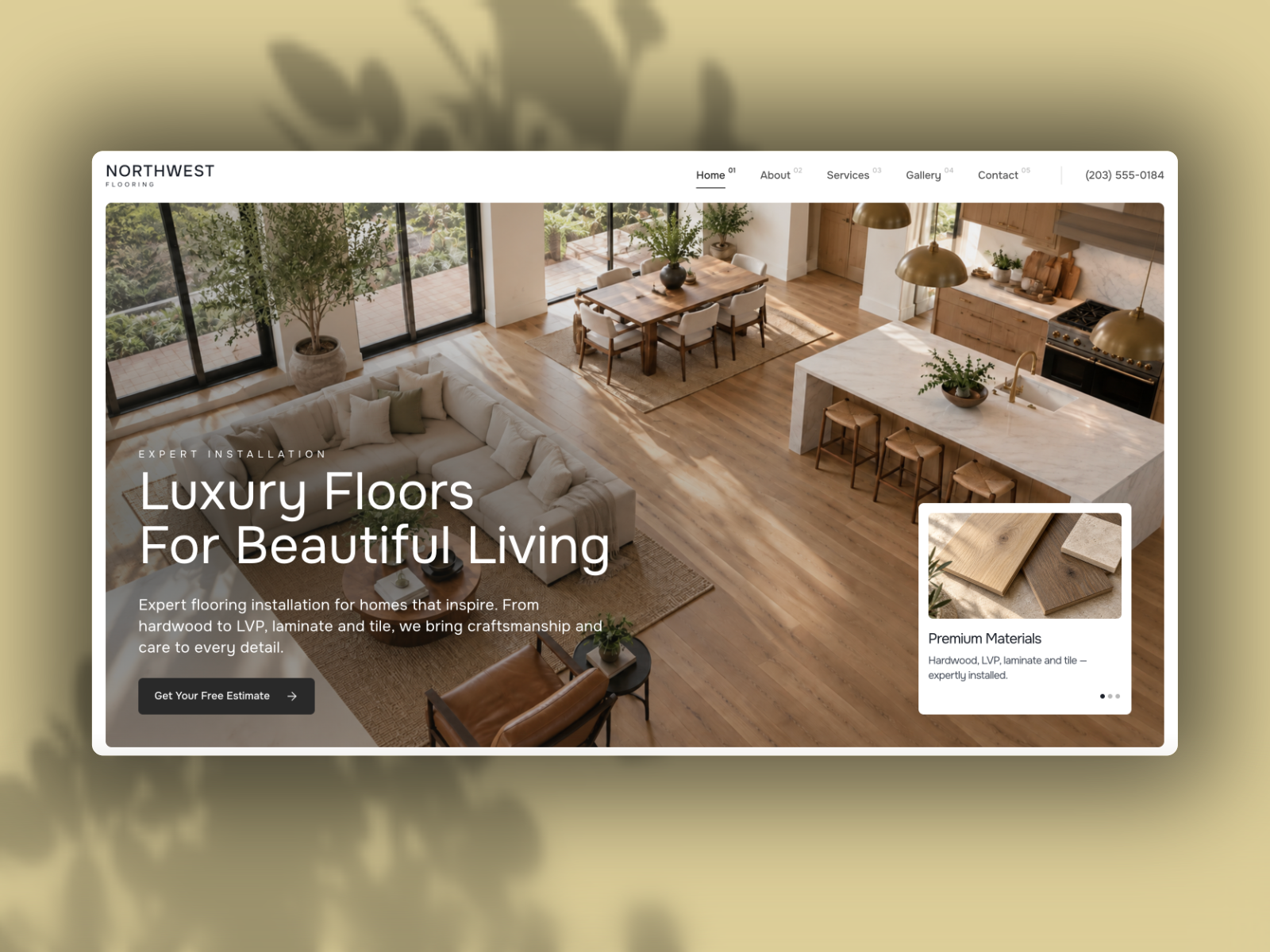
The demo site uses outdoor photography, green accent color, and straightforward sans-serif headings that read trustworthy on a phone beside the mailbox. Work sections favor before-and-after grids or project cards, while Services and Prices use list and table layouts homeowners scan quickly. Advice pages feel like short editorial articles with readable line length, not corporate whitepapers.
Motion stays minimal so lawn photos stay sharp and forms stay obvious. The honest fight is seasonality. A snow removal or pool company will swap imagery and Advice topics heavily because the default story assumes turf and planting beds. Brands chasing luxury estate landscaping may upgrade typography and whitespace, because the baseline is practical local service, not high-gloss architecture.
Pages included in Trellis
Eleven pages, named as Framer lists them:
- Home: service area hook, featured work, and primary quote or contact CTAs
- 404: branded dead-end recovery when old campaign links break
- Services: maintenance, design, or install offerings with scope language
- Contact: estimate requests, phone, and service area details
- About: crew story, licenses, and why trust you with the property
- Privacy: privacy policy for forms and analytics
- Terms: terms of service for online bookings or quotes
- Legal: additional compliance or disclaimer copy local trades expect
- Prices: packaged tiers or starting rates so callers know the ballpark
- Work: project gallery or case highlights from finished jobs
- Advice: tips, seasonal guides, or FAQ-style articles for homeowners
Prices plus Work plus Advice on one free map is uncommon for landscaping templates that stop at Home and Contact.
What is distinctive about Trellis
- Prices as its own route. Helps lawn businesses answer cost questions before the phone rings.
- Work gallery page. Shows finished yards instead of hiding photos only on Home.
- Advice lane. Gives seasonal content a URL shape for local search, even without CMS.
- Legal stack included. Privacy, Terms, and Legal together suit lead forms and ads.
- Eleven static pages. Enough depth for a real local business, still no collection setup.
Framer SEO, analytics, and breakpoints are platform defaults, not Trellis-specific selling points.
When to remix Trellis, and when to skip
Remix Trellis when you run or build sites for lawn care and landscaping companies that need Prices, Work, and Advice linked clearly, and you accept static updates when projects or rates change. It does the local trades job better than a mis-tagged legal kit.
Skip it when Reviews and Team pages are non-negotiable for your trade. That is FlowPro. Skip it when the client is purely legal or consulting. Pick a niche file from the hub instead. Compare more options on the home services shortlist or return to free Framer templates.
Frequently Asked Questions
Quick answers about Trellis, including pricing, CMS support, responsiveness, and who it is built for.
-
What kind of website is Trellis best for?
- Trellis is for Lawn care and landscaping owners who want Prices, project Work, and Advice content on separate static pages. It includes 11 pages: Home, 404, Services, Contact, About, Privacy, Terms, Legal, Prices, Work, Advice.
-
Is Trellis free or paid?
- Trellis is a free Framer template. The listed price on yoframer is free.
-
Does Trellis support CMS and responsive design?
- Trellis does not include CMS support. It is fully responsive.
-
When should I skip Trellis?
- You need a Reviews page and team proof like HVAC sites use. FlowPro ships Reviews and Team on yoframer. Start with FlowPro .
Featured in our Home Services roundup
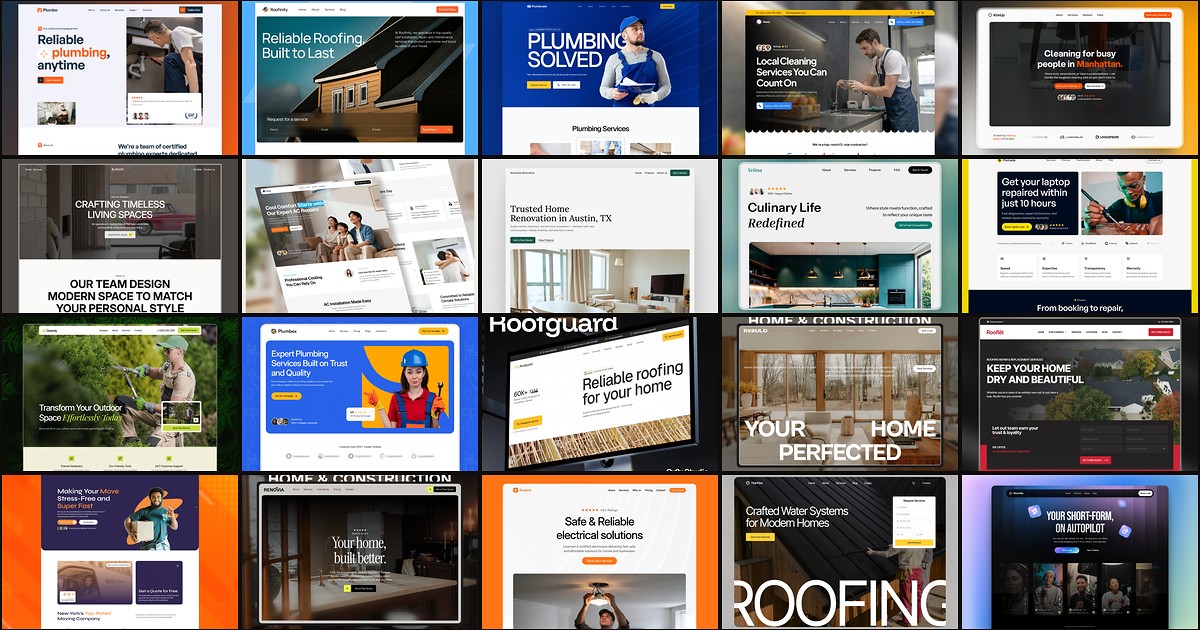
20 Best Free Home Services Framer Templates in 2026
Homeowners call the contractor whose site looks credible in ten seconds. These 20 free Framer home services templates ship service routes, quote forms, and local-trust storytelling without a custom build.