 Live Preview
Dinnerturn — Free Food Template for Framer
by Unknown
Truckfare is a free 9-page food Framer template for mobile vendors who publish menu, schedule, and catering routes. Skip it if you need a CMS menu for a sit-down restaurant.
Truckfare is a free nine-page food template for Framer built around a rolling kitchen, not a reservation-heavy dining room. Home, Menu, Schedule, Catering, Events, Order, Story, Contact, and 404 are static routes with no CMS in the page list. Remix it when followers need a weekly schedule link, a catering deck, and an order path without cloning frames for every festival. Skip it if the menu changes daily and editors should publish items without touching the canvas. EPICURA adds a CMS menu for sit-down service. More free Framer templates live on the hub, or open the food shortlist.
Truckfare fits solo operators, commissary-backed trucks, and freelancers pitching a street-food brand where Instagram traffic expects Menu and Schedule as bookmarkable pages. Catering teams selling office lunches and wedding bars get named Events and Catering routes instead of burying packages inside a long home scroll. Pop-ups that take pre-orders through a simple Order page will move faster here than on a cafe template built around reservations and table service.
Walk away if the client is a full-service restaurant with rotating specials edited by staff who are not designers. That workflow wants CMS menu items, which this file does not ship. EPICURA is the honest yoframer alternative for editable menus. Skip Truckfare when the entire go-to-market plan is one festival landing with no catering or events story. Compare lighter food files on the roundup before forcing a nine-page truck map onto a single-day booth.
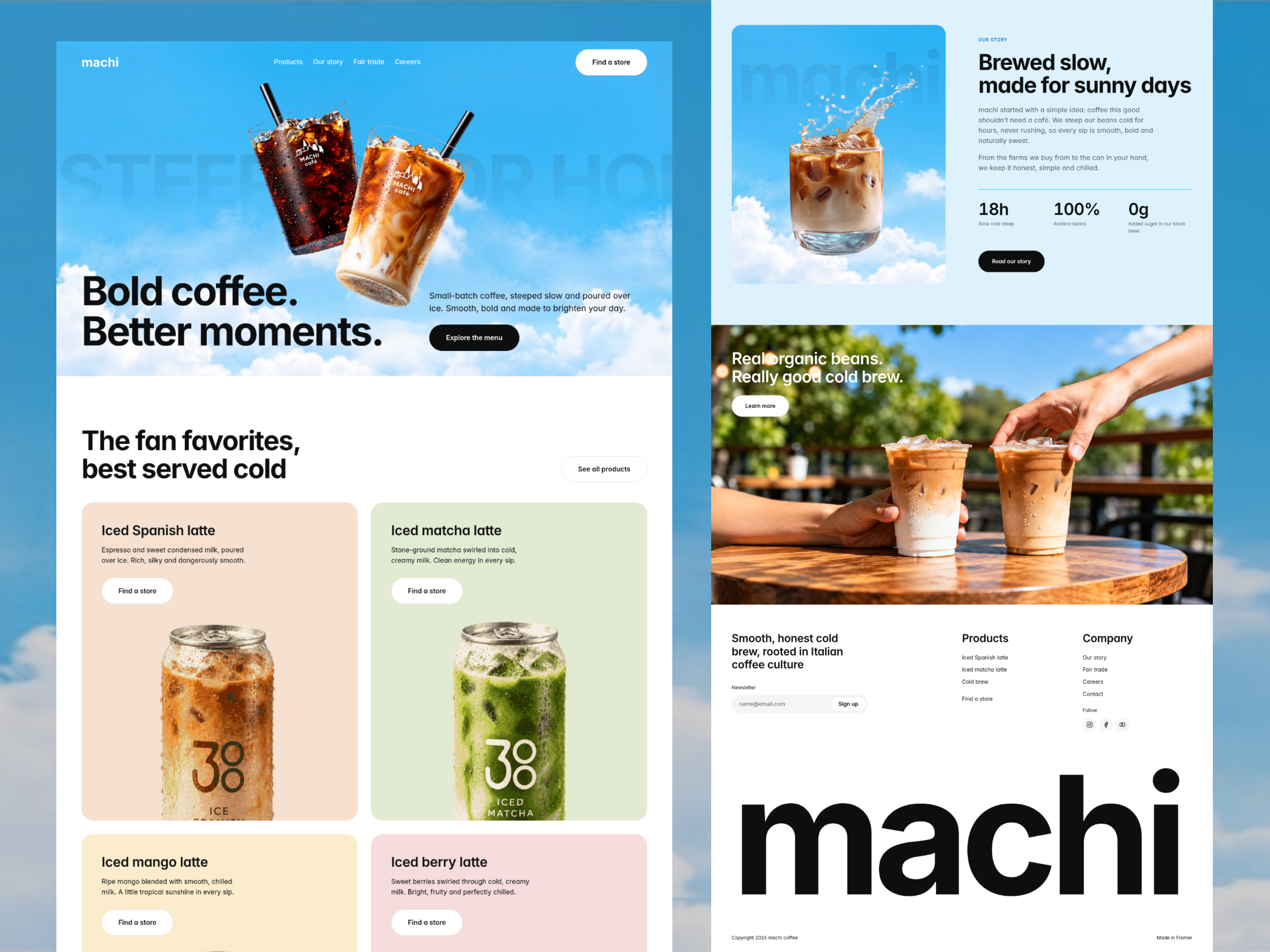
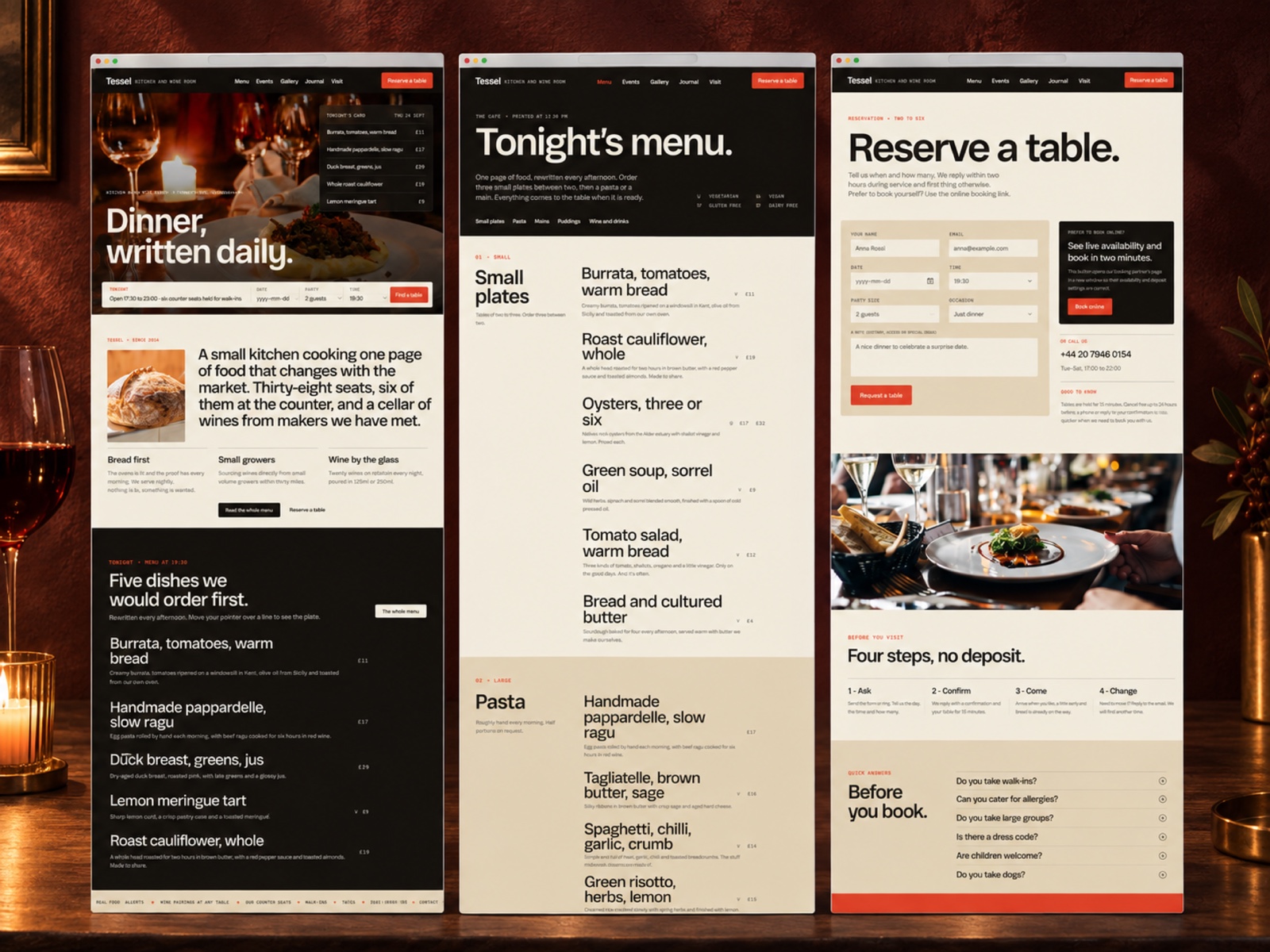
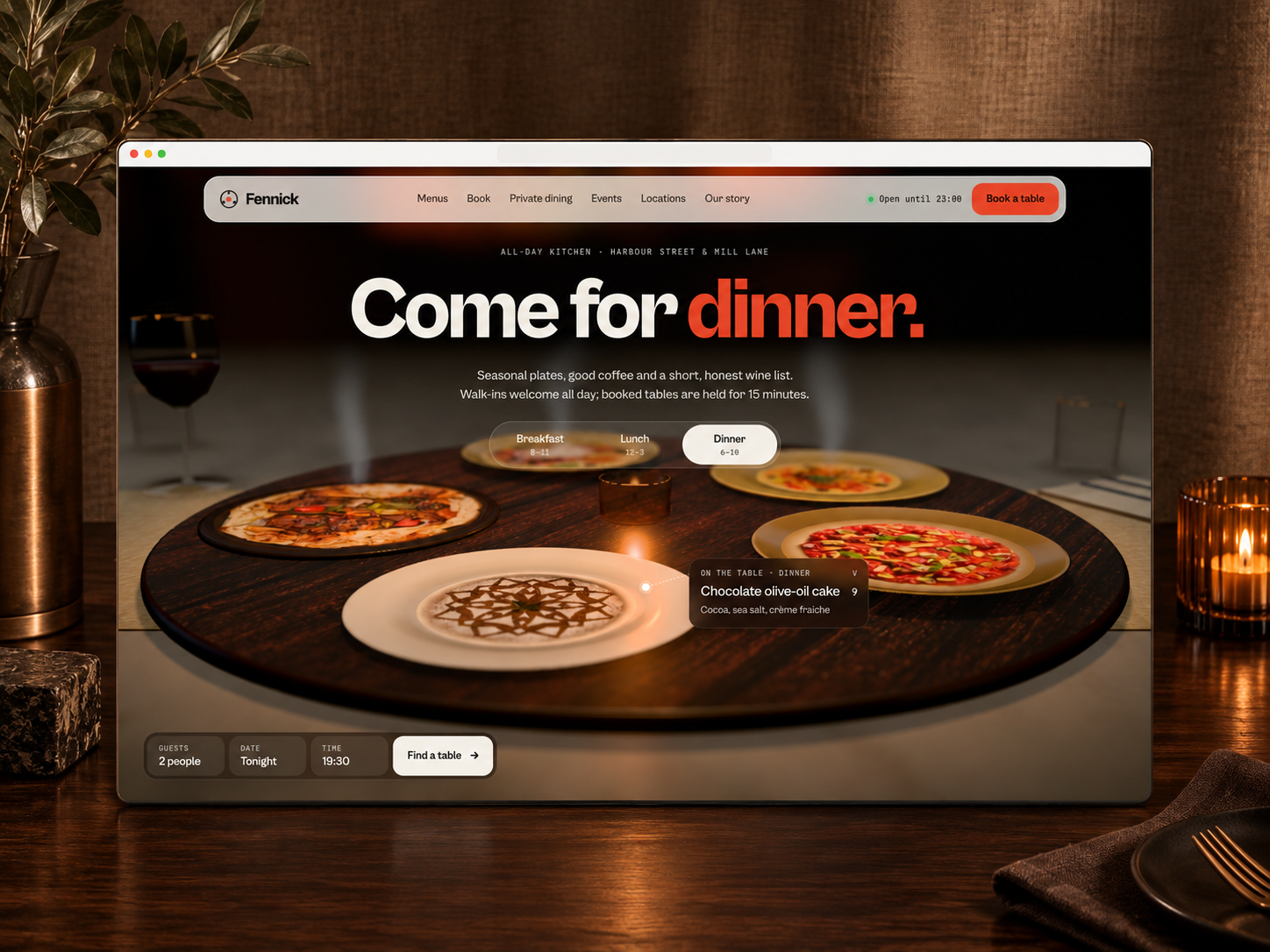
The demo reads street-food marketing: bold food photography, high-contrast type, and section breaks that keep truck hours and location cues scannable on a phone between stops. Menu layouts favor item names and prices over long chef essays, which matches how hungry customers decide at the window. Story gives you room for origin copy without crowding Order on Home.
Motion stays practical so Schedule times and map pins remain legible in bright sunlight. The honest fight is menu maintenance. Without CMS, every seasonal special is a canvas edit, which is fine for a tight truck menu but painful for a bistro with dozens of plates and dietary tags.
Nine pages, named as Framer lists them:
Schedule plus Order together signal a mobile vendor who sells time and place, not only a static storefront address.
/schedule instead of screenshotting Instagram stories.Responsive layouts and hosted forms are Framer defaults, not reasons to pick Truckfare over another food file.
Remix Truckfare when you operate or market a food truck, pop-up, or catering-first brand and the page list already matches how you sell: menu at the window, schedule on social, catering in email. The marketplace pitch around live location fits operators who move weekly and need web pages that mirror that rhythm.
Skip it when the client updates menu items in a back office and expects CMS collections. EPICURA is built for that restaurant job. Skip it when you only need a single scrolling landing for a coffee cart test. Pick a smaller food file from the food shortlist or return to free Framer templates on the hub.
Quick answers about Truckfare, including pricing, CMS support, responsiveness, and who it is built for.
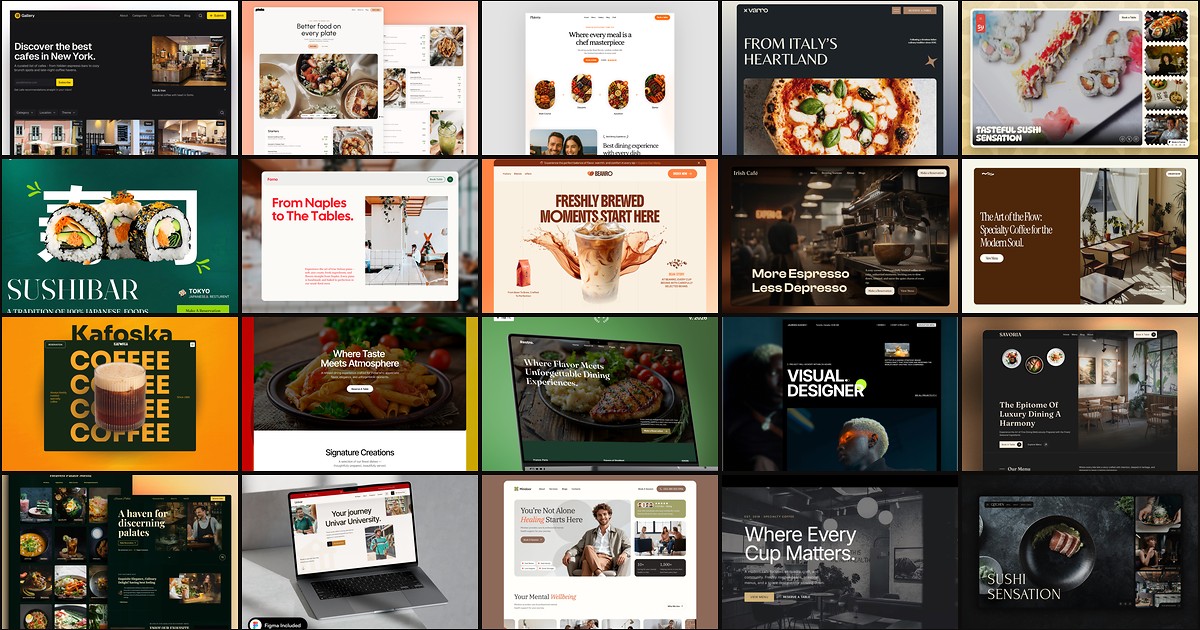
Diners bounce when a restaurant site hides the menu, buries reservation details, or reads like a generic landing page with stock food photography. These 20 free Framer food templates ship menu CMS, booking routes, and hospitality sections indie operators need without commissioning a custom build.