← All Templates
https://verde-dental.framer.website/
Dental

Verde Clinic — Free Dental Template for Framer

Verde Clinic is a free 16-page dental Framer template for practices that need Book, Prices, Insurance, and Reviews routes before ads go live. Skip it if you only want a 3-page test.

freedentalclinicbookingverde

Verde Clinic is a free 16-page dental template for Framer with no CMS in the listing. It ships the paperwork-heavy routes patients ask about before they call: Treatments, Dentists, Prices, Insurance, Reviews, Locations, Faq, and Book, plus legal pages. Skip it if you are only validating ad copy on a tiny landing. DentalOne covers that lighter three-page test on yoframer. Browse more free Framer templates on the hub, or start with the dental shortlist.

Who should remix Verde Clinic?

Verde Clinic fits a general, cosmetic, or multi-chair practice replacing WordPress or opening another location. Marketers will recognize Treatments, Dentists, Results, Insurance, and Book as separate routes patients ask about before calling. Groups sending paid traffic to Book benefit more than a solo operator selling only on Instagram.

Walk away if you only need a tiny campaign landing. Sixteen pages is overhead you will not link. For a lighter test, DentalOne matches the skip case named in frontmatter.

What Verde Clinic looks like

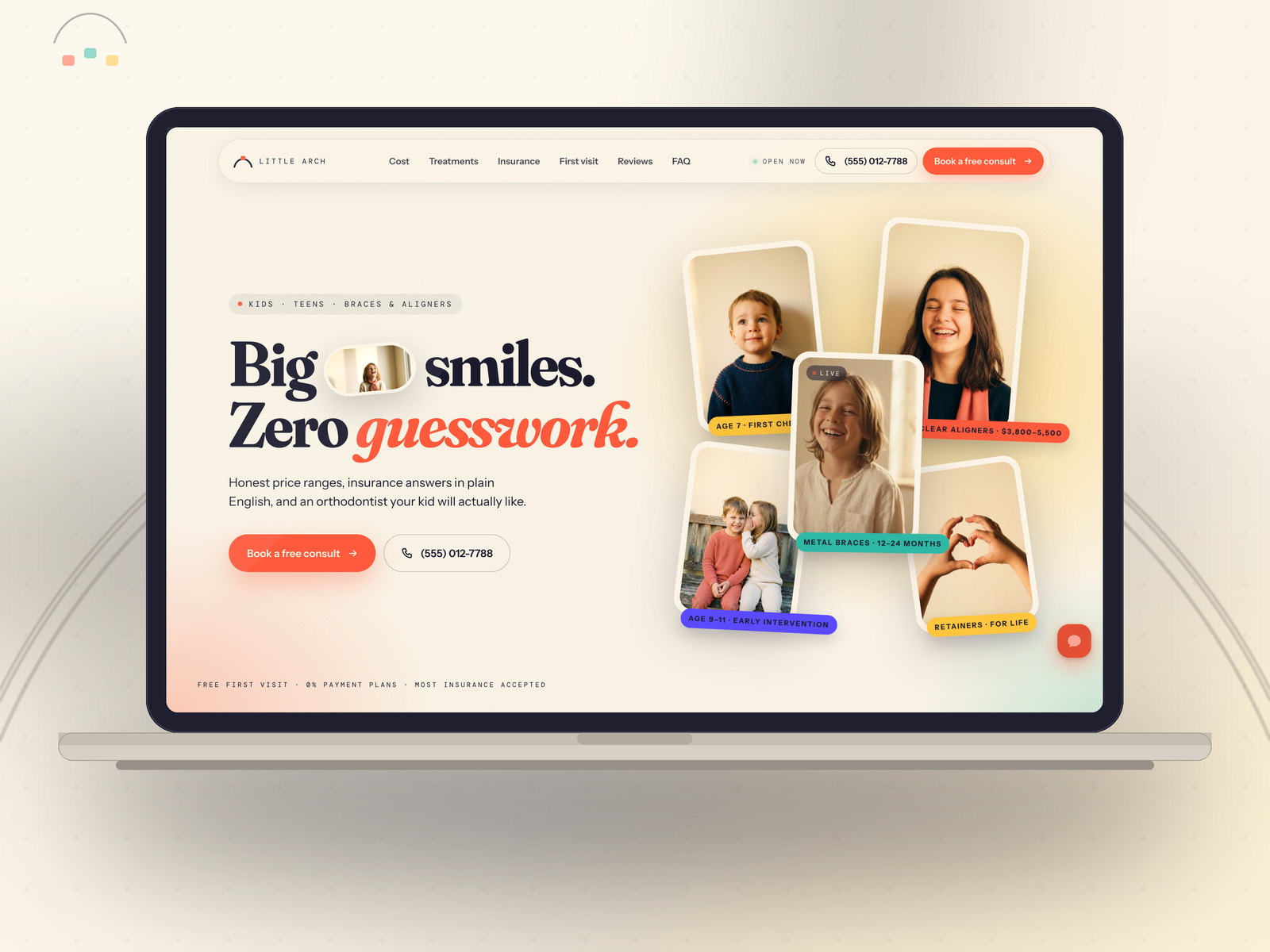
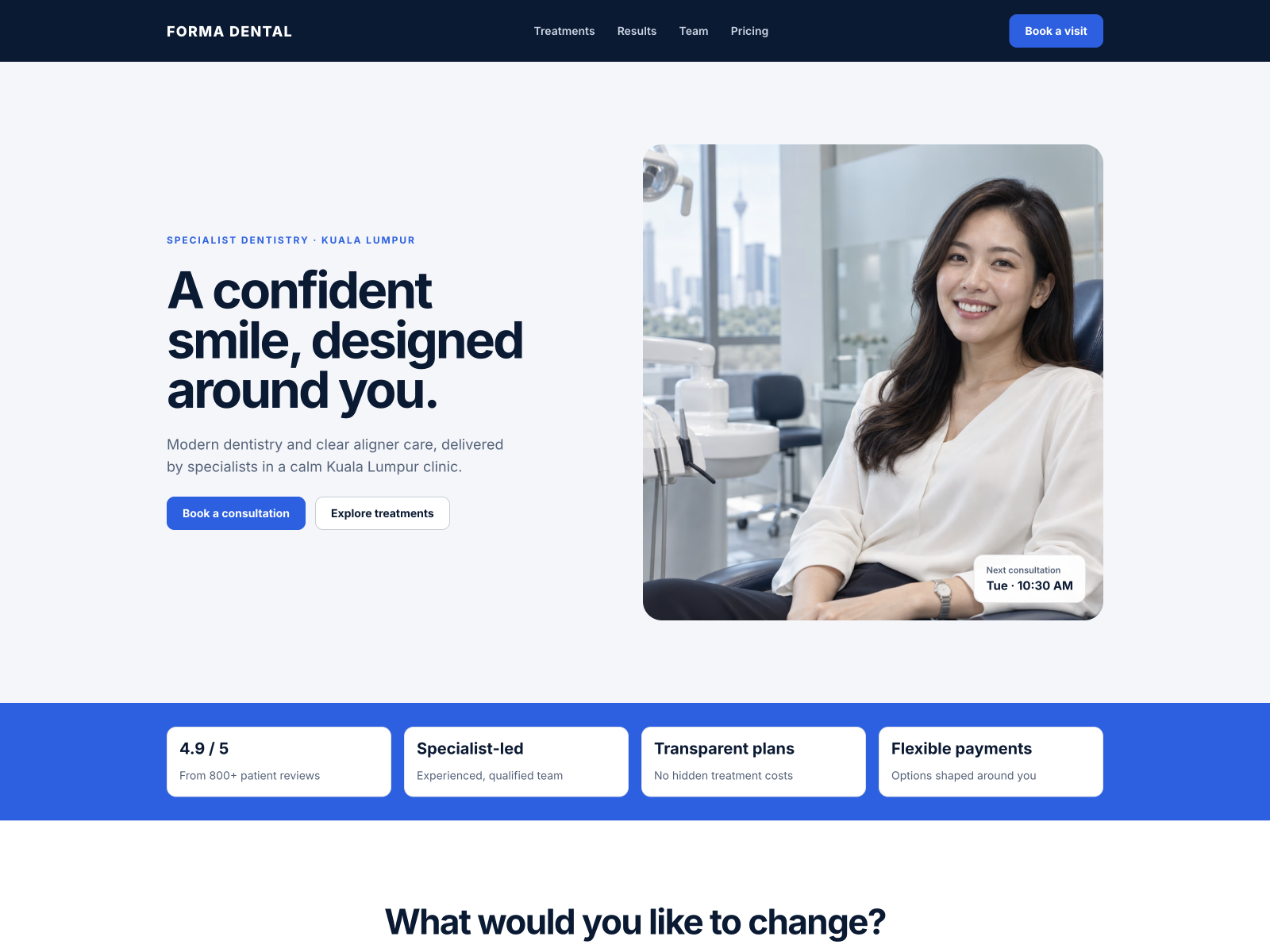
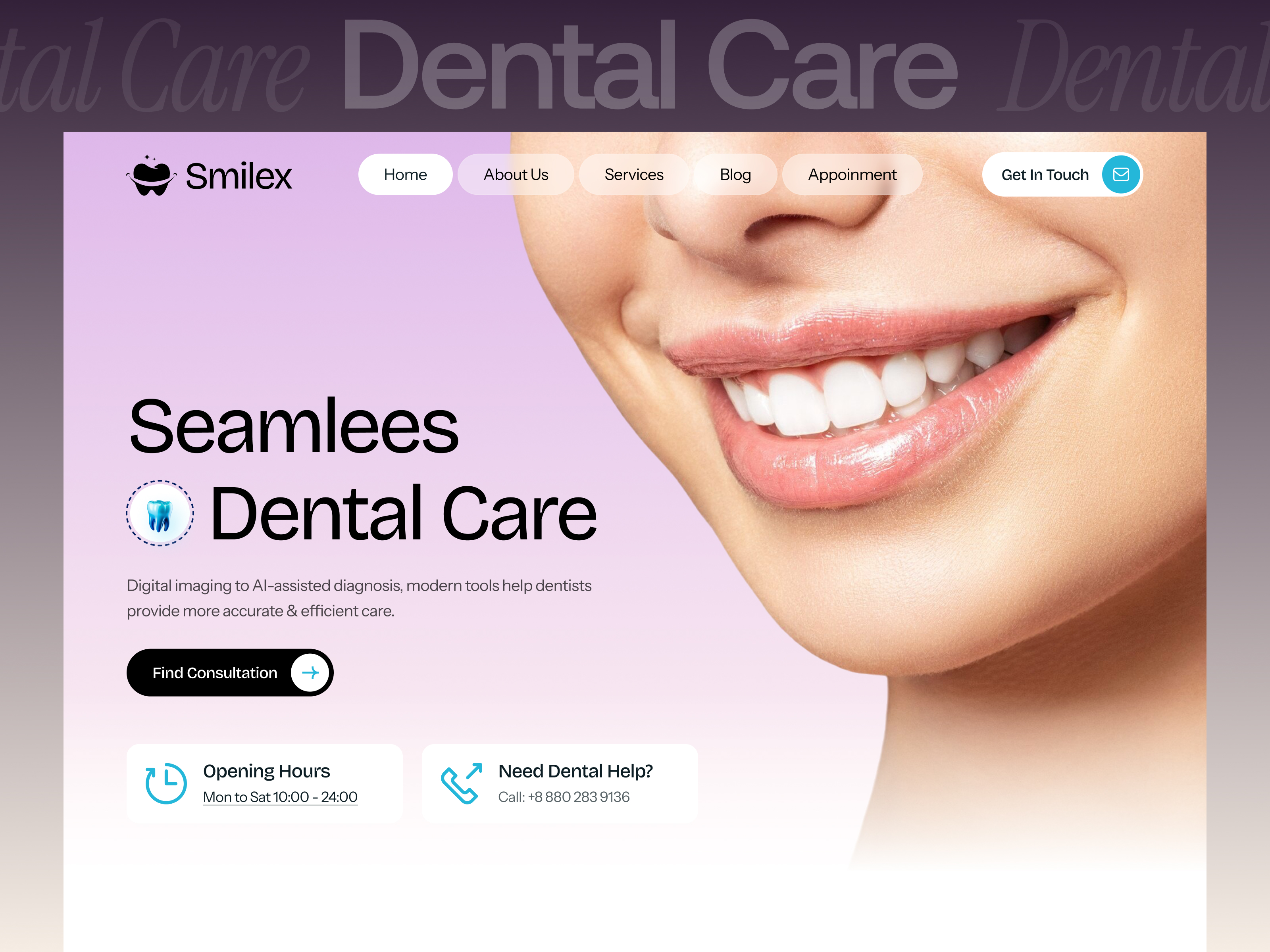
The preview leans clean clinical green on white: sage accents, calm photography, and readable sans-serif type closer to a private clinic than a hospital portal. Smile galleries and treatment icons support cosmetic positioning where trust lives in photos.

Motion stays gentle so price and insurance copy stay legible on phones. The fight is maintenance: every new provider or promo means editing multiple static frames until you upgrade to CMS. Stock smiles read as demo until you swap real headshots and city names.

Pages included in Verde Clinic

Sixteen static pages, named exactly as Framer lists them:

  • Home: primary care story, featured treatments, trust badges, and calls to action toward Book or Contact
  • About: practice history, mission, and credentials that calm first-time patients
  • Treatments: service menu with scope blocks for cleanings, cosmetic work, and specialty care
  • Dentists: provider bios and roles so families know who they will see chairside
  • Blog: editorial index for oral health tips, office news, or SEO-friendly articles
  • Contact: inquiry form, phone hours, and map or directions for each front desk
  • 404: friendly dead-end recovery when old ad URLs break
  • Privacy: policy text for forms, analytics, and ad pixels
  • Results: before-and-after or outcome galleries that sell cosmetic cases
  • Prices: fee transparency or package tiers patients compare before booking
  • Insurance: payer lists, reimbursement notes, and what to bring to the first visit
  • Reviews: social proof grids or testimonial blocks that reduce call hesitation
  • Locations: addresses, hours, and parking notes for multi-site groups
  • Faq: common questions about pain, financing, and first appointments
  • Book: scheduling or new-patient request flow tied to your form stack
  • Terms: service terms or legal footer copy many practices add before paid campaigns

There is no CMS collection in the marketplace page list. Updating treatments or blog posts means editing frames or upgrading templates.

What is distinctive about Verde Clinic

  • Sixteen-page dental sitemap without CMS. Few free clinic files bundle Prices, Insurance, Reviews, and Book together this completely.
  • Dedicated Results route. Cosmetic practices get a named URL for smile galleries instead of burying proof on Home.
  • Prices and Insurance as separate pages. Helps front desks send ad traffic to specific objections instead of one long FAQ scroll.
  • Locations plus Dentists split. Multi-site groups can map offices and introduce providers without crowding About.
  • Book page in the nav. Useful when campaigns send traffic straight to scheduling, not just Contact.
  • Legal trio with Privacy and Terms. Saves a rushed compliance add-on before lead forms go live.

Standard responsive layouts and form components are Framer platform tooling, not a reason to pick Verde over another clinic file.

When to remix Verde Clinic, and when to skip

Remix Verde Clinic when you need Prices, Insurance, Reviews, and Book live before ads, and static edits are fine for now. Skip the three-page test case with DentalOne. Compare picks on the dental shortlist, then return to free Framer templates for the full grid.

Frequently Asked Questions

Quick answers about Verde Clinic, including pricing, CMS support, responsiveness, and who it is built for.
What kind of website is Verde Clinic best for?

Verde Clinic is for Dental groups and cosmetic practices that need Prices, Insurance, Reviews, and Book pages before Meta or Google lead forms go live. It includes 16 pages: Home, About, Treatments, Dentists, Blog, Contact, 404, Privacy, Results, Prices, Insurance, Reviews, Locations, Faq, Book, Terms.

Is Verde Clinic free or paid?

Verde Clinic is a free Framer template. The listed price on yoframer is free.

Does Verde Clinic support CMS and responsive design?

Verde Clinic does not include CMS support. It is fully responsive.

When should I skip Verde Clinic?

You only need Home, Terms, and Privacy for a quick campaign. DentalOne is built for that three-page test. Start with DentalOne .