 Live Preview
Zenxio — Free SaaS Template for Framer
by Unknown
Workflowline is a free 13-page SaaS Framer template for AI workflow products with pricing, docs, and changelog routes. Skip it if you only need one homepage this week.
Workflowline is a free thirteen-page SaaS Framer template aimed at AI agent and automation products, with Product, Use cases, Pricing (with a usage calculator), Docs, Changelog, Customers, and Blog routes on a static map. No CMS collections appear in the page list. Skip it if you need CMS-backed blog and case study entries instead of duplicate detail frames. Echoflux is built for that editorial depth. More free Framer templates are on the hub, or start with the AI template shortlist.
Workflowline suits founders who already have a workflow story to tell: triggers, steps, human handoff, and metered pricing. You are pre-Series A, selling to ops leads who will click Product, skim Use cases, then open Pricing to see if usage math is explained. A thirteen-page nav signals maturity even when copy is still draft.
Walk away if you are validating one hero and a waitlist form. Maintaining Changelog entry, Customer story, and Blog post as separate static pages will slow you down. Support automation teams that only need a single narrative homepage should remix Ferry Agent and add routes when traffic proves they matter.
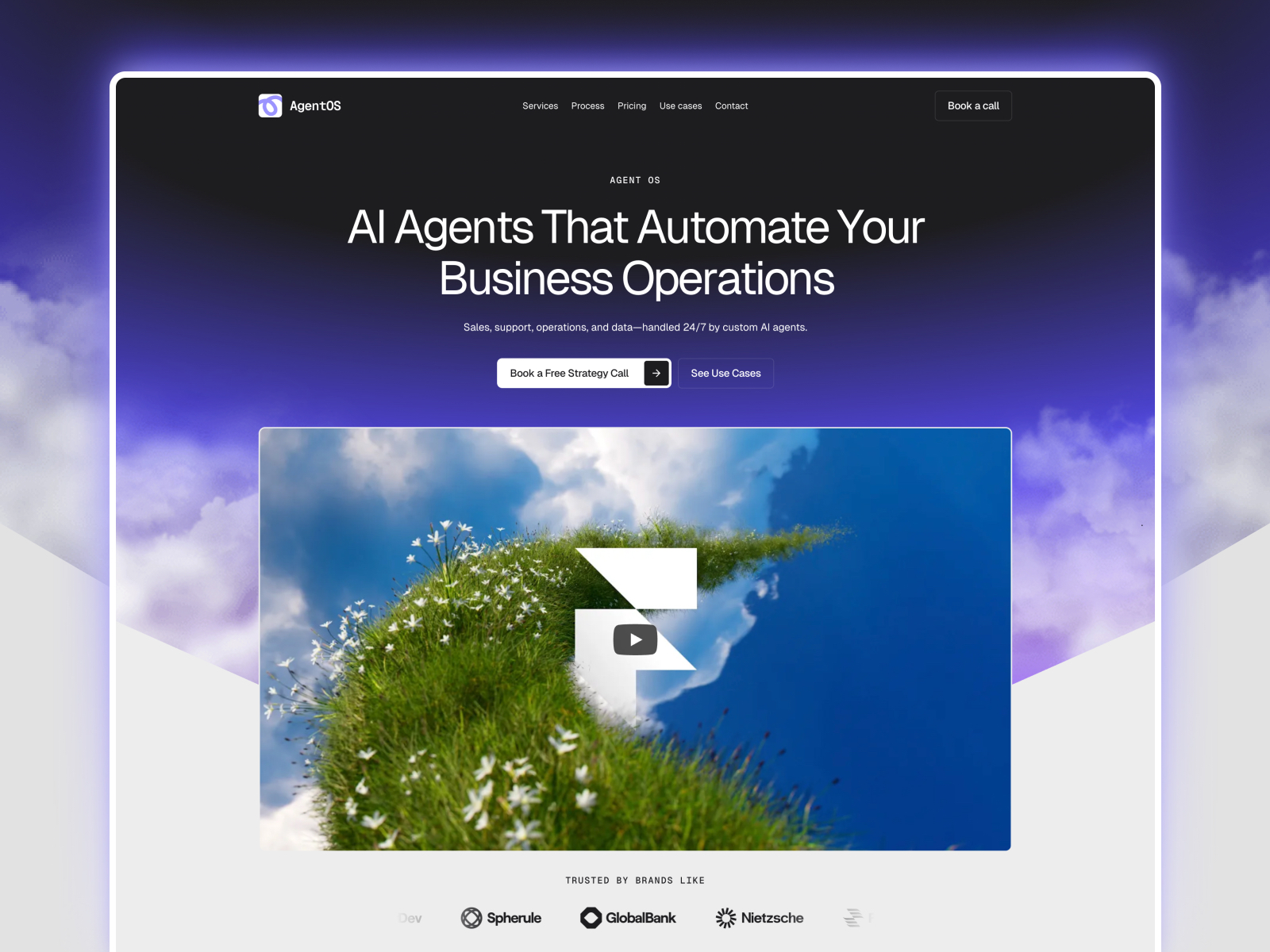
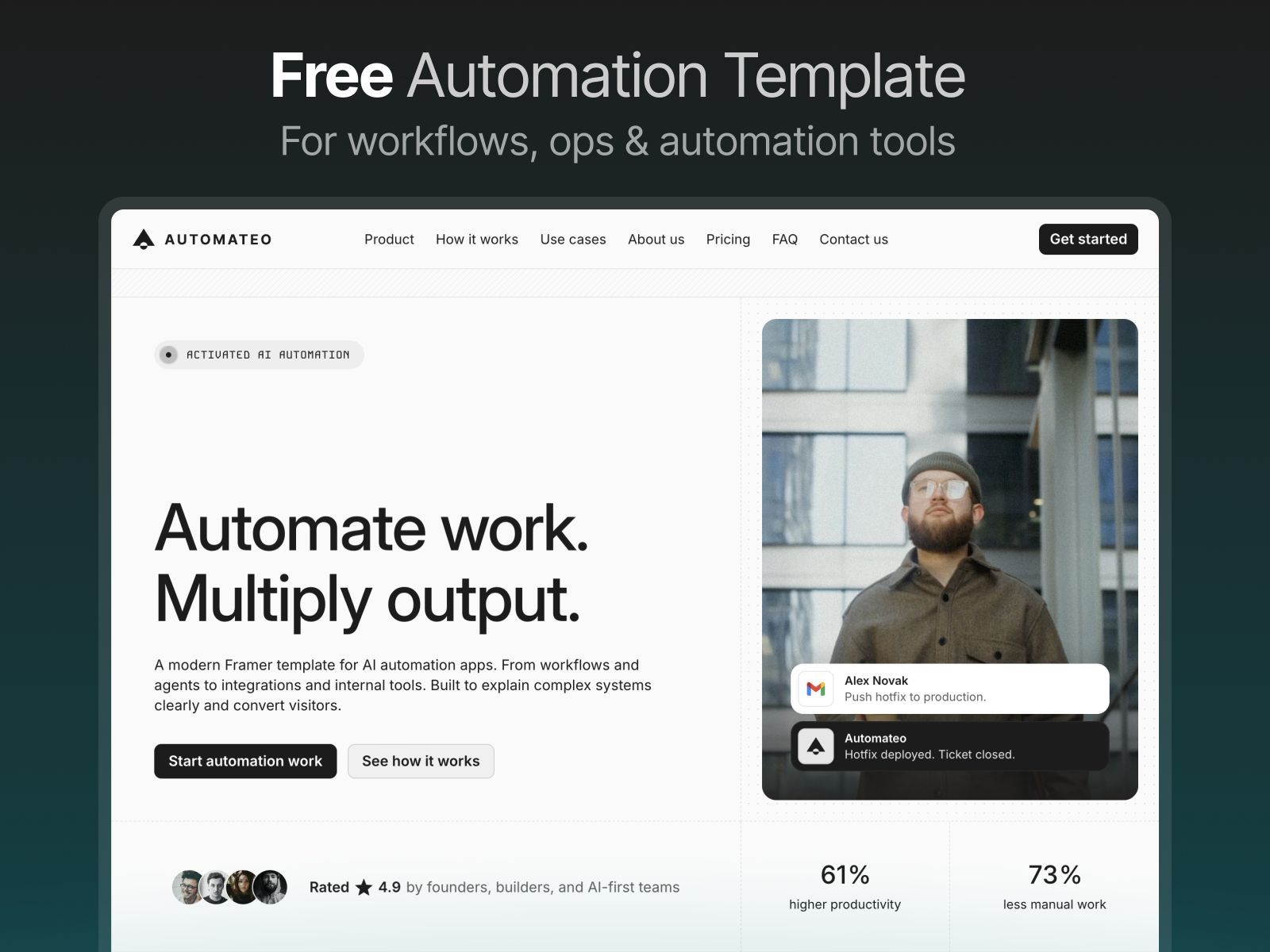
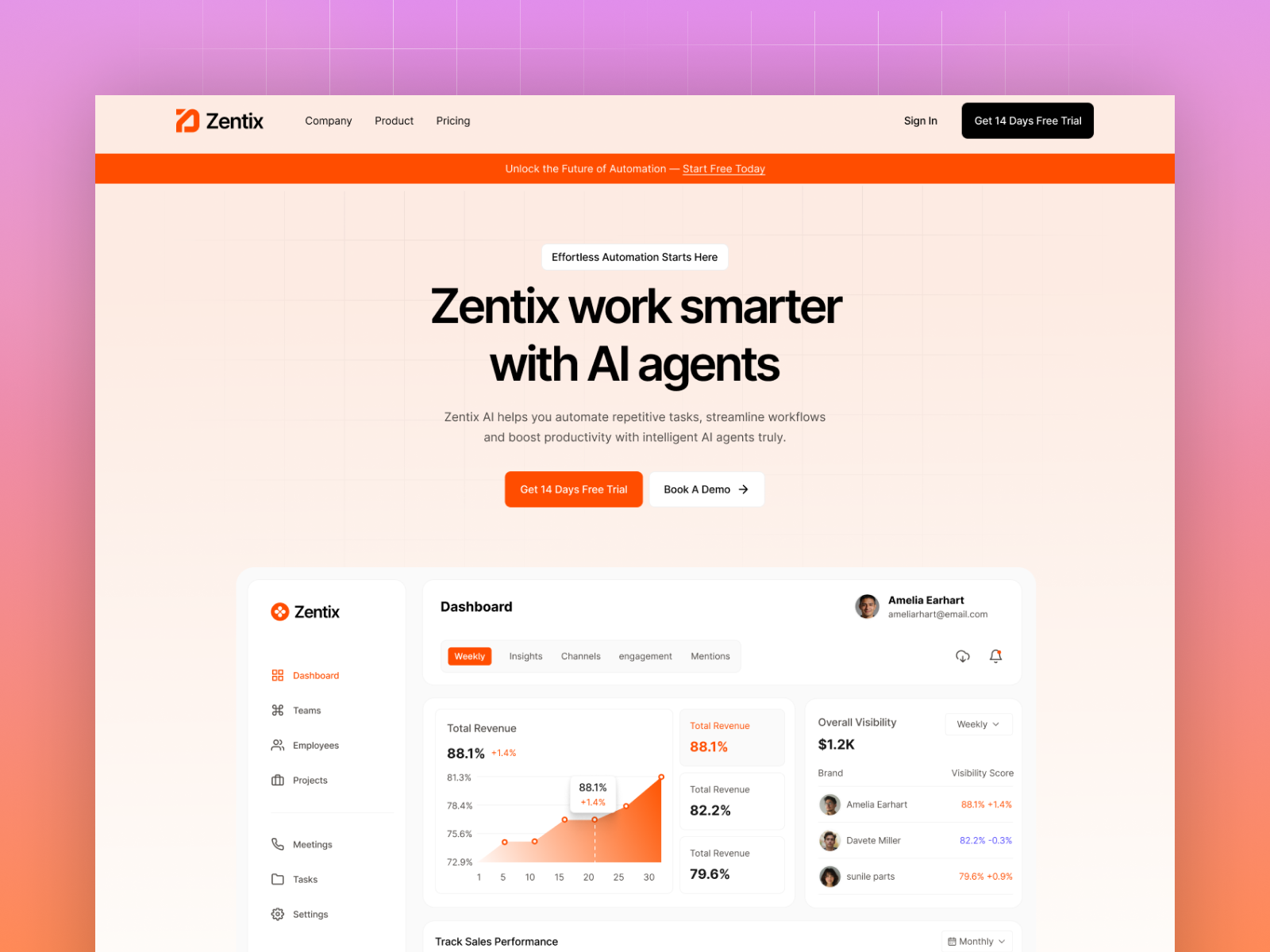
The preview reads like a modern B2B AI desk: dark-friendly panels, monospace accents on labels, product UI mockups beside benefit copy. Whitespace separates dense feature grids so Docs and Changelog feel like real product surfaces, not footer links. Motion is product-demo level, not portfolio theater.
The default mood is serious infrastructure. Consumer apps with playful illustration will fight the template until you replace art direction. Usage-based pricing also sets expectations: if you sell flat seats only, you will rewrite the calculator section anyway.
Thirteen named routes, including combined Contact and 404:
Pair routes matter: Use case detail, Changelog entry, Customer story, and Blog post are the pages you duplicate until you add CMS later.
Built-in SEO, analytics, and breakpoint tooling come with Framer. They do not differentiate Workflowline from other SaaS remixes.
Remix Workflowline when you pitch AI workflows or agents and need pricing with usage math, docs, changelog, and customer proof on day one, and you accept static detail pages until CMS is worth the setup.
Skip it when editorial velocity depends on CMS blog posts and customer URLs. Echoflux fits that map. For a single homepage launch, use Ferry Agent. Compare more picks on the AI template shortlist or return to free Framer templates.
Quick answers about Workflowline, including pricing, CMS support, responsiveness, and who it is built for.

Most free SaaS templates on Framer look great in the preview and fall apart the moment you customize them. These 10 don't.