 Live Preview
← All Templates
Portfolio
Afterimage — Free Portfolio Template for Framer
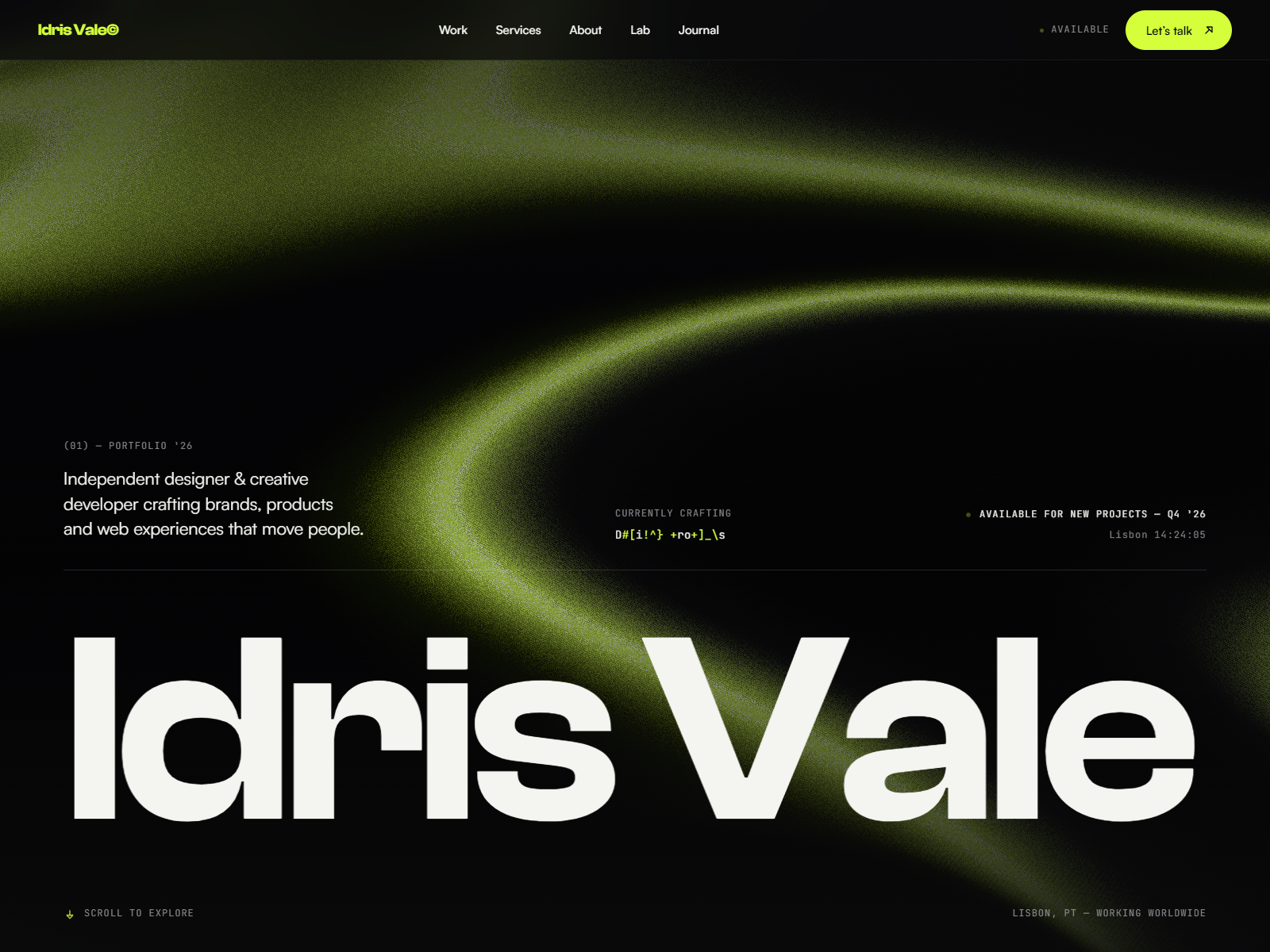
Afterimage is a free 4-page portfolio Framer template for creatives who want Home, About, and Contact without a work grid page. Skip it if you need CMS case studies.
freeportfoliocreativeminimalafterimage
Afterimage is a free 4-page portfolio Framer template by Vladimir Kamnev with Home, About, Contact, and Setup and 404. There is no Works route or CMS collection in the page list, so the homepage carries the reel. Skip it if clients expect a project index and CMS case studies you update weekly. JORGE adds Works and Work Page collections on yoframer. More free Framer templates sit on the hub, or try the portfolio shortlist.
Who should remix Afterimage?
Afterimage is for freelancers who pitch with a tight homepage gallery and a short bio, not a twelve-page agency map. Brand designers, photographers, and illustrators who curate five to eight hero pieces and send prospects straight to Contact will move faster here than in a CMS-heavy file they never feed.
Leave if your workflow depends on tagging dozens of projects and linking detail URLs from a Works grid. Studios selling retainers, team pages, and pricing should not start here. JORGE covers CMS case studies. If you truly want one URL and zero extra nav, Ferio is even leaner than four pages.
What Afterimage looks like
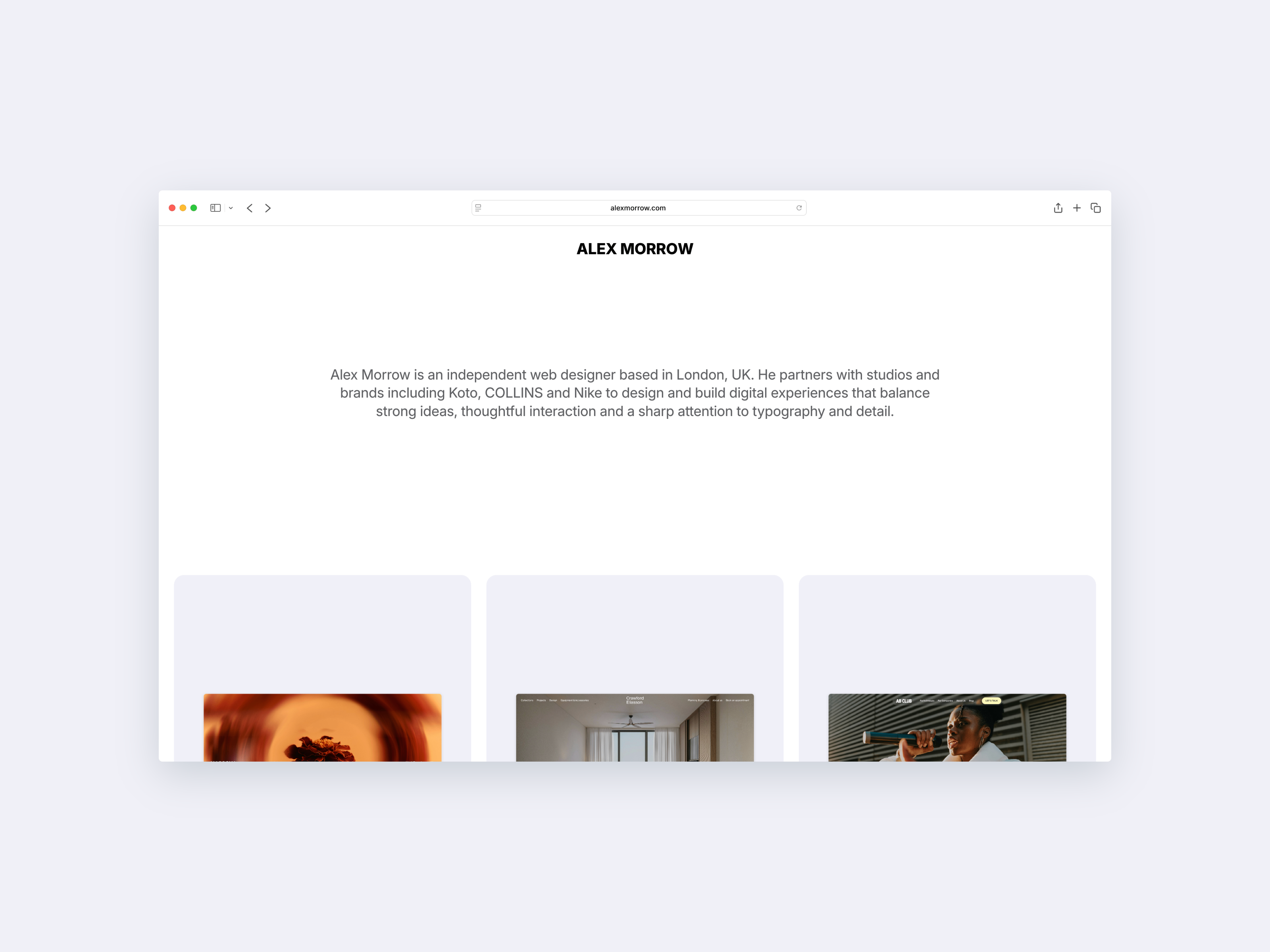
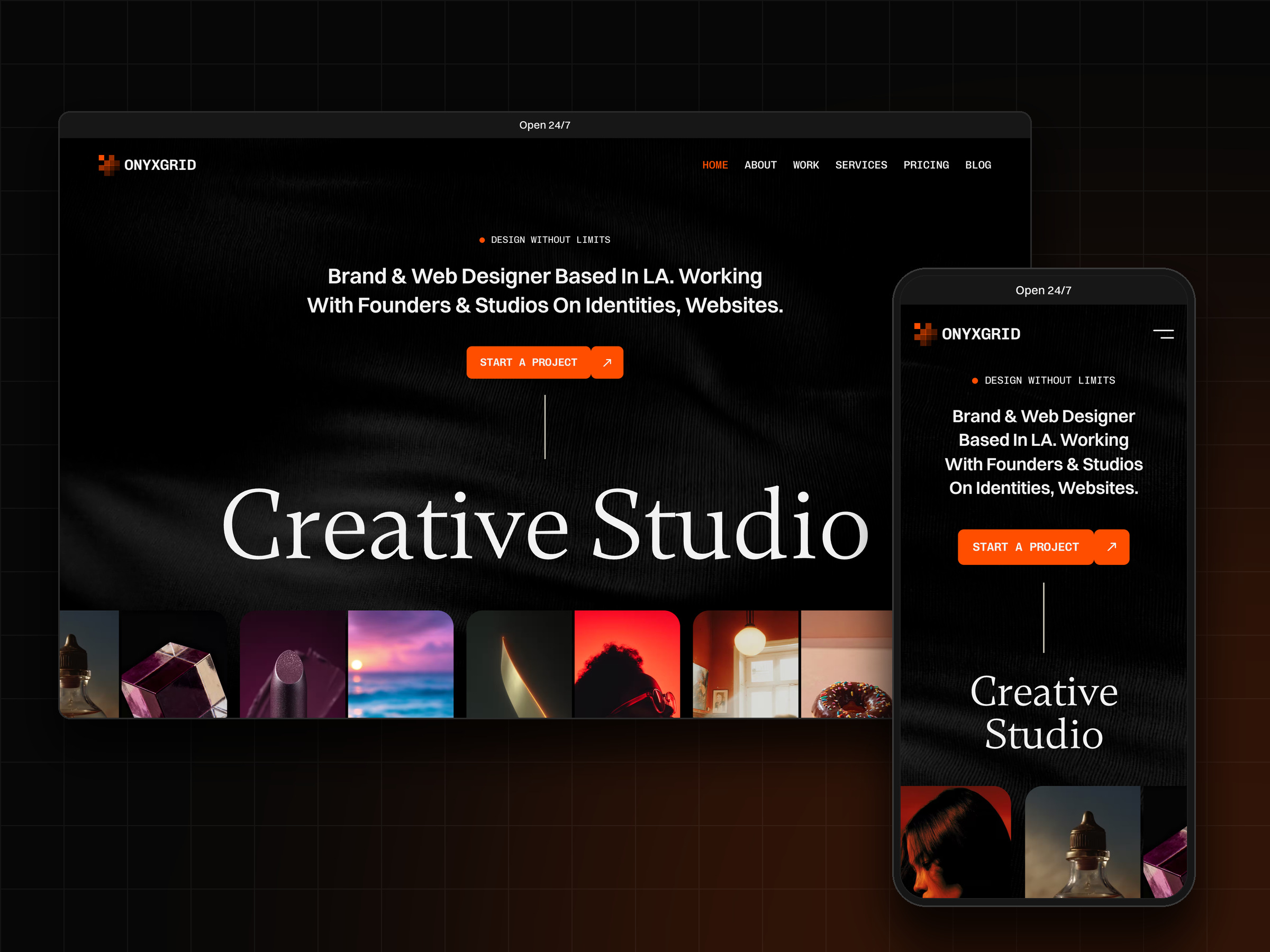
The file favors editorial restraint: soft neutrals, generous whitespace, and typography that lets stills and mockups breathe. Motion, if you keep the defaults, supports reveals on the homepage rather than scroll-heavy theater. It reads closer to a printed lookbook than to a neon startup landing page.
That calm helps high-end creative work feel intentional on mobile, where art directors first open links from email. The fight is structure. Loud color brands and dense UI portfolios will rework sections until the default quiet mood matches their identity.
Pages included in Afterimage
Four pages, spelled exactly as Framer lists them:
- Home: curated work, positioning line, and primary call to action into About or Contact
- About: bio, clients, awards, or process copy that supports the homepage reel
- Contact: inquiry form, email, and social links for hire-me traffic
- Setup and 404: Framer setup notes paired with a branded missing-page frame
There is no dedicated Works or Archive route. Plan to stack projects on Home or expand the sitemap after remix if buyers ask for project URLs.
What is distinctive about Afterimage
- Homepage-as-portfolio shape. Four routes assume the reel lives up front, not on a separate grid page.
- Setup and 404 combined label. Documents onboarding inside the official page list Framer exports.
- No CMS in pageNames. Faster remix when you will not maintain collections on week one.
- Creative-minimal art direction. Defaults suit editorial photography and identity work, not SaaS chrome.
- Small static sitemap. Less nav debate for solo practitioners shipping this weekend.
Automated SEO and responsive breakpoints are Framer platform tooling, not Afterimage-specific selling points.
When to remix Afterimage, and when to skip
Remix Afterimage when you want a calm creative site, your best work fits above the fold, and About plus Contact are enough supporting structure. Kamnev portfolio files on Framer often stay minimal like this, which matches freelancers who hate maintaining CMS fields.
Skip it when case studies need their own URLs and collections. That is JORGE. Skip it when you only need one long scroll. That is Ferio. Compare more files on the portfolio shortlist or from free Framer templates.
Frequently Asked Questions
Quick answers about Afterimage, including pricing, CMS support, responsiveness, and who it is built for.
-
What kind of website is Afterimage best for?
- Afterimage fits solo creatives who treat the homepage as the portfolio and keep About and Contact as supporting routes. Four pages include Setup and 404 for Framer onboarding, not a separate project grid. It is not built for agencies with long sitemaps.
-
Is Afterimage free to remix?
- Yes. Afterimage is a free Framer template. Remix it into your project at no charge. Custom domains follow Framer hosting plans. yoframer does not add a fee for the listing.
-
Does Afterimage include a CMS?
- No. pageNames list only Home, About, Contact, and Setup and 404. Project stories live on the homepage or About unless you add collections after remix. For CMS case studies, pick JORGE or another file that names Work Page (CMS) in the route list.
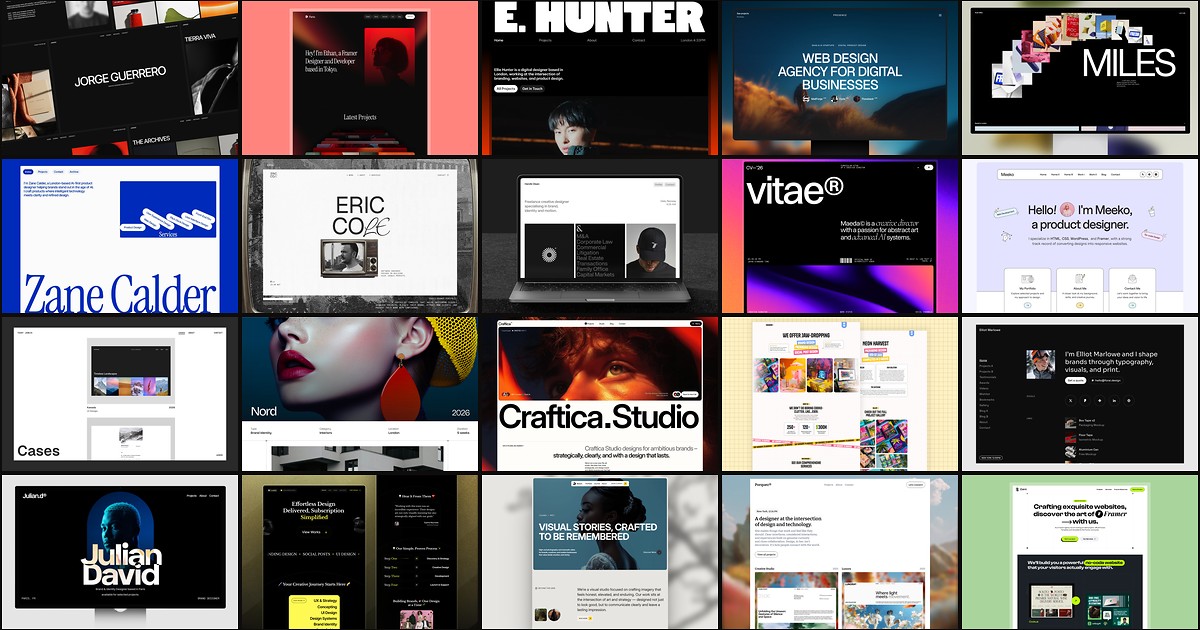
Featured in our Portfolio roundup
20 Best Portfolio Framer Templates in 2026 (Ranked)
A portfolio site should show work first and make contact inevitable. These 20 Framer templates cover minimal one-pagers to full CMS studios.