 Live Preview
Zinol — Free Portfolio Template for Framer
by Unknown
OnyxGrid is a free 9-page dark portfolio Framer template for brand and web designers who sell packages. Skip it if you need CMS case studies without pricing.
OnyxGrid is a free 9-page dark portfolio template for Framer, made by @teconce. It suits brand and web designers who want Work, Services, and a Pricing page on the same site, all static with no CMS label. Skip it if you need CMS case studies without public prices, because JORGE runs Works as a collection. Compare more in the portfolio shortlist, then bounce back to the free Framer templates hub.
Think of a freelance brand designer booked out three months ahead, tired of pasting a price sheet from Notion into every email. OnyxGrid puts the work, the six services, a four-step process, and three price tiers on one site. A founder can see a $1,999 per-project starting tier, a Startup tier flagged as most popular, and a Custom option before they ever book a call.
Walk away if you quote privately or sell on long case studies. The Pricing page is a commitment, and Work Detail is one static layout, not a collection. JORGE is the pick for CMS-driven case studies. If you only want one quiet scroll, Alex Morrow is lighter and has no pricing to maintain.
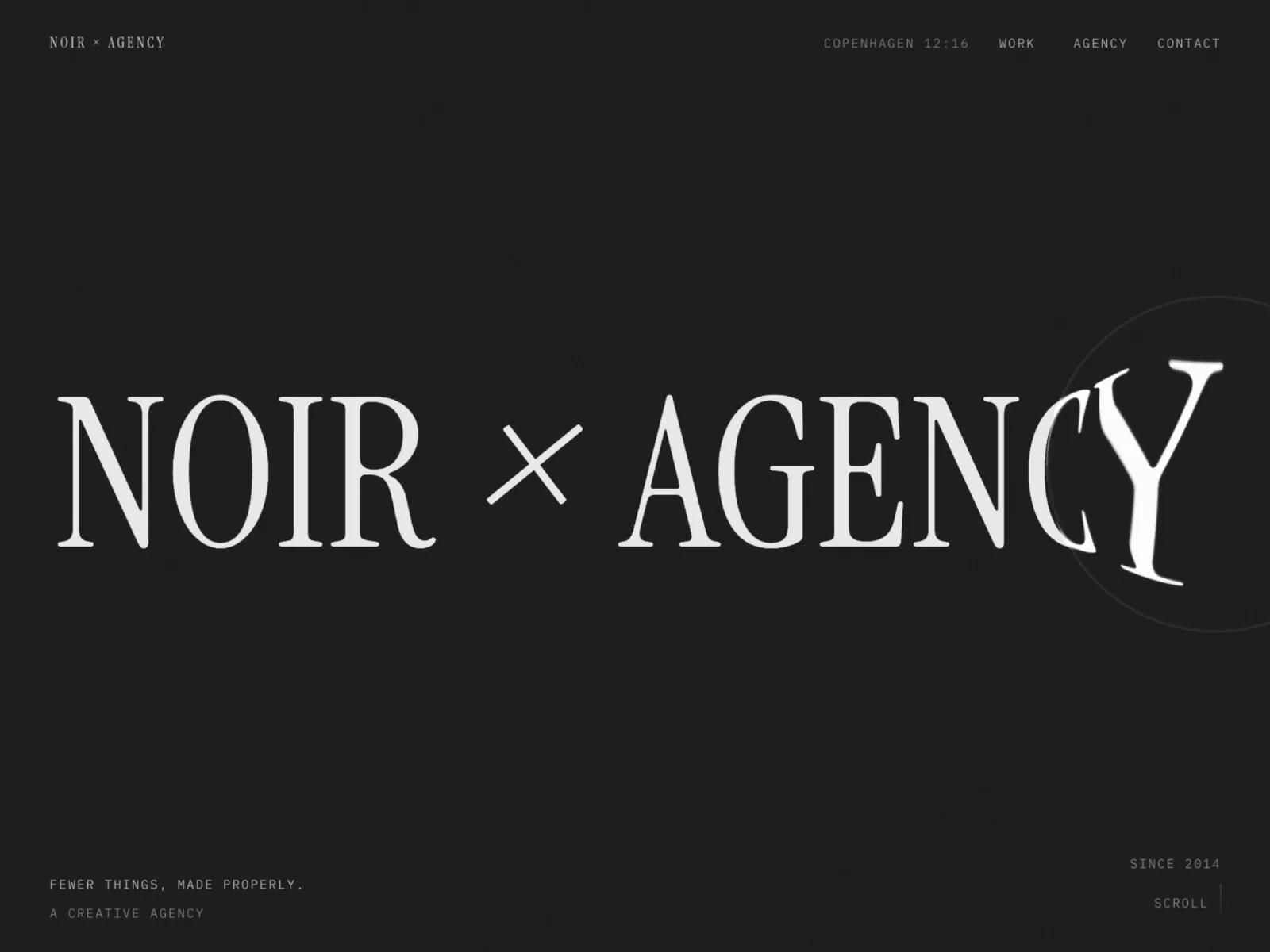
The file is near-black with a single hot orange accent on buttons and the active nav item. Navigation labels are set in a monospace face, while the hero wordmark, “Creative Studio,” is a large serif. That pairing gives it a developer-tool edge without losing the feel of a design studio. A strip of rounded photo tiles runs along the bottom of the hero.
Dark with orange signals confidence, and it flatters product and fintech work, which is what the sample projects are. The fight is brand fit. Pastel, warm, or editorial identities will spend an evening dragging the palette away from orange. The demo copy also contradicts itself: the hero says Los Angeles, the next block says Malmö, and the stats (120% growth, 0.8s load) are claims you cannot keep.
Nine pages, named as Framer lists them:
The pairing of Pricing with a FAQ that answers timeline (four to twelve weeks) and raw files is what a real client asks before they email.
Framer’s own SEO, analytics, and breakpoint tooling ship with the platform. They are not a reason to pick OnyxGrid.
Remix OnyxGrid when you sell packages, want prices public, and like dark with one loud accent. The listing credits the creator only by handle, @teconce, so judge the preview. It does one job well: show the work and the price on the same visit.
Skip it when you quote privately or need CMS case studies. Use JORGE for that. Still choosing a niche? Go back to the portfolio shortlist or the free Framer templates hub.
Quick answers about OnyxGrid, including pricing, CMS support, responsiveness, and who it is built for.
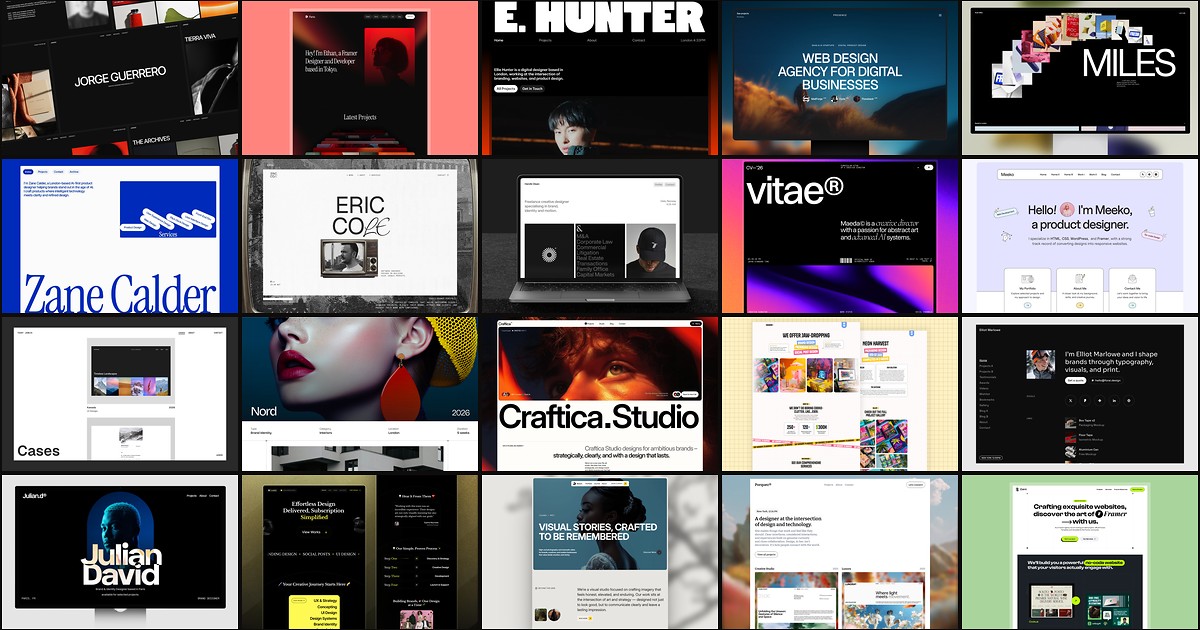
A portfolio site should show work first and make contact inevitable. These 20 Framer templates cover minimal one-pagers to full CMS studios.