 Live Preview
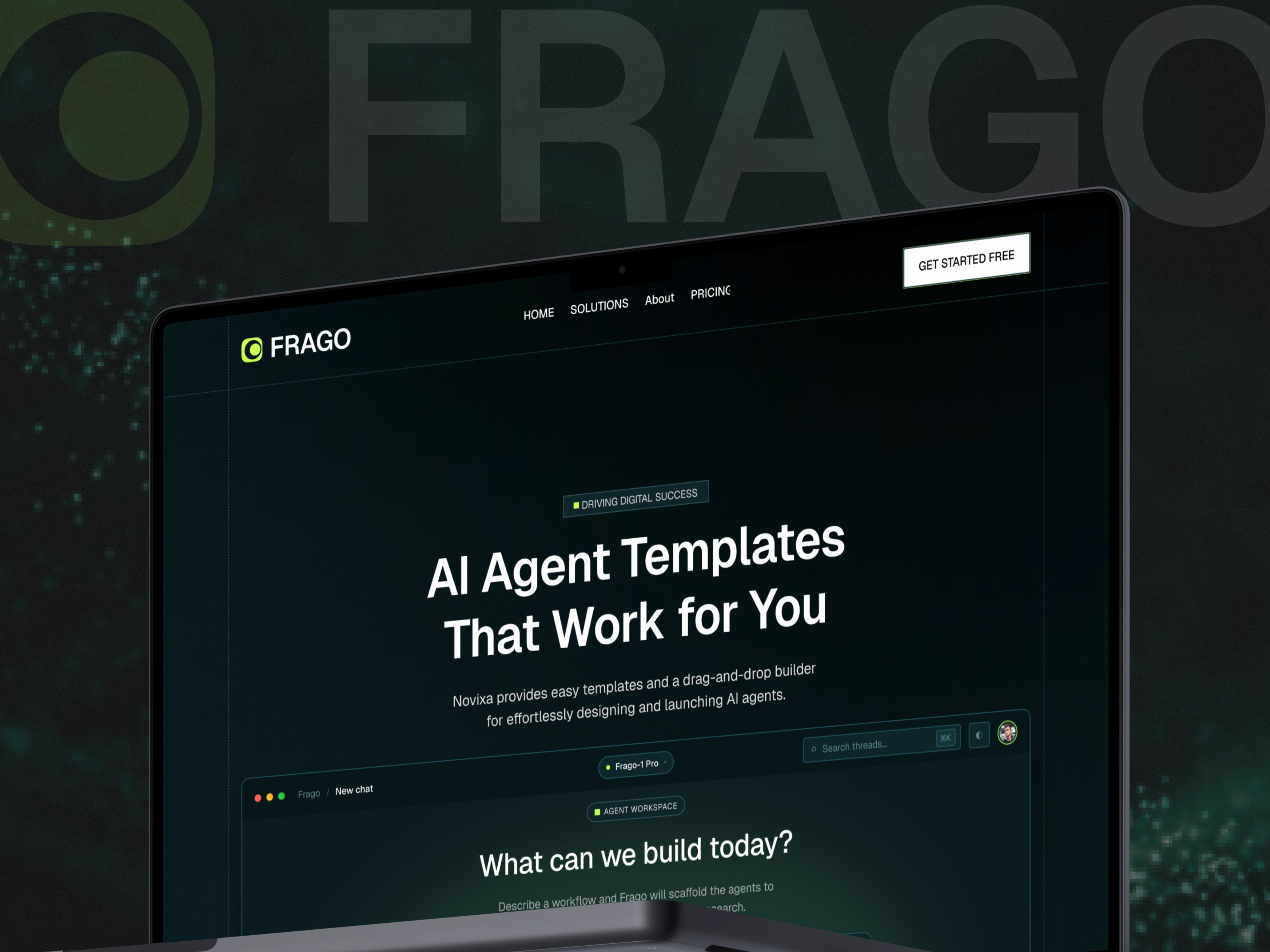
Frago — Free SaaS Template for Framer
by Unknown
Andika is a free 5-page SaaS Framer template with Home, Blog, Pricing, About, and Support. Skip it if you need Features, CMS posts, or a ten-route product map.
Andika is a free five-page SaaS template for Framer with Home, Blog, Pricing, About, and Support. The andikaai preview targets product marketing without CMS collections in the metadata, so blog posts stay hand-edited frames until you wire collections later. Skip it if buyers expect Features, Contact, 404, and CMS article detail on launch week. Intellora adds Features, Contact, and 404 on yoframer. More free Framer templates sit on the hub, or open the SaaS shortlist.
Andika fits a small team shipping an AI or B2B tool that already needs Pricing in the nav, a Blog index for launch notes, About for founder credibility, and Support for docs or ticket links before the product UI is polished. Edgar Kachi’s demo skews SaaS marketing, not agency services, which matches founders who live in Product Hunt threads and investor forwards rather than RFP decks.
Pass if your checklist includes Features, Contact, Careers, Terms, and changelog routes before the first paid campaign. Intellora covers seven static SaaS pages including Features and Contact. Pass if editorial velocity depends on CMS blog detail templates you publish weekly. Hubmini is the CMS-forward AI SaaS pick on yoframer. Pass if you only need a waitlist scroll. Andika assumes you are already selling plans, not collecting emails alone.
The preview follows contemporary SaaS cues: product screenshots or mock UI, plan cards on Pricing, and Blog tiles that signal momentum even when posts are sparse. Support is separated from About so help content does not bury the founder story. Typography and spacing aim for clarity on laptops, where technical buyers compare you to three other tabs.
Color tends toward modern B2B neutrals with accent highlights on primary buttons. That helps when your demo is the hero asset. The trade-off is enterprise sobriety. Healthcare, education, or community SaaS may need warmer photography and softer corners before the site matches brand guidelines.
Five pages, named as Framer lists them:
Support as a named route beside Blog is the tell. Many free SaaS templates stop at Home, Pricing, and Contact without a help destination.
Platform SEO, analytics, and responsive breakpoints come with Framer. They are not unique to Andika.
Remix Andika when you want a free SaaS marketing shell with Pricing, Blog, About, and Support in the header, and you accept static blog updates until traction justifies CMS work. Unknown marketplace authorship does not change the job: sell the product clearly across five pages.
Skip it when Features, Contact, and 404 are mandatory on day one. Pick Intellora. Skip it when CMS blog detail pages are core to growth. Pick Hubmini. Return to the SaaS shortlist or browse free Framer templates for the full grid.
Quick answers about Andika, including pricing, CMS support, responsiveness, and who it is built for.
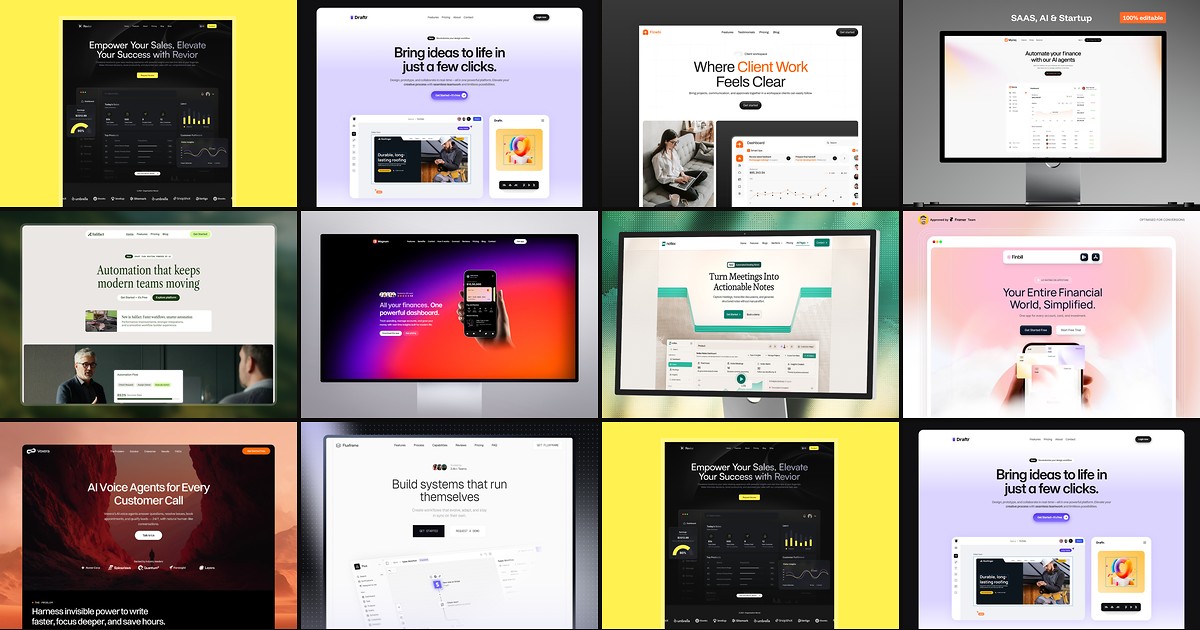
Most free SaaS templates on Framer look great in the preview and fall apart the moment you customize them. These 10 don't.