 Live Preview
← All Templates
Architecture
Brikon — Free Architecture Template for Framer
Brikon is a free 13-page architecture Framer template for builders with Projects, Services, and Products routes on static pages. Skip it if you only sell SKUs in a shop CMS.
freeframerarchitectureconstructionbrikon
Brikon is a free thirteen-page architecture template for Framer from @reddevs, built for firms that lead with built work and trades, not a Shopify-style catalog. Home, About, Services, Service Details, Projects, Project Details, Blog, Blog Details, Products, Product Details, Team, Contact, and 404 are named in the listing, all static with no CMS flag. Skip it if your business is pure ecommerce with cart flows on day one. Ondine covers that storefront job on yoframer. More free Framer templates sit on the hub, or open the construction shortlist and the architecture shortlist.
Who should remix Brikon?
Brikon fits general contractors, design-build studios, and material suppliers who need Projects and Services bookmarkable for bids while Products holds specs or kits as a secondary line. You might pitch hospitality renovations, residential additions, or packaged building products where case studies matter more than cart abandonment metrics. Team and About give hiring partners a credible URL during RFP season.
Walk away if you are launching a skincare or apparel DTC brand with no job-site photography. Products and Product Details will feel like the wrong spine compared with Shop routes in Ondine. Also skip Brikon when you only need nine static studio pages without a product catalog. ARCHITEKTA® keeps Projects, Services, and Journal without Products overhead on yoframer.
What Brikon looks like
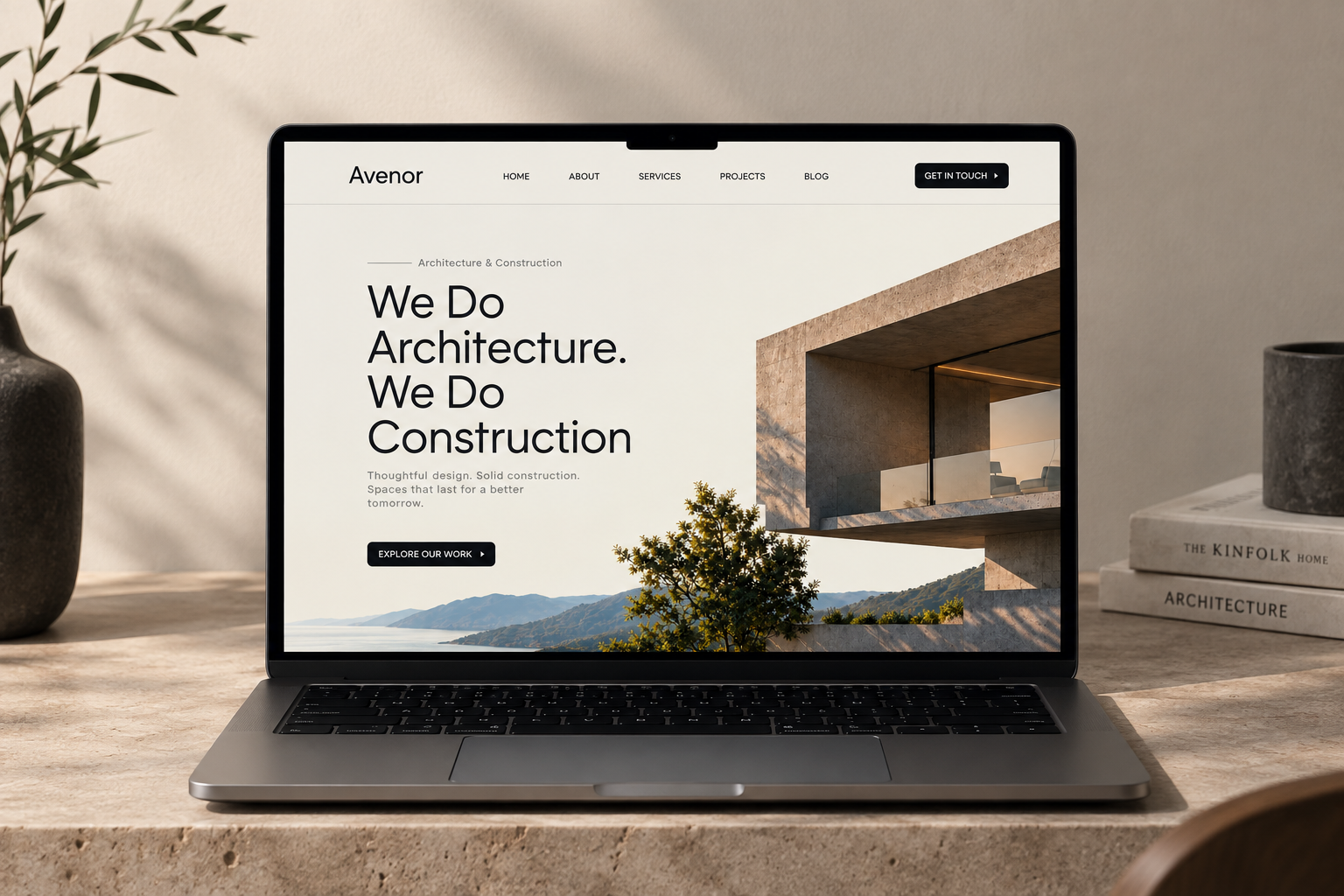
The brikon.framer.website preview reads construction studio: strong imagery of structures and sites, neutral industrial palettes, and typography that supports long project captions and service scopes. Products sections feel like spec sheets or material lines supporting the trades story, closer to a builder supply catalog than to a fashion checkout grid.
Motion stays measured so safety notes, dimensions, and service areas stay readable on tablets at job sites. The honest fight is update cadence. Project Details and Blog Details without CMS mean copying frames when you ship new builds weekly. High-volume firms should plan collections or accept remix time per case study.
Pages included in Brikon
Thirteen routes, named as Framer lists them:
- Home: firm positioning, featured projects, and paths into Services and Contact
- About: company history, values, and credentials for owners and GC partners
- Services: index of trades, delivery models, or design-build packages
- Service Details: deep page for one service line with process and scope cues
- Projects: portfolio index of built work and typologies
- Project Details: case study layout for a single job site or commission
- Blog: news, site updates, or thought leadership index
- Blog Details: long-form post layout tied to the blog index
- Products: catalog index for materials, kits, or packaged offerings
- Product Details: spec-forward layout for one product line
- Team: leadership and field staff credibility
- Contact: estimate requests, office locations, or bid inquiries
- 404: recovery for outdated proposal or press links
Projects plus Services plus Products on one free file is the structural reason to pick Brikon over a pure ecommerce remix when your revenue still comes from jobs, not carts.
What is distinctive about Brikon
- Projects and Products on one sitemap. Built work and sellable lines coexist without forcing products into the hero project grid alone.
- Service Details and Project Details pairs. Sales can deep-link scopes and case studies from email proposals.
- Blog Details for field marketing. Site diaries and code updates get a named URL many contractor templates skip.
- Team route for hiring. Subcontractors and clients can evaluate leadership without scrolling Home.
- Thirteen-page static IA. Deep enough for construction procurement reviews without CMS wiring on day one.
Framer breakpoints and forms are platform defaults, not a reason to choose Brikon over another architecture remix.
When to remix Brikon, and when to skip
Remix Brikon when you run a construction, architecture, or home services firm, you need Projects and Services as first-class routes, and Products is secondary proof you can maintain on static frames. @reddevs listings skew toward multi-route business sites you retheme per vertical.
Skip it when the launch is a DTC storefront with cart and checkout focus. That is Ondine. Skip it when you want a slimmer studio map without product catalog pages. ARCHITEKTA® is the nine-page architecture path on yoframer. Compare picks on the construction shortlist, the architecture shortlist, or return to free Framer templates on the hub.
Frequently Asked Questions
Quick answers about Brikon, including pricing, CMS support, responsiveness, and who it is built for.
-
What kind of website is Brikon best for?
- Brikon is for Construction and building firms that sell projects and services first, with a Products catalog as secondary proof on static detail pages. It includes 13 pages: Home, About, Services, Service Details, Projects, Project Details, Blog, Blog Details, Products, Product Details, Team, Contact, 404.
-
Is Brikon free or paid?
- Brikon is a free Framer template. The listed price on yoframer is free.
-
Does Brikon support CMS and responsive design?
- Brikon does not include CMS support. It is fully responsive.
-
When should I skip Brikon?
- You need a pure DTC shop with cart and checkout CMS. Ondine targets skincare storefront routes instead of job-site galleries. Start with ARCHITEKTA® .
Featured in our Architecture roundup
15 Best Free Architecture Framer Templates in 2026 (Ranked)
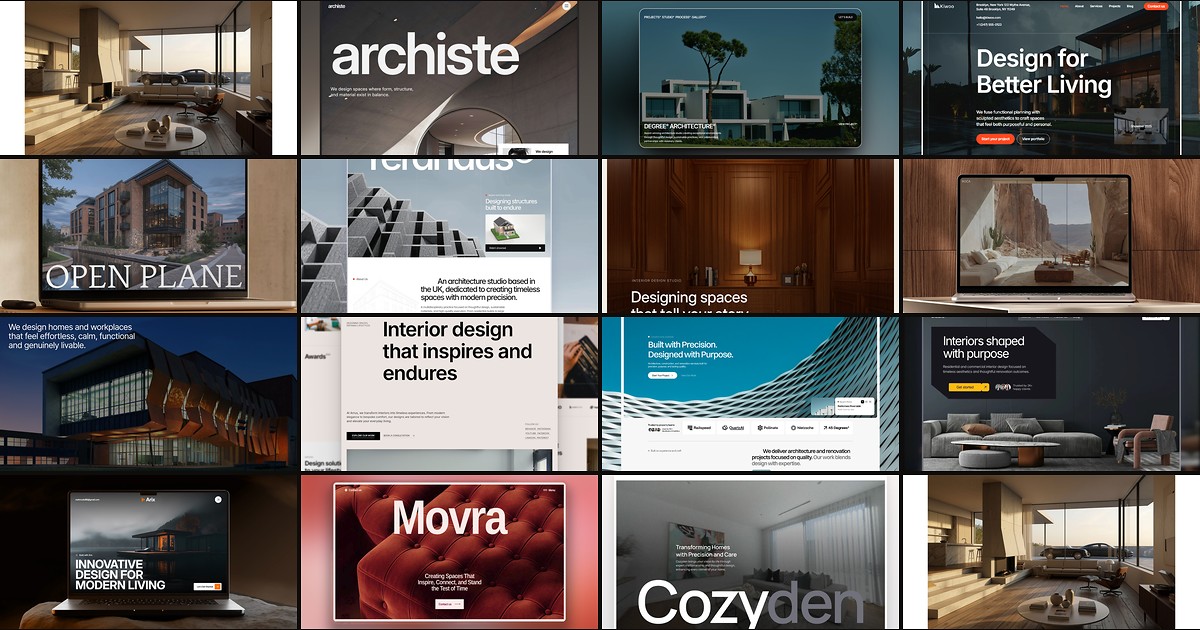
Fifteen free Framer templates with Architecture as the primary niche on yoframer, from deep CMS studio systems to lean interior landing pages you can remix today.

